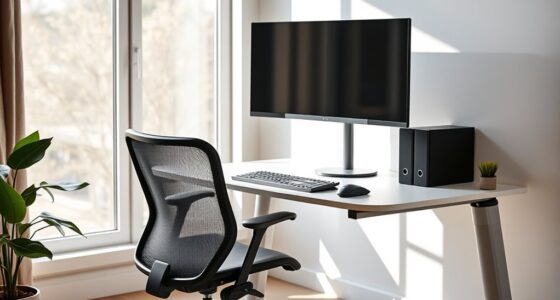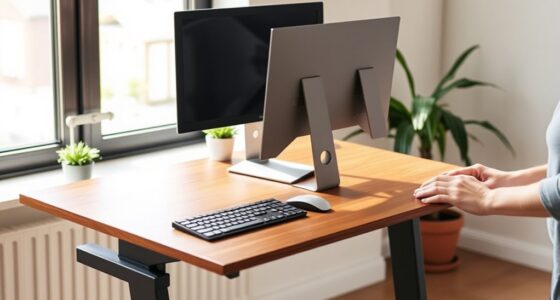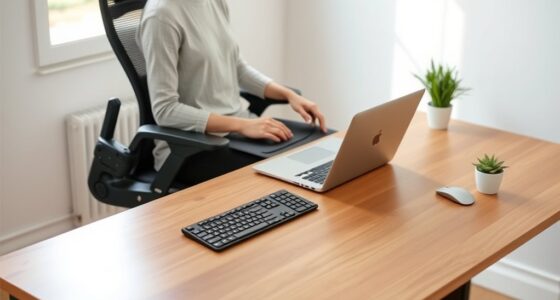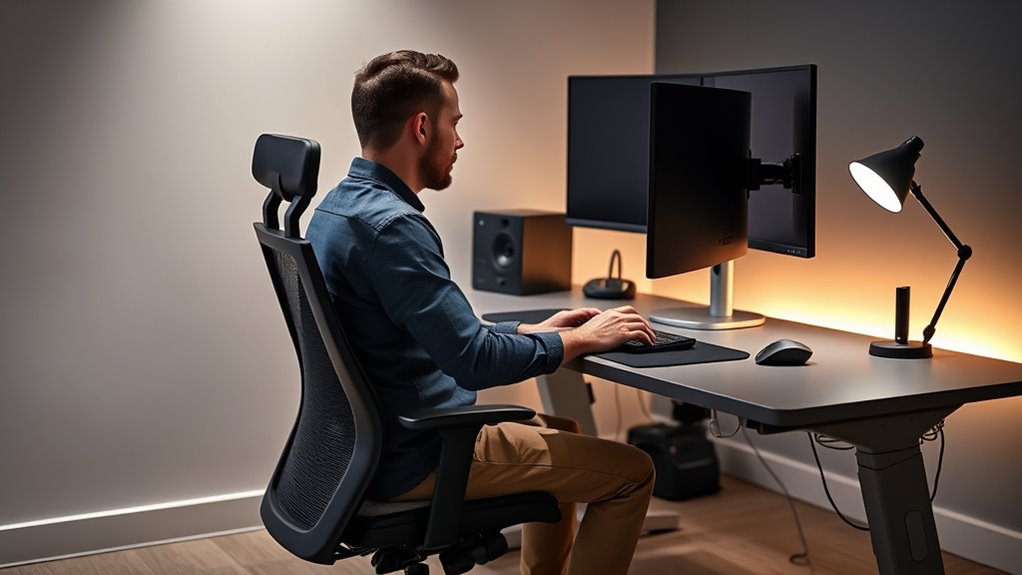

To stay comfortable and avoid injuries, focus on proper ergonomics as a video editor or digital creator. Maintain good posture by keeping your back straight, shoulders relaxed, and feet flat on the ground. Use ergonomic accessories like adjustable chairs, monitor stands, and ergonomic keyboards to support correct alignment. Organize your workspace to make essential tools easily accessible, and remember to take regular breaks to stretch and move. Keep these tips in mind to work healthier and more efficiently—there’s more to discover if you keep going.
Key Takeaways
- Use adjustable chairs with lumbar support and position monitors at eye level to maintain proper spinal alignment.
- Organize your workspace to keep ergonomic accessories within easy reach, reducing strain and awkward postures.
- Incorporate regular breaks and gentle stretches to prevent muscle tension and promote circulation during long editing sessions.
- Opt for ergonomic keyboards and mice to minimize wrist and forearm strain during extensive digital work.
- Maintain awareness of body positioning, and adjust posture frequently to support neck, spine, and overall musculoskeletal health.
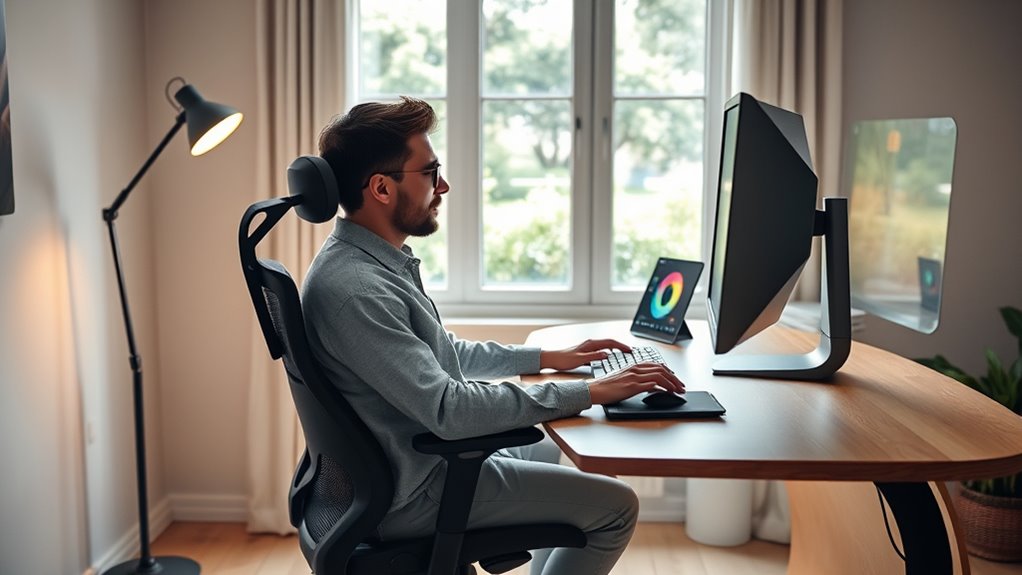
As a video editor or digital creator, you spend hours sitting at your desk, often neglecting the importance of proper ergonomics. It’s easy to get caught up in your projects and overlook how your body is holding up. Poor posture can lead to discomfort, fatigue, and even long-term musculoskeletal issues. That’s where posture correction comes into play. Paying attention to how you sit, stand, and move throughout your workday makes a significant difference in maintaining your health and productivity. Simple adjustments, like keeping your back straight, shoulders relaxed, and feet flat on the floor, help reduce strain on your neck and spine. But sometimes, maintaining perfect posture requires more than just awareness—it calls for ergonomic accessories designed to support your body.
Prioritize ergonomic support to maintain health, comfort, and productivity during long creative work sessions.
Investing in ergonomic accessories can transform your workspace into a more comfortable and health-conscious environment. For example, an adjustable chair with lumbar support encourages proper posture, preventing slouching that often develops after hours of sitting. An ergonomic keyboard and mouse reduce strain on your wrists and forearms, decreasing the risk of repetitive strain injuries. Monitor stands or adjustable arms help position your screen at eye level, eliminating the need to crane your neck or lean forward. These accessories aren’t just luxuries—they’re essential tools that promote better posture correction by aligning your body correctly and reducing unnecessary stress. Additionally, selecting projectors with high contrast ratios can improve visual comfort, especially during long editing sessions.
You should also consider the importance of a proper desk setup. A cluttered or poorly arranged workspace can tempt you into awkward positions that strain your body. A well-organized desk with ergonomic accessories placed within easy reach encourages you to maintain good posture naturally. Remember, it’s not just about the equipment but also about how you use it. Regular breaks and gentle stretches play a critical role in preventing tension buildup and encouraging movement. When combined with ergonomic accessories, these practices reinforce good habits, making ergonomic principles a seamless part of your routine.
Ultimately, taking the time to optimize your workspace shows in your work quality and your well-being. Small investments in ergonomic accessories and a focus on posture correction can pay off by reducing discomfort and increasing your efficiency. As a creator, your body is your most valuable tool—treat it well, and it will support your creative endeavors for years to come. Prioritize ergonomic habits and accessories, and you’ll find yourself working longer, more comfortably, and with less strain.
Top picks for "ergonomic video editor"
Open Amazon search results for this keyword.
As an affiliate, we earn on qualifying purchases.
Frequently Asked Questions
How Can I Prevent Repetitive Strain Injuries During Long Editing Sessions?
To prevent repetitive strain injuries during long editing sessions, focus on ergonomic keyboard positioning to keep your wrists straight and reduce strain. Use wrist support techniques like padded wrist rests or adjusting your chair height to maintain neutral wrist alignment. Take regular breaks to stretch your hands and arms, and make sure your workspace is set up to promote good posture. These practices help minimize discomfort and protect your health over time.
What Are the Best Ergonomic Chairs for Video Editors?
When choosing the best ergonomic chair, look for features like adjustable height, lumbar support, and breathable fabric. These allow you to customize your seating for comfort and proper posture, reducing strain during long hours. An adjustable workstation complements the chair, helping you maintain an ideal viewing angle and arm position. Prioritize comfort and support to stay productive and avoid discomfort, making your setup both functional and ergonomically sound.
How Should I Set up My Monitor for Optimal Ergonomics?
Imagine a workspace where comfort feels effortless. To achieve this, set your monitor height so the top of the screen aligns with your eye level, reducing strain. Position your screen directly in front of you at a comfortable distance, about arm’s length. Adjust screen positioning to minimize glare and neck movement. These simple steps help you maintain good posture and stay focused, making your workday more enjoyable and productive.
Are There Specific Ergonomic Accessories Recommended for Digital Creators?
When choosing ergonomic accessories, an ergonomic mouse and an adjustable desk are top priorities. An ergonomic mouse reduces wrist strain, while an adjustable desk allows you to set your workspace to the right height, promoting comfort during long sessions. Look for models with customizable buttons and supportive shapes. Combining these accessories helps you maintain good posture, prevent strain, and work more efficiently throughout your creative projects.
How Often Should I Take Breaks to Reduce Strain?
Ever wondered how often you should take breaks? To reduce strain, aim for a quick stretch break every 30 to 60 minutes. During these breaks, focus on posture correction and stretching to prevent discomfort. This habit helps keep your muscles relaxed and your posture aligned, boosting your productivity and comfort. Don’t ignore the importance of regular intervals—your body will thank you for it.
Conclusion
Remember, your workspace is the canvas where your creativity paints masterpieces. By prioritizing ergonomics, you’re not just protecting your body—you’re nurturing your passion and fueling your inspiration. Think of your setup as a trusted compass guiding you through endless edits and vibrant ideas. When you care for your body, your creativity blossoms, turning every project into a symphony of comfort and innovation. Embrace these habits, and let your artistry soar without bounds.