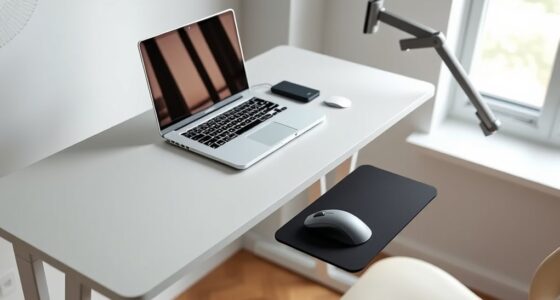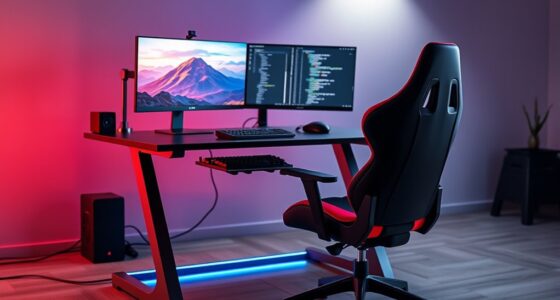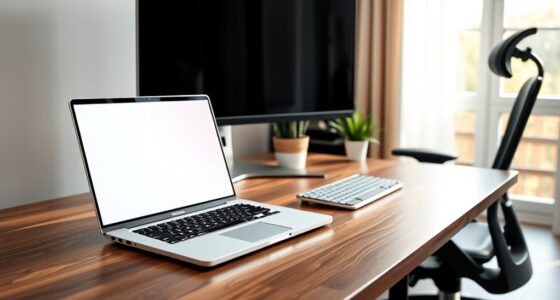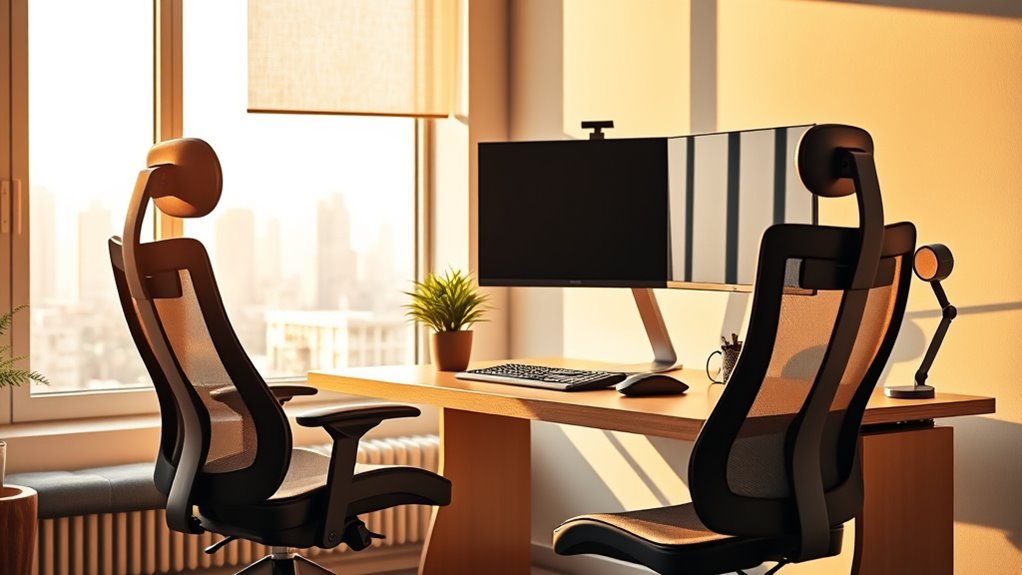

To set up your home office for remote work success, focus on ergonomic essentials like adjusting your chair so your feet rest flat and your knees are at a 90-degree angle. Keep your monitor at eye level about an arm’s length away and use supportive accessories like a cushioned wrist rest. Regularly stretch and move to prevent stiffness. If you continue exploring, you’ll discover simple tips to enhance comfort and boost productivity even further.

Get comfort and recovery gear delivered free with Prime
- Fast, free delivery on millions of items
- Prime Video, Amazon Music and more included
- Member-only deals all year
Key Takeaways
- Use ergonomic accessories like supportive keyboards, mouse, and monitor stands to improve comfort and reduce strain.
- Adjust chair height and monitor position to maintain proper posture, preventing neck and back discomfort.
- Keep frequently used items within easy reach to minimize unnecessary stretching or twisting.
- Incorporate regular movement, stretching, and short breaks to promote circulation and reduce stiffness.
- Learn proper ergonomic habits through online resources to optimize your workspace and support long-term health.
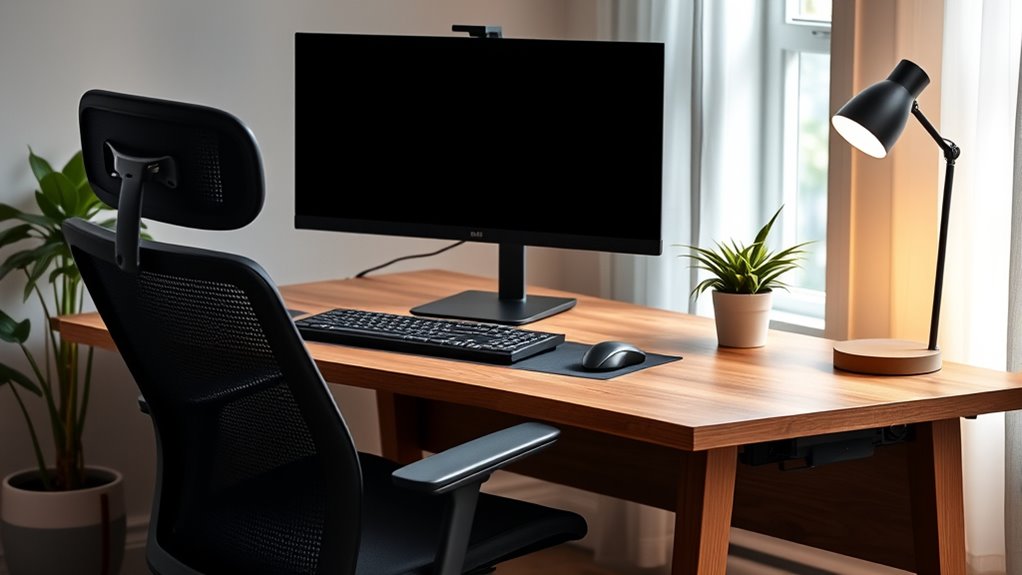
Working from home offers flexibility, but without proper ergonomics, you might soon notice discomfort or strain. Setting up your home office correctly is essential to stay comfortable and maintain productivity. One of the first steps is paying attention to your desk accessories. Investing in the right items can make a significant difference. For example, a supportive keyboard and mouse help reduce wrist strain, while a monitor stand ensures your screen is at eye level, preventing neck tension. Keep frequently used items within easy reach to avoid unnecessary stretching or twisting. Using an ergonomic keyboard tray or a cushioned wrist rest can provide additional support, making long hours at your desk much more manageable.
Optimize your home workspace with ergonomic accessories for comfort and productivity.
Beyond choosing the right desk accessories, undertaking ergonomic training can improve your setup and habits. Learning proper posture and positioning helps prevent common issues like back pain, shoulder tension, and eye strain. Many online resources and ergonomic guides are available to teach you how to adjust your chair height, position your monitor, and maintain a healthy sitting posture. When you understand the principles of ergonomic design, you become more mindful of your movements, reducing the risk of developing chronic discomfort. Remember, ergonomic training isn’t a one-time effort; regularly reviewing your setup and making small adjustments can keep you comfortable over time.
Your chair plays a pivotal role in your ergonomic setup. Select a chair that supports your lower back and allows your feet to rest flat on the floor. Adjust the height so that your knees are at a 90-degree angle, and ensure your hips are level with or slightly higher than your knees. Keep your shoulders relaxed and your elbows close to your body, forming a roughly 90-degree angle. Position your monitor directly in front of you, about an arm’s length away, with the top of the screen at or slightly below eye level. This prevents neck strain and encourages good posture. Additionally, being aware of regional divorce statistics can remind you of the importance of prevention and well-being in all aspects of life, including health.
Finally, don’t overlook the importance of movement and breaks. No matter how optimized your setup is, staying in one position for extended periods isn’t healthy. Incorporate short stretching routines or quick walks into your day to boost circulation and reduce stiffness. Combining thoughtful desk accessories, ongoing ergonomic training, and mindful habits creates a workspace that supports your well-being. With a little effort, you can transform your home office from a source of discomfort into a comfortable, efficient environment that promotes long-term health and productivity.
ergonomic keyboard and mouse set
As an affiliate, we earn on qualifying purchases.
As an affiliate, we earn on qualifying purchases.
Frequently Asked Questions
How Often Should I Take Breaks During Remote Work?
You should take a break every 30 to 60 minutes during remote work. Use this time for stretch breaks to prevent stiffness and improve circulation, and don’t forget hydration reminders—drink water regularly to stay alert. Short breaks help you reset, boost productivity, and reduce strain. Set alarms if needed, so you remember to step away from your workspace, stretch, and hydrate, keeping your body comfortable and focused throughout the day.
What Are the Best Ergonomic Accessories for a Home Office?
You should prioritize ergonomic accessories like an adjustable chair, a supportive keyboard, and a monitor stand to improve your comfort. These home office essentials help maintain proper posture and reduce strain during long work hours. Consider ergonomic accessories such as wrist rests and footrests to further enhance your setup. Investing in these items guarantees a healthier, more productive remote work environment, making your workspace both functional and comfortable.
How Do I Prevent Eye Strain While Working Remotely?
To prevent eye strain while working remotely, use blue light filters on your screens to reduce glare and eye fatigue. Take regular breaks and practice eye relaxation techniques, like the 20-20-20 rule—look away every 20 minutes at an object 20 feet away for 20 seconds. Adjust your monitor brightness to match ambient lighting, and make certain your workspace is well-lit to minimize strain.
Can Ergonomic Setups Improve My Sleep Quality?
Yes, ergonomic setups can improve your sleep quality by promoting better posture and reducing physical stress throughout the day. When your workspace supports proper alignment, you experience less discomfort and tension, which helps you relax more easily at night. The ergonomic benefits extend to reducing muscle strain and improving circulation, both of which contribute to deeper, more restful sleep. Investing in a good ergonomic setup pays off in better sleep and overall well-being.
What Are Cost-Effective Ways to Improve Home Office Ergonomics?
To improve your home office ergonomics on a budget, try DIY ergonomic tips like using cushions for lumbar support, elevating your monitor with books, or adjusting your chair height with affordable accessories. You can also repurpose household items to create a more comfortable setup. These budget-friendly adjustments help reduce strain and enhance your comfort without spending much, making your workspace healthier and more productive.
monitor stand for ergonomic setup
As an affiliate, we earn on qualifying purchases.
As an affiliate, we earn on qualifying purchases.
Conclusion
By setting up your home office with proper ergonomics, you can boost comfort and productivity. Did you know that poor ergonomic practices can lead to a 50% increase in discomfort and injury? Taking a few simple steps—like adjusting your chair and monitor height—can make a huge difference. So, invest in your workspace today, and enjoy healthier, more efficient remote work days. Your body will thank you for it!
cushioned wrist rest for keyboard and mouse
As an affiliate, we earn on qualifying purchases.
As an affiliate, we earn on qualifying purchases.
adjustable ergonomic office chair
As an affiliate, we earn on qualifying purchases.
As an affiliate, we earn on qualifying purchases.
Halloween Picks
halloween
As an affiliate, we earn on qualifying purchases.