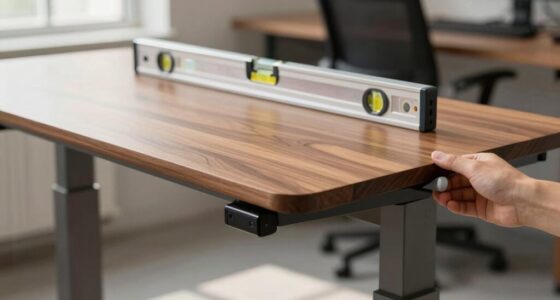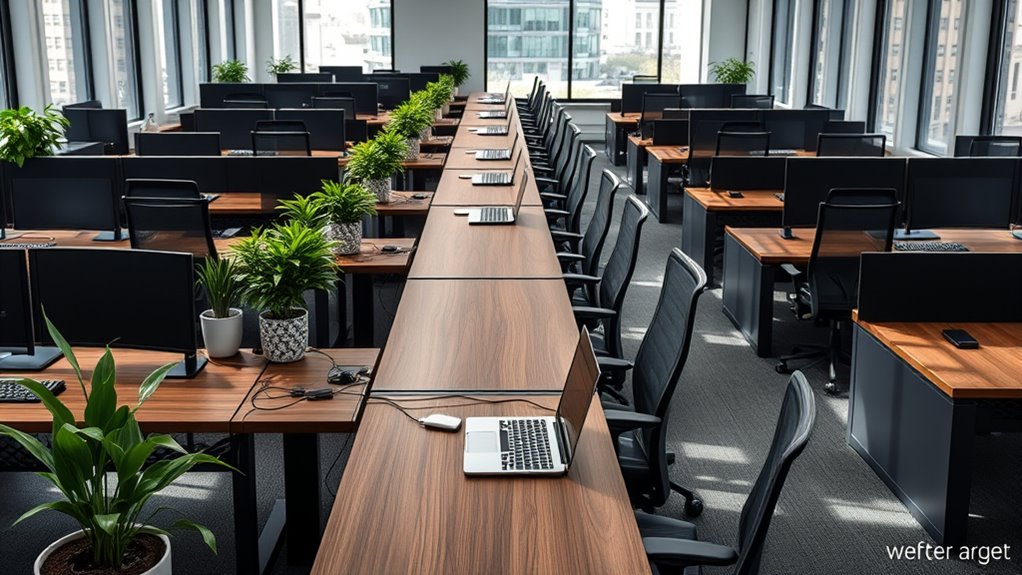

In shared co-working spaces, adjustable-height desks with privacy screens are key to improving ergonomics and productivity. They let you customize your workspace for sitting or standing, reducing fatigue and discomfort. Privacy screens help block distractions and create personal zones, supporting focus and quick collaboration. Modular designs ensure the furniture adapts to changing needs throughout the day. If you want to guarantee how these features boost comfort and efficiency, continue exploring for more insights.
Key Takeaways
- Adjustable height desks promote ergonomic comfort by allowing users to customize desk height for sitting or standing positions.
- Privacy screens help reduce distractions and visual noise, enhancing focus and concentration in shared workspaces.
- Modular desk designs enable quick reconfiguration for collaboration or individual tasks, optimizing space efficiency.
- High-quality dampening mechanisms ensure stable, quiet height adjustments, supporting seamless user transitions.
- Personalizable furniture fosters well-being and productivity by accommodating diverse ergonomic needs in shared environments.
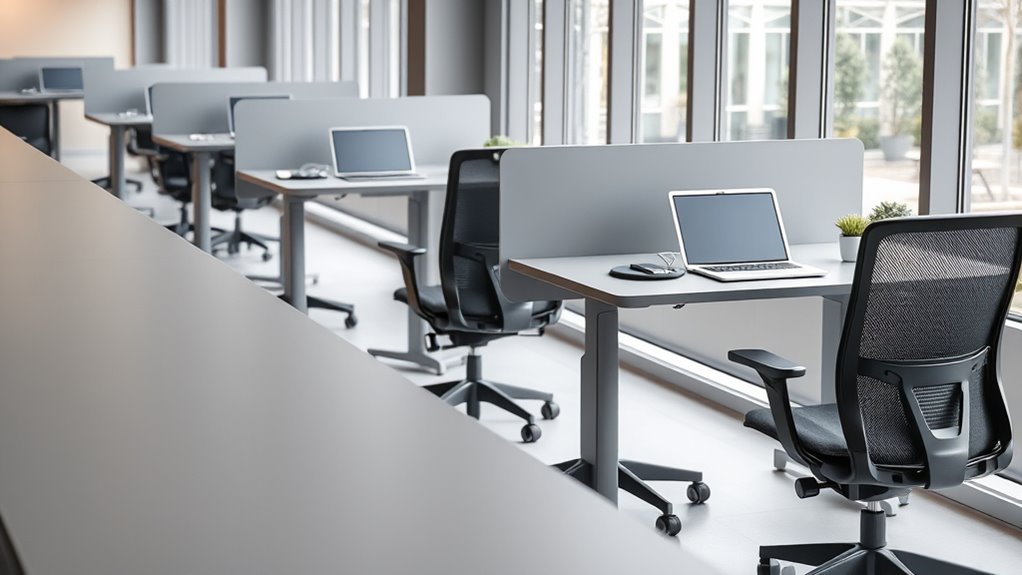
Shared spaces often require versatile desks that can adapt to various needs and users. When you’re working in a co-working environment, flexibility is key. You need furniture that can easily accommodate different tasks, preferences, and work styles. Adjustable height desks are a game-changer because they allow you to switch between sitting and standing effortlessly. This feature not only promotes better ergonomics but also helps prevent fatigue and discomfort during long work sessions. When you can adjust your desk to the perfect height, you’re less likely to develop strain in your neck, shoulders, or back. Plus, these desks can cater to multiple users, making them ideal for shared spaces where people have different heights and preferences. Incorporating a high-quality dampening mechanism can further improve stability when adjusting the height, ensuring a smooth and quiet transition. Privacy screens are another essential feature for shared environments. They create personal zones within open layouts, giving you a sense of separation and focus. When you’re working on sensitive documents or just need to block out distractions, privacy screens help you stay concentrated. They also contribute to a more comfortable workspace by reducing visual noise and minimizing interruptions from nearby colleagues. You might find that with privacy screens, you’re able to engage in more productive conversations or focused work without feeling exposed or overheard. These screens are often adjustable or easy to reposition, so you can customize your workspace quickly depending on your task or mood. In a shared space, space efficiency matters. Desks that combine adjustable height with privacy screens often come with modular features, meaning you can reconfigure your setup as needed. For example, if you’re collaborating with someone on a project, you can lower the privacy screen or move it aside. When you need to focus individually, you can raise or reposition it to create a more secluded area. This flexibility ensures that your workspace adapts seamlessly to your changing needs throughout the day. Moreover, many adjustable desks with privacy screens are designed with durable, easy-to-clean materials, helping you maintain a tidy, professional environment. Ultimately, choosing desks with adjustable height and privacy screens in shared spaces empowers you to take control of your workspace. You gain the ability to personalize your environment for comfort, focus, and productivity. This adaptability fosters a healthier, more ergonomic work experience, which is crucial when you’re sharing a space with others. The right furniture helps promote well-being and efficiency, making your shared workspace not just functional but also enjoyable. By prioritizing these features, you make sure your workspace supports your needs today and can evolve as those needs change.

ErGear Height Adjustable Electric Standing Desk, 48 x 24 Inches Sit Stand up Desk, Memory Computer Home Office Desk, Black
Electric Height Adjustable Standing Desk for Comfortable Work – Switch effortlessly between sitting and standing with this electric…
As an affiliate, we earn on qualifying purchases.
As an affiliate, we earn on qualifying purchases.
Frequently Asked Questions
How Do Shared Desks Accommodate Different Ergonomic Preferences?
Shared desks accommodate different ergonomic preferences through personalization options and adjustable features. You can customize your workspace by adjusting height, tilt, and keyboard placement to suit your comfort. These desks often include ergonomic accessories like footrests or monitor stands, allowing you to tailor your setup. By offering flexible, adjustable options, shared desks help you stay comfortable and productive, regardless of your individual ergonomic needs.
What Maintenance Is Required for Shared Ergonomic Desks?
Think of your shared ergonomic desk as a garden that needs regular tending. You should routinely clean surfaces, check and tighten screws, and adjust desk customization and ergonomic accessories to fit different users. Regular maintenance guarantees comfort and safety, preventing wear and tear. Keep an eye on movable parts and replace worn-out accessories promptly, so everyone can work comfortably and efficiently on a well-kept, ergonomic foundation.
Are There Safety Concerns With Shared Desk Surfaces?
Yes, there are safety concerns with shared desk surfaces, especially regarding surface contamination. You should look for desks with antimicrobial coatings to reduce the risk of bacteria and viruses. Regular cleaning is essential, but antimicrobial surfaces provide an extra layer of protection. Be cautious, and encourage users to wipe down surfaces before and after use to minimize health risks and maintain a safe, hygienic environment in shared spaces.
How Do Shared Desks Impact Individual Privacy and Focus?
Shared desks can impact your privacy and focus by causing privacy concerns, as others might see your work or overhear conversations. This setup can also lead to focus disruption, especially if noise or movement around you is frequent. To minimize these issues, consider using privacy screens or noise-canceling headphones. Staying organized and setting clear boundaries helps maintain your focus and protect your privacy in a shared workspace.
What Are Cost-Effective Solutions for Ergonomic Shared Desks?
You can save costs by choosing desks with adjustable height, allowing everyone to customize their workspace comfortably. Pair these with ergonomic accessories like wrist supports, monitor stands, and footrests to enhance comfort without breaking the bank. These solutions promote better posture and reduce fatigue, making shared workspaces more productive and health-conscious. Investing in adjustable and ergonomic options guarantees affordability while supporting everyone’s well-being.
FytStycale Desk Privacy Panel Cable Organization Oxford Textile Under Desk Privacy Screen for Shared Workspace, 60IN
【Privacy Protection】: Create a focused environment with this privacy panel that effectively blocks the view under your desk…
As an affiliate, we earn on qualifying purchases.
As an affiliate, we earn on qualifying purchases.
Conclusion
Choosing the right desk for shared spaces is like finding the perfect puzzle piece—you create a seamless, comfortable work environment where everyone can thrive. Prioritizing ergonomic design boosts productivity and well-being, making collaboration smoother and more enjoyable. When you invest in thoughtfully selected desks, you’re not just furnishing a space; you’re building a community that supports health and creativity. So, make your shared workspace a place where comfort and efficiency fit together perfectly.

OffiGo U Shaped Electric Standing Desk with Drawers, 55 Inch Height Adjustable Desk with Keyboard Tray & Ergonomic Monitor Stand, Sit Stand Table with Power Outlets for Home, Office, Black
Extra Usage Space: This OffiGo U-shaped standing desk features a 2-corner design that provides 15% more workspace than…
As an affiliate, we earn on qualifying purchases.
As an affiliate, we earn on qualifying purchases.

JYLH JOYSEEKER Electric Standing Desk with Drawer, 35" x 20" Whole Piece Tabletop Small Sit Stand Table, Height Adjustable Desk with Storage & USB Ports, Quick Install Home Office Computer Desk, Black
Special 35" Standing Desk: The one-piece desktop measures 34.6"×19.7", which has plenty room for monitor, laptop and other…
As an affiliate, we earn on qualifying purchases.
As an affiliate, we earn on qualifying purchases.