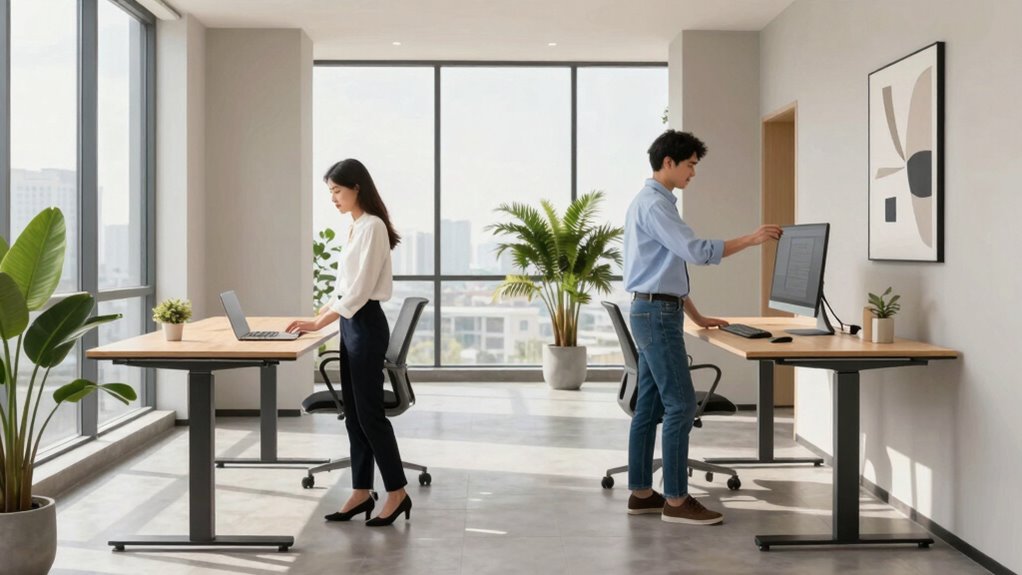

To make two standing desks work in one room, start by adjusting each desk for ergonomic comfort, ensuring screens are eye level and elbows are at 90 degrees. Communicate openly about schedules and personal space, using headphones during calls to reduce noise. Keep shared areas tidy, and set clear boundaries to prevent interruptions. Consider soundproofing or lighting adjustments to enhance privacy and focus. By implementing these tips, you’ll create a productive, comfortable shared workspace—more strategies await if you keep exploring.
Key Takeaways
- Position desks to maintain personal space and minimize direct screen visibility for privacy and comfort.
- Establish clear boundaries and communication protocols for shared resources and workspace boundaries.
- Use ergonomic adjustments at each desk to promote comfort and prevent strain during extended use.
- Implement sound management strategies like headphones or quiet hours to reduce noise disruptions.
- Regularly evaluate and adapt the setup to enhance workflow, privacy, and overall workspace harmony.
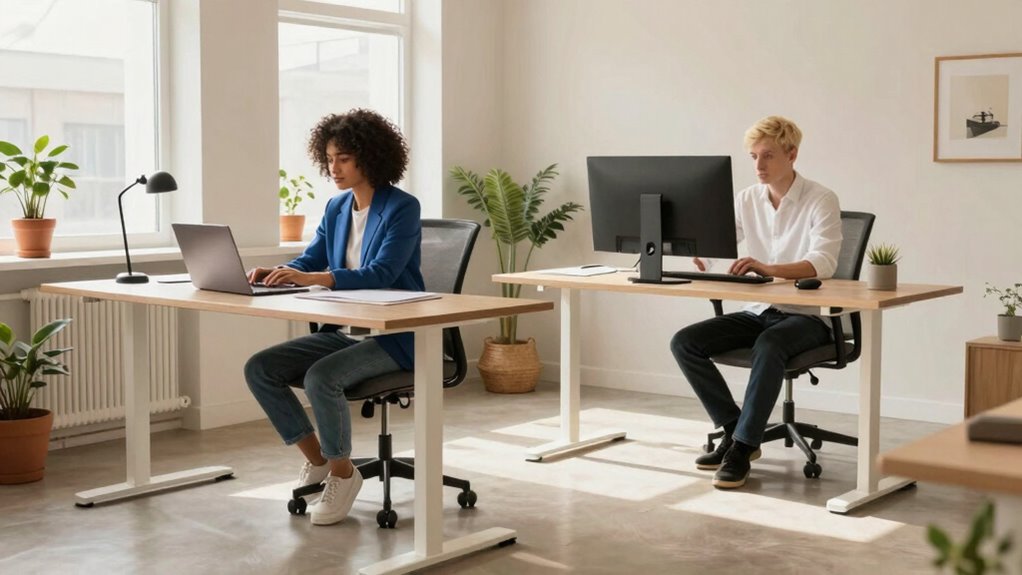
Living and working closely in a single room can be challenging, especially when both of you rely on standing desks to stay productive. The key to making this setup work is understanding how to implement ergonomic adjustments and practicing shared workspace etiquette. Since you’re sharing a limited space, small changes in how you arrange your desks can make a huge difference in comfort and workflow. Start by adjusting your desks to the right height so your elbows are at a 90-degree angle and your screens are at eye level. This minimizes strain on your neck, shoulders, and back. Invest in anti-fatigue mats to cushion your feet and promote better posture, which helps prevent fatigue during long work sessions. These ergonomic adjustments are essential in creating a healthier, more comfortable environment for both of you.
Adjust your standing desks for optimal comfort with proper height, eye-level screens, and anti-fatigue mats to prevent strain and fatigue.
Beyond physical setup, respecting shared workspace etiquette is equally important. Because your desks are close together, noise and movement can easily become distractions. Communicate openly about your schedules and preferred working styles, so you can coordinate when to focus on deep work or take breaks. Use headphones during calls or focused tasks to reduce noise disturbances. Keep your shared space tidy by organizing cables, papers, and personal items. This not only looks professional but also prevents clutter from becoming a source of frustration. Incorporating clear boundaries and designated zones within the shared space can further enhance comfort and minimize interruptions. Additionally, establishing a shared resource system for supplies and equipment can help avoid misunderstandings and streamline your routines.
Additionally, be mindful of your neighbor’s needs. If one of you needs to stretch or shift, give a quick heads-up or do it during mutually agreed-upon break times. Respecting each other’s personal space by keeping a reasonable distance or, if possible, positioning your desks to minimize direct view into each other’s screens can help maintain privacy and reduce distractions. Having a good lighting setup can also improve focus and reduce eye strain, contributing to a more comfortable workspace. You might also consider implementing a noise management plan by setting specific quiet hours or using soundproofing options to further enhance concentration. Regularly checking in on each other’s comfort and workflow habits can foster a more harmonious environment and help prevent workspace conflicts.
Furthermore, being aware of potential distractions and planning your day accordingly can improve overall productivity and harmony in your shared workspace. Finally, consistency and flexibility are essential. Regularly check in with each other about what’s working and what isn’t. Be willing to adjust your ergonomic setups and etiquette as needed to improve comfort and efficiency. Remember, the goal is to create a shared workspace where both of you can thrive without feeling cramped or distracted. By being proactive about ergonomic adjustments and practicing good shared workspace etiquette, you’ll turn a potentially challenging environment into a productive, cooperative space.
adjustable standing desk for two
As an affiliate, we earn on qualifying purchases.
As an affiliate, we earn on qualifying purchases.
Frequently Asked Questions
How Do We Prevent Distractions From Each Other’s Work?
To prevent distractions, establish clear shared workspace etiquette and respect personal space boundaries. You can do this by setting designated work zones, keeping noise levels down, and avoiding unnecessary interruptions. Use signals like headphones to indicate when you’re focused, and communicate openly about your needs. By respecting each other’s personal space and following these guidelines, you create a productive environment where both of you can work efficiently without distractions.
What Are the Best Ways to Coordinate Break Times?
You can coordinate break times by establishing shared scheduling and practicing mutual flexibility. Talk openly about your preferred break periods and find overlapping times that work for both of you. Use a shared calendar or digital tool to keep track of break schedules, and stay adaptable if plans need to shift. This approach promotes harmony, reduces disruptions, and guarantees both of you can recharge without interfering with each other’s work.
How Can We Customize Our Desks for Ergonomic Comfort?
To customize your desks for ergonomic comfort, start by adjusting your chairs to guarantee your feet rest flat and your knees are at a 90-degree angle. Position your keyboard at elbow height to prevent strain, and keep it close enough to avoid overreaching. Regularly tweak your desk height and chair settings throughout the day to maintain proper posture, reducing discomfort and boosting productivity.
What Should We Do if One Person’s Desk Setup Differs?
If one person’s desk setup differs, you should prioritize flexible desk arrangement and workspace personalization. Adjust the desks to suit each person’s ergonomic needs, like height or monitor position. Keep the shared space organized, and use divider panels or screens if needed for privacy. Regularly communicate to guarantee comfort, and incorporate personalized accessories or tools to make each workspace feel inviting and functional, promoting productivity for both of you.
How Do We Handle Noise and Privacy Concerns?
To handle noise and privacy concerns, you can implement soundproofing solutions like foam panels or white noise machines, which help reduce distractions. Privacy curtains also work well, creating a visual barrier and muffling sound. For example, a coworker installed curtains around their desk, considerably improving focus and privacy. These strategies foster a more comfortable, productive shared workspace, ensuring both of you feel respected and undistracted.
anti-fatigue mats for standing desks
As an affiliate, we earn on qualifying purchases.
As an affiliate, we earn on qualifying purchases.
Conclusion
Living in harmony with two standing desks in one room is like a delicate dance, each step carefully timed, each movement fluid and intentional. When you embrace the rhythm of shared space, obstacles become opportunities for connection and growth. With patience and a sprinkle of flexibility, you’ll find your groove—turning a crowded room into a sanctuary of productivity and collaboration. Together, you transform chaos into harmony, making the space not just functional, but a place where your shared journey flourishes.
As an affiliate, we earn on qualifying purchases.
noise-canceling headphones for work
As an affiliate, we earn on qualifying purchases.
As an affiliate, we earn on qualifying purchases.