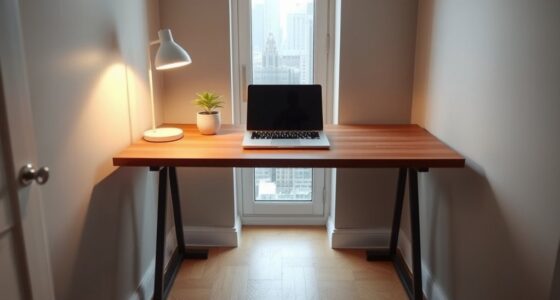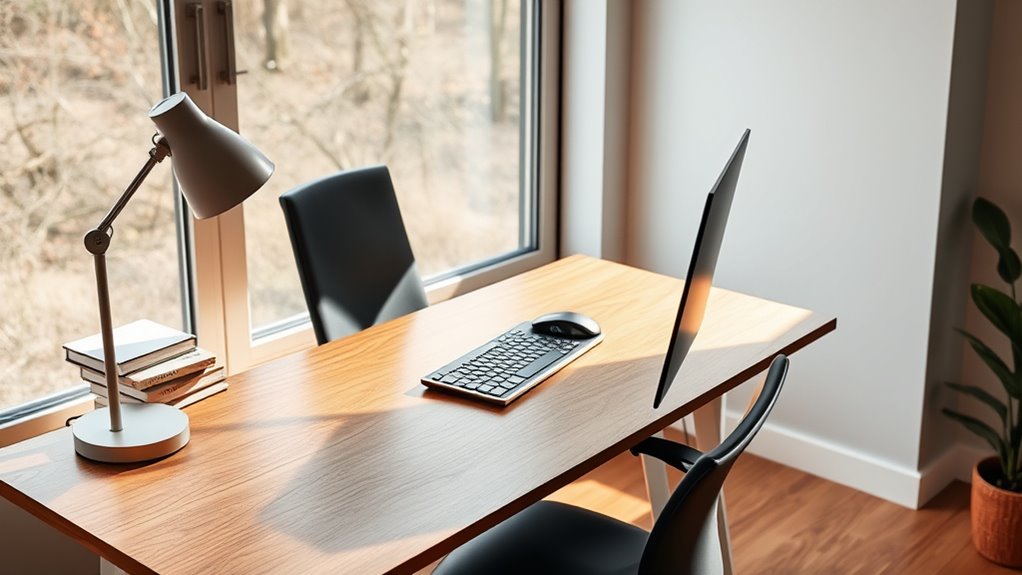
To adjust your desk for ideal comfort, start by setting it so your elbows are at a 90-degree angle when your hands are on the keyboard. Your monitor should be at eye level to prevent neck strain. If your desk is too high or low, use an adjustable stand or risers. Proper positioning reduces discomfort and promotes better posture. Keep exploring for tips that help you achieve the perfect ergonomic setup for your workspace.

Get comfort and recovery gear delivered free with Prime
- Fast, free delivery on millions of items
- Prime Video, Amazon Music and more included
- Member-only deals all year
Key Takeaways
- Adjust your desk height so your elbows are at a 90-degree angle when typing.
- Ensure the monitor top is at eye level to prevent neck strain.
- Keep your wrists straight and hands slightly below elbow level during work.
- Use ergonomic accessories like keyboard trays or monitor stands for optimal positioning.
- Confirm you can sit or stand comfortably without reaching or leaning forward.
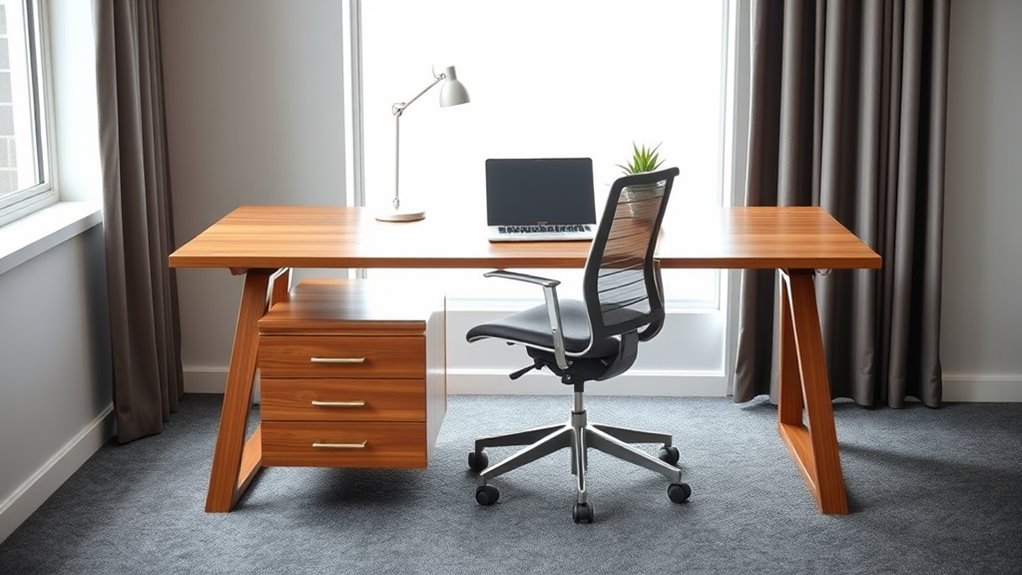
Finding the ideal desk height is essential for maintaining comfort and preventing strain during your work or study sessions. When your desk is set at the right level, you can focus better, work longer without discomfort, and reduce the risk of musculoskeletal issues. To achieve this, consider using ergonomic accessories that help customize your workspace. Adjustable monitor stands, keyboard trays, and footrests can make a significant difference, ensuring your arms are at a comfortable 90-degree angle and your eyes are aligned with the top third of your screen. These accessories support proper posture and help you avoid hunching or craning your neck, which are common problems when desks are improperly adjusted.
One of the key benefits of a standing desk is its ability to promote movement and flexibility throughout your day. Standing desks allow you to switch between sitting and standing, which can alleviate pressure on your lower back and improve circulation. The standing desk benefits extend beyond just comfort; they also boost your energy levels and focus, reducing fatigue caused by prolonged sitting. When adjusting your standing desk, aim to keep your elbows close to your body and your wrists in a neutral position. This minimizes strain on your shoulders and wrists, making it easier to work for longer periods without discomfort.
Adjusting your desk height correctly is not just about the surface level but ensuring your entire workspace supports ergonomic principles. Your monitor should be positioned so that the top of the screen is roughly at eye level, preventing you from tilting your head downward or upward. Your keyboard and mouse should be placed so that your wrists remain straight and your hands are slightly below elbow level. This setup reduces tension in your neck, shoulders, and arms, and helps maintain good posture throughout your work session. If you find yourself leaning forward or stretching to reach your keyboard, it’s a sign that your desk height needs adjusting. Additionally, proper desk height can help prevent repetitive strain injuries associated with prolonged misalignment.
As an affiliate, we earn on qualifying purchases.
Frequently Asked Questions
How Do I Measure My Ideal Desk Height Accurately?
To measure your ideal desk height accurately, sit in your ergonomic chair with your feet flat on the floor and your knees at a 90-degree angle. Position your keyboard so your elbows are also at a 90-degree angle. Adjust your desk so that your forearms are parallel to the floor when typing. This guarantees comfortable keyboard placement and maximum ergonomic support, reducing strain during work.
Can Adjustable Desks Help Prevent Posture Issues?
Yes, adjustable desks can help prevent posture issues by allowing you to set the right height for your ergonomic chair and monitor placement. When you personalize your desk, you reduce strain on your neck, shoulders, and back. Guarantee your monitor is at eye level and your elbows are at a 90-degree angle. This setup promotes better posture and minimizes discomfort during long hours of work.
What Accessories Can Improve Desk Ergonomics?
Think of your workspace as a symphony — accessories like monitor stands and keyboard shortcuts are your conductors. Using monitor stands elevates your screen to eye level, reducing neck strain, while keyboard shortcuts boost efficiency and reduce repetitive motion. Add ergonomic wrist rests to support your wrists and keep your posture aligned. These accessories work together to create harmony, making your desk a comfortable, productive zone.
How Often Should I Reassess My Desk Height?
You should reevaluate your desk height whenever you notice discomfort or after significant changes in your setup, like switching to a new ergonomic chair or adjusting your keyboard placement. Regularly check that your elbows are at a 90-degree angle and your monitor is at eye level. Reassessing every few months helps maintain comfort, prevent strain, and ensure your ergonomic setup supports good posture and productivity.
Is There a Universal Desk Height for All Users?
There isn’t a universal desk height for everyone because your ergonomic chair and keyboard placement matter. You should adjust your desk so your elbows stay at a 90-degree angle when typing, and your feet rest flat on the floor. This setup guarantees comfort and reduces strain. Keep in mind that individual body proportions vary, so customizing your desk height based on your ergonomics is key for long-term comfort.
As an affiliate, we earn on qualifying purchases.
Conclusion
Finding your ideal desk height isn’t just about comfort; it’s about productivity, focus, and long-term health. When your desk supports your posture, when it reduces strain, and when it adapts to your needs, you create a workspace that works for you. Prioritize your comfort, adjust wisely, and listen to your body. Because a well-adjusted desk isn’t just a piece of furniture—it’s your foundation for success, your tool for well-being, and your key to working smarter, not harder.
As an affiliate, we earn on qualifying purchases.
As an affiliate, we earn on qualifying purchases.
Halloween Picks
halloween
As an affiliate, we earn on qualifying purchases.