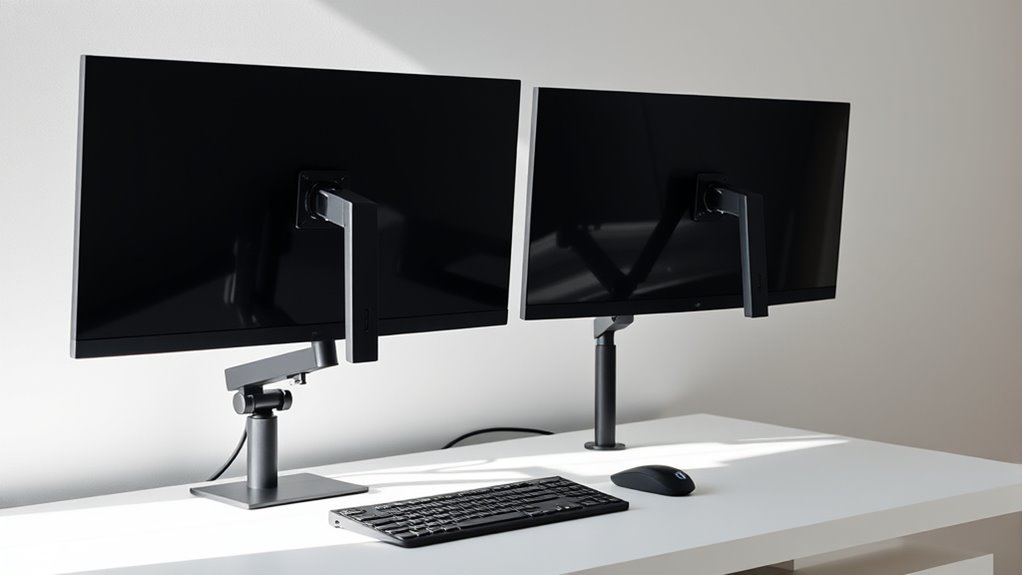
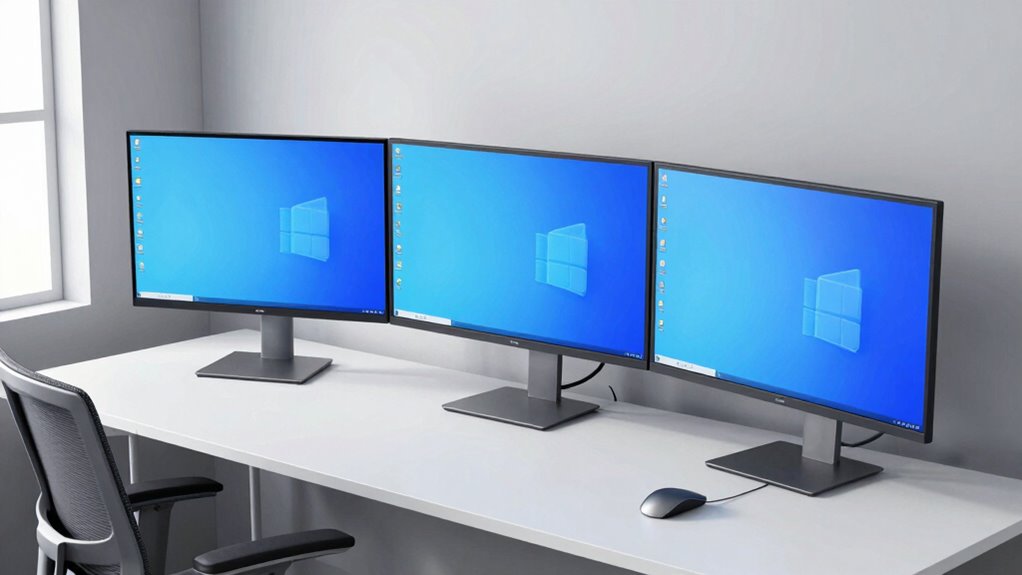
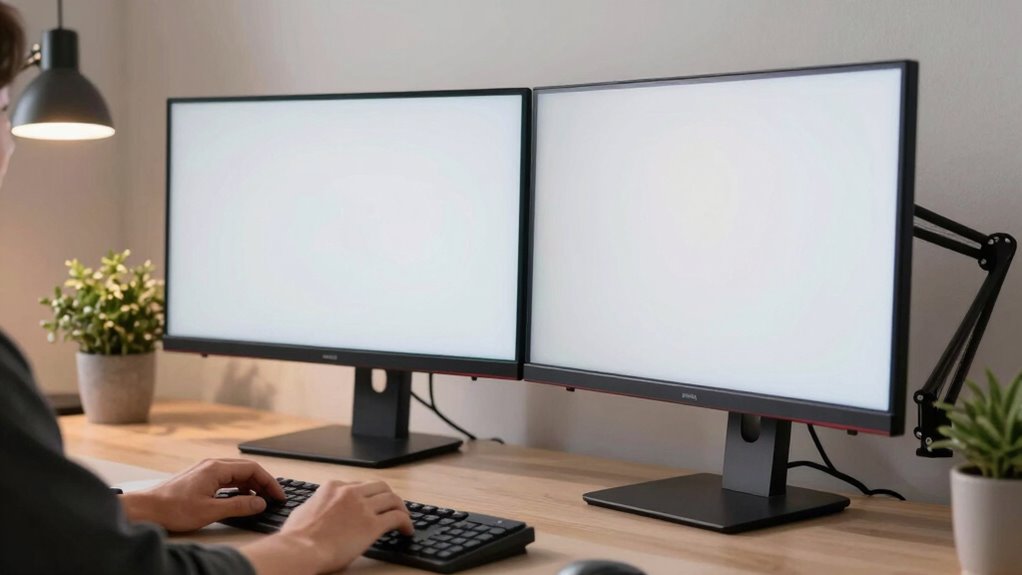
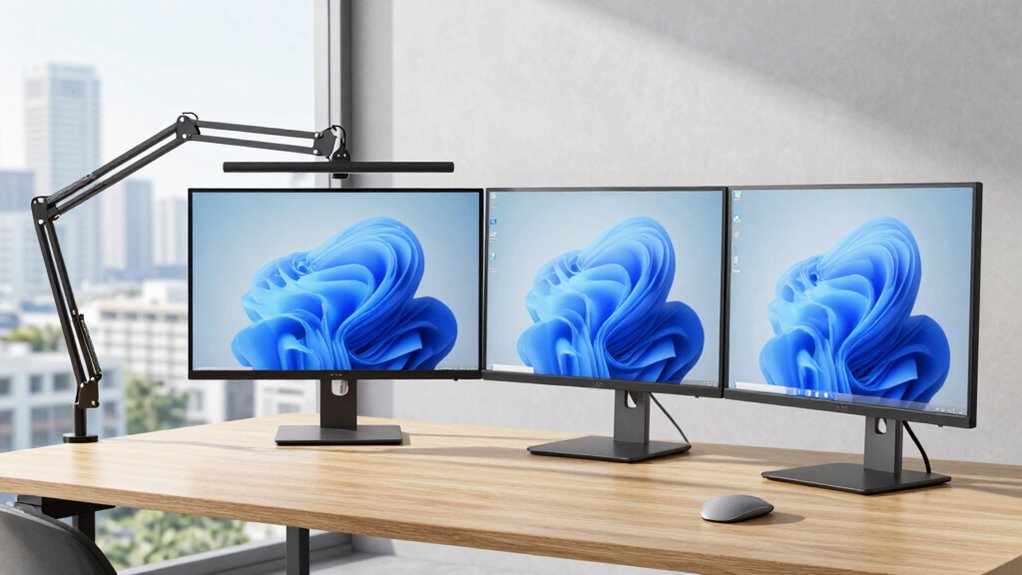
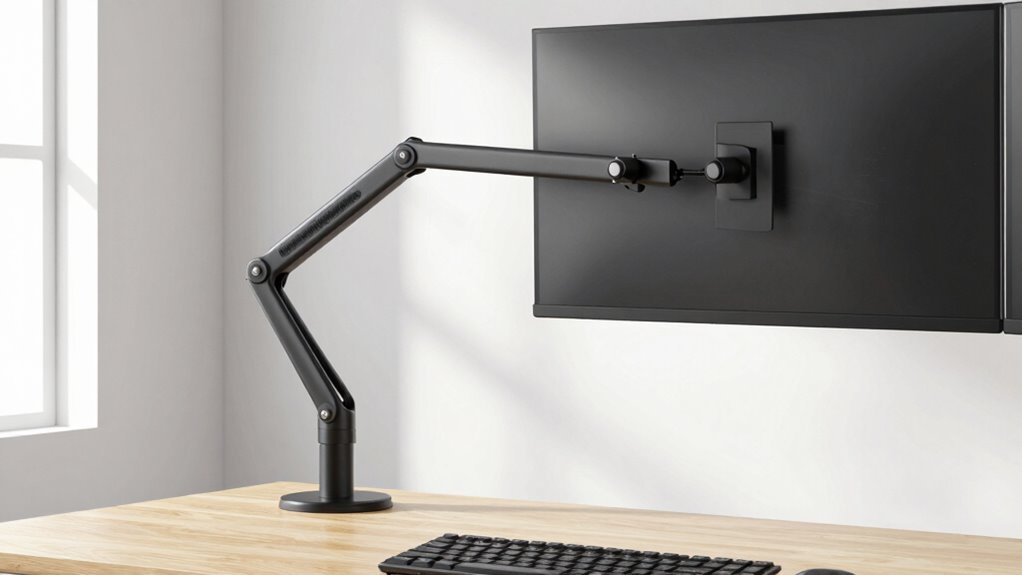
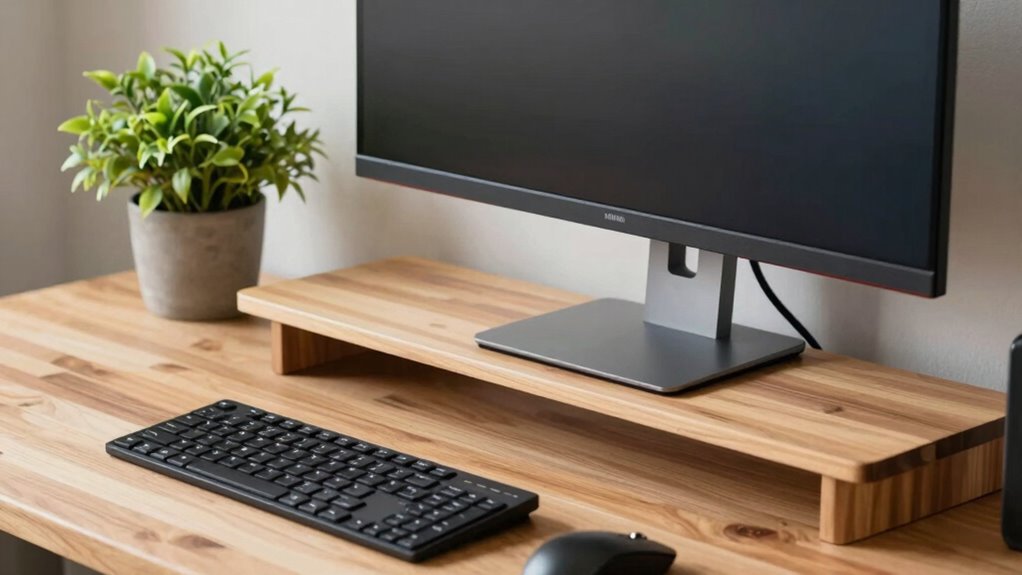
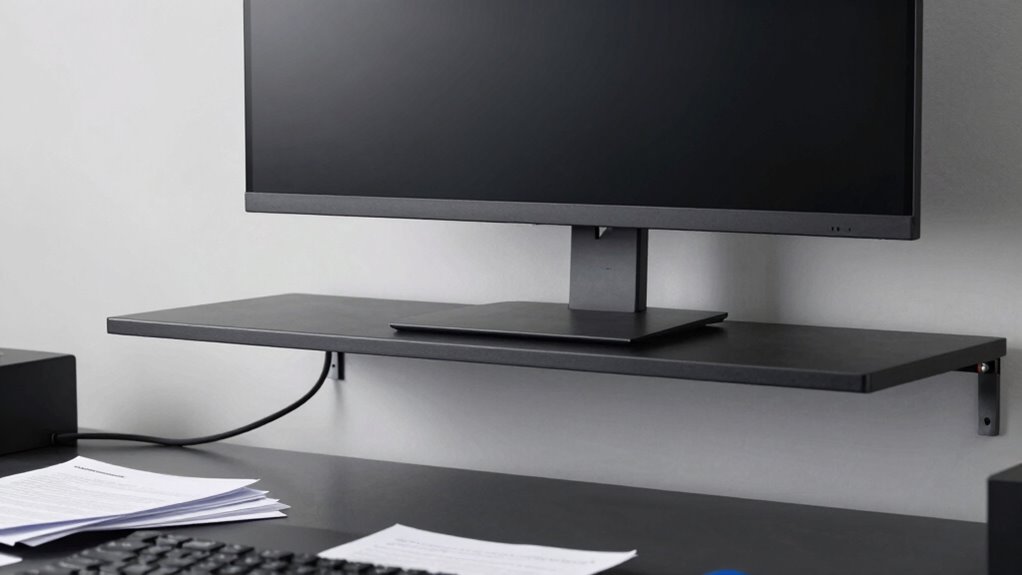
Choosing the right monitor layout can boost productivity and comfort, but which setup actually wins for your workspace?
Browsing Tag
monitor setup
13 posts
Three Monitors, Zero Neck Pain: The Layout That Actually Works
To avoid neck pain with three monitors, position them at eye level…
Meeting-Heavy Days Need a Monitor Arm Setup That Handles Eye Contact Better
Great monitor arm setups enhance eye contact and comfort during busy meetings—discover how to optimize yours for lasting productivity and engagement.
Triple Monitor Arms Look Powerful—But They’re Not for Everyone
Powerful-looking triple monitor arms can boost productivity, but their suitability depends on your workspace—discover if they’re right for you.
Tall Monitor Arms Fix a Problem Most Standard Models Never Touch
For taller screens and ergonomic comfort, tall monitor arms address issues standard models overlook—discover how they can transform your workspace.
Ultrawide Monitor Users Should Measure Desk Depth First, Not Width
Ineffective setup begins with ignoring desk depth, but measuring it first ensures your ultrawide monitor fits perfectly and enhances your workspace.
Dual Monitors Need More Desk Planning Than Most Buyers Expect
Dual monitors require more desk planning than expected to ensure comfort and efficiency—discover the essential steps to optimize your workspace.
Multi-Monitor Mounting: Best Configurations for Comfort
Discover the best multi-monitor mounting configurations to enhance comfort and productivity, and learn how to optimize your workspace for ultimate ergonomic benefits.
Monitor Arms 101: Benefits of Using a Monitor Arm
Learn how a monitor arm enhances comfort and organization, and discover why it’s a game-changer for your workspace—continue reading to find out more.
Protect Your Eyes With These Monitor Placement Rules
Stay mindful of monitor placement rules to protect your eyes and enhance comfort, but discover the key tips that can make a difference.