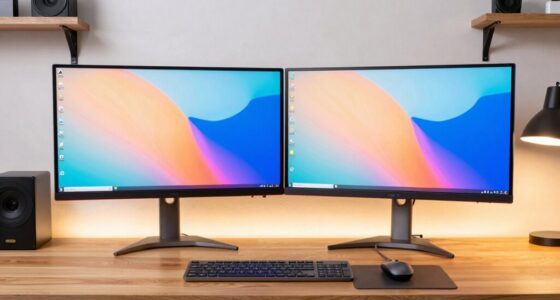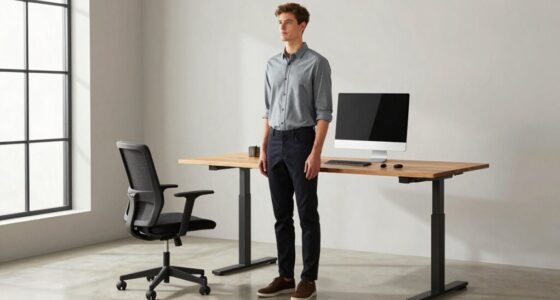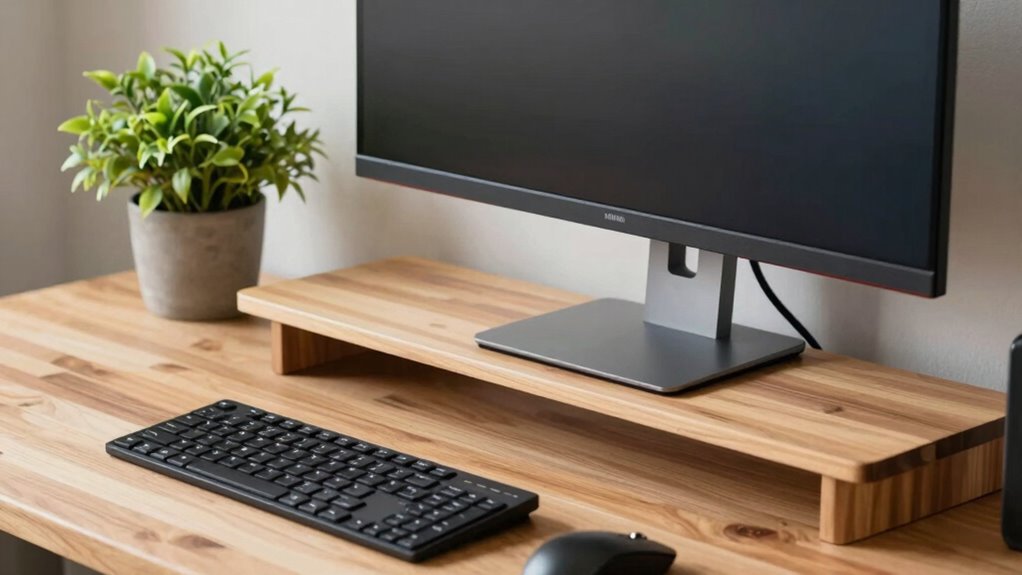

When choosing an ultrawide monitor, you should always measure your desk depth first, not just the width. Depth measurement helps guarantee the monitor fits comfortably without overcrowding your workspace. It also guides you to find the ideal viewing distance, reducing eye strain and supporting ergonomic posture. Plus, knowing your desk depth helps you plan for cables and accessories, keeping your setup tidy. Continue exploring to discover how precise measurements can improve your overall workspace efficiency.
Key Takeaways
- Desk depth determines if an ultrawide monitor will fit comfortably without overhanging or causing workspace clutter.
- Proper depth measurement helps set an optimal viewing distance, reducing eye strain and promoting ergonomic posture.
- Measuring depth ensures compatibility with monitor size, preventing purchasing errors and unnecessary returns.
- Depth planning aids in organizing cables and accessories, maintaining a clean and efficient workspace.
- Focusing on depth prevents workspace overcrowding and supports better overall setup and workspace management.
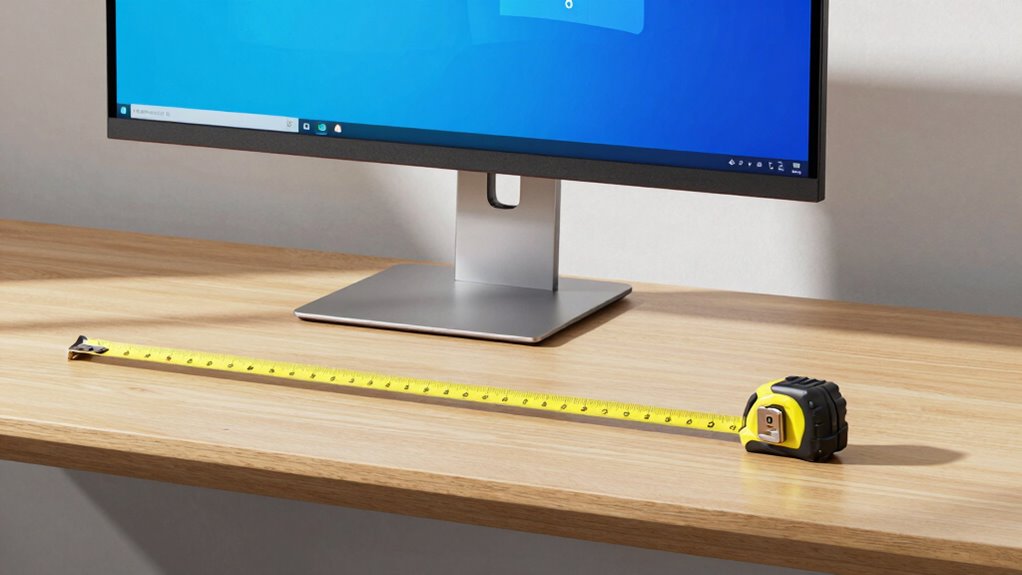
When setting up an ultrawide monitor on your desk, accurately measuring your space is crucial to guarantee a comfortable and functional workspace. While it might seem intuitive to measure the width of your desk first, focusing on depth is more important for ensuring a proper fit and a seamless setup. Ultrawide monitors tend to be quite large, and their size can quickly overwhelm a space if you don’t plan carefully. By measuring your desk’s depth, you’ll better understand how far back the monitor can sit while still allowing enough room for your keyboard, mouse, and other essentials. This helps you maintain an ergonomic posture, reducing strain on your neck and eyes, and promotes a more natural, comfortable working position.
A key reason to prioritize depth measurement over width is that depth directly influences your viewing distance. An ultrawide monitor placed too close can cause eye strain, while one set too far back might force you to lean forward or craning your neck, disrupting your ergonomic posture. When you measure your desk’s depth accurately, you determine the maximum monitor size that fits comfortably at an ideal viewing distance. This ensures you don’t compromise on visual comfort or workspace efficiency. Also, a thorough depth assessment helps you plan better cable management, avoiding clutter and tangled wires. When your monitor sits at the right depth, you can neatly route cables behind the desk or through dedicated channels, creating a cleaner, more organized setup that’s easier to maintain. Proper workspace planning is essential for a productive and comfortable environment.
Furthermore, focusing on depth allows you to consider other desk components that contribute to a productive setup. For example, you may want to keep space for speakers, a document holder, or other accessories that enhance your workflow. Knowing your available depth helps you position everything comfortably without sacrificing your ergonomic posture. It also ensures you have enough space to adjust your monitor’s position if needed, without knocking over other equipment or creating clutter. Proper measurement prevents you from buying a monitor that’s too large for your desk, saving you from frustration and costly returns. Additionally, understanding your monitor’s size and setup requirements can help you select a compatible model that fits perfectly within your workspace. Being aware of your battery inverter generator needs can also help you plan for portable power solutions if you work in different locations or require backup power for your setup.

WALI Ultrawide Single Monitor Arm for 17-49 inch Curved Screen, up to 33lbs
- Desk Space Optimization: Lifts monitor to free up workspace
- Cable Management: Guides wires for a tidy desk
- Wide Compatibility: Fits most 17-49 inch screens
As an affiliate, we earn on qualifying purchases.
As an affiliate, we earn on qualifying purchases.
Frequently Asked Questions
What Tools Are Best for Measuring Desk Depth Accurately?
You should use a tape measure or a ruler to accurately measure your desk depth. A flexible tape measure is ideal for dealing with various desk materials like wood or metal, ensuring precise readings. When measuring, consider cable management needs to avoid clutter, and account for any additional space required for accessories. This way, you’ll get an exact depth measurement, helping you set up your ultrawide monitor comfortably and efficiently.
How Does Desk Depth Affect Monitor Ergonomics?
Imagine sitting comfortably at your desk, with your monitor at eye level and arms relaxed. Desk depth directly influences your ergonomic posture and monitor placement—if it’s too shallow, you strain to see the screen; if too deep, you lean forward or stretch awkwardly. Proper depth guarantees your monitor is within easy reach, reducing neck and eye strain, and promoting a natural, healthy alignment for long hours of work.
Can I Use a Measuring Tape for Quick Desk Assessments?
Yes, you can use a measuring tape for a quick assessment of your desk. It’s an easy, practical tool to measure desk depth and width accurately, helping you determine if your workspace is ergonomic for your ultrawide monitor. Just stretch the measuring tape across the relevant areas, note the measurements, and adjust your setup accordingly. This quick assessment guarantees you maintain a comfortable, functional workspace tailored to your needs.
What’s the Ideal Desk Depth for Ultrawide Monitor Use?
The ideal desk depth for ultrawide monitor use is around 30 to 36 inches. This depth allows you to position your monitor for the best monitor placement, reducing eye strain and ensuring proper ergonomics. When setting up, keep your monitor at eye level and maintain a comfortable desk height, typically around 28 to 30 inches. Adjust the distance to your eyes so you can view the screen comfortably without leaning forward.
How Often Should I Re-Measure My Desk for Optimal Setup?
You should re-measure your desk every few months to maintain an ergonomic posture and proper workspace organization. Regular checks help you adjust your monitor height and distance as needed, preventing strain and discomfort. Changes in your setup, furniture, or how you use your space can impact comfort. Staying proactive ensures your workspace supports your health and productivity, keeping everything aligned for maximum ergonomic benefits.

N NOROCME 192 PCS Cable Management Kit 4 Wire Organizer Sleeve
- Complete Cable Management Kit: Includes sleeves, ties, clips, and mounts
- Various Cable Clips: 6 types, eco-friendly, strong, multi-surface use
- Durable Materials: Sturdy, high-quality components for long-lasting organization
As an affiliate, we earn on qualifying purchases.
As an affiliate, we earn on qualifying purchases.
Conclusion
So, before you set up your ultrawide monitor, remember—measure your desk depth first. It’s the key to revealing the perfect fit and avoiding surprises later. Imagine the frustration if your massive screen barely fits or forces awkward adjustments. Don’t leave it to chance; take that essential step now. What you discover might just change how you set up your workspace forever. Ready to find out what’s lurking beneath your monitor’s size? The answer might surprise you.
WALI Ultrawide Single Monitor Arm for 17-49 inch Curved Screen, up to 33lbs
- Desk Space Optimization: Lifts monitor to free up workspace
- Cable Management: Guides wires for a tidy desk
- Wide Compatibility: Fits most 17-49 inch screens
As an affiliate, we earn on qualifying purchases.
As an affiliate, we earn on qualifying purchases.

6" / 150 MM DEPTH GAUGE METRIC & IMPERIAL STANDARDS – ENGINEERING
- Measurement Range: 6 inches / 150 mm depth gauge
- Measurement Standards: Metric and imperial standards
- Material: Steel rule with gun metal finish base
As an affiliate, we earn on qualifying purchases.
As an affiliate, we earn on qualifying purchases.