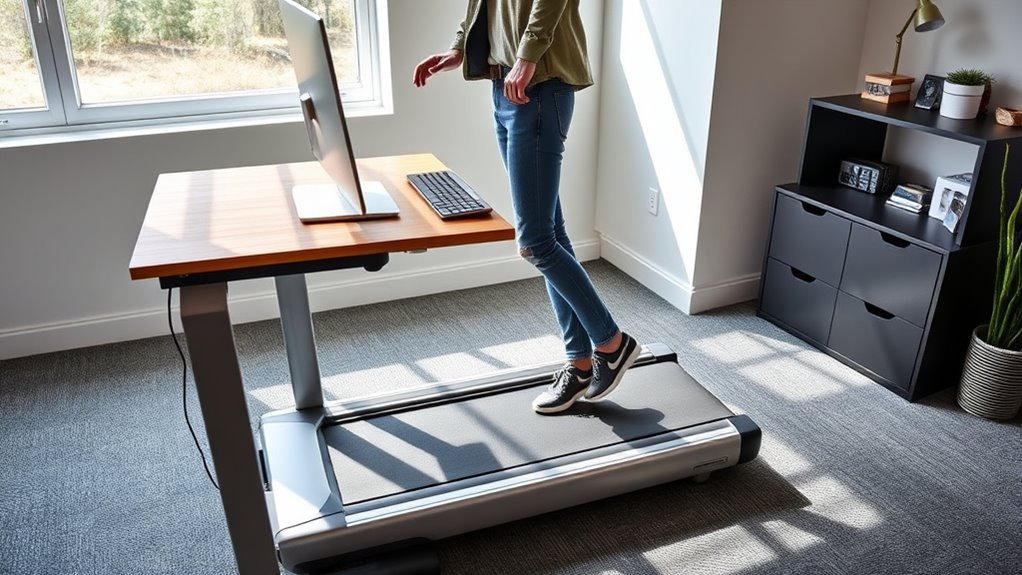

To set up your treadmill desk safely, start by ensuring your monitor is at eye level and your keyboard and mouse are positioned to keep your elbows at a comfortable 90 degrees. Keep your workspace clutter-free and use cable organizers or wireless devices for added safety. Wear supportive footwear and incorporate regular breaks and stretching to prevent strain. Adjust walking speed and desk height based on how your body responds, and stay aware of your environment for ideal comfort and safety.
Key Takeaways
- Adjust the treadmill and desk to ensure monitor at eye level and elbows at 90 degrees for ergonomic comfort.
- Keep the workspace clutter-free and use cable organizers to prevent tripping hazards.
- Set a walking pace of 1-2 mph, using timers for regular movement and rest intervals.
- Wear supportive footwear and ensure proper lighting to enhance safety during treadmill use.
- Continuously monitor body responses and fine-tune desk height, monitor position, and walking speed for optimal safety.
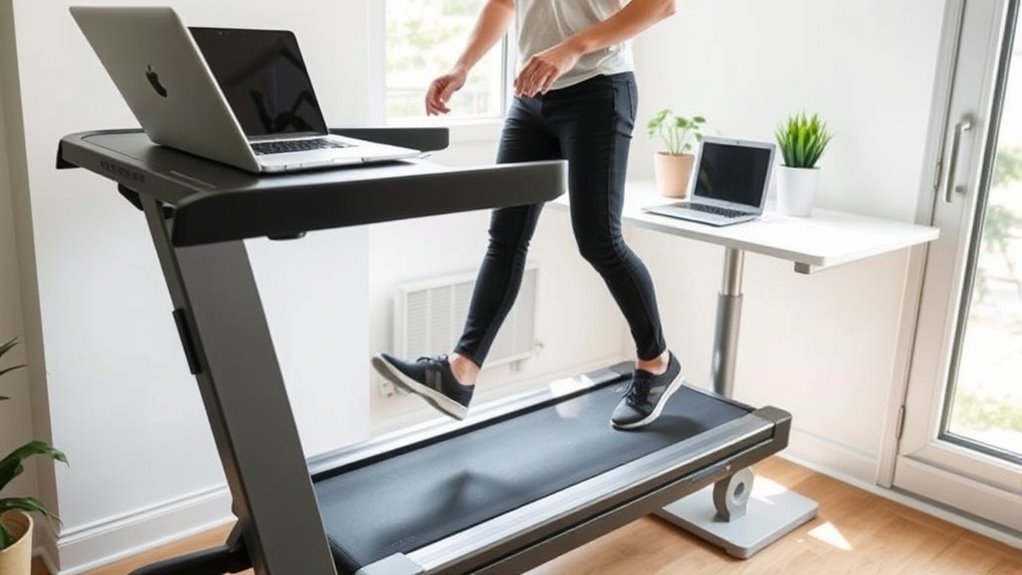
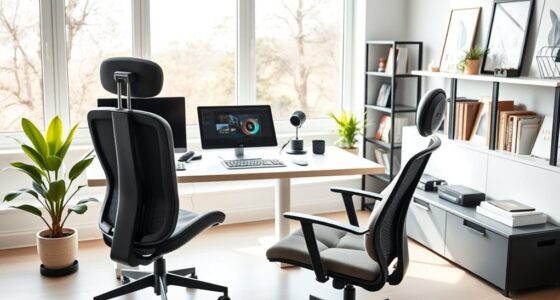
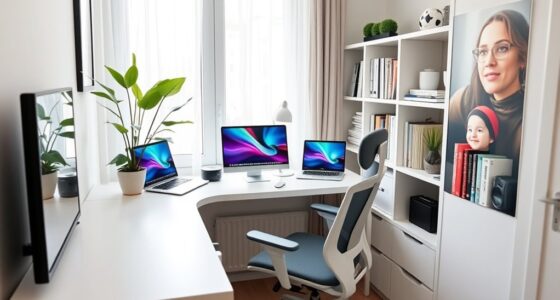
If you’re looking to boost your productivity and improve your health, a standing plus walking desk might be just what you need. Setting up your treadmill desk correctly is essential to guarantee safety and comfort while maximizing its benefits. One of the first steps is making ergonomic adjustments to your workstation. Proper alignment can prevent strain and injury, so start by adjusting the height of your monitor so that the top is at eye level. Your elbows should form roughly a 90-degree angle when resting on the desk, and your wrists should be straight while typing. If your treadmill has adjustable handrails or supports, set them at a height that allows you to maintain a natural posture. These adjustments help reduce fatigue and discomfort during extended periods of use, making it easier to stay productive.
Proper ergonomic setup prevents strain and injury during treadmill desk use.
Next, it’s a good idea to incorporate some productivity tips into your routine. For instance, start by walking at slower speeds until you get comfortable with the combination of movement and work. Keep your pace moderate—around 1 to 2 miles per hour—to avoid losing focus or experiencing fatigue too quickly. To prevent accidental falls or missteps, ensure your workspace is free of clutter, cords, or objects that could trip you up. Use cable organizers and wireless devices whenever possible to maintain a clean environment. Additionally, consider using a standing desk mat to provide cushioning and reduce strain on your feet and legs. This small step can make a significant difference in your comfort level and help sustain your activity over longer periods.
It’s also wise to set regular intervals for switching between walking and sitting. For example, walk for 20 minutes, then sit for a few minutes to stretch and rest your legs. Incorporate reminders or timers to keep these intervals consistent, so you don’t overexert yourself or lose track of time. As you get accustomed to the setup, pay attention to how your body responds, making adjustments to your desk height, monitor position, or walking speed as needed. This ongoing fine-tuning helps you create a safe, ergonomic environment that promotes both productivity and well-being. Additionally, understanding the benefits of glycolic acid for skin can motivate you to prioritize safety and comfort in your workspace, ensuring you remain healthy both inside and out.
Finally, remember that safety is paramount. Always wear comfortable, supportive footwear to prevent foot fatigue or injury. Keep your workspace well-lit to avoid eye strain and ensure you can see your screen clearly while moving. By taking these steps—making ergonomic adjustments, following productivity tips, and maintaining awareness—you can set up your treadmill desk for success. With the right setup, you’ll enjoy a healthier, more energized workday that keeps you moving without sacrificing focus or comfort.
Top picks for "desk stand walk"
Open Amazon search results for this keyword.
As an affiliate, we earn on qualifying purchases.
Frequently Asked Questions
What Are the Best Safety Accessories for Treadmill Desks?
To stay safe at your treadmill desk, you should use ergonomic mats to reduce fatigue and provide stability. Safety harnesses can also prevent falls if you feel unsteady. Keep a clear workspace free of clutter, and wear supportive shoes. These accessories help you maintain balance, reduce injury risk, and guarantee a comfortable, safe walking experience while working. Always prioritize safety to enjoy the benefits of your treadmill desk fully.
How Do I Prevent Slipping on a Treadmill Desk?
Oh, the thrill of slipping—what a rush! To prevent slips on your treadmill desk, focus on slip prevention by keeping your treadmill clean and dry. Wear safety footwear with good grip, and always walk with cautious steps. Make certain the treadmill’s surface isn’t slick, and avoid distractions. By taking these steps, you’ll stay steady and safe, turning your workspace into a slip-free zone rather than a slip-and-slide adventure.
Can I Use a Treadmill Desk With a Standing Desk Converter?
Yes, you can use a treadmill desk with a standing desk converter. Just guarantee you adjust the desk height to maintain an ergonomic posture, with your elbows at a 90-degree angle and your monitor at eye level. Make sure the converter is stable and compatible with your treadmill’s width and height. Regularly check that your setup promotes good alignment, reducing strain during your walking and working sessions.
What Are the Recommended Treadmill Speeds for Beginners?
Start slowly with safe, steady strides, sticking to treadmill speed guidelines for beginners. Aim for a comfortable, conversational pace—usually around 1.0 to 2.0 miles per hour—allowing you to walk without strain or strain. This beginner walking pace helps you stay steady, avoid accidents, and get used to your treadmill desk. As you gain confidence, you can gradually increase your speed, but always prioritize safety and comfort.
How Do I Incorporate Breaks While Using a Treadmill Desk?
You should incorporate regular breaks by stopping every 30-60 minutes to stretch and reset. During these breaks, do stretching routines to prevent stiffness and improve circulation. Stay hydrated by drinking water throughout your session, especially during longer periods on the treadmill desk. This way, you’ll maintain comfort and focus, reducing fatigue and injury risk while staying productive and healthy.
Conclusion
Setting up your treadmill desk safely is like crafting a sturdy bridge—your health and productivity depend on its solid foundation. By following proper guidelines, you make certain a smooth, comfortable experience that keeps you energized and focused. Remember, safety isn’t just a checklist; it’s the backbone of your new workspace. With mindful setup, you’ll walk your way to better habits, just as a gentle stream carves its path through the landscape—steady, purposeful, and wise.