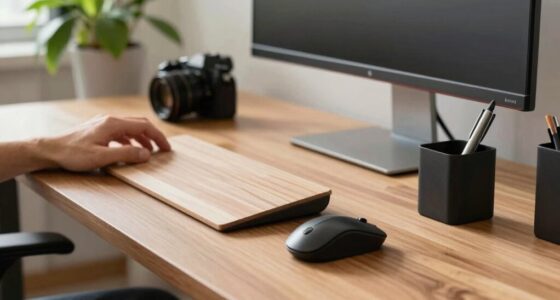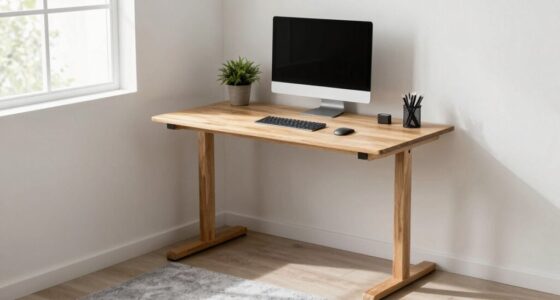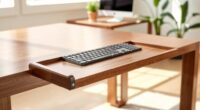
To avoid common standing desk mistakes, you should never ignore ergonomic accessories like adjustable monitors and keyboard trays, as they help maintain proper posture. Keep your workspace organized to prevent unnecessary reaching and twisting, and always set your desk to the correct height so your elbows are at a 90-degree angle. Remember to maintain good posture and switch between sitting and standing regularly to reduce fatigue. Want to learn how to optimize your setup? Keep exploring to get it right.
Key Takeaways
- Avoid neglecting ergonomic accessories like adjustable monitor stands and keyboard trays to maintain proper posture.
- Keep your workspace organized to prevent awkward reaching and unnecessary movements that cause discomfort.
- Adjust your desk height so your monitor is at eye level and elbows form a 90-degree angle when standing.
- Practice good posture by keeping your back straight, shoulders relaxed, and wrists neutral during work.
- Alternate between sitting and standing to reduce fatigue, improve circulation, and prevent musculoskeletal strain.
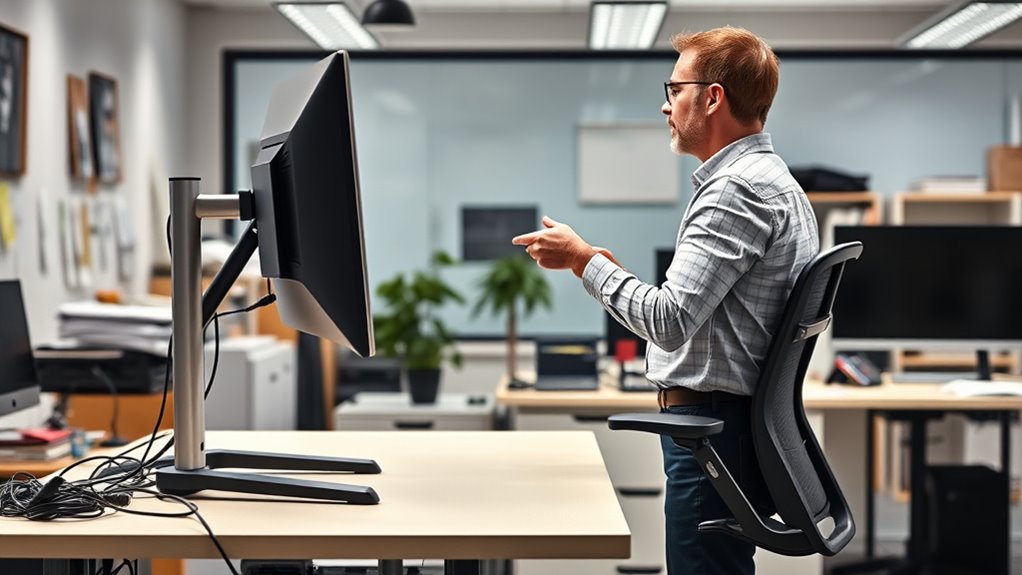
Using a standing desk can boost your energy and reduce back pain, but many people unknowingly make mistakes that diminish its benefits. One common error is neglecting ergonomic accessories that support proper posture. Without items like an adjustable monitor stand, keyboard tray, or anti-fatigue mat, you might find yourself straining your neck, wrists, or legs. These accessories aren’t just luxuries; they’re essential for creating a comfortable and health-conscious workspace. When your monitor sits too low or high, or your keyboard isn’t aligned correctly, you risk developing repetitive strain injuries. Investing in ergonomic accessories can help you set your workspace up correctly, ensuring your monitor is eye-level, your wrists stay in a neutral position, and your feet rest flat on the floor.
Another mistake often linked to poor workspace organization is clutter. An unorganized workspace can lead to awkward movements and unnecessary strain. If your supplies, documents, or devices are scattered randomly, you may find yourself constantly reaching or twisting to access what you need. This not only hampers productivity but also causes discomfort over time. To avoid this, you should organize your workspace efficiently. Use desk organizers, trays, or shelves to keep everything within easy reach. Proper workspace organization minimizes unnecessary motions and helps maintain better posture, reducing fatigue and discomfort throughout your workday.
Many people overlook the importance of adjusting their standing desk to suit their specific height and needs. A common mistake is setting the desk too high or too low, which can lead to poor ergonomics and muscle strain. When standing, your elbows should be at a roughly 90-degree angle, and your monitor should be at eye level. Adjusting your desk properly allows you to maintain a natural, relaxed posture. Remember, your body is unique, so take the time to fine-tune your desk height and ergonomic accessories accordingly. This helps prevent neck pain, shoulder tension, and lower back issues, ensuring your standing desk benefits are fully realized. Additionally, paying attention to proper posture can significantly improve comfort during long work sessions.
Finally, many users forget to alternate between sitting and standing. Staying in one position for too long, whether sitting or standing, can cause fatigue and musculoskeletal problems. Incorporate movement into your routine—shift your weight, stretch, or take short walks. This not only improves circulation but also alleviates pressure on your back and legs. The key is to establish a balanced routine that leverages workspace organization and ergonomic accessories to create a flexible, healthy work environment. Avoid these common mistakes, and you’ll maximize the advantages of your standing desk while safeguarding your health.

Single LCD Computer Monitor Free-Standing Desk Stand Mount Riser for 13 inch to 32 inch screen with Swivel, Height Adjustable, Rotation, Vesa Base Stand Holds One (1) Screen up to 77Lbs(HT05B-001))
COMPATIBILITY ☞ Single Computer monitor mount free standing Desk Stand Riser fitting screens for 13,15,17,19,21,23,27,30,32 inch LCD LED…
As an affiliate, we earn on qualifying purchases.
As an affiliate, we earn on qualifying purchases.
Frequently Asked Questions
How Often Should I Adjust My Standing Desk Height?
You should adjust your standing desk height whenever you notice discomfort or your posture isn’t aligned. Typically, this means adjusting it every 30 to 60 minutes to prevent strain. Use a desk mat for comfort and a footrest to reduce pressure on your legs. Remember, maintaining proper ergonomics helps prevent fatigue, so listen to your body and make small, frequent adjustments to stay comfortable throughout the day.
Can Standing All Day Cause Health Issues?
Standing all day is like walking a tightrope—you might stay balanced, but risks exist. Yes, it can cause health issues like joint pain or varicose veins if you don’t take precautions. To stay comfortable, wear ergonomic footwear and use footrest options for better support. Take breaks and shift your weight regularly to avoid strain. Staying mindful helps you enjoy the benefits of standing without the drawbacks.
What Accessories Improve Standing Desk Ergonomics?
Using ergonomic accessories like a footrest, monitor stand, and anti-fatigue mat can markedly improve your standing desk setup. These accessories help promote proper posture, reduce strain, and increase comfort during long periods of standing. Additionally, organizing your desk with proper storage keeps your workspace tidy, preventing clutter that can cause awkward postures. Incorporate these accessories into your routine to enhance your overall ergonomics and make standing more comfortable and sustainable.
Is It Better to Alternate Between Sitting and Standing?
Yes, alternating between sitting and standing is better for your health. Use an ergonomic mat when standing to reduce fatigue and discomfort, and consider footrest options to support your posture. Switch positions every 30 to 60 minutes to prevent strain and improve circulation. Adjust your desk height for comfort and take breaks to stretch. This approach helps you stay energized and minimizes the risk of musculoskeletal issues.
How Do I Prevent Leg Fatigue at a Standing Desk?
To prevent leg fatigue at a standing desk, focus on your footwear choices—opt for supportive, cushioned shoes that reduce strain. Also, consider desk mat options; an anti-fatigue mat can provide extra comfort and promote better circulation. Take regular breaks to shift your weight and stretch your legs. These simple adjustments help minimize fatigue and keep you comfortable throughout your workday.

HUANUO Keyboard Tray Under Desk, 360 Adjustable Ergonomic Sliding Keyboard & Mouse Tray, Under Desk Keyboard Tray Slide Out, Keyboard Holder Under Desk for Typing in Home, Office Work, 25"W x 9.84"D
Large & Perfect Size – Full size keyboard drawer with a 25” x 9.84” , please kindly confirm…
As an affiliate, we earn on qualifying purchases.
As an affiliate, we earn on qualifying purchases.
Conclusion
Avoiding these standing desk mistakes is like steering your boat away from rocks—you’ll stay afloat and comfortable. Remember to adjust your height, switch positions often, and listen to your body. Small changes can make a big difference in preventing discomfort and boosting productivity. Think of your standing desk as a trusty partner that helps you stay active and focused—just give it the right attention, and you’ll sail smoothly through your workday.

FEATOL Anti Fatigue Mat for Standing, 9/10 Extra Thick Ergonomic Standing Desk Mat, Comfort Memory Foam Standing Mat at Home,Office All Day (20" x 32", Black, 1PC)
[Anti Fatigue Standing Desk Mat] – This anti fatigue mat standing desk office is effective in reducing stress…
As an affiliate, we earn on qualifying purchases.
As an affiliate, we earn on qualifying purchases.
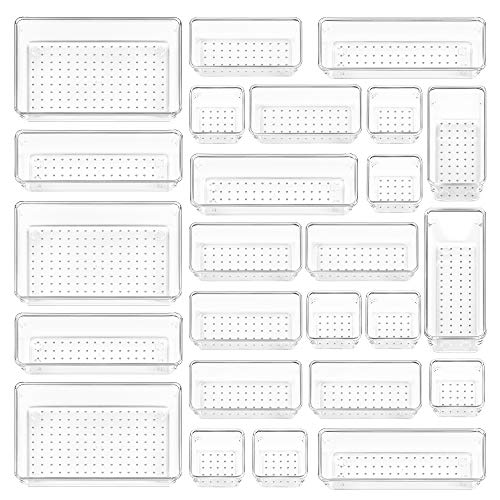
Vtopmart 25 PCS Clear Plastic Drawer Organizers Set, 4-Size Versatile Bathroom and Vanity Drawer Organizer Trays, Storage Bins for Makeup, Bedroom, Kitchen Gadgets Utensils and Office
✔Make Everything Organized — These clear versatile drawer dividers trays are perfect for any place in your home….
As an affiliate, we earn on qualifying purchases.
As an affiliate, we earn on qualifying purchases.