If you’re left-handed, your desk layout likely isn’t optimized for your comfort and efficiency. Standard setups tend to favor right-handed users, making you reach and strain more. Adjust your mouse, keyboard, and frequently used items to your dominant side, and angle your monitor slightly to the left. Investing in ergonomic equipment and customizing your workspace can boost productivity and reduce fatigue. Keep exploring to discover how tailored adjustments can transform your work experience.

Get comfort and recovery gear delivered free with Prime
- Fast, free delivery on millions of items
- Prime Video, Amazon Music and more included
- Member-only deals all year
Key Takeaways
- Standard desk layouts favor right-handed users, often neglecting the ergonomic needs of left-handed workers.
- Proper placement of mouse and frequently used items on the left enhances comfort and reduces strain.
- Monitor positioning and chair adjustments tailored to left-handed work habits improve posture and productivity.
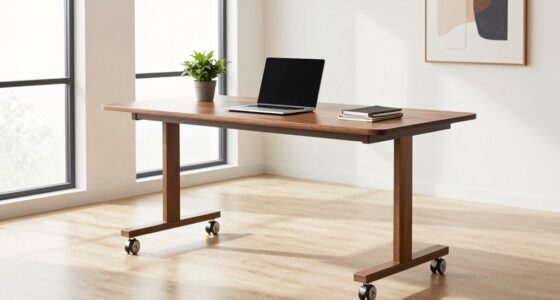
- Adjustable or asymmetric desks help accommodate left-handed preferences for better workspace organization.
- Customizing workspace setup aligns with natural tendencies, boosting comfort and efficiency for left-handed employees.
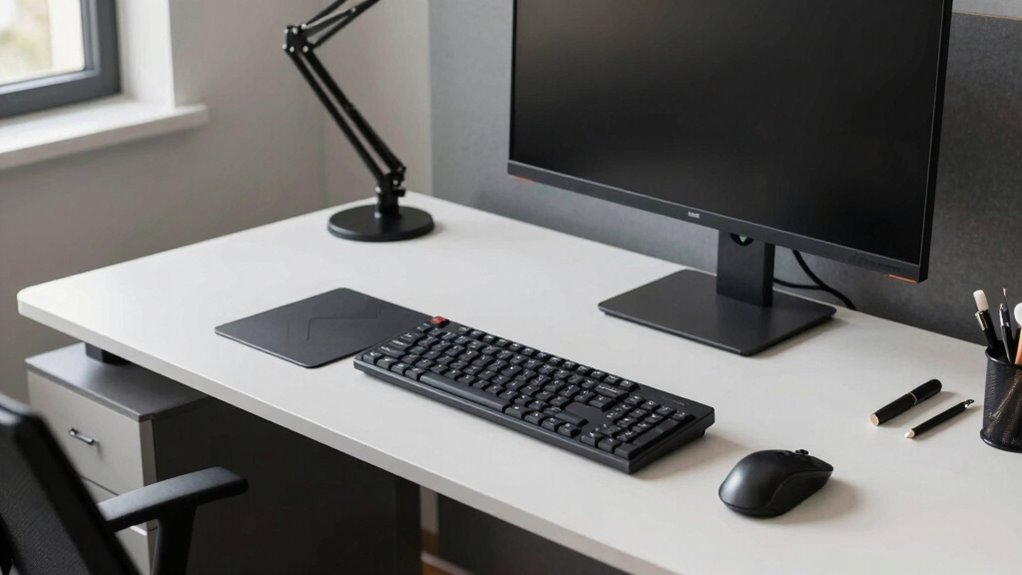
If you’re left-handed, your desk setup might not be as ideal as you think—often, standard layouts favor right-handed users. Many office furniture designs and workspace arrangements are created with right-handed individuals in mind, which can make your workday less comfortable and less efficient. Recognizing this, you might need to make specific ergonomic adjustments to create a workspace that truly supports your needs. These adjustments aren’t just about comfort; they directly impact your productivity strategies. When your workstation aligns with your natural movement patterns, you can work more smoothly and reduce fatigue or discomfort that distracts you from your tasks.
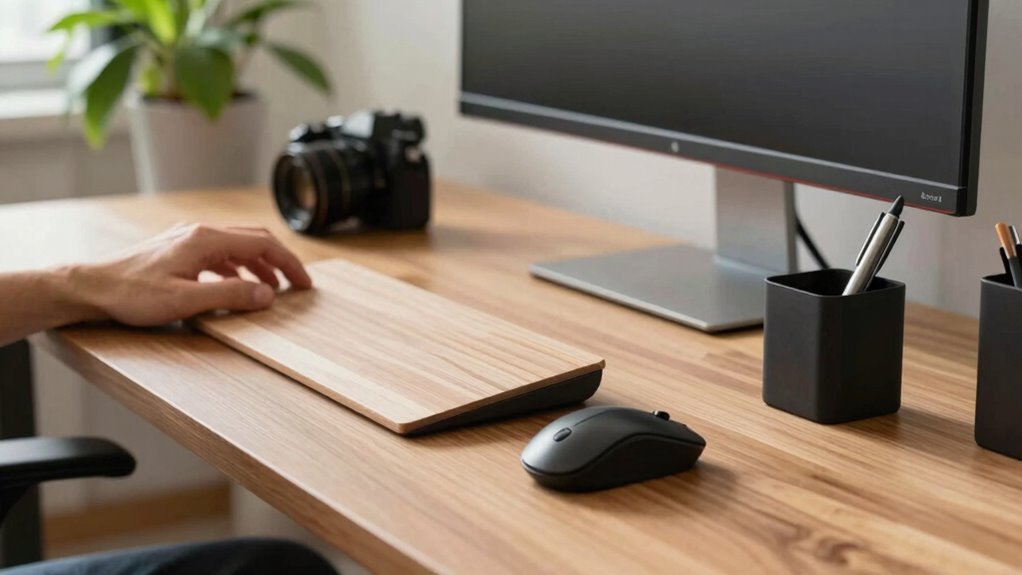
Start by reconsidering the placement of your tools and accessories. For example, your mouse should be positioned close to your dominant hand to minimize reaching and strain. If you’re left-handed, this means placing your mouse on the left side of your keyboard. Similarly, your frequently used items—such as notepads, pens, or digital devices—should be within easy reach on your dominant side. This simple change can help you maintain a more natural posture, reducing unnecessary movements that waste time and energy.
Place your mouse and frequently used tools on your dominant side for better posture and efficiency.
Adjusting your chair height and monitor position also plays an essential role in ergonomic adjustments. Your monitor should be directly in front of you at eye level to prevent neck strain, but if you’re left-handed, you may benefit from angling your monitor slightly to the left. This allows your dominant hand to operate tools or interact with the screen more comfortably. When your workspace is tailored to your handedness, you’re less likely to adopt awkward postures that diminish focus and productivity. Additionally, understanding ergonomic principles can help you design a workspace that minimizes discomfort and maximizes efficiency. Being aware of natural movement patterns can also guide you in arranging your workspace more intuitively, making daily tasks easier to perform.
A key component of productivity strategies for left-handed workers involves optimizing your desk layout to promote fluid movement. Consider investing in an adjustable or asymmetric desk that accommodates your dominant side better. You might also add a wrist rest designed for left-handed use or reposition your keyboard and mouse to create a more ergonomic flow. These small but deliberate adjustments can lead to big improvements in your efficiency and comfort. Moreover, paying attention to workspace organization can help streamline your tasks and reduce clutter, further enhancing your productivity. Recognizing that customized workspace design can significantly improve comfort and performance is an important step in creating an effective environment.
Ultimately, recognizing that standard desk setups aren’t one-size-fits-all is essential. By making targeted ergonomic adjustments, you guarantee your workspace supports your natural tendencies rather than fighting against them. Such mindful customization enhances your overall productivity strategies and helps you stay focused, comfortable, and effective throughout the workday. When your environment aligns with your needs, working becomes less of a challenge and more of a seamless, comfortable experience.
As an affiliate, we earn on qualifying purchases.
Frequently Asked Questions
How Do Left-Handed Workers Customize Ergonomic Desk Setups Effectively?
To customize your ergonomic desk setup effectively, start by adjusting your ergonomic chair for proper lumbar support and comfort. Position your keyboard on the left side to minimize strain and enhance accessibility. Make sure your mouse and other tools are within easy reach, and keep your monitor at eye level. These tweaks help you work comfortably, reduce fatigue, and improve productivity as a left-handed worker.
Are There Specific Tools or Accessories Beneficial for Left-Handed Workers?
Yes, there are specific tools and accessories that benefit left-handed workers. Left-handed tools, like scissors and mouse devices, are designed for comfort and efficiency. Ergonomic accessories, such as left-handed keyboard layouts, adjustable mouse pads, and wrist rests, help reduce strain and improve posture. Incorporating these tools into your workspace guarantees you work comfortably and effectively, preventing fatigue and promoting better ergonomic health.
How Can Right-Handed Desk Designs Cause Discomfort for Left-Handed Users?
Right-handed desk designs can cause discomfort for left-handed users by misplacing mirror placement and keyboard orientation. When mirrors are positioned for right-handed use, they may be awkward for you to see or reach comfortably. Similarly, a keyboard oriented for right-handed work can make typing and mouse use frustrating. You might find yourself straining, twisting, or reaching awkwardly, which leads to discomfort and decreased productivity. Adjusting these elements can improve your comfort and efficiency.
What Signs Indicate a Desk Layout Isn’t Suitable for a Left-Handed Worker?
Ever notice discomfort or awkwardness when working? Signs your desk layout isn’t suitable include frequent arm strain, difficulty reaching materials, or a cluttered workspace on one side. Ambidextrous furniture can help, but hand dominance myths often cause overlooked issues. If your workspace feels unnatural or causes fatigue, it’s a clear indicator that your desk isn’t catering to your handedness, and adjustments are needed for comfort and productivity.
Can Adjustable Desks Better Accommodate Left-Handed Work Preferences?
Adjustable desks can better accommodate left-handed ergonomics because they allow you to tailor your workspace for comfort and efficiency. With desk customization features, you can reposition the keyboard, mouse, and monitor to suit your left-handed needs, reducing strain and improving productivity. This flexibility ensures your workspace aligns with your natural movements, making it easier to work comfortably and prevent long-term discomfort associated with traditional right-handed setups.
adjustable asymmetric desk for left-handed users
As an affiliate, we earn on qualifying purchases.
As an affiliate, we earn on qualifying purchases.
Conclusion
Remember, like a left-handed golfer adjusting their stance for a perfect swing, arranging your workspace to suit your handedness can make all the difference. A study shows left-handed workers often struggle with standard setups, wasting energy and time. So, don’t hesitate to customize your desk—think of it as tuning your instrument for harmony. When you adapt your space, you’ll hit every note with ease, turning daily tasks into a symphony of productivity.
As an affiliate, we earn on qualifying purchases.
monitor arm for left-handed setup
As an affiliate, we earn on qualifying purchases.
As an affiliate, we earn on qualifying purchases.
Halloween Picks
halloween
As an affiliate, we earn on qualifying purchases.