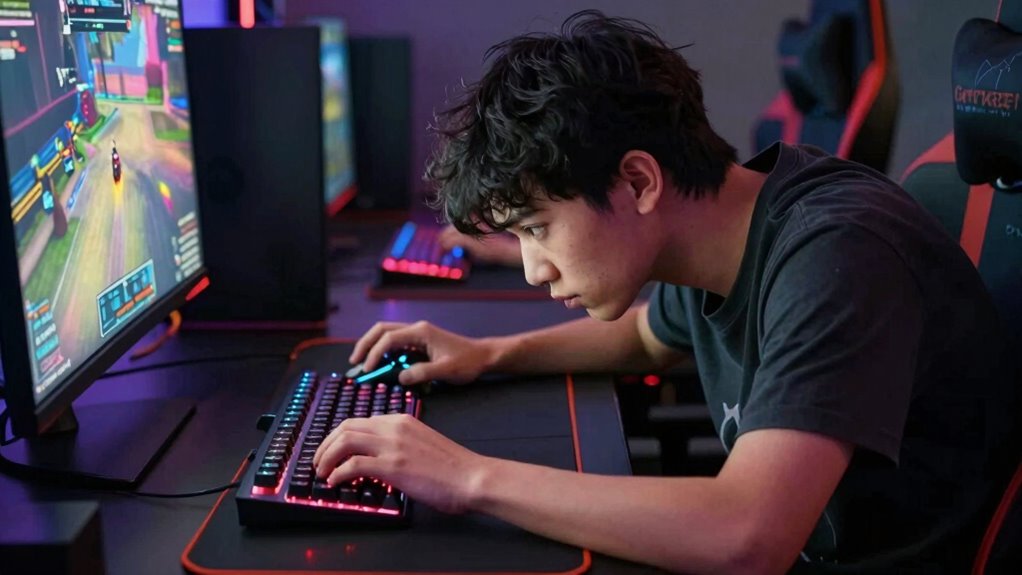

You might invest in high-quality ergonomic gear to boost your gaming performance, but poor posture habits can still cause long-term health problems. Leaning forward, hunching shoulders, or slouching can strain your neck, back, and shoulders despite your equipment’s quality. Remember, comfort and proper alignment are key to avoiding injury over time. If you want to protect your health without sacrificing performance, keep going—you’ll discover essential tips to improve your posture and stay comfortable.

Get comfort and recovery gear delivered free with Prime
- Fast, free delivery on millions of items
- Prime Video, Amazon Music and more included
- Member-only deals all year
Key Takeaways
- Gamers may invest in high-quality gear but neglect ergonomic principles, leading to poor posture habits.
- Familiarity and comfort with gear can cause gamers to overlook proper sitting positions.
- Focus on equipment performance often outweighs awareness of posture and ergonomic setup.
- Long gaming sessions encourage slouching, leaning, or improper positioning despite good gear.
- Lack of posture awareness and regular adjustments can worsen health risks even with ergonomic equipment.
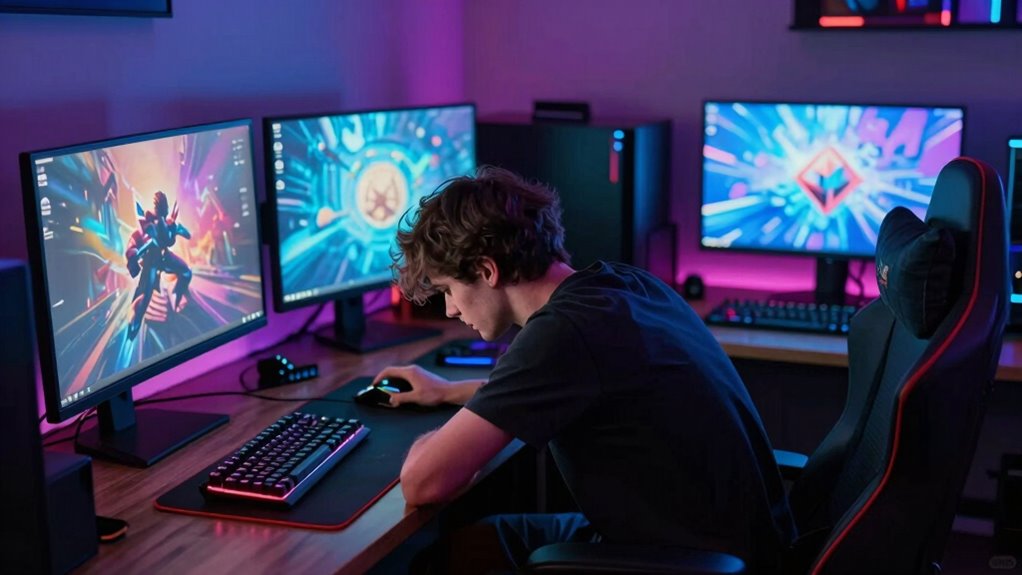
As gamers invest in high-quality gear to enhance their performance, many are unknowingly sacrificing their posture in the process. You might have the latest gaming chair, mechanical keyboard, and ultra-responsive mouse, but if you’re not mindful of how you sit and position yourself, all that gear can do more harm than good. The focus on improving gameplay often overshadows the importance of ergonomic design and posture awareness, leading to discomfort, fatigue, and even long-term health issues.
When you choose gaming equipment, ergonomic design should be at the top of your list. Good ergonomic gear isn’t just about aesthetics or brand reputation; it’s about how well it supports your body during extended gaming sessions. An ergonomic chair encourages proper lumbar support, promotes a natural spine alignment, and helps prevent slouching. If your chair isn’t designed for comfort and support, you’re likely to develop poor posture habits that carry over into your daily life. Similarly, a well-designed gaming desk that allows your arms and wrists to stay in a neutral position can reduce strain and prevent repetitive stress injuries.
But even with the best gear, posture awareness remains essential. It’s easy to get lost in the game and forget to sit upright or take regular breaks. You might lean forward toward the screen, hunch your shoulders, or cradle your neck in an uncomfortable angle—all of which can lead to chronic pain and muscle tension. The key is to be conscious of your posture at all times. Set reminders to check in on your alignment, keep your monitor at eye level, and avoid crossing your legs or slouching in your chair. Small adjustments can make a big difference over time, preventing discomfort and promoting better health. Additionally, understanding proper ergonomic practices can help you create a healthier gaming environment that reduces the risk of injury and long-term strain. Maintaining awareness of ergonomic principles can further enhance your comfort and prevent issues before they develop. Incorporating posture correction techniques into your routine can also make a significant difference in maintaining long-term health and comfort during gaming sessions. Regularly integrating stretching exercises can also alleviate muscle tension and improve flexibility, which is vital for sustained comfort.
Products Worth Considering

Withings BPM Connect Wi-Fi and Bluetooth Blood Pressure Monitor

Bowflex SelectTech 840 Adjustable Kettlebell

BowFlex Results Series SelectTech Adjustable Dumbbells (Pair)
As an affiliate, we earn on qualifying purchases.
Frequently Asked Questions
How Does Posture Impact Long-Term Gaming Health?
Your posture directly impacts your long-term gaming health by affecting muscle fatigue and spinal alignment. Poor posture strains muscles, leading to fatigue and discomfort, which can cause long-term issues like chronic back pain. Maintaining proper spinal alignment helps distribute weight evenly, reducing muscle stress and preventing injury. Regular breaks, ergonomic setups, and conscious posture adjustments are essential to protect your spine and keep you comfortable during extended gaming sessions.
Are There Ergonomic Gaming Accessories Recommended for Posture Improvement?
Yes, ergonomic gaming accessories can greatly improve your posture. Opt for a gaming chair with adjustable height and lumbar support to keep your spine aligned. Look for one with built-in wrist support to reduce strain during long gaming sessions. These accessories help maintain proper ergonomics, decrease discomfort, and promote better long-term health, allowing you to game comfortably without sacrificing your posture.
What Are Signs of Poor Posture During Gaming Sessions?
You might notice muscle strain or neck pain during gaming sessions, which are clear signs of poor posture. When you slouch or lean forward excessively, it puts extra stress on your neck and back muscles. You may also feel stiffness or fatigue after long periods of gaming. These symptoms often coincide with discomfort, making it essential to pay attention to your posture, take breaks, and adjust your setup for better support.
Can Posture Correction Enhance Gaming Performance?
Yes, posture correction can enhance your gaming performance. When you develop posture awareness and adopt ergonomic habits, you reduce physical discomfort and fatigue, allowing you to focus better and react faster. Proper positioning keeps your muscles relaxed and your movements precise, boosting your overall gameplay. Consistently practicing ergonomic habits guarantees sustained improvements, helping you stay alert and perform at your best for longer gaming sessions.
How Often Should Gamers Take Breaks to Maintain Good Posture?
You should take a break every 30 to 60 minutes to maintain good posture and boost posture awareness. Regular breaks help prevent strain and promote proper alignment, especially when gaming for long periods. During these breaks, stretch, move around, and check your posture to stay mindful. Consistent break frequency guarantees you avoid discomfort and support your health, keeping you alert and focused during gaming sessions.
Conclusion
Think of your gaming setup as a mighty ship. No matter how sleek or powerful your vessel is, if the crew neglects the ship’s hull and sails, the voyage will suffer. Upgrading gear is like adding shiny cannons, but neglecting posture is like ignoring the ship’s hull—both are essential. Prioritize your health as much as your gear, and you’ll sail smoother through every game and every day. Don’t let poor posture sink your best adventures.