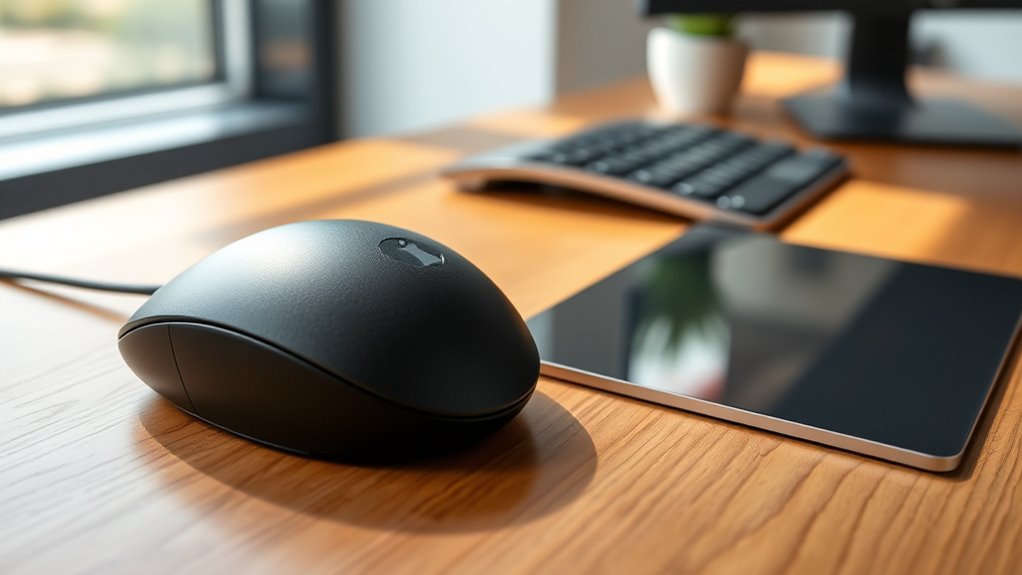
Trackballs and trackpads can be more ergonomic options depending on your needs and preferences. They allow you to move your cursor naturally, reducing wrist and arm strain during long use. Trackballs stay stationary, saving desk space and offering precise control, while trackpads support multi-touch gestures for versatile navigation. Both can help prevent repetitive strain injuries and promote comfort. If you want to explore how these devices fit your work style, keep exploring their features and benefits.
Key Takeaways
- Both devices reduce wrist and arm strain compared to traditional mice, promoting better ergonomic posture.
- Trackballs require minimal hand movement, decreasing repetitive stress and supporting precise control in confined spaces.
- Trackpads enable multi-touch gestures and natural finger movements, enhancing comfort during extended use.
- Customizable sensitivity and ergonomic features help tailor devices to individual needs, further reducing discomfort.
- Overall, both trackballs and trackpads can be more ergonomic options than traditional mice when properly used.
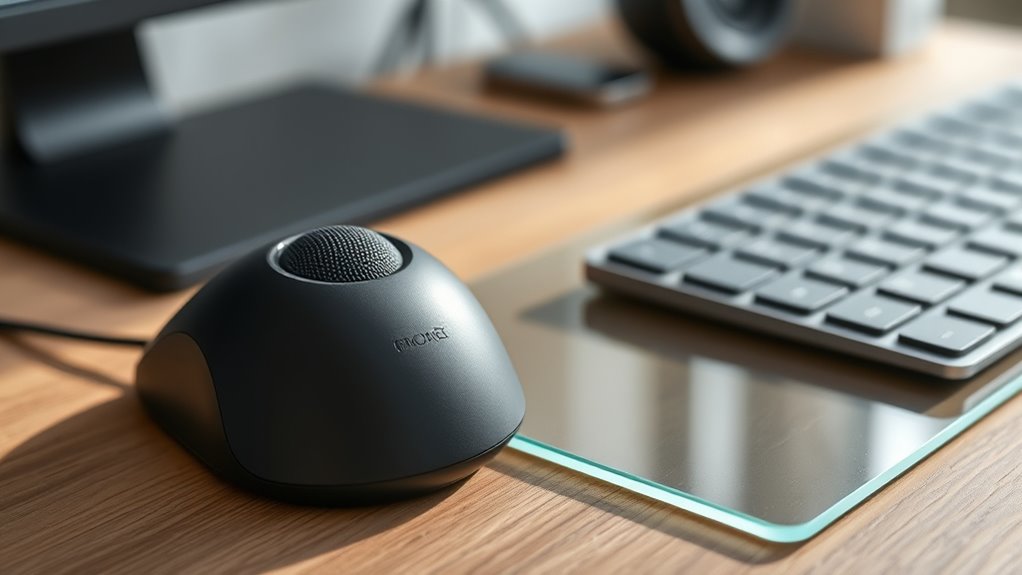
When it comes to maneuvering your computer, trackballs and trackpads offer alternative methods to traditional mice, giving you more control and flexibility. These devices can markedly impact your comfort and productivity, especially if you spend hours at your desk. Many users find that switching to a trackball or trackpad can reduce strain on their wrists and arms, providing notable ergonomic benefits. Unlike a conventional mouse, which requires you to move your hand across a surface, a trackball stays stationary, and you control the cursor by rotating a ball with your fingers or palm. This design minimizes wrist movement and can lead to less repetitive strain injury over time. Similarly, trackpads allow for touch-based gestures that can replace clicking and scrolling, reducing the need for repetitive hand motions. Ergonomic design is a key factor that influences user comfort and can help prevent musculoskeletal issues. Your personal preferences play a vital role in determining whether a trackball or trackpad is more ergonomic for you. Some users prefer a trackball because it offers precise cursor control without needing to reposition the device. This can be especially advantageous in confined workspaces or for those with limited desk space. The natural movement of your fingers on a trackball can also be less taxing than the arm movements required by a traditional mouse. On the other hand, trackpads appeal to those who value versatility and multi-touch gestures, which can streamline tasks like zooming, scrolling, and switching between apps. Many find that the tactile feedback of a trackpad feels more intuitive and less disruptive to their workflow.
The ergonomic benefits of these alternatives extend beyond mere comfort. For example, using a trackball can help reduce shoulder and neck tension because your arm remains more stationary. Similarly, a trackpad’s touch-sensitive surface allows for a more natural hand position, decreasing the likelihood of strain. Both devices can be customized to suit your specific needs, such as adjusting sensitivity or assigning shortcuts, further enhancing their ergonomic advantages. User preferences vary widely—some may find a trackball’s precise control ideal, while others prefer the gesture-based navigation of a trackpad. The key is to try both and see which feels more natural and comfortable over extended periods.
Ultimately, whether a trackball or trackpad is more ergonomic depends on your individual usage habits, hand size, and comfort levels. Both options can be tailored to support healthier computing habits and reduce physical discomfort, making them excellent alternatives to traditional mice. By choosing the device that aligns best with your preferences and ergonomic needs, you can enjoy a more comfortable, efficient, and less strain-inducing experience at your computer.

Logitech Ergo M575S Wireless Bluetooth Trackball Mouse – Graphite Blue Ball
- Ergonomic Design: Supports natural hand and forearm posture
- Quiet Clicks: Reduces noise during use
- Precise Thumb Control: Smooth and accurate tracking
As an affiliate, we earn on qualifying purchases.
As an affiliate, we earn on qualifying purchases.
Frequently Asked Questions
Can Trackballs Reduce Wrist Strain Better Than Mice?
Yes, trackballs can reduce wrist strain better than mice. They offer ergonomic benefits by allowing you to control cursor movement without moving your entire arm, which minimizes wrist fatigue. You can operate a trackball with just your fingers or thumb, maintaining a more natural hand position. This setup helps prevent repetitive strain injuries and keeps your wrist relaxed during extended computer use, making it a smart choice for ergonomic comfort.
Are Trackpads Suitable for Precise Graphic Design Work?
A trackpad isn’t the superhero of precision, but it can get close enough for most graphic design tasks. Its gesture sensitivity and multi-touch capabilities let you zoom, rotate, and navigate effortlessly. However, for intricate detail work, a graphics tablet or high-precision mouse might serve you better. Use a trackpad for quick edits and general work, but don’t expect it to replace specialized tools for professional-level design accuracy.
How Do Trackpads Impact Long-Term Hand Health?
Using a trackpad can reduce long-term hand health issues by offering ergonomic benefits like natural hand positioning and less repetitive strain. However, extended use may lead to hand fatigue if you don’t take regular breaks or adjust your setup. To protect your hands, guarantee your workspace is ergonomically aligned, and consider alternating with other input devices to minimize strain and promote better long-term hand health.
Do Trackballs Require Less Desk Space Than Traditional Mice?
You’ll find that trackballs typically require less desk space than traditional mice, thanks to their compact, ergonomic design. While a mouse needs room to move around, a trackball stays stationary, letting you control the cursor with your thumb or fingers. This not only frees up your workspace but also reduces clutter, making it ideal for limited desk areas. Plus, its ergonomic shape promotes better hand positioning over long hours.
Are There Any Learning Curves When Switching to Trackpads?
Yes, there is a learning curve when switching to trackpads. You might need some time for user adaptation as you get used to gestures and sensitivity settings. Initially, it can feel unfamiliar, but with practice, you’ll find it intuitive for navigation. The key is patience and experimenting with different configurations to match your workflow, ultimately making the progression smoother and more comfortable over time.
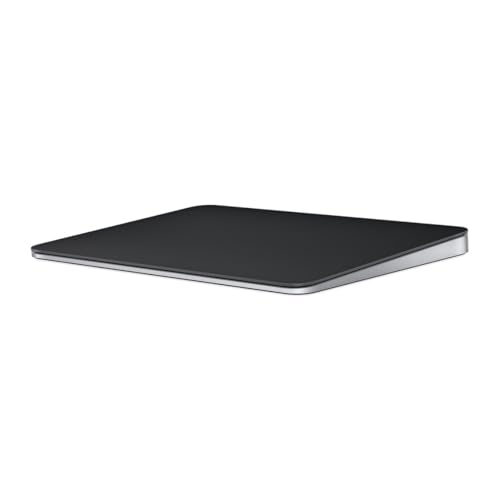
Apple Magic Trackpad – Black Multi-Touch Surface
- Wireless and Rechargeable: Includes full Multi-Touch and Force Touch
- Pressure-Sensitive Sensors: Detects subtle pressure for enhanced control
- Large Edge-to-Edge Glass Surface: Provides a spacious, comfortable touch area
As an affiliate, we earn on qualifying purchases.
As an affiliate, we earn on qualifying purchases.
Conclusion
So, next time you’re battling with a traditional mouse, consider a trackball or trackpad—because who needs wrist pain or carpal tunnel, right? Maybe swapping your trusty mouse for these gadgets will turn your ergonomic nightmare into a blissful paradise of comfort. Or, you know, just keep clicking away in blissful ignorance. Either way, your wrist might thank you—eventually. Choose wisely, ergonomic warriors, or suffer in style!

Logitech MX Ergo S Advanced Wireless Trackball Mouse USB C – Graphite
- Enhanced thumb control: Switch between speed and precision
- 20-degree tilt design: Improves posture and reduces strain
- Quiet clicking: 80% quieter clicks for less noise
As an affiliate, we earn on qualifying purchases.
As an affiliate, we earn on qualifying purchases.

Apple Magic Trackpad – White Multi-Touch Surface
- Wireless and Rechargeable: Includes full Multi-Touch gestures and Force Touch
- Pressure-Sensitive Sensors: Detects subtle pressure differences for enhanced control
- Large Edge-to-Edge Glass Surface: Provides a spacious, comfortable scrolling experience
As an affiliate, we earn on qualifying purchases.
As an affiliate, we earn on qualifying purchases.