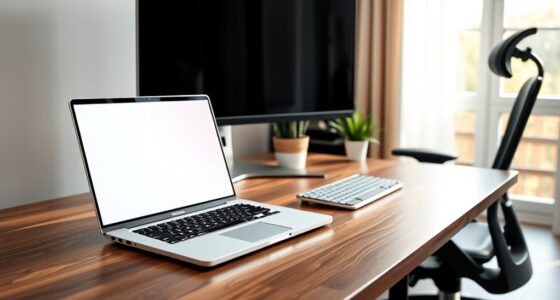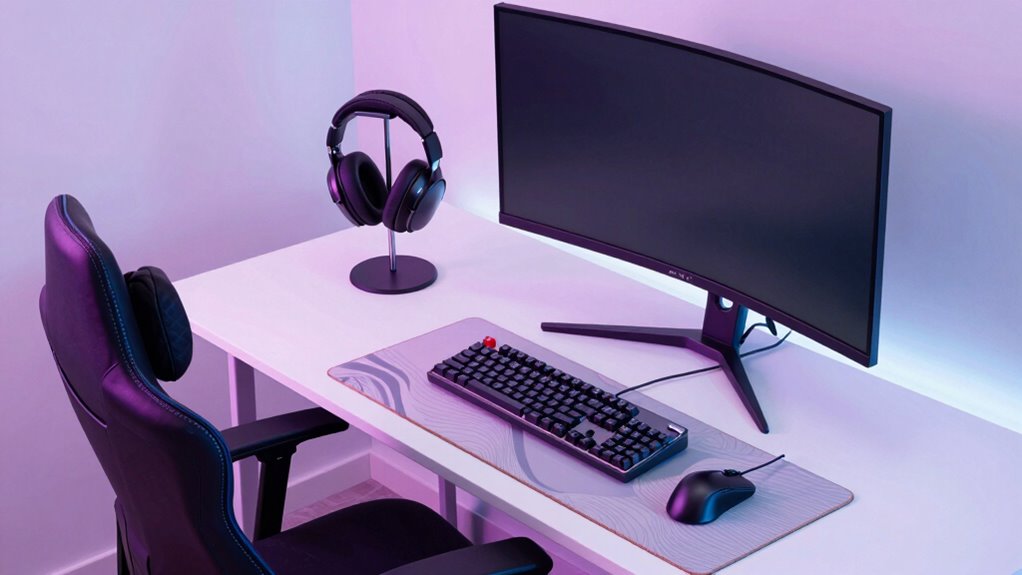
While flashy gear like high-end microphones and colorful RGB setups can attract viewers, your ergonomic workspace is what truly supports long-term success. Proper chair support, correct desk height, and good lighting keep you comfortable and focused during extended sessions. This reduces fatigue, prevents injuries, and enhances your overall performance. Prioritizing ergonomic design might not be as flashy, but it’s key to maintaining energy and consistency. Keep going, and you’ll discover ways to create a workspace that truly elevates your streams.

Get comfort and recovery gear delivered free with Prime
- Fast, free delivery on millions of items
- Prime Video, Amazon Music and more included
- Member-only deals all year
Key Takeaways
- An ergonomic setup ensures long-term comfort, preventing fatigue and injuries that can disrupt streaming consistency.
- Proper desk and chair adjustments promote better posture, reducing physical strain during extended sessions.
- Prioritizing ergonomics enhances focus and productivity more effectively than superficial gear upgrades.
- A comfortable workspace minimizes distractions caused by discomfort, allowing streamers to maintain high energy levels.
- Good ergonomics supports sustained performance, helping streamers produce consistent, professional content over time.
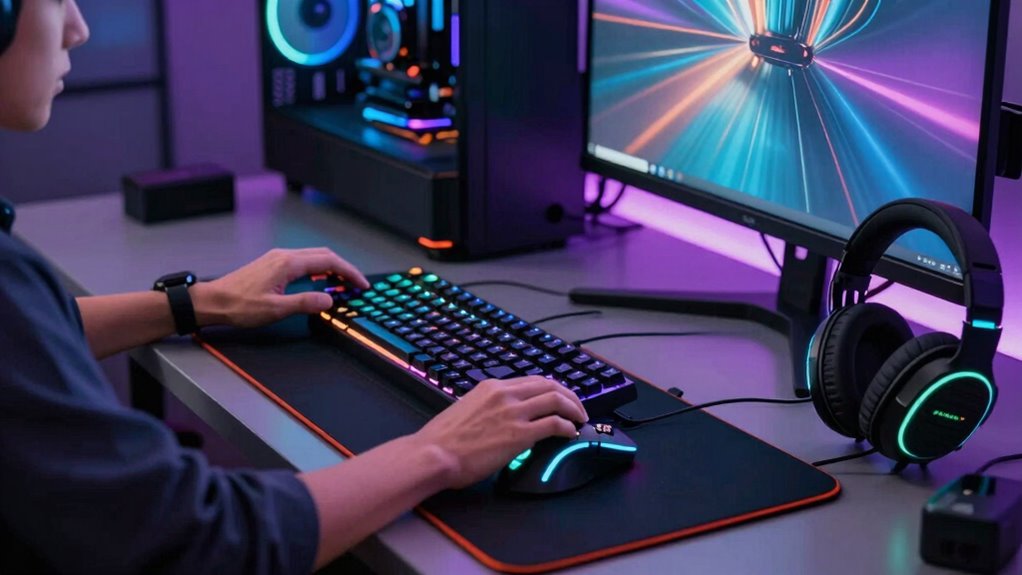
When it comes to streaming, many content creators focus heavily on their favorite gear—like high-end microphones, RGB-lit keyboards, and sleek gaming mice—believing these enhance their performance and appeal. While flashy gear can grab viewers’ attention, it’s important to recognize that an ergonomic setup plays a more vital role in your long-term success and comfort. Your physical well-being directly impacts your ability to stream consistently and effectively.
Good ergonomic design isn’t just about avoiding discomfort; it’s about optimizing your entire setup for sustained focus. A comfortable chair that supports your back and promotes good posture helps prevent fatigue and pain, meaning you can stream longer without distraction. Proper desk height ensures your arms and wrists are in natural positions, reducing strain during long editing or gaming sessions. When you prioritize ergonomics, you not only boost your comfort but also your productivity, keeping your energy levels high and your focus sharp. Additionally, ergonomic principles can help you customize your workspace to better suit your needs and prevent injuries over time. Incorporating ergonomic accessories, like wrist supports or monitor risers, can further enhance your comfort during long streaming sessions. Recognizing the importance of a well-designed workspace can make a significant difference in your overall performance.
Prioritize ergonomic setup to boost comfort, focus, and productivity during long streaming and editing sessions.
On the other hand, many streamers underestimate the importance of audio quality and lighting ambiance. Clear, crisp sound ensures your audience hears you without frustration or distraction. Invest in a good microphone, and you’ll notice how much more engaging your streams become. Clear audio makes your voice stand out, reduces background noise, and improves overall viewer experience. Meanwhile, lighting ambiance isn’t just about aesthetics; it influences how viewers perceive you and your content. Soft, well-placed lighting creates a welcoming environment, reduces shadows, and highlights your face clearly. It can even help set the mood or tone of your stream, making your content more immersive. Proper lighting setup can also minimize eye strain and improve your overall comfort during extended sessions.
Additionally, considering how proper ergonomic setup can prevent repetitive strain injuries is crucial for maintaining a sustainable streaming routine. While expensive gear might seem to be the key to success, neglecting ergonomic essentials can cause discomfort, fatigue, and even injury over time. This can lead to inconsistent streaming or the need to pause frequently, disrupting your flow and viewer engagement. Prioritizing ergonomic setup means investing in an adjustable chair, monitor stands, and proper desk arrangements—all of which contribute to a healthier, more sustainable streaming routine. Remember, a well-designed workspace not only supports your physical health but also helps maintain your passion and focus over the long term.
In the end, your gear choices matter, but an ergonomic setup influences your performance far more. Good lighting ambiance makes your stream visually appealing and professional, while excellent audio quality keeps your audience engaged and comfortable. Focus on creating a balanced environment where comfort and quality go hand in hand. That’s what truly elevates your streaming game beyond just flashy gear.
Products Worth Considering

BowFlex Results Series SelectTech Adjustable Dumbbells (Pair)

Withings BPM Connect Wi-Fi and Bluetooth Blood Pressure Monitor

Bowflex SelectTech 840 Adjustable Kettlebell
As an affiliate, we earn on qualifying purchases.
Frequently Asked Questions
How Does Ergonomic Setup Improve Streaming Performance?
An ergonomic setup boosts your streaming performance by keeping you comfortable and focused. Proper color calibration guarantees your visuals look sharp, making your stream more appealing. Good microphone positioning enhances audio clarity, so your audience hears you clearly. When you prioritize ergonomic design, you reduce fatigue and strain, allowing you to stream longer and more effectively. Ultimately, a well-optimized setup helps you deliver professional content consistently.
What Are Common Ergonomic Mistakes Streamers Make?
You often overlook posture mistakes and equipment clutter, which can silently harm your streaming performance. Poor posture leads to discomfort and fatigue, while cluttered setups distract your focus. These common ergonomic mistakes might seem minor, but they affect your energy and clarity during streams. Prioritize a clean, supportive workspace to boost comfort and efficiency, ensuring your streaming sessions are sustainable and your audience stays engaged.
How Often Should Streamers Adjust Their Ergonomic Setup?
You should adjust your ergonomic setup regularly, ideally every 30 minutes to an hour. Maintaining posture awareness helps prevent strain, so check if your chair ergonomics support proper alignment. Shift your position slightly to stay comfortable and avoid stiffness. Small, frequent adjustments guarantee your workspace remains ergonomically sound, reducing fatigue and discomfort during long streaming sessions. Staying attentive to your setup helps keep you healthy and focused.
Can Ergonomic Setups Prevent Long-Term Health Issues?
Yes, ergonomic setups can prevent long-term health issues. By maintaining good posture awareness, you reduce strain on your neck, back, and wrists. Using ergonomic accessories like adjustable chairs, keyboard stands, and monitor risers helps support proper alignment. Regularly adjusting your setup guarantees you stay comfortable and avoid repetitive strain injuries. Prioritizing ergonomic practices not only boosts your health but also enhances your streaming performance over time.
What Budget-Friendly Ergonomic Options Are Effective for Streamers?
Think of budget ergonomic solutions as the backbone of your streaming setup. You can find cost-effective accessories like adjustable chairs, lumbar support cushions, and ergonomic keyboard and mouse options that won’t break the bank. These budget ergonomic solutions help reduce strain and boost comfort, making your long streams healthier for your body. Investing wisely in these affordable items is like planting seeds for a sustainable, injury-free streaming career.
Conclusion
Remember, while flashy gear catches the eye like a shining star, your ergonomic setup is the steady lighthouse guiding you safely through long streaming nights. It’s the quiet anchor that keeps you focused and healthy, even when the spotlight’s blazing. Prioritize comfort over the illusion of perfection, and you’ll find your passion burns brighter and lasts longer. In this digital world, your well-being is the true treasure—more valuable than any gadget or gadgetry.