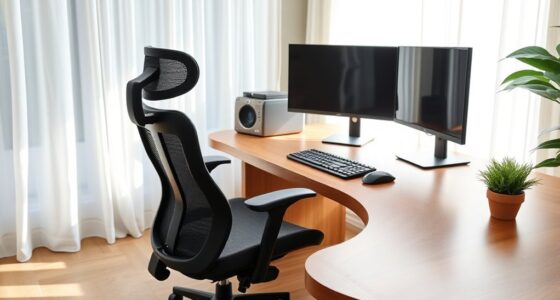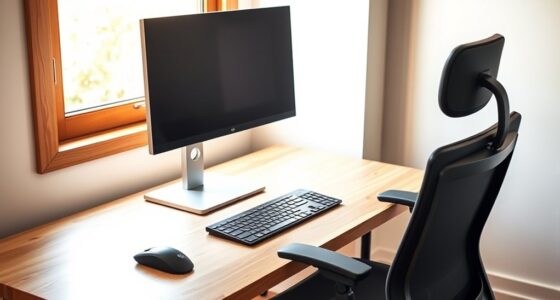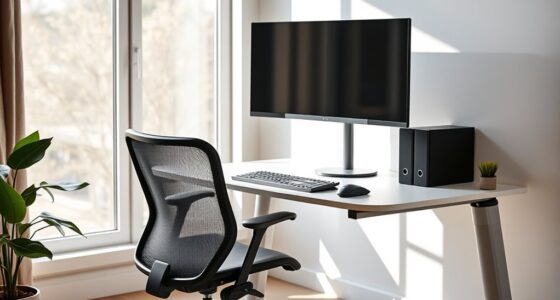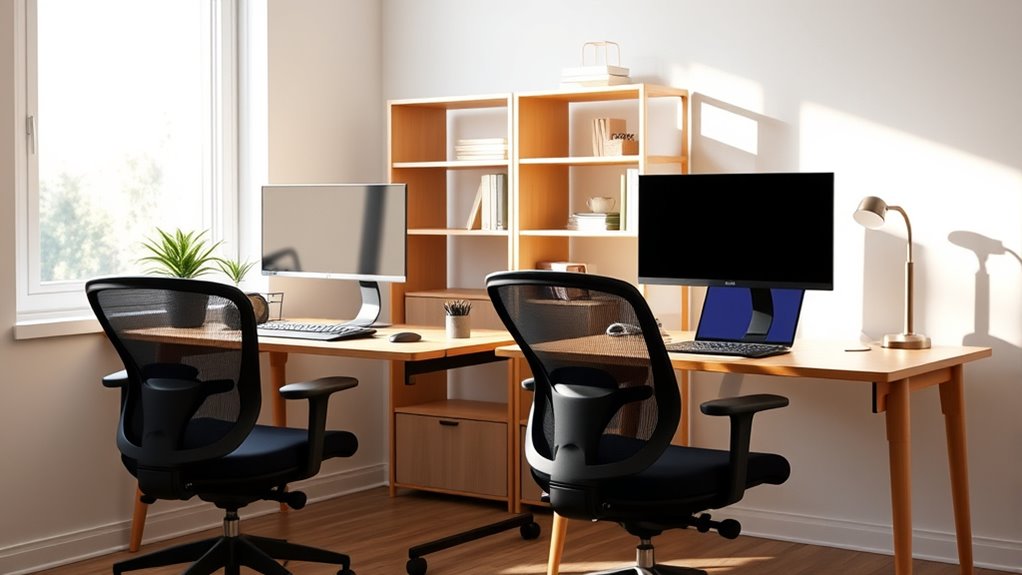
To set up a shared home office for two, organize your workspace by creating dedicated zones for each person’s supplies and keeping frequently used items within easy reach. Optimize lighting with adjustable task lights and natural sources to reduce eye strain. Maintain a clutter-free environment with storage solutions, and consider shared ergonomic accessories like adjustable chairs or footrests. Small adjustments make a big difference—continue exploring ways to maximize comfort and productivity in your shared office.
Key Takeaways
- Design dedicated zones for each person’s supplies to maintain an organized, clutter-free workspace that supports good posture.
- Position desks near natural light sources and use adjustable task lighting to reduce eye strain and improve visibility.
- Share ergonomic accessories like adjustable chairs and footrests to promote comfort and proper alignment for both users.
- Keep frequently used items within easy reach to prevent awkward postures and minimize unnecessary stretching.
- Regularly declutter and optimize lighting to enhance workspace flow, reduce discomfort, and foster a healthy, collaborative environment.

Shared workspaces are increasingly popular, but maintaining good ergonomics can be challenging when multiple people share the same area. You need to find ways to optimize your setup so both of you can work comfortably without compromising health or productivity. One key aspect is desk organization. When space is limited, clutter quickly becomes a distraction and can lead to awkward postures as you search for essential items. To avoid this, dedicate specific zones for each person’s supplies, keeping frequently used items within easy reach. Use storage solutions like trays, drawers, or vertical organizers so your desk remains tidy and items are accessible without stretching or twisting. This not only improves your workspace flow but also helps prevent strain caused by reaching or bending repeatedly. Additionally, maintaining a clean and clutter-free desk encourages better posture because you’re less likely to hunch over or assume awkward positions when your workspace is organized. Ensuring your workspace adheres to ergonomic principles can significantly reduce discomfort and promote long-term health.
Lighting optimization is equally important, especially when sharing a workspace. Poor lighting can cause eye strain, headaches, and fatigue, which directly impacts your comfort and efficiency. To ensure good lighting, position your desk near natural light sources whenever possible, such as windows, but avoid glare on screens by adjusting blinds or curtains. Use adjustable task lighting, like a desk lamp with a flexible arm, so you can direct light exactly where needed—whether you’re reading, writing, or working on a computer. Proper lighting reduces the need to squint or lean forward, supporting better posture and reducing eye strain. When sharing a space, coordinate with the other person to ensure both of you have suitable lighting options that won’t cast shadows or create uneven brightness. This might mean investing in individual desk lamps or adjustable lights so each person can customize their lighting setup for maximum comfort.
Besides desk organization and lighting, consider shared ergonomic accessories, such as adjustable chairs or footrests, that can be customized to fit each person’s needs. Remember, good ergonomics isn’t just about individual comfort; it’s about creating a balanced environment that promotes health for both users. By paying attention to how your workspace is organized and illuminated, you can turn a shared home office into a productive, comfortable environment. Small adjustments—like decluttering your desk or tweaking your lighting—make a significant difference in reducing discomfort and enhancing focus. With a little planning and cooperation, shared workspaces can be just as ergonomic and efficient as individual setups.

TRALT Office Chair – Ergonomic Desk Chair with Adjustable Lumbar Support, Mesh Computer Chair, Executive Chairs for Home Office Comfortable Lumbar Support (Black)
Ergonomic Office Chair: Experience unparalleled support with our ergonomic office chair, designed to provide comprehensive assistance for your…
As an affiliate, we earn on qualifying purchases.
As an affiliate, we earn on qualifying purchases.
Frequently Asked Questions
How Can I Prevent Distractions in a Shared Workspace?
To prevent distractions, manage noise by using noise-canceling headphones or white noise machines, and create visual barriers like dividers or tall plants to block out visual clutter. Set clear boundaries with your workspace, communicate your focus times to your coworker, and keep your area organized. These steps help you stay focused, reduce interruptions, and maintain productivity in a shared environment.
What Are the Best Privacy Solutions for Shared Home Offices?
To guarantee privacy in your shared home office, use soundproof barriers to block noise and create a quieter environment. Privacy screens are also effective, as they visually shield your workspace from your partner’s view. You can position these barriers and screens strategically around your desks, helping you focus better and maintain confidentiality. Combining soundproof barriers with privacy screens offers a practical, customizable solution for a more private and productive shared workspace.
How Do I Manage Different Ergonomic Needs Between Two Users?
You manage different ergonomic needs by conducting personalized adjustments for each user, ensuring their workstations suit their unique preferences. Start with ergonomic assessments to identify specific requirements, then adjust chairs, monitor heights, and keyboard positions accordingly. Communicate openly about comfort issues, and regularly revisit these adjustments to maintain ideal support, creating a comfortable and productive shared workspace that caters to both of your needs effectively.
What Are Cost-Effective Ways to Improve Shared Workspace Ergonomics?
Did you know that simple ergonomic improvements can boost comfort and productivity by up to 25%? To enhance your shared workspace on a budget, try DIY ergonomic tips like adjusting chair height, using cushions for lumbar support, or creating monitor stands with household items. These cost-effective upgrades don’t require spending much but can make a significant difference for both users’ comfort and health.
How Can I Organize Shared Storage to Reduce Clutter?
To organize shared storage and reduce clutter, create designated personal storage areas for each person to keep their items separate. Use shared filing systems for documents, labeling folders clearly for easy access. Incorporate stackable bins or shelves to maximize space, and regularly declutter to maintain order. This approach guarantees both of you can quickly find what you need, keeping your shared workspace tidy and efficient.
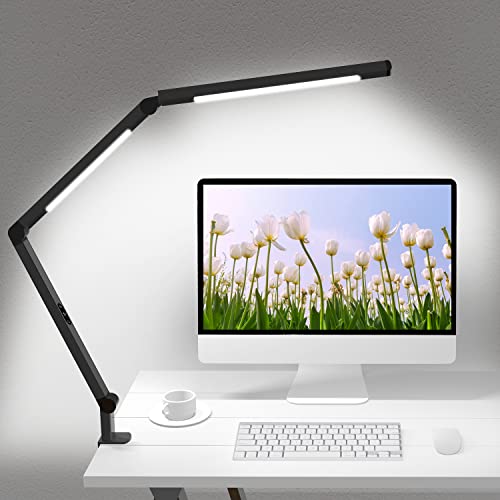
LED Desk Lamp with Clamp, Architect Desk Lamp with Dual Light and Adjustable Swing Arm, Clip-on Eye-Care 4 CCT Modes & 5 Brightness Levels Table Light Modern Computer Lighting for Home Office
【Dual Light Source Design, CRI=95】Micomlan swing arms led desk light with dual light source, which can evenly illuminate…
As an affiliate, we earn on qualifying purchases.
As an affiliate, we earn on qualifying purchases.
Conclusion
Remember, a well-designed shared workspace boosts productivity and comfort for both of you. Prioritize good ergonomics, communicate openly, and stay flexible to adapt your setup as needed. As the saying goes, “A stitch in time saves nine,” so investing a little effort now guarantees long-term ease and efficiency. By working together thoughtfully, you create a harmonious environment where both of you can thrive and stay healthy.

DancingSwan 3 Tier Metal Storage Shelf: Heavy Duty Steel Shelving Unit for Office Organization – Adjustable Freestanding Rack with 150LB Capacity for Shared Workspace & Home Storage Solutions
Shared Workspace Solution – For office managers needing quick setup between tenants. This 31.5"H x 27.55"W x 13.77"D…
As an affiliate, we earn on qualifying purchases.
As an affiliate, we earn on qualifying purchases.

HUANUO Bamboo Under Desk Footrest, Ergonomic Foot Rest with 4 Height Options & Adjustable Angles, Pebble Massage Surface, Non-Slip Foot Rest for Under Desk at Work for Improved Posture, Home & Office
Enhance Your Posture with Ultimate Comfort: Transformyour workspace with the Huanuo bamboo footrest for under desk, crafted to…
As an affiliate, we earn on qualifying purchases.
As an affiliate, we earn on qualifying purchases.