
If your workspace feels great in the morning but falls apart by noon, it’s time to review your setup. Keep your desk organized and free of unnecessary clutter to stay focused. Manage digital distractions by turning off non-essential notifications and setting specific times for emails. Incorporate regular movement and prioritize challenging tasks early when your energy is high. Small adjustments to your routine and workspace can make a big difference—stick around to find out how to keep your momentum all day.
Key Takeaways
- Schedule high-focus tasks early in the day when your energy and workspace feel optimal.
- Incorporate regular movement or stretching breaks to reset focus and reduce fatigue.
- Turn off non-essential notifications to minimize digital distractions throughout the day.
- Keep your workspace organized and clutter-free to maintain a consistent, motivating environment.
- Adjust your routine by practicing the Pomodoro Technique to sustain productivity and manage energy dips.

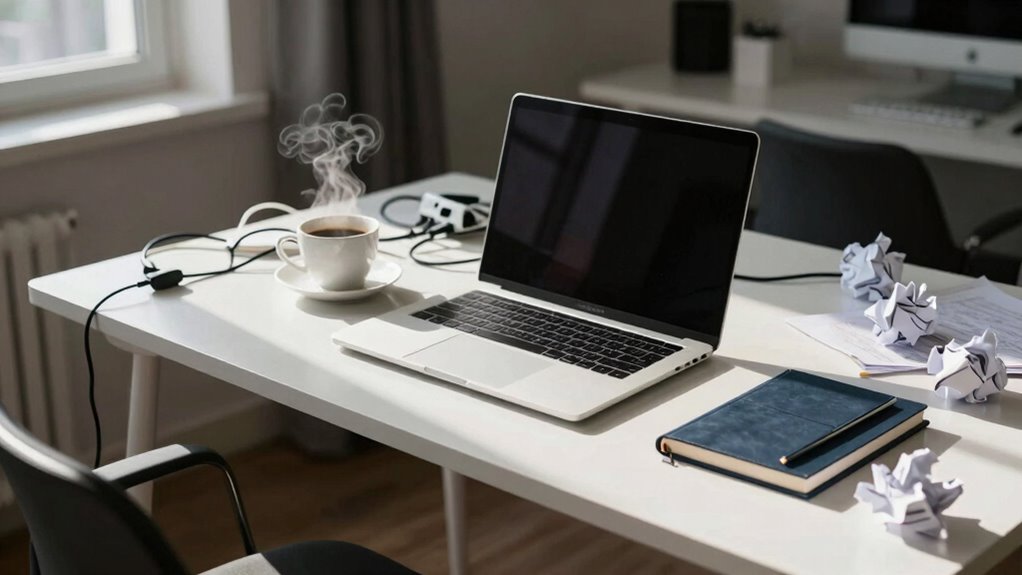
If your setup feels perfect in the morning but turns terrible by noon, you’re not alone. Many people experience a sudden drop in focus and efficiency as the day progresses. The good news is that small adjustments to your workspace organization and implementing targeted productivity strategies can make a significant difference. Your environment plays a crucial role in your ability to stay consistent, so start by evaluating how your workspace is arranged. An cluttered or disorganized desk can drain your mental energy, making it harder to concentrate as the day wears on. Clear out unnecessary items, keep only what you need within arm’s reach, and designate specific zones for different tasks. This streamlined workspace can help you maintain clarity and minimize distractions.
A cluttered workspace drains mental energy; organize, designate zones, and keep essentials within reach for sustained focus.
Next, consider how you approach your daily routines. Incorporate productivity strategies that keep your energy levels steady and your focus sharp. For example, try the Pomodoro Technique—working in focused intervals of 25 minutes followed by short breaks. This keeps your mind fresh and prevents fatigue from setting in too early. Also, prioritize important tasks early in the day when your mental acuity is at its peak. Save less demanding activities for later, when your energy dips. Hydration and regular movement are equally crucial; standing up, stretching, or taking quick walks can reset your mind and boost productivity, especially in the afternoon slump.
Another key aspect is your digital environment. Notifications, emails, and social media can fragment your attention and disrupt your workflow. Turn off non-essential notifications and set specific times to check emails. This helps you stay immersed in your tasks without constant interruptions. If your workspace feels chaotic, it’s easier to get distracted. Creating a dedicated, organized work zone fosters a mindset of focus and professionalism, making it easier to stay engaged from morning to noon. Additionally, understanding content organization can help you structure your tasks more effectively throughout the day.
Finally, reflect on your overall work habits. Do you start the day with a clear plan? Are you setting realistic goals? When you have a structured approach, you’re more likely to sustain high productivity levels. Remember, a well-organized workspace combined with effective productivity strategies isn’t just about aesthetics; it’s about setting yourself up for success. Small adjustments can lead to noticeable improvements, turning a morning of productivity into an all-day achievement. When your environment is optimized and your routines are intentional, that perfect morning feeling can carry you through the entire day, rather than just the first few hours.

OPNICE Desk Organizer and Accessories, 2-Tier Computer Monitor Stand Riser with Drawer and 2 Pen Holders, Laptop Stand, Office Desk Accessories for Office Supplies, Black
- Ergonomic Design: Elevates monitor for comfortable viewing
- Space Saving: Includes drawer and pen holders for organization
- Durable and Stable: Made of sturdy metal for long-lasting support
As an affiliate, we earn on qualifying purchases.
As an affiliate, we earn on qualifying purchases.
Frequently Asked Questions
How Can I Identify the Specific Cause of My Setup Issues?
To identify your setup issues, start with hardware troubleshooting by checking for overheating, loose connections, or failing components. Then, move to software optimization—monitor background processes, update drivers, and clear unnecessary files. Keep a detailed log of when problems occur, noting any recent changes. This approach helps pinpoint whether hardware or software causes your performance drops, so you can address the root problem effectively.
Are There Quick Fixes for Sudden Setup Declines During the Day?
When your setup suddenly declines, try quick fixes like checking for wireless interference, repositioning your router, or reducing device clutter. Restart your hardware or update drivers for better performance. Consider hardware upgrades if issues persist, ensuring your gear can handle your needs. These steps help stabilize your setup, improve connection strength, and reduce frustration, giving you a smoother experience even during peak hours.
What Tools Can Help Monitor My Setup’s Performance Over Time?
You can use monitoring tools like performance dashboards and system logs to track your setup’s performance over time. Hardware upgrades, such as faster SSDs or more RAM, can improve stability, while software optimization—like updating drivers or cleaning background processes—keeps things running smoothly. Regularly reviewing these tools helps identify issues early, ensuring your setup stays reliable throughout the day and prevents sudden declines.
How Does My Environment Affect My Setup’s Stability and Performance?
Did you know that environmental factors can reduce your setup’s performance by up to 30%? These factors, like temperature, humidity, and dust, directly impact stability. You can counteract this with optimization techniques, such as proper ventilation and regular cleaning. Maintaining a controlled environment guarantees your setup runs smoothly and consistently, preventing sudden drops in performance and minimizing downtime throughout your workday.
When Should I Consider Professional Assistance for Setup Problems?
You should consider professional assistance when hardware upgrades or ergonomic adjustments don’t improve your setup’s stability and comfort. If persistent issues like discomfort, frequent crashes, or performance drops occur despite your efforts, a professional can identify underlying problems. They can recommend specific hardware upgrades or ergonomic modifications tailored to you, ensuring your workspace remains efficient, comfortable, and reliable, ultimately preventing ongoing frustrations and boosting your productivity.

VIVO 32 inch Desk Converter, K Series, Height Adjustable Sit to Stand Riser, Dual Monitor and Laptop Workstation with Wide Keyboard Tray, Black, DESK-V000K
- Instant Active Standing: Provides on-demand standing for productivity
- Space Efficient Surface: 31.5 x 15.7 inch workspace for dual monitors
- Adjustable Keyboard Tray: Raises in sync with the surface for comfort
As an affiliate, we earn on qualifying purchases.
As an affiliate, we earn on qualifying purchases.
Conclusion
So, what’s the secret behind your shifting feelings? The answer might surprise you—and it could change everything. Stay tuned, because the next step could be the game-changer you’ve been waiting for. Don’t let another midday slump sneak up on you without knowing why. The key to feeling great all day long is closer than you think. Ready to access it? Keep reading—you won’t want to miss what’s coming next.

Hybrid Active Noise Cancelling Bluetooth 6.0 Headphones 120H Long Playtime, 6 ENC Mic, Over Ear Headphones Wireless, Hi-Res Audio, Memory Foam Earcup, Transparency Mode ANC Headphone for Travel Office
- Noise Reduction: Up to 45dB hybrid ANC
- Long Battery Life: 120 hours playtime
- Wired and Wireless: Switchable wired mode
As an affiliate, we earn on qualifying purchases.
As an affiliate, we earn on qualifying purchases.

Rotating Pomodoro Timer 5/25/10/50, Desk Productivity Flip Timer, ADHD Tool
- Real Pomodoro Timer Presets: Includes 5 and 25-minute presets
- Rotating Gravity Sensor: Flip to start, stop, or reset timer
- Multiple Preset Durations: Supports 5, 10, 25, 50-minute modes
As an affiliate, we earn on qualifying purchases.
As an affiliate, we earn on qualifying purchases.