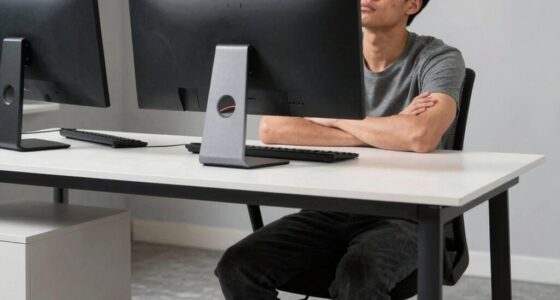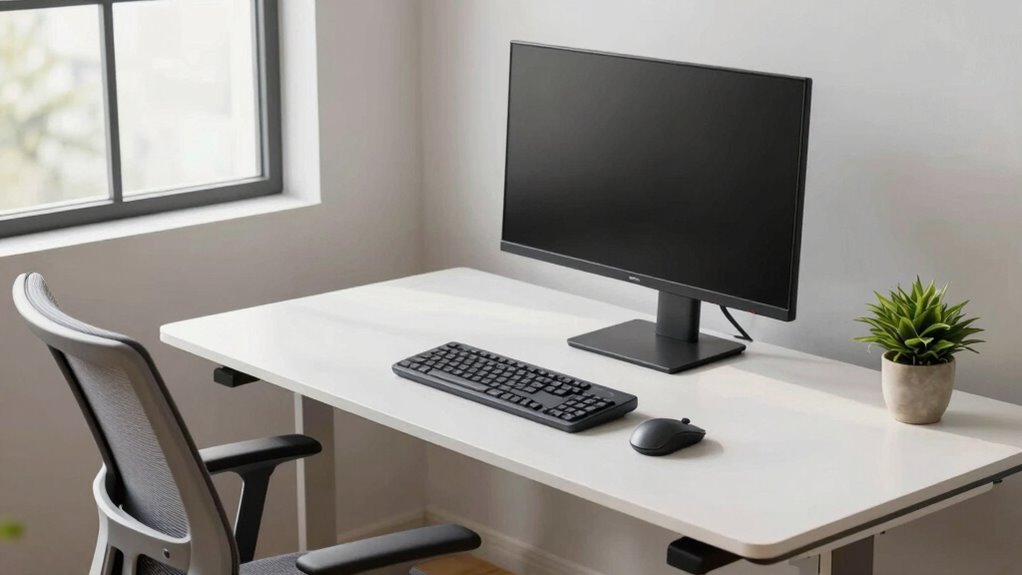

Even with a fixed desk, you can create an ergonomic workspace by making simple adjustments. Sit fully back with your lower back supported, keep your feet flat, and knees at 90 degrees. Position your monitor at eye level and keep your keyboard close to maintain relaxed elbows. Take regular breaks to stretch and move around. Small tweaks like these can greatly improve comfort and health—continue exploring for more tips to optimize your setup.
Key Takeaways
- Adjust monitor height and distance to align with eye level and reduce neck strain.
- Use ergonomic accessories like keyboard risers and lumbar supports for better posture.
- Ensure your chair supports your lower back and keep feet flat on the ground.
- Position your keyboard and mouse to keep elbows at 90 degrees and wrists neutral.
- Take regular breaks to stretch and move, reducing muscle stiffness and promoting comfort.
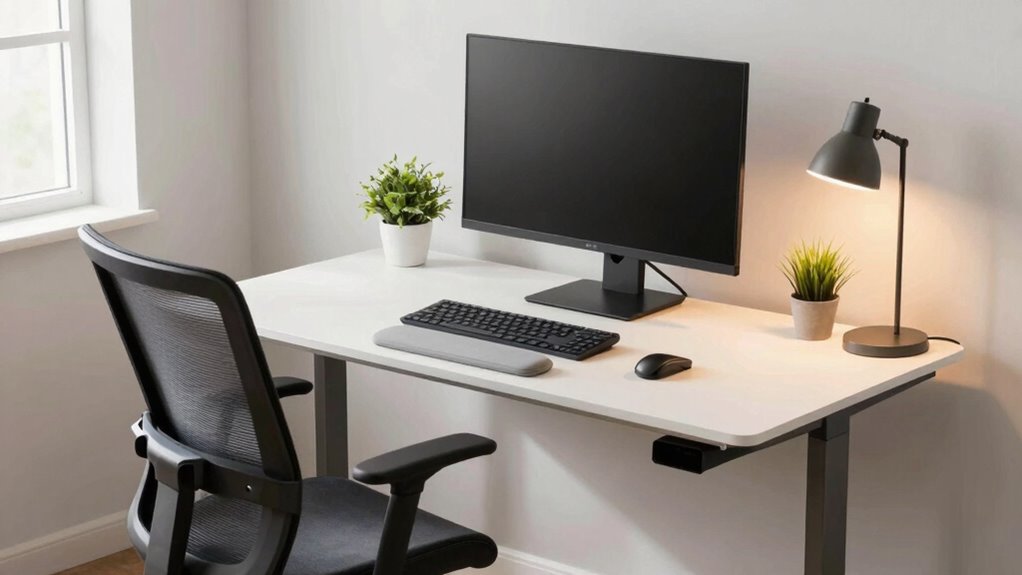
Even if your desk is fixed in place, you don’t have to sacrifice comfort or ergonomics. Small adjustments can make a significant difference in how you feel throughout the day. One of the easiest ways to improve your setup is by paying attention to your posture. Sit back fully in your chair, ensuring your lower back is supported. Keep your feet flat on the ground and your knees at a 90-degree angle. Avoid slouching or leaning forward, as these habits can cause strain over time. Regularly check in with your body to correct any slouching or awkward positions, and consider using a lumbar support pillow if your chair doesn’t provide enough lower back support. Incorporating ergonomic principles into your workspace setup can help you maintain comfort even with a fixed desk.
Prioritize good posture with full back support, flat feet, and a 90-degree knee angle for all-day comfort.
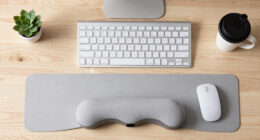
Another key aspect is keyboard positioning. Your keyboard should be placed so that your elbows stay close to your sides and form roughly a 90-degree angle. If your desk doesn’t allow for adjustable height, consider using a riser or a separate keyboard tray to elevate your keyboard to a comfortable level. This helps prevent shoulder and neck tension caused by reaching or hunching over the keyboard. Keep the keyboard directly in front of you, rather than off to the side, to encourage proper posture and minimize twisting your neck. Your wrists should be in a neutral position, not bent up or down, so consider using a wrist rest if needed. Additionally, understanding posture awareness can help you identify and correct poor ergonomic habits as they develop.
Adjust your monitor height to ensure your gaze is level with the top of the screen. This prevents you from tilting your head up or down, which can lead to neck discomfort. If your monitor can’t be adjusted easily, use a stand or stack some books underneath to bring it to eye level. Place your monitor directly in front of you, about an arm’s length away, to reduce eye strain and promote a natural, comfortable viewing angle. Even with a fixed desk, these small changes can substantially improve your ergonomic posture. Remember to take regular breaks—stand, stretch, or walk around every 30 minutes. Incorporating movement helps reduce muscle stiffness and boosts circulation. By focusing on posture adjustments and proper keyboard positioning, you’ll find that your fixed desk becomes a much more comfortable and health-conscious workspace. Small, consistent tweaks lead to significant comfort and long-term well-being.

Vaydeer Wrist Rest with Keyboard Stand, Computer Wrist Support Pad, Ergonomic Keyboard Riser Holder Lifter Tray with Wrist Pad, Soft Memory Foam Desk Cushion, Palm Hand Typing for Office Home School
【2-in-1 Keyboard Stand with Wrist Rest】Tired of constantly adjusting a misaligned wrist rest that slides out of place?…
As an affiliate, we earn on qualifying purchases.
As an affiliate, we earn on qualifying purchases.
Frequently Asked Questions
Can I Use Ergonomic Accessories on a Fixed Desk?
Yes, you can definitely use ergonomic accessories on a fixed desk. Adjustable accessories like monitor stands, keyboard risers, and footrests help you customize your workspace for better comfort. By customizing your desk setup, you reduce strain and improve posture, making your fixed desk feel more ergonomic. Simple changes like these can make a significant difference, ensuring you stay comfortable and productive throughout your workday.
How Often Should I Change My Sitting Position?
You should change your sitting position every 30 to 60 minutes to promote good posture habits and prevent strain. Regularly adjusting your chair, such as modifying the height and lumbar support, helps maintain comfort and reduces fatigue. Moving around or stretching during breaks also improves circulation. By staying mindful of your posture habits and chair adjustments, you’ll keep your workspace ergonomic and avoid discomfort throughout the day.
Are There Specific Exercises to Improve Posture at My Desk?
Yes, there are specific exercises to improve your posture at your desk. Incorporate stretching routines like shoulder rolls, neck stretches, and chest openers to relieve tension. Practice posture awareness by regularly checking if your shoulders are relaxed and your back is straight. These exercises help counteract prolonged sitting and keep your body aligned, making your fixed desk setup feel more ergonomic and comfortable throughout the day.
What Are Signs My Desk Setup Isn’t Ergonomic?
If your neck feels like it’s being pulled by invisible strings and your back aches like you’ve run a marathon, your desk setup isn’t ergonomic. Signs include a desk height that forces you to hunch or strain, and inadequate chair support causing discomfort. Pay attention to these signs, and adjust your desk height or invest in better support to prevent long-term pain. Small changes make a big difference!
Can Lighting Affect My Ergonomic Comfort?
Lighting effects greatly impact your ergonomic comfort by reducing eye strain and enhancing visual clarity. Poor lighting can cause glare or shadows, making you squint or adjust your posture awkwardly. To improve visual comfort, guarantee your workspace is well-lit with soft, even lighting that minimizes glare. Adjusting the position and brightness of your lights helps maintain good posture and prevents fatigue, keeping you comfortable and focused throughout your workday.

Lumbar Support Pillow for Office Chair, Office Home Essentials,Gifts for Mom,Dad, Back Support Pillow for Car, Chair Cushions,Back Pain Relief Improve Posture,Mesh Cover Double Adjustable Straps
For convenience and durability, we upgraded and lengthened the straps to fit more chairs instead of adding extra…
As an affiliate, we earn on qualifying purchases.
As an affiliate, we earn on qualifying purchases.
Conclusion
Even with a fixed desk, you don’t have to sacrifice comfort. Simple changes like adjusting your monitor height or adding supportive accessories can transform your workspace. It’s the small tweaks that make a big difference—just as a sturdy desk provides stability, these adjustments bring ergonomic comfort. So, don’t see your fixed desk as a limitation; see it as a starting point. With a few thoughtful tweaks, you can turn it into a space that supports your well-being every day.

WALI Computer Monitor Stand for Desk, Adjustable Laptop Riser, Desk Monitor Stand Underneath Storage for Office, School Supplies (PTT001-B), 1 Pack, Black
Design: The monitor stand for the desk has a large 14.6 x 9.3 inches plastic shelf that fits…
As an affiliate, we earn on qualifying purchases.
As an affiliate, we earn on qualifying purchases.

GORILLA GRIP Silky Memory Foam Wrist Rest for Computer Keyboard, Mouse, Ergonomic Design for Typing Pain Relief, Desk Pads Support Hand and Arm, Mousepad Rests, Stain Resistant, 2 Piece Pad, Black
ULTRA THICK MEMORY FOAM: experience more comfort while you work; thickest memory foam interior of the wrist rest…
As an affiliate, we earn on qualifying purchases.
As an affiliate, we earn on qualifying purchases.