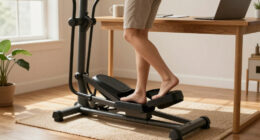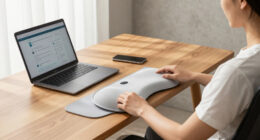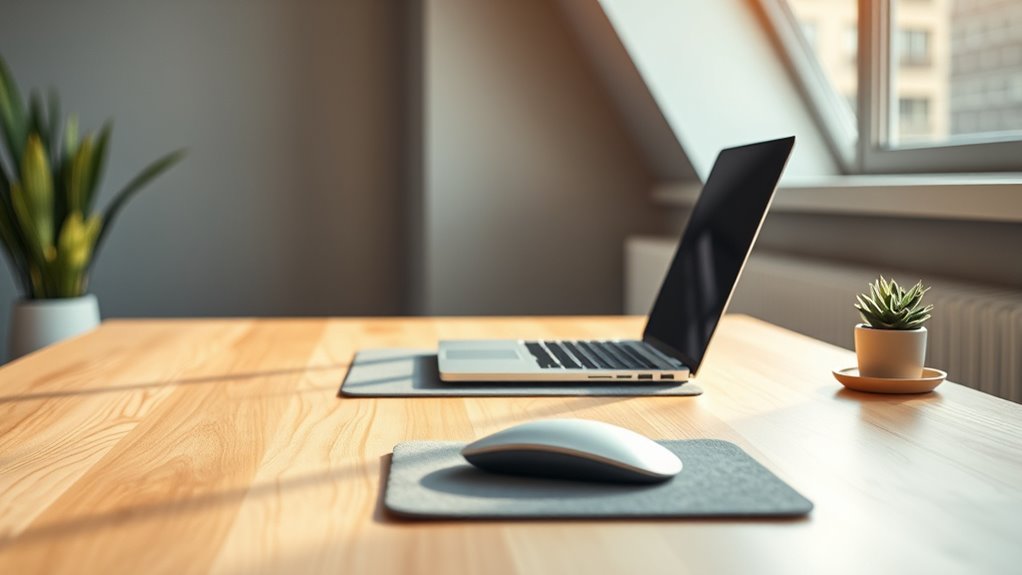

The ideal distance between you and your desk is typically about 20 to 24 inches, or roughly arm’s length from your eyes to the screen. This helps prevent strain and guarantee comfortable viewing, supporting a healthy posture during long hours of work. Keep your monitor at or just below eye level and avoid leaning forward or squinting. If you want detailed tips to optimize your setup, continue exploring how proper desk positioning can improve your comfort.

Get comfort and recovery gear delivered free — and shop member deals
- Fast, free delivery on millions of items
- Access to Prime Big Deal Days deals on October 6–7
- Prime Video, Amazon Music and more included
Key Takeaways
- Maintain a 20-24 inch distance from your monitor to reduce eye strain.
- Adjust monitor position so the top of the screen is at or just below eye level.
- Keep frequently used items within arm’s reach to avoid stretching or awkward leaning.
- Ensure proper desk height to support elbows at about 90 degrees and keep wrists neutral.
- Use monitor stands or supports to achieve optimal viewing distance and reduce fatigue.
Finding the right distance between you and your desk is vital for maintaining comfort and preventing strain during long hours of work. When your desk is positioned correctly, it supports an ergonomic posture that reduces muscle tension, minimizes fatigue, and helps avoid repetitive strain injuries. To achieve this, you need to carefully consider your desk arrangement, guaranteeing that your setup promotes proper alignment and ease of movement.
Proper desk distance promotes comfort, reduces strain, and supports ergonomic posture for long work sessions.
Start by sitting upright in your chair with your feet flat on the floor. Your knees should be at a 90-degree angle, and your thighs parallel to the ground. Position your computer monitor so that the top of the screen is at or just below eye level. This prevents you from tilting your head up or down, which can cause neck and shoulder discomfort. The ideal distance from your eyes to the screen is roughly an arm’s length away—about 20 to 24 inches. If you find yourself leaning forward or squinting, you may need to adjust your monitor’s distance or increase text size.
Your desk arrangement plays a vital role in maintaining this ideal distance. Keep frequently used items within easy reach, so you’re not stretching or leaning awkwardly. Place your keyboard and mouse at a height where your elbows are close to your body and form about a 90-degree angle. This position supports an ergonomic posture by reducing strain on your wrists, shoulders, and neck. Your wrists should remain straight and neutral while typing or using the mouse. If your desk height isn’t adjustable, consider using a keyboard tray or wrist rests to achieve a comfortable arm position.
Lighting is also an important aspect of your desk arrangement. Proper illumination minimizes eye strain, so position your monitor to avoid glare from windows or overhead lights. Adjust your screen brightness and contrast to match ambient lighting, which helps reduce eye fatigue and encourages a natural viewing distance.
Additionally, incorporating desk accessories such as monitor stands or ergonomic supports can further enhance your setup, promoting better posture and comfort over long periods of work.
Finally, pay attention to your posture throughout the day. Regularly check if your shoulders are relaxed, your back is supported, and your feet are firmly planted. Small adjustments, like shifting your position or stretching, can make a significant difference in maintaining an ergonomic posture. Remember, the goal is to create a desk setup that allows you to work comfortably for extended periods without compromising your health. This mindful desk arrangement, combined with the right distance from your screen, ensures you stay productive and pain-free.
Frequently Asked Questions
How Does Desk Height Affect Your Ideal Viewing Distance?
Your desk height directly influences your ideal viewing distance by aligning with ergonomic principles, ensuring comfort and reducing strain. When you customize your desk height, you can position your monitor at eye level, which allows you to sit closer or farther comfortably. Proper desk customization helps maintain a natural posture, so your eyes stay at the most suitable distance from the screen, preventing neck and eye fatigue during long work sessions.
What Are Signs You’re Sitting Too Close or Too Far?
If you’re experiencing headaches, eye fatigue, or blurred vision, you’re likely sitting too close, causing visual strain. Conversely, if you have to lean forward or squint to see clearly, you’re probably sitting too far, which can lead to poor ergonomic posture. Pay attention to these signs, adjust your distance accordingly, and make certain your workspace promotes comfort and reduces eye and neck strain.
How Can Adjustable Desks Improve Ergonomic Comfort?
Did you know that 70% of office workers experience discomfort due to poor ergonomics? Adjustable desks boost your ergonomic comfort by allowing you to customize your desk height, improving your desk posture and keyboard placement. With these desks, you can switch between sitting and standing positions effortlessly, reducing strain on your neck and back. This flexibility helps prevent discomfort and boosts productivity, making your workspace healthier and more comfortable.
Does Screen Size Influence the Optimal Distance?
Yes, screen size influences your ideal viewing distance. Larger screens need to be positioned farther away to prevent eye strain and maintain a comfortable viewing angle. Smaller screens can be closer without discomfort. To find your ideal distance, consider the screen size and make sure you can view the entire display comfortably without leaning forward or straining your eyes. Adjust your distance accordingly for better ergonomic comfort and visual clarity.
Are There Differences for Left-Handed Versus Right-Handed Users?
You might be surprised to learn left-handed users often adjust their workspace by about 2 inches differently than right-handed users for ergonomic posture. This small shift helps optimize comfort and reduce strain. Proper workspace organization is key, regardless of handedness, ensuring your mouse and keyboard are within easy reach. Focus on creating a balanced setup, and you’ll maintain comfort and efficiency, whether you’re left- or right-handed.
Conclusion
Now that you know the perfect distance for your desk, imagine what could happen if you ignore it. Will discomfort slowly creep in, or will you stay ahead of the pain? The choice is yours—adjust now or risk the consequences later. Don’t wait until it’s too late; your comfort and health depend on that one simple change. The secret to a better workday is just a few inches away—are you ready to discover it?
Fall Picks
fall essentials
As an affiliate, we earn on qualifying purchases.