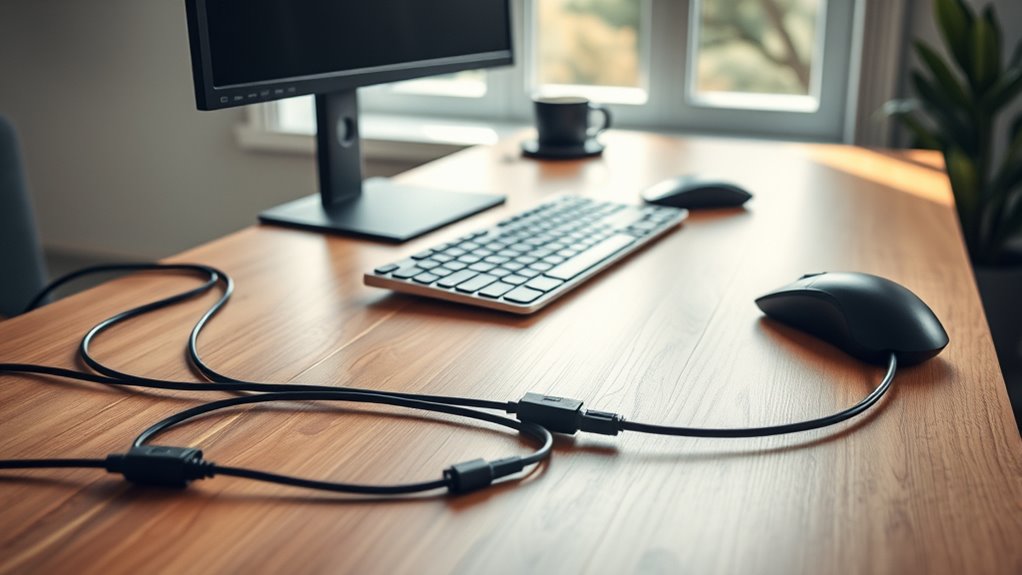

To keep your workspace tidy, use wireless devices to eliminate cables and reduce clutter. Secure leftover cords with cable clips and hide them under desk trays for a clean look. Bundle cables with zip ties and label them for easy identification. Regularly check and replace damaged cables to maintain safety and organization. Incorporate cable management accessories designed for desks to improve both function and appearance. Stay tuned for more tips that will make your workspace even neater.
Key Takeaways
- Use cable clips and under-desk trays to route and hide cables neatly along the desk edges.
- Bundle cables with Velcro ties or zip ties to prevent tangling and simplify organization.
- Label cables with color-coded tags for quick identification and easy troubleshooting.
- Regularly inspect and remove unused or damaged cables to maintain a clutter-free workspace.
- Combine wireless devices with cable management accessories for a clean, efficient, and visually appealing desk setup.
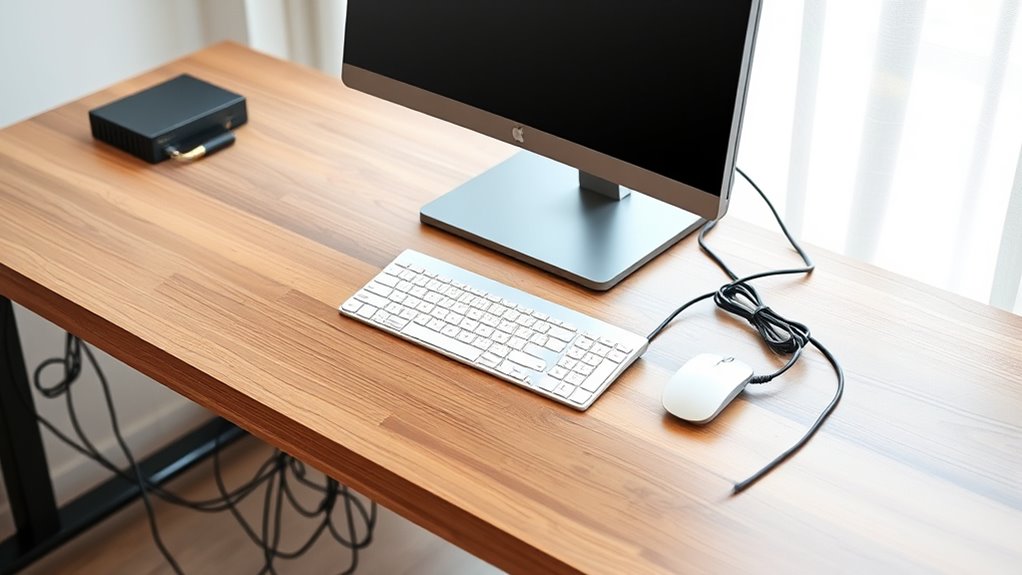
A cluttered desk with tangled cables can be both distracting and inefficient. When cords spill across your workspace, it’s easy to feel overwhelmed and lose focus. Luckily, adopting some effective cable management techniques can restore order and boost productivity. One of the best ways to reduce cable clutter is by embracing wireless solutions whenever possible. Wireless keyboards, mice, printers, and even speakers eliminate the need for numerous cords, freeing up space and simplifying your setup. These devices not only cut down on cable chaos but also make it easier to clean and reorganize your workspace as needed. Switching to wireless tech is a smart move that keeps your desk looking tidy and streamlines your daily tasks.
In addition to wireless solutions, incorporating ergonomic accessories can greatly improve your workspace’s organization. Items like cable clips, under-desk trays, and sleeves help route cables neatly along the edges of your desk or underneath it, preventing them from sprawling across the surface. By securing cables out of sight, you reduce visual clutter and minimize the risk of accidental disconnections or damage. Ergonomic accessories are designed to be user-friendly, making it simple to add or adjust cables without hassle. This not only keeps your workspace clean but also promotes better posture and comfort, especially when your setup is well-organized and accessible. Using cable organizers such as Velcro ties or zip ties can further streamline your setup. These tools help bundle multiple cables together, preventing them from tangling and making it easier to identify and troubleshoot individual connections. Labeling cables with color-coded tags or markers can save you time when you need to unplug or reposition devices later. Remember to regularly review your cable setup, removing unused cords and replacing frayed or damaged ones to maintain a tidy environment. Incorporating cable management products can also enhance your organization efforts by providing tailored solutions for different workspace needs. Combining these strategies with ergonomic accessories and wireless solutions creates a workspace that’s both visually appealing and highly functional.

SOULWIT 50Pcs Self Adhesive Cable Management Clips – Black
- Easy to Use: Stick, open tab, insert cables, close
- Premium Material: Eco-friendly, anti-static, durable Polyamide66
- Universal Adhesion: Works on desks, walls, wood, ceramics, metal
As an affiliate, we earn on qualifying purchases.
As an affiliate, we earn on qualifying purchases.
Frequently Asked Questions
How Often Should I Reorganize My Desk Cables?
You should reorganize your desk cables every 3 to 6 months to maintain order. Regularly review your cable labeling and wire routing techniques to guarantee everything stays neat and accessible. If you notice tangled or loose cables, it’s time for a quick reorganization. This routine helps prevent damage, makes troubleshooting easier, and keeps your workspace clutter-free, so you can focus on your tasks without distraction.
What Are the Best Tools for Managing Multiple Cables?
The best tools for managing multiple cables are wire organizers and cable clips. These small devices keep your cords tidy and prevent tangles, making your workspace more efficient. Imagine a clutter-free desk where every cable stays exactly where it belongs. Wire organizers hold multiple cords neatly, while cable clips attach to your desk or walls, guiding wires along clean paths. Use them consistently, and your workspace will stay organized effortlessly.
Can Cable Management Improve Workspace Safety?
Yes, cable management can greatly improve workspace safety by reducing cable fire hazards and enhancing electrical safety. When you organize and secure your cables, you prevent tripping accidents and minimize the risk of electrical shorts or overheating. Proper cable management ensures that wires aren’t damaged or frayed, which can lead to electrical failures or fires. Taking these steps helps create a safer, more efficient workspace environment.
Are There Eco-Friendly Cable Management Options?
You might think eco-friendly cable management options are limited, but they’re more available than you realize. You can choose solutions made from sustainable materials or biodegradable options that reduce environmental impact. These eco-friendly choices help keep your workspace tidy while supporting sustainability. By opting for biodegradable cable ties or recycled cable organizers, you actively contribute to a greener planet without sacrificing functionality or convenience.
How Do I Hide Cables on a Shared Desk?
To hide cables on a shared desk, use cord concealment solutions like cable sleeves, clips, or under-desk trays. Secure cords neatly along the edges or beneath the desk to reduce clutter and prevent tangling. Opt for eco-friendly options like reusable cable ties or bamboo cable organizers. Communicate with your coworkers to ensure your cord management doesn’t interfere with shared workspace functionality, keeping everything tidy and accessible.

Under Desk Cable Management Tray No Drill, Metal Mesh Cable Management Under Desk with Clamp Mount, 2 Hole Cable Tray with Wire Management and Cord Organizer for Home Office Standing Desk
- Easy No-Drill Installation: Quick clamp-on setup in minutes
- Desk Protection Rubber Pads: Prevents scratches on your desk surface
- Sturdy Metal Construction: Supports up to 15 lbs with durable steel
As an affiliate, we earn on qualifying purchases.
As an affiliate, we earn on qualifying purchases.
Conclusion
Now that you know how to keep your desk clutter-free, isn’t it time you took control of your cables? A tidy workspace not only looks better but also boosts your productivity and reduces stress. With just a few simple tricks, you can enjoy a cleaner, more organized environment every day. So, why settle for tangled cords when you can create a sleek, efficient setup that works for you? Start managing those cables today!

Nettbe 60 PCS 6 Inches Reusable Cable Ties, Adjustable Cord Straps Wire Organizer Cord Wrap and Hook Loop Cable Management
- Reusable nylon cable ties: Made from durable, eco-friendly nylon
- Versatile cable organizer: Wraps all types of loose cords
- Multiple usage locations: Suitable for home, office, garage, outdoors
As an affiliate, we earn on qualifying purchases.
As an affiliate, we earn on qualifying purchases.

35 Pcs Multicolored Color-Coded Nylon Cable & Cord Labels (7 Colors, 5 Each) – Reusable Hook & Loop Wire Tags, Residue-Free Ink-Proof Water-Resistant Identification Labels for Home Office Data Centers
- Color-Coded Cable Labels: 7 colors, 5 labels each
- Reusable Hook & Loop Design: Secure adhesion, residue-free removal
- Water-Resistant & Ink-Proof: Resists water, ink, smudges
As an affiliate, we earn on qualifying purchases.
As an affiliate, we earn on qualifying purchases.