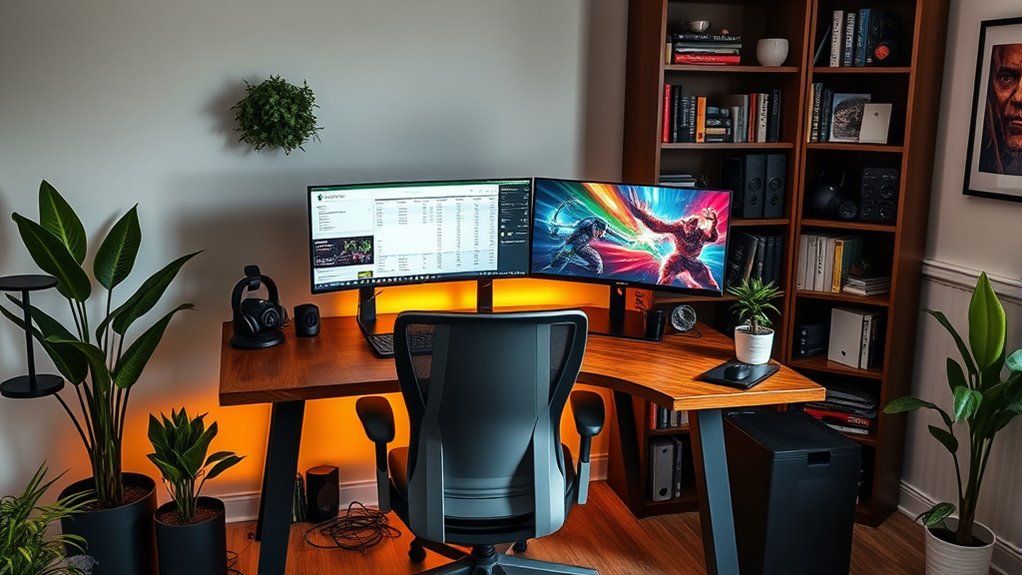

To set up a dual-purpose home office and gaming space, invest in ergonomic furniture like adjustable desks and supportive chairs to stay comfortable. Use soundproofing techniques such as panels and curtains to minimize noise, and organize your space with storage and cable management for efficiency. Adjust lighting for work and play, and add personal touches like plants or posters to create a motivating environment. Keep exploring these tips to design a seamless, functional space that boosts productivity and relaxation.
Key Takeaways
- Invest in ergonomic furniture with adjustable height and lumbar support for comfort during work and gaming.
- Use soundproofing techniques like panels and curtains to create a quiet environment for both activities.
- Divide the space with furniture or dividers and implement cable management for organized zones.
- Install adjustable lighting with options for bright, focused light for work and softer lighting for gaming.
- Personalize the space with plants or artwork while maintaining a clutter-free environment for productivity and relaxation.

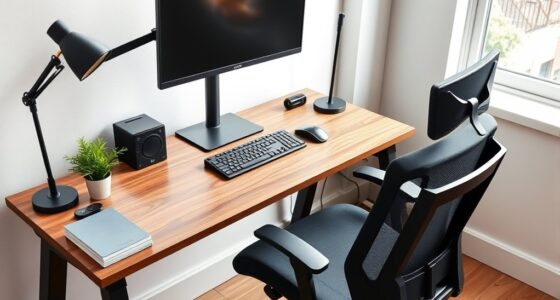
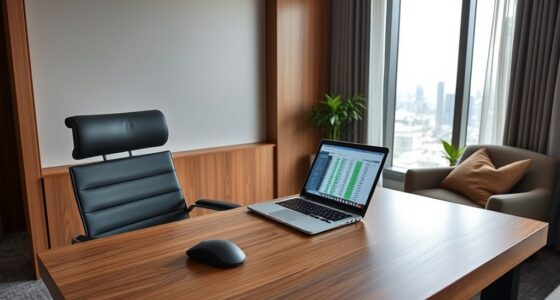
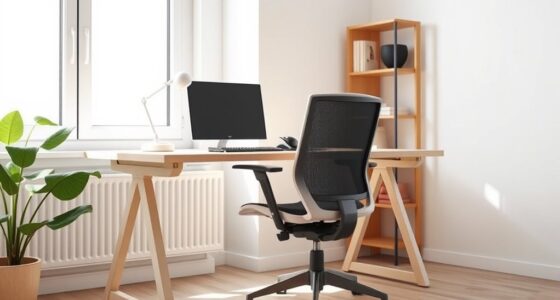
Creating a versatile home space that serves both as an efficient office and an exciting gaming zone can boost your productivity and relaxation. To make this dual-purpose setup work seamlessly, you need to focus on comfort, organization, and acoustics. Start by investing in ergonomic furniture. Your office desk and chair should promote good posture, reducing fatigue during long work hours. An ergonomic chair with adjustable height and lumbar support keeps you comfortable, while a spacious desk allows you to spread out your work materials without feeling cluttered. When switching from work to play, a well-designed ergonomic setup also minimizes physical strain, so you can switch gears without discomfort.
Next, consider how sound influences your environment. During work hours, you’d want minimal distractions, which is where soundproofing techniques come into play. Incorporate soundproofing panels or foam tiles on your walls to absorb noise and prevent sound leakage. Using thick curtains or acoustic blankets over windows further blocks outside noise, creating a quiet zone for concentration. When you transition to gaming, these soundproofing measures also enhance your experience by reducing external interruptions and keeping game sounds immersive. If space allows, add a door seal or weatherstripping to your door to prevent noise from escaping or entering, maintaining a peaceful environment regardless of your activity.
Use soundproofing panels and curtains to create a quiet, immersive home office and gaming environment.
Organization is equally vital. Separate your work and gaming zones within the room by using furniture placement or decorative dividers. Keep your work area tidy with cable management solutions to avoid clutter, which can be distracting. Use shelves or storage units to keep gaming accessories, books, or files neatly organized, so you don’t waste time looking for essentials. Having designated zones helps your mind switch between tasks smoothly, reinforcing the dual purpose of the space.
Lighting also plays a key role in setting the right mood for each activity. Install adjustable lighting options—brighter, cooler lights for work, and softer, warmer lights for gaming sessions. Dimmable LED lights or smart lighting systems allow you to easily change the ambiance, making your space adaptable without much effort.
Finally, personalize your setup with accessories that motivate you—plants, artwork, or gaming posters—while ensuring they don’t clutter your workspace. By combining ergonomic furniture, soundproofing techniques, and smart organization, you create a functional environment that boosts productivity during work hours and offers an immersive escape during leisure time. This balanced setup encourages focus, relaxation, and adaptability, making your home a true sanctuary for both work and play. Incorporating local resources and tools can also help optimize your space and ensure you have everything you need for a seamless experience.
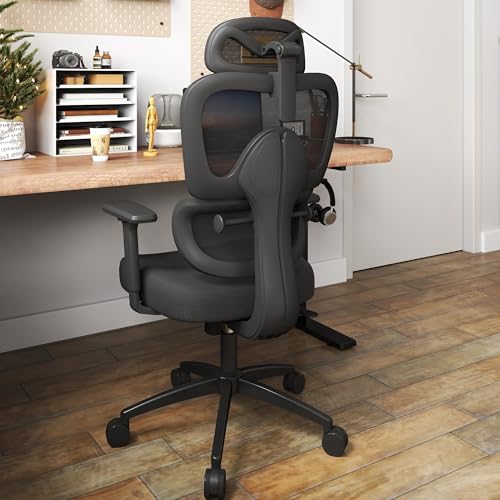
Ergonomic Office Chair with Adjustable Lumbar Support, 3D Arms and Headrest, High Back Wide Desk Computer Chair with Wheels, for Home & Office, Black
Large & Non-Deformable Cushion: Made from 4.33" thick, high-density shaped sponge, this wide comfy cushion resists sagging and…
As an affiliate, we earn on qualifying purchases.
As an affiliate, we earn on qualifying purchases.
Frequently Asked Questions
How Can I Minimize Sound Interference Between Work and Gaming?
To minimize sound interference between work and gaming, start by using soundproofing materials like thick curtains or rugs to absorb noise. Install acoustic panels on walls to reduce echo and isolate sounds. You can also add draft stoppers to doors and seal gaps around windows. These steps help keep your work environment quiet while letting you fully enjoy your gaming sessions without disturbing others.
What Are the Best Ergonomic Options for a Dual-Purpose Setup?
You should choose an ergonomic chair that provides proper lumbar support and adjustable features to keep you comfortable during long work or gaming sessions. Pair it with an adjustable desk that allows you to switch between sitting and standing positions easily. This setup helps reduce strain, improves posture, and boosts productivity, making your dual-purpose space both functional and comfortable. Prioritizing ergonomics guarantees you stay healthy and focused in your versatile environment.
How Do I Organize Cables to Keep the Space Tidy?
Did you know that poor cable management can reduce productivity by up to 30%? To keep your space tidy, use cable clips and sleeves to bundle cords neatly. Label each cable for quick identification, and route them along desk edges or under the surface. Regularly check and adjust your cable management system to prevent clutter, ensuring a clean, efficient space for both work and gaming.
What Lighting Solutions Suit Both Work and Gaming Environments?
For a space that works well for both work and gaming, you should focus on versatile lighting solutions. Use ambient lighting, like ceiling fixtures or soft LED strips, to create a comfortable overall glow. Add task illumination, such as desk lamps or adjustable LEDs, to brighten your workspace when needed. This combination guarantees you have the right lighting for productivity and gaming, keeping your space functional and cozy.
How Can I Personalize My Space Without Disrupting Functionality?
Like Da Vinci’s masterpiece, your space should reflect your personality without losing its purpose. You can personalize it with decorative accents that showcase your style—think unique artwork or themed accessories—while maintaining a clean, functional layout. Choose a cohesive color scheme to unify work and play areas, and add subtle touches here and there. This way, your space remains inspiring and practical, perfectly balancing creativity with productivity.

Focusound 52 Pack Acoustic Foam Panels 1" x 12" x 12" Sound Proof Foam Panles Soundproofing Noise Cancelling Wedge Panels for Home Office Recoding Studio with 300PCS Double-Side Adhesive
Soundproofing – Acoustic foam panels triangular grooves structure for better noise absorption, helps to reduce and absorb unwanted…
As an affiliate, we earn on qualifying purchases.
As an affiliate, we earn on qualifying purchases.
Conclusion
With a smart layout and versatile furniture, you can create a space that works seamlessly for both work and gaming. Some might worry it’ll be hard to switch from productivity to play mode, but with designated zones and easy organization, you’ll quickly adapt. Embrace the blend of function and fun, and you’ll enjoy a space that boosts your focus when needed and lets you unwind without the hassle of switching rooms.
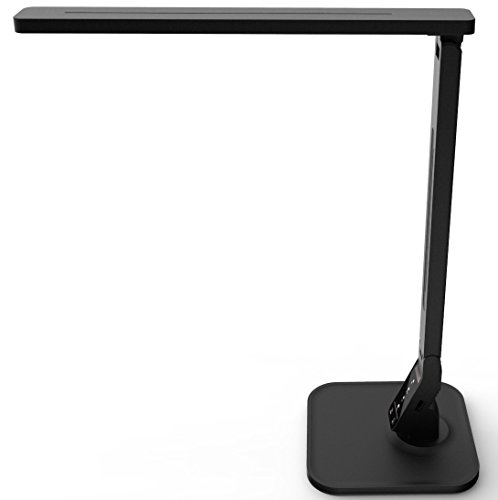
Lampat Dimmable LED Desk Lamp, 4 Lighting Modes (Reading/Studying/Relaxation/Bedtime), 5-Level Dimmer, Touch-Sensitive Control Panel, 1-Hour Auto Timer, 5V/1A USB Charging Port, Piano Black
Four Lighting Modes: Choose from Reading, Studying, Relaxation, and Bedtime modes to suit different activities and moods.
As an affiliate, we earn on qualifying purchases.
As an affiliate, we earn on qualifying purchases.

Under Desk Cable Management Tray White, Cinati Wire Organizers No Drill, Cable Tray with Clamp for Wire Management, Cord Organization Box for Office, Home – No Damage to Desk
No Need to Drilling Holes – Instead of damaging to your desk, our under desk cable management tray…
As an affiliate, we earn on qualifying purchases.
As an affiliate, we earn on qualifying purchases.