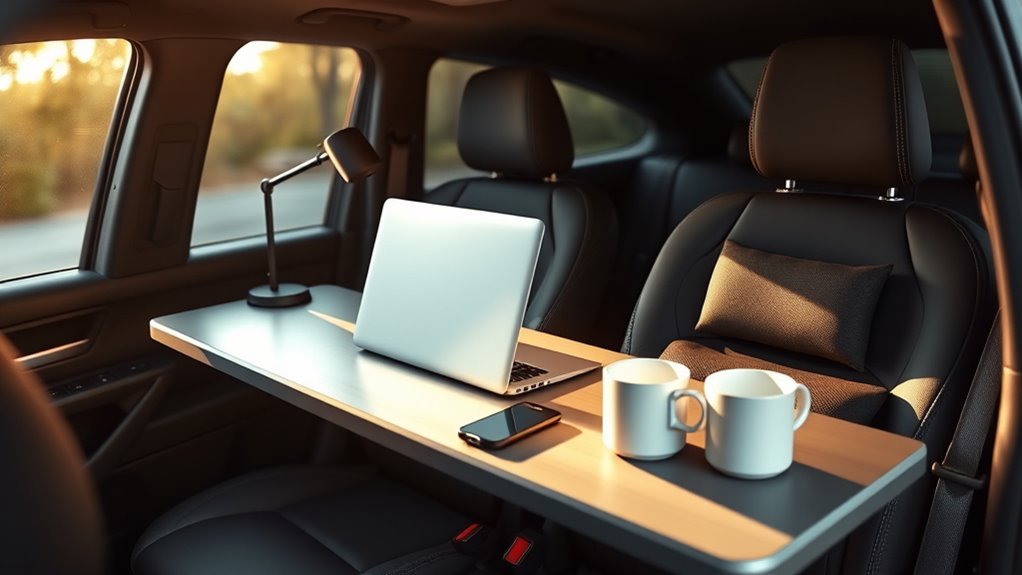

To set up your car workspace ergonomically, position your devices at eye level using mounts or stands to prevent neck strain, and keep them within easy reach. Adjust your seat so your hips are level or slightly above your knees, with your back supported and elbows close to your sides at about 90 degrees. Fine-tune your setup for comfort and stability, and you’ll discover simple ways to work more comfortably on the go while staying safe.
Key Takeaways
- Mount devices at eye level to prevent neck strain and ensure easy viewing.
- Adjust your car seat so hips are level with or slightly above knees for proper posture.
- Use lumbar cushions or supports to maintain a healthy lower back curve during work.
- Keep devices within arm’s reach with external keyboards and mice for comfortable typing.
- Fine-tune seat position and device placement regularly for optimal ergonomic comfort.
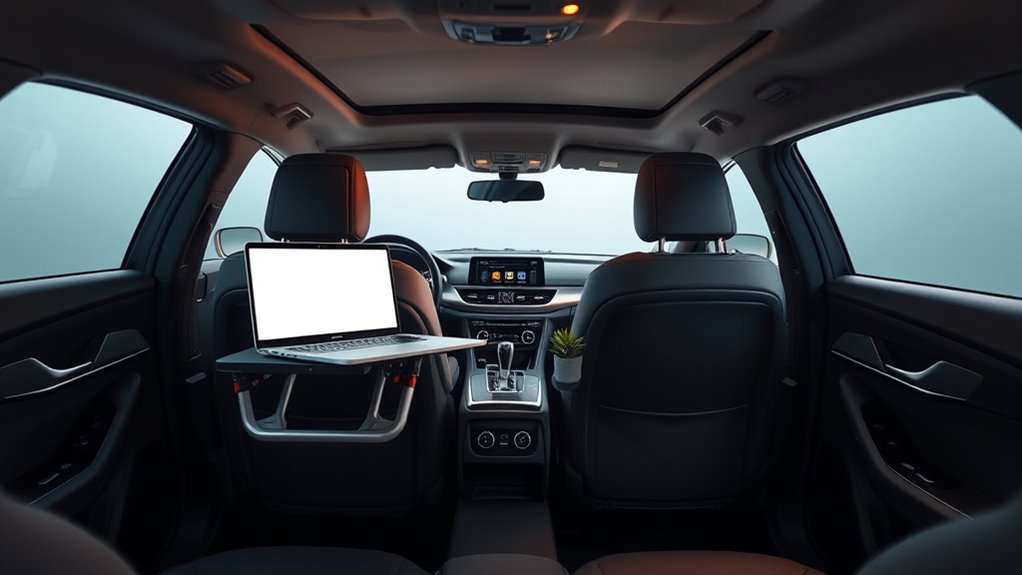
Are you ready to transform your car into a fully functional office? Setting up a comfortable and ergonomic workspace in your vehicle might seem challenging, but with a few simple adjustments, it can become surprisingly efficient. The key is to focus on mobile device ergonomics and car seat adjustments. These elements play an essential role in preventing discomfort and ensuring you stay productive during your work sessions on the go.
First, think about your mobile device ergonomics. When working in your car, you’ll likely rely heavily on your phone, tablet, or portable laptop. To avoid straining your neck, shoulders, or wrists, position these devices at eye level whenever possible. Use mounts or stands designed for cars to keep your phone or tablet within easy reach and at a comfortable viewing angle. This way, you won’t have to tilt your head downward or crane your neck, which can cause fatigue and discomfort over time. Also, consider using external keyboards and mice if your setup allows, so you can maintain a natural hand and wrist position, reducing the risk of repetitive strain injuries.
Position devices at eye level with mounts to reduce neck strain while working in your car.
Next, focus on car seat adjustments. Your seat position plays a vital role in your overall comfort and ergonomic posture. Start by adjusting your seat so that your feet rest flat on the floor, with your knees bent at roughly a 90-degree angle. Your hips should be level with or slightly higher than your knees to promote good circulation and reduce pressure on your lower back. Lean back slightly—about 100 to 110 degrees—to support your lower back while maintaining an upright posture. Proper lumbar support is essential; if your seat lacks it, consider adding a small cushion or lumbar roll to support the natural curve of your spine. The height of your seat matters too: position it so that your hips are level with or slightly above your knees, giving you a clear view of your dashboard and road without straining your neck.
Once you’ve adjusted your seat, sit back and check your arm position. Your elbows should be close to your sides, bent at around 90 degrees, with your forearms parallel to the ground when using your keyboard or device. Make sure your steering wheel isn’t forcing you to hunch forward—if it is, adjust the seat height or steering wheel tilt if possible. Remember, your comfort directly impacts your focus and productivity, so take the time to fine-tune these adjustments before settling in for a work session.
![[True Military-Grade] Car Phone Holder VANMASS [Upgraded Strongest Suction&Clip] Cell Phone Mount for Dashboard Windshield Vent Kit, Truck Cradle Stand for iPhone 17 Pro Max 16 15 14 Android,Ink Black](https://m.media-amazon.com/images/I/512X87YSVuL._SL500_.jpg)
[True Military-Grade] Car Phone Holder VANMASS [Upgraded Strongest Suction&Clip] Cell Phone Mount for Dashboard Windshield Vent Kit, Truck Cradle Stand for iPhone 17 Pro Max 16 15 14 Android,Ink Black
- Military-Grade Certified: Rigorously tested for durability and security
- Enhanced Suction Cup: Larger 2.8in diameter with 44% stronger hold
- Strong Suction Power: Supports over 85 pounds on flat surfaces
As an affiliate, we earn on qualifying purchases.
As an affiliate, we earn on qualifying purchases.
Frequently Asked Questions
What Legal Considerations Exist for Working From a Car?
When working from your car, you need to consider legal factors like vehicle insurance and parking regulations. Make sure your insurance covers business use, as personal policies may not. Follow parking rules to avoid fines or towing. Additionally, be mindful of local ordinances regarding parking in certain areas. Staying compliant helps protect you legally and financially while working remotely in your vehicle.
How Can I Ensure Privacy During Remote Work in My Vehicle?
Imagine sitting in your car, cocooned from the world. To guarantee privacy, you can install soundproof partitions that block out noise and visual curtains that shield your workspace. These tools create a secluded zone, making it harder for prying eyes and ears to intrude. With privacy curtains and soundproof partitions, you reclaim your focus, turning your vehicle into a secure, private office wherever you go.
Are There Recommended Tech Gadgets for Car Office Setups?
You should consider using mobile device mounts to keep your phone or tablet secure and easily accessible. Portable power banks are essential to guarantee your devices stay charged during long work sessions. These gadgets make your car office more efficient and comfortable, allowing you to focus on your tasks without interruptions. Investing in reliable tech gear like mounts and power banks helps you stay productive on the go.
How Do Climate Control Issues Affect Working in a Car?
Like Icarus soaring too close to the sun, neglecting climate control can lead to discomfort and distraction. Poor climate comfort and inadequate temperature regulation directly impact your focus and productivity. If it’s too hot, you struggle to concentrate; if it’s too cold, your energy dips. Ensuring proper climate control helps maintain a stable environment, so you stay comfortable and alert, making your car office a more efficient workspace.
What Are Safety Tips for Working From a Parked Vehicle?
When working from a parked vehicle, prioritize vehicle security by locking doors and keeping valuables out of sight. Always choose well-lit, safe locations and stay alert to your surroundings. Carry emergency preparedness items like a first aid kit, flashlight, and charged phone. Inform someone of your whereabouts, and avoid isolated areas. These safety tips help protect you and make sure you’re prepared for any unexpected situations while working remotely from your car.

Nulaxy Ergonomic Adjustable Laptop Stand for Desk, Dual Foldable Computer Riser with Advanced Heat-Vent, Heavy-Duty Portable Notebook Holder for Posture Correction, Compatible with Mac 10-17" Laptops
- Ergonomic Posture Support: Elevates laptop for healthier viewing angle
- Stable Dual-Rod Design: Ensures wobble-free support up to 22 lbs
- Enhanced Heat Dissipation: Geometric vents improve airflow and cooling
As an affiliate, we earn on qualifying purchases.
As an affiliate, we earn on qualifying purchases.
Conclusion
Think of your car as a tiny sailboat—your workspace on the go. When you set it up right, you’re the captain steering smoothly through your day’s tasks. Good ergonomics are your trustworthy compass, guiding you to comfort and efficiency. With a little adjustment, you’ll navigate your work journey effortlessly, avoiding rough waters of discomfort. Remember, a well-organized car office keeps you sailing happily, no matter how choppy the road ahead.

Harburfine Wireless Keyboard, 2.4G USB External Silent Cordless Keyboard for Windows Chrome Laptop Computer PC Desktop Notebook Chromebook, Quiet 106 Keys Full Size with Number Pad (Black)
- Full-sized Keyboard: Comfortable, accurate typing with wrist support
- Quiet Clicks: Minimizes noise for focus and quiet work environment
- 2.4G Wireless Connectivity: Reliable connection up to 33 ft, plug and play
As an affiliate, we earn on qualifying purchases.
As an affiliate, we earn on qualifying purchases.

Lumbar Support Pillow for Office Chair,Mothers Day Gifts for Mom, Back Support Pillow for Car, Office Supplies, Chair Cushions, Back Pain Relief Improve Posture, Mesh Cover Double Adjustable Straps
- Extended Adjustable Straps: Fits more chairs securely
- Ergonomic Back Support: Relieves back pain and improves posture
- High-Density Memory Foam: Maintains shape and provides firm support
As an affiliate, we earn on qualifying purchases.
As an affiliate, we earn on qualifying purchases.