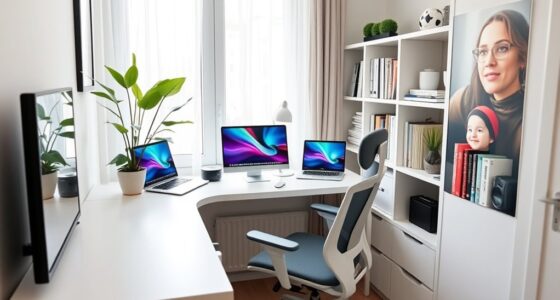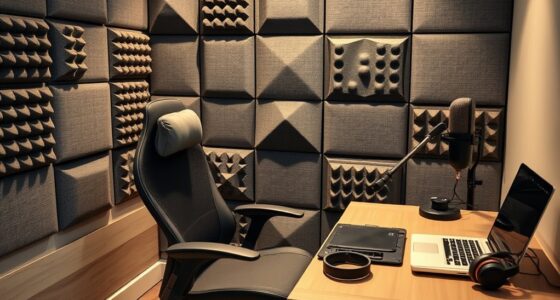
To find the ideal desk height, sit comfortably with your elbows bent at about a 90-degree angle, and your forearms should be parallel or slightly downward. Adjust the desk so your forearms rest flat and your shoulders stay relaxed. Keep the monitor at eye level to avoid neck strain. If you keep these tips in mind, you’ll set up a workspace that promotes comfort and reduces strain—continue exploring for more detailed guidance.
Key Takeaways
- Adjust your desk so your elbows are at a 90-degree angle when typing; forearms should be parallel or slightly downward.
- Ensure the monitor top is at eye level to prevent neck strain and support neutral spine posture.
- Keep feet flat on the floor or on a footrest, with thighs parallel to the ground for optimal circulation.
- Modify chair height so hips are slightly higher than knees, promoting proper leg and lower back support.
- Use ergonomic accessories or adjustable furniture to fine-tune height and maintain relaxed, neutral arm and wrist positions.

ErGear Height Adjustable Electric Standing Desk, 48 x 24 Inches Sit Stand up Desk, Memory Computer Home Office Desk, Black
Electric Height Adjustable Standing Desk for Comfortable Work – Switch effortlessly between sitting and standing with this electric…
As an affiliate, we earn on qualifying purchases.
As an affiliate, we earn on qualifying purchases.
Optimizing Your Desk Setup for Comfort
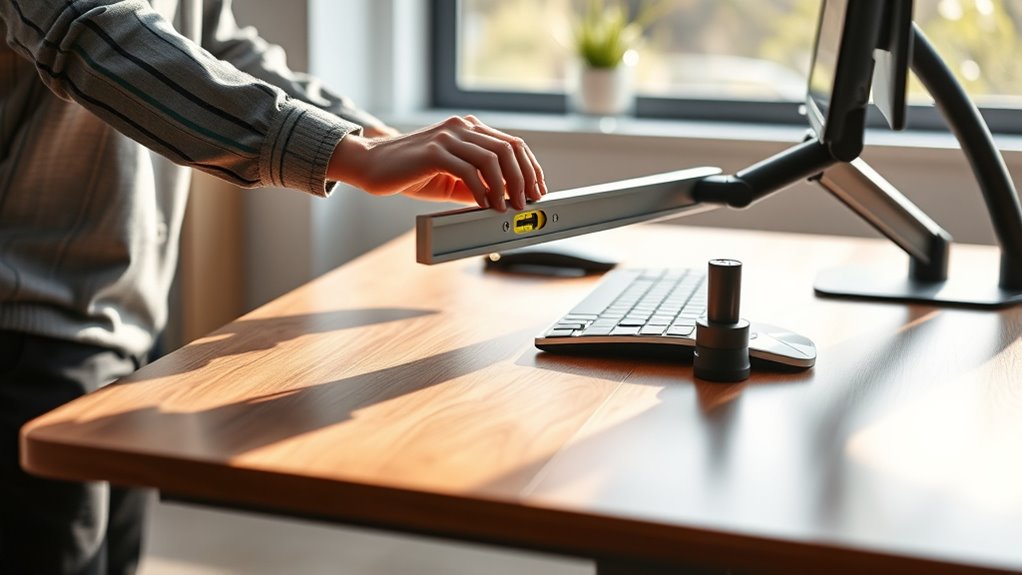
Finding the ideal desk height is essential for maintaining comfort and preventing strain during your work or study sessions. When your desk is set up correctly, it promotes ergonomic posture, which reduces the risk of musculoskeletal issues and boosts productivity. To start, you want to guarantee that your forearms are parallel to the ground or slightly angled downward when you’re sitting comfortably. This position allows your shoulders to relax and minimizes tension in your neck and upper back.
Proper desk height promotes comfort, reduces strain, and encourages ergonomic posture for healthier, more productive work sessions.
A good first step in your desk setup tips is to adjust the height so that your elbows form roughly a 90-degree angle when your hands are on the keyboard or workspace. If you’re using a sit-stand desk, switch between sitting and standing positions periodically, maintaining the same elbow angle in each mode. Your monitor should be positioned so that the top of the screen is at eye level, preventing you from tilting your head up or down. This alignment supports ergonomic posture, keeping your neck and spine in a neutral position.
When adjusting your desk height, pay close attention to your wrist position. Your wrists should remain straight and not bent up or down while typing or using a mouse. A keyboard tray or ergonomic accessories can help attain this if your desk height isn’t adjustable enough. Remember, the goal is to create a workspace where your arms, wrists, and shoulders are in a relaxed, natural position.
Another desk setup tip involves making certain your feet are flat on the floor or on a footrest if your feet don’t reach comfortably. This helps stabilize your posture and prevents fatigue. Keep your thighs parallel to the floor, which supports proper circulation and reduces pressure on your lower back. Adjust your chair height accordingly so that your hips are slightly higher than your knees, promoting a balanced and ergonomic posture.
Additionally, understanding how different brewing methods affect your caffeine intake can help you choose the right coffee for your energy needs during work. Finally, don’t forget to take regular breaks and change your position throughout the day. Even with the perfect desk setup, staying stationary for long periods can cause discomfort. Stand up, stretch, and move around to improve circulation and reduce muscle tension. By carefully adjusting your desk and following these ergonomic tips, you’ll create a workspace that’s both comfortable and health-conscious, helping you work longer and more efficiently without unnecessary strain.

COOPER TabStand, 20" Tall iPad Stand for Desk, Portable Monitor Holder up to 17" Holds 4.4lb, Desktop Tablet Stand, Tablet Mount, Apple iPad Holder for Desk, for Samsung, Kindle, Fire (Night Black)
ERGONOMIC 20-INCH HEIGHT ADJUSTMENT: Premium tablet holder for desk reaches perfect eye level for dual monitors, video calls;…
As an affiliate, we earn on qualifying purchases.
As an affiliate, we earn on qualifying purchases.
Frequently Asked Questions
How Often Should I Adjust My Desk Height?
You should adjust your desk height whenever you notice discomfort or changes in your chair comfort. Regularly check your keyboard placement to keep your wrists straight and avoid strain. If you switch between tasks or sit for long periods, make small adjustments to maintain ergonomic posture. Listening to your body is key; if you feel tension or fatigue, it’s time to tweak your desk height for better comfort and productivity.
Can a Standing Desk Be Too High or Too Low?
Yes, a standing desk can be too high or too low, affecting your keyboard ergonomics and comfort. When it’s too high, your shoulders strain, and your wrists bend awkwardly; too low, and you might hunch forward. Consider desk materials, as some may be less adjustable or sturdy. Adjust the height so your elbows are at a 90-degree angle, ensuring ideal ergonomic posture and reducing fatigue.
What Are Signs My Desk Height Is Incorrect?
If your chair height or monitor placement feels uncomfortable, your desk height might be wrong. You may notice strain in your neck or shoulders, or your wrists feel awkward while typing. These signs suggest your desk could be too high or low. Adjust your chair to guarantee your elbows are at a 90-degree angle and your monitor is eye-level. Proper desk height helps prevent discomfort and boosts your productivity.
How Do I Customize My Desk for Different Tasks?
To customize your desk for different tasks, start by adjusting your workspace with ergonomic accessories like adjustable monitor stands and keyboard risers. Use these tools to create a comfortable setup for writing, typing, or reviewing visuals. Personalize your workspace by adding wrist supports or a document holder. This flexibility helps you stay comfortable and productive, ensuring each task gets the best ergonomic support and workspace personalization you need.
Is Ergonomic Equipment Necessary for Optimal Setup?
Think of your workspace as a well-tuned orchestra. Ergonomic accessories, like adjustable chairs and keyboard stands, are the conductor’s baton, guiding harmony and comfort. While basic desk accessories help, ergonomic equipment guarantees your body stays in tune during long hours. Without them, you risk discomfort, but with the right setup, you create a balanced, efficient environment that boosts productivity and keeps you feeling good all day.

VIVO Large Keyboard Tray Under Desk Pull Out with Extra Sturdy C Clamp Mount System, 27 (33 Including Clamps) x 11 Inch Slide-Out Platform Computer Drawer for Typing, Black, MOUNT-KB05E
Saves Desk Space: This 26.8” (32.5" including clamps) x 11” under-desk keyboard tray holds your keyboard, mouse, and…
As an affiliate, we earn on qualifying purchases.
As an affiliate, we earn on qualifying purchases.
Conclusion
Now that you know how to find your perfect desk height, imagine the comfort and productivity you’ll access. But here’s the catch—your ideal setup might not be static. As you work, your needs could shift, revealing new adjustments to make. Ready to fine-tune your workspace and discover the secret to all-day comfort? Don’t settle for less—keep experimenting, and watch your workday transform before your eyes. The best setup is just a tweak away—are you prepared to find it?

Veken 47.2" Standing Desk, Adjustable Height Office Desk with Wood Desktop, Computer Table for Home Work, Study and Gaming, Small Spaces, Modern Furniture, Black
Electric Height Adjustment – Sit or Stand Any Time: Quiet motor (under 52 dB) with memory presets. Easily…
As an affiliate, we earn on qualifying purchases.
As an affiliate, we earn on qualifying purchases.