To avoid digital eye fatigue, set up your workspace ergonomically by adjusting your chair, monitor, and keyboard for comfort. Follow the 20-20-20 rule—look at something 20 feet away for 20 seconds every 20 minutes—and blink frequently to keep your eyes moist. Reduce glare by positioning your screen away from bright lights or using anti-glare filters. Taking regular breaks, along with proper environment adjustments, can profoundly protect your eyes; keep exploring for more tips.
Key Takeaways
- Follow the 20-20-20 rule: look 20 feet away for 20 seconds every 20 minutes of screen time.
- Adjust your monitor to eye level and reduce glare with anti-glare filters to minimize visual stress.
- Take regular breaks to stand, stretch, and relax your eyes, preventing fatigue and discomfort.
- Use appropriate lighting and avoid reflections on screens by positioning your monitor away from windows and bright lights.
- Incorporate eye exercises like blinking frequently and gentle eye rolls to strengthen muscles and improve flexibility.
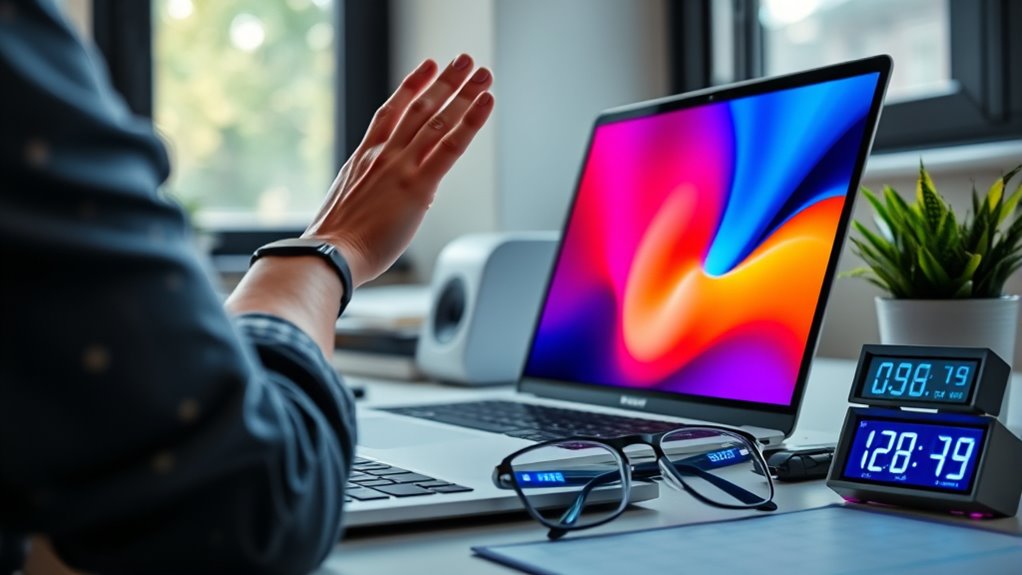
In today’s digital age, managing screen time effectively is essential for maintaining your overall well-being. Spending hours in front of screens can strain your eyes, leading to discomfort and fatigue. To combat this, it’s crucial to optimize your workspace with ergonomic setups. Proper ergonomic arrangements, like adjusting your chair, monitor height, and keyboard position, help reduce unnecessary strain on your neck, shoulders, and eyes. When your screen is at eye level and you sit upright, you minimize awkward postures that can contribute to fatigue. Taking the time to set up your workspace correctly isn’t just about comfort; it directly impacts your eye health and overall productivity.
Optimizing your workspace with ergonomic setups reduces strain and boosts productivity.
Another key aspect involves incorporating eye exercises into your routine. Regular eye exercises can strengthen your eye muscles and improve flexibility, helping you avoid digital eye fatigue. Simple routines, such as blinking frequently to keep your eyes moist, or focusing on distant objects for a few seconds every 20 minutes, can make a significant difference. The 20-20-20 rule is a popular technique: every 20 minutes, look at something 20 feet away for at least 20 seconds. This practice relaxes your eye muscles and reduces strain caused by focusing on close-up screens for extended periods. Additionally, rolling your eyes gently or performing eye stretches can help alleviate tension and improve circulation around your eyes.
Beyond eye exercises, it’s important to create an environment that minimizes glare and reflections on your screen. Adjusting your monitor’s position to avoid glare from windows or overhead lights can prevent additional eye strain. Using anti-glare filters or adjusting the screen’s brightness and contrast to match ambient lighting also reduces visual stress. Regular breaks are essential—every hour, take a short pause to step away from your screen. During breaks, stand up, stretch, and give your eyes a rest. These habits not only protect your eyesight but also boost your focus and energy levels throughout the day.
Incorporating ergonomic setups and eye exercises into your daily routine is a proactive way to avoid digital eye fatigue. It’s about creating a balanced approach where comfort and health go hand in hand. When you pay attention to your workspace and give your eyes regular attention, you’ll notice less discomfort, higher productivity, and better overall well-being. Managing your screen time isn’t just about reducing hours; it’s about making those hours healthier for your eyes and body. Small adjustments now can lead to long-term benefits, ensuring you stay comfortable and alert in a digital-heavy world.

Magicmoon 2-Pack 24 Inch Computer Privacy Screen Filter, Anti-Spy/Glare Protector Film for Widescreen Monitor with 16:9 Aspect Ratio (Width x Height: 531mm x 298mm)
- Compatible Model: For 24-inch widescreen monitors
- Privacy Enhancement: Darkens screen from side angles
- Adjustable Privacy Level: Modify brightness to change privacy
As an affiliate, we earn on qualifying purchases.
As an affiliate, we earn on qualifying purchases.
Frequently Asked Questions
How Can I Tell if I Have Digital Eye Strain?
If you notice eye discomfort, headaches, blurred vision, or dryness, you might have digital eye strain. Pay attention to symptom recognition, such as tired or sore eyes after screen use. You could also experience trouble focusing or increased sensitivity to light. If these signs persist, consider reducing screen time, taking regular breaks, and adjusting your workspace. Consulting an eye care professional can help confirm the diagnosis and recommend effective relief strategies.
Are There Specific Glasses That Help Reduce Eye Fatigue?
Think of Blue Light glasses as your armor against digital fatigue. These glasses, especially those with Anti fatigue lenses, are designed to filter out harmful blue light and reduce eye strain during long screen sessions. They help you stay comfortable and alert, much like a trusty shield on a battlefield. Wearing these can make a noticeable difference, so consider investing in a pair to keep your eyes refreshed and focused.
Does Blue Light From Screens Actually Harm My Eyes?
Blue light from screens isn’t proven to harm your eyes, despite common blue light myths. While it can cause digital eye strain and disrupt your sleep, it doesn’t cause permanent damage. For better eye protection, take regular breaks, reduce screen brightness, and consider glasses with blue light filters if you’re concerned. These measures help lessen eye fatigue and maintain comfortable vision during long screen sessions.
What Are the Long-Term Effects of Excessive Screen Time?
Excessive screen time can quietly chip away at your long-term health, like a slow leak in a boat. It may impair your brain health, affecting memory and focus, while sleep disruption from blue light disrupts your body’s natural rhythm. Over time, these effects can lead to fatigue, mood swings, and even cognitive decline. Protect yourself by limiting screen exposure, especially before bed, to keep your mind sharp and sleep peaceful.
How Can Children’s Screen Time Be Effectively Managed?
To effectively manage children’s screen time, you should implement parental monitoring by setting clear limits and using parental controls. Encourage educational activities that promote learning and creativity instead of passive screen use. Regularly discuss the importance of balanced screen habits, and create a routine that includes outdoor play and offline hobbies. This approach helps protect their eyes, fosters healthy habits, and guarantees screen time is both productive and enjoyable.

BoYata Monitor Stand, Adjustable Height Metal Desktop Riser, Black
- Adjustable Height: Twist knob for height customization
- Ergonomic Design: Promotes comfortable eye and neck level
- High Weight Capacity: Supports up to 33.06 lbs with stability
As an affiliate, we earn on qualifying purchases.
As an affiliate, we earn on qualifying purchases.
Conclusion
By setting boundaries and taking regular breaks, you can shield your eyes from the silent storm of digital fatigue. Think of your screen time as a delicate dance—balance keeps you graceful, while overdoing it risks stepping on your own toes. Embrace these best practices like a lighthouse guiding you safely through the fog, ensuring your vision remains vibrant and clear. Protect your eyes today, so your future stays bright and full of life’s beautiful details.

livho High Tech Blue Light Glasses – Advanced Blue Light Blocking Computer Glasses – Screen Fatigue & UV Protection
- Stylish Blue Light Blocking Glasses: Reduces eye strain and UV exposure
- Enhanced Visual Clarity: Transparent lenses improve focus
- Glare and Blue Light Protection: Ideal for work and leisure
As an affiliate, we earn on qualifying purchases.
As an affiliate, we earn on qualifying purchases.

Vision Training Tool, Vision Therapy Tools, Eye Exercise Tools for Focus Training, Eye Convergence Exercises Card Therapy Device, One Set
- Package Contents: 2 cards, 1 guide rod, manual
- Training Methods: Focus on lines to fuse images
- Usage Instructions: Use guide rod to assist training
As an affiliate, we earn on qualifying purchases.
As an affiliate, we earn on qualifying purchases.