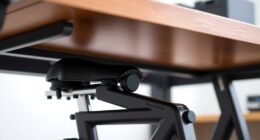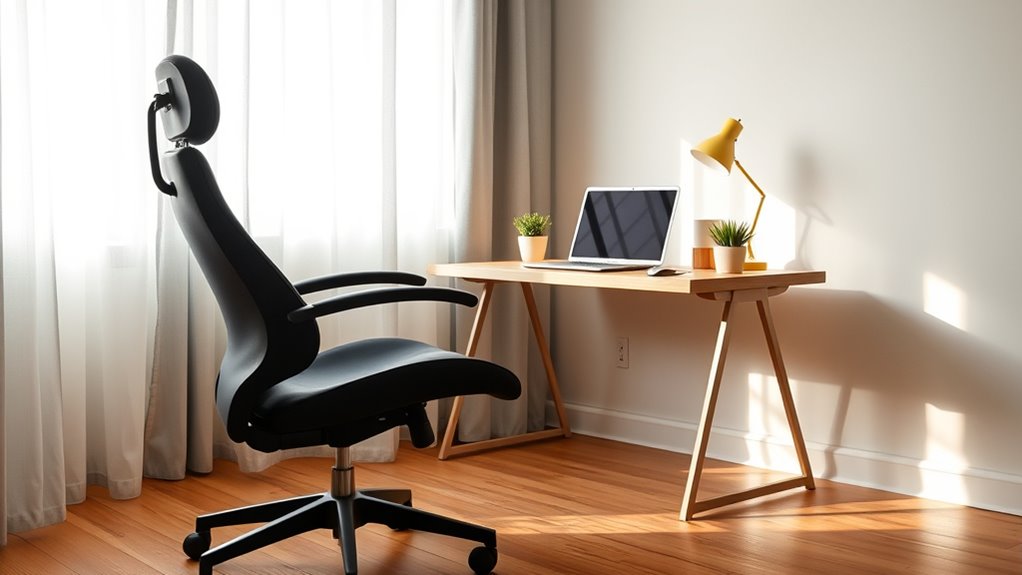
Creating an ergonomic workspace on a budget is easy with DIY fixes and affordable accessories. Use adjustable stools, cushions, and standing desk converters to switch positions comfortably. Elevate your monitor with simple stands or books, and enhance your keyboard setup with foam wedges or household gel pads. Keep your workspace organized to prevent strain and make small tweaks to your chair and desk height. Want practical tips to optimize your setup without spending a fortune? Keep exploring for more ideas.

Get comfort and recovery gear delivered free — and shop member deals
- Fast, free delivery on millions of items
- Access to Prime Big Deal Days deals on October 6–7
- Prime Video, Amazon Music and more included
Key Takeaways
- Use adjustable stools, cushions, and standing desks to alternate postures affordably.
- Create DIY wrist rests and keyboard stands with household items for better ergonomics.
- Elevate monitors with books or stands and set workspace height for optimal posture.
- Organize your workspace to keep essentials within reach, reducing strain and clutter.
- Implement small, cost-effective modifications to improve comfort without high expenses.
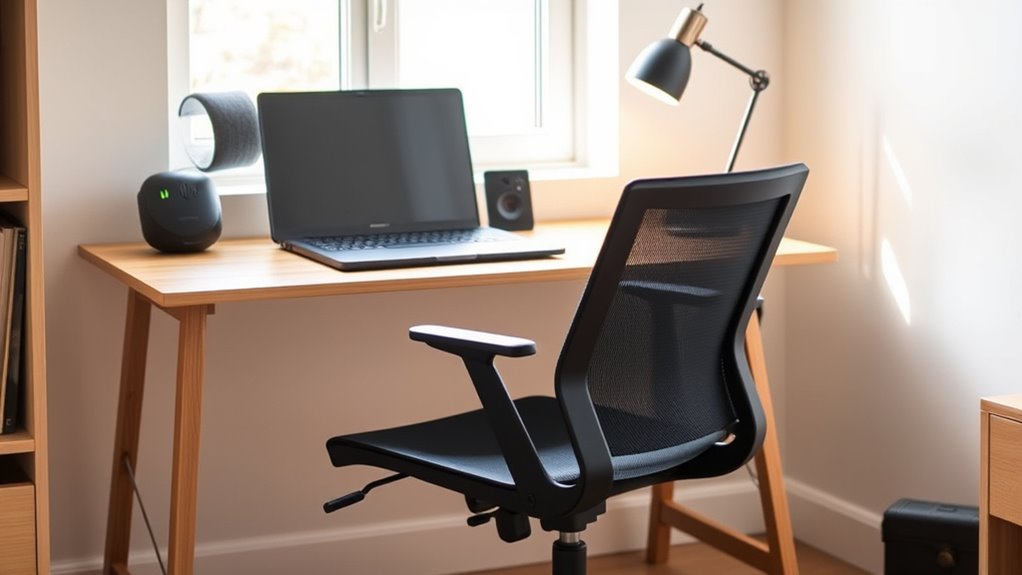
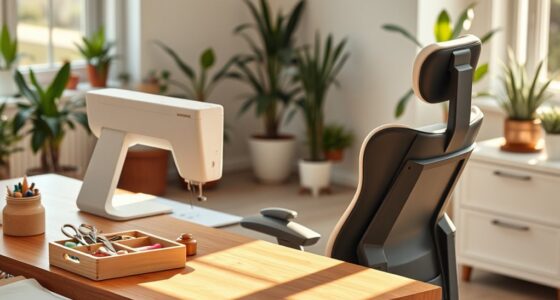
Creating an ergonomic workspace doesn’t have to break the bank. You can find practical ways to boost your comfort without splurging on expensive furniture or accessories. One of the simplest steps is exploring chair alternatives that support good posture. Instead of investing in high-end ergonomic chairs, look for sturdy, adjustable stools or even use cushions and back supports that fit existing chairs. You might also consider standing desks or desk converters, which can be more affordable and allow you to switch between sitting and standing throughout the day. These options help reduce the strain on your back and neck, enabling you to work longer comfortably.
Affordable ways to improve your workspace with chair alternatives and standing options.
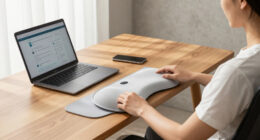
When it comes to typing comfort, DIY keyboard options can make a noteworthy difference. Instead of buying costly ergonomic keyboards, you could modify a standard keyboard with simple DIY solutions. For example, placing foam wedges or adjustable stands underneath your keyboard can elevate and angle it in ways that reduce wrist strain. You can also create custom wrist rests using household items like gel pads or fabric-covered foam, providing support exactly where you need it. These small modifications help keep your wrists in a neutral position, minimizing discomfort during long typing sessions. The key is to experiment with different setups until you find what feels most natural for your hands and wrists.
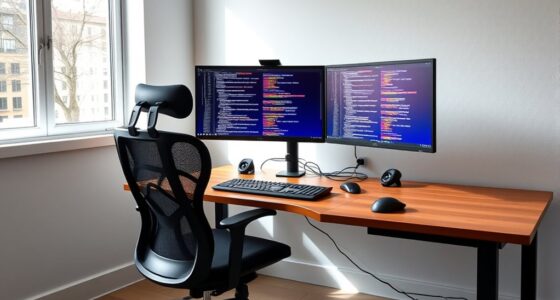
In addition to chair alternatives and DIY keyboard adjustments, don’t overlook the importance of proper desk height and monitor placement. Setting your workspace at the right height assures your elbows are bent at about 90 degrees and your screen is at eye level, which prevents neck strain. You can achieve this by stacking books or using affordable monitor stands to elevate your screen if needed. Positioning your monitor directly in front of you, rather than off to the side, also helps maintain good posture.
Another budget-friendly tip is to organize your workspace efficiently. Keep frequently used items within arm’s reach so you don’t have to stretch or twist unnaturally. Using household items like boxes or jars to create custom storage spaces can declutter your desk, making it easier to maintain an ergonomic posture throughout the day. Additionally, being aware of posture and ergonomics can further prevent discomfort and long-term issues.
Ultimately, creating a comfortable, ergonomic setup on a budget requires some creativity and a willingness to DIY. Small adjustments like chair alternatives, homemade wrist rests, and proper monitor placement can substantially improve your comfort and productivity. By making these cost-effective changes, you guarantee your workspace supports your health without draining your wallet.
Frequently Asked Questions
How Can I Improve My Posture With Minimal Expense?
To improve your posture on a budget, focus on sitting posture and use keyboard shortcuts to reduce strain. Keep your back straight, shoulders relaxed, and feet flat on the floor. Adjust your chair height so your wrists are level with the keyboard. Learn shortcuts to minimize repetitive movements, helping your overall posture. Small changes like these promote comfort without needing expensive ergonomic equipment, making a noticeable difference over time.
Are There DIY Solutions for Ergonomic Accessories?
Yes, you can create DIY accessories for better ergonomics using budget modifications. For example, use foam or pillows to support your lower back, or craft a monitor stand from sturdy boxes. You might also repurpose household items like cushions or books to elevate your workspace. These DIY accessories help improve your posture without spending much, making ergonomic comfort accessible and affordable for your setup.
What Are Cost-Effective Ways to Reduce Eye Strain?
Did you know that 60% of digital device users experience eye strain? To reduce it cost-effectively, try applying blue light filters on your screens and adjusting the screen brightness to match ambient lighting. These simple steps help lessen eye fatigue, improve comfort, and don’t require expensive equipment. Regular breaks and eye exercises also make a big difference, keeping your eyes healthier and more comfortable during long screen sessions.
How Often Should I Take Breaks to Stay Comfortable?
You should take a break every 20 to 30 minutes to stay comfortable. During these breaks, do stretch routines to relieve muscle tension and reduce eye strain. Maintain a consistent break frequency to prevent discomfort and improve focus. Even short, frequent pauses help your body reset, so don’t skip them. Incorporating simple stretches and brief rests into your routine keeps you comfortable without needing expensive ergonomic equipment.
Can Household Items Replace Specialized Ergonomic Equipment?
Yes, household items can substitute specialized ergonomic equipment with some DIY desk ideas and household hacks. You can use cushions or folded towels for lumbar support, or sturdy boxes to elevate your monitor. Household hacks like using books for height adjustments or a rolled-up towel for wrist support help improve comfort. Just make certain your setup maintains good posture, and avoid makeshift solutions that cause strain or discomfort.
Conclusion
Think of your workspace as a garden—you don’t need rare, expensive plants to create a lush, thriving space. With a few thoughtful choices, you can cultivate comfort and productivity without draining your resources. Just as a gardener tends to their plants with care and patience, your commitment to ergonomic essentials will grow into a healthier, more enjoyable work environment. Remember, even small, affordable adjustments can blossom into lasting comfort and well-being.
Fall Picks
fall essentials
As an affiliate, we earn on qualifying purchases.