
Your sit-stand schedule is just as important as your desk setup because how often you switch positions affects comfort and long-term health. Moving every 30 minutes helps prevent strain, boost circulation, and support good posture. Using reminders or timers can make it easier to stay consistent. Paying attention to how your body feels allows you to make adjustments and avoid discomfort. Keep exploring to discover more tips for optimizing your workspace and posture.
Key Takeaways
- A consistent sit-stand schedule prevents prolonged static postures, reducing strain and discomfort.
- Regularly changing positions promotes circulation and enhances overall physical well-being.
- Using reminders or timers helps maintain a balanced routine aligned with ergonomic principles.
- Adjusting the schedule based on body signals ensures comfort and prevents overexertion.
- Combining a schedule with ergonomic workspace adjustments maximizes health benefits and reduces fatigue.
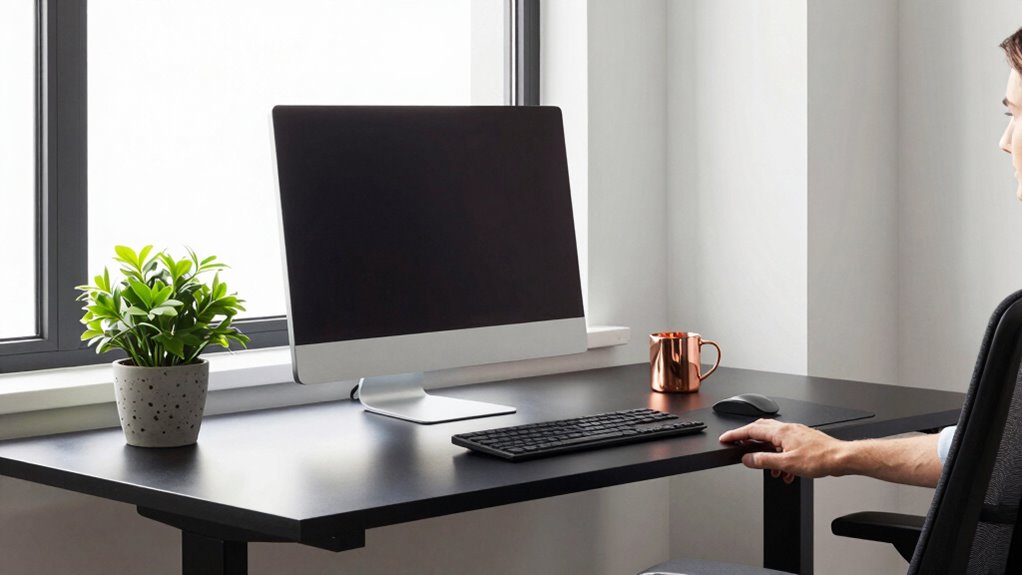
If you spend long hours sitting at your desk, establishing a sit-stand schedule can boost your comfort and productivity. The way you alternate between sitting and standing isn’t just about avoiding stiffness; it’s about making ergonomic adjustments that support your body’s needs. When you’re mindful of your posture awareness, you can prevent discomfort and long-term health issues. Your schedule helps you find the right balance, guaranteeing you don’t stay in one position too long, which can strain muscles and joints.
Establishing a sit-stand routine promotes comfort, prevents strain, and supports long-term health by balancing ergonomic postures.
A well-planned sit-stand routine encourages you to move regularly, reducing the risks associated with prolonged sitting—like back pain, neck strain, and decreased circulation. It’s essential to set specific times for switching positions, perhaps starting with 30-minute intervals, then adjusting based on how you feel. This consistency helps your body adapt and prevents the temptation to revert to sitting longer than necessary. Remember, the goal isn’t just to stand but to stand correctly. Adjust your desk height so your monitor is eye level, your elbows are bent at roughly 90 degrees, and your feet are flat on the floor. These ergonomic adjustments make standing more comfortable and help maintain good posture.
Posture awareness plays a critical role in your sit-stand schedule. When you’re standing, keep your shoulders relaxed, your back straight, and your core engaged. Avoid leaning forward or slouching, as these habits can cause strain over time. When sitting, ensure your chair supports your lower back, and your feet are firmly on the ground. Alternating between these positions with proper ergonomic adjustments ensures your muscles aren’t overstressed in either posture. It’s helpful to set reminders or use timers to prompt you to switch positions, reinforcing good habits and keeping your posture in check. Incorporating ergonomic principles into your routine can further enhance comfort and reduce fatigue. Additionally, understanding nail biology and how it differs between males and females can remind you of the importance of overall health and self-care, which extends to maintaining good posture and ergonomic habits. Being aware of your air quality can also influence your energy and focus, making ergonomic adjustments even more beneficial. Furthermore, paying attention to your body signals can help you recognize when it’s time to change positions before discomfort develops.
Creating a routine around your sit-stand schedule isn’t just about physical comfort; it’s about mental clarity and increased focus. When you’re aware of how to adjust your workspace and stay mindful of your posture, you’ll notice fewer aches and more energy throughout your workday. Remember, the effectiveness of your sit-stand schedule depends on posture awareness and consistency. Incorporating small, intentional adjustments and stay attentive to how your body feels, making changes as needed. Over time, this approach becomes second nature, transforming your workspace into a healthier, more dynamic environment.

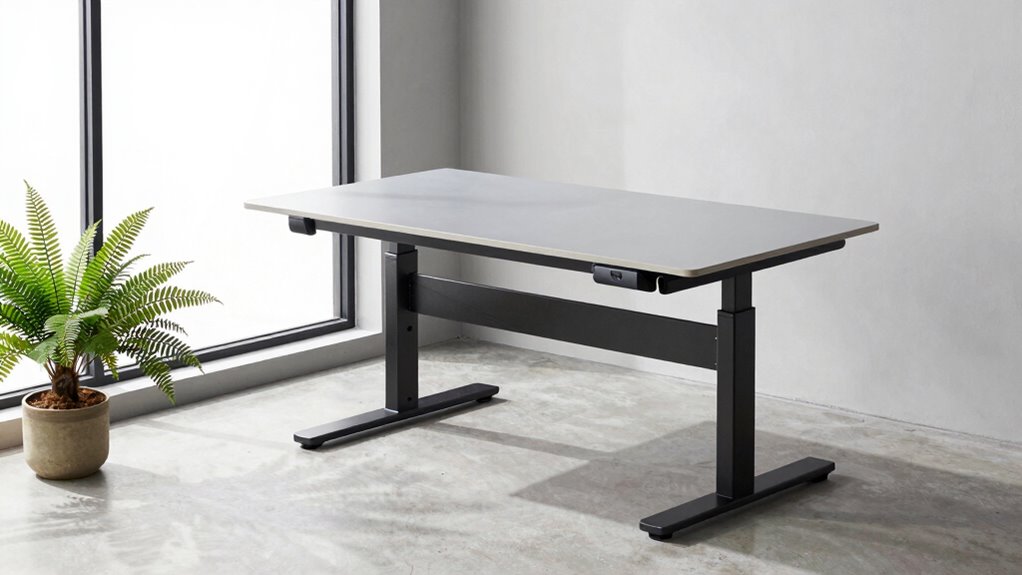
Veken 55 Inch Large Electric Standing Desk, Gaming Table, White
- Electric Height Adjustment – Sit or Stand Any Time: Quiet motor (under 52 dB)…
- Sturdy & Stable – Stays Solid at Full Height: Strong steel frame remains stable…
- Spacious 55" Desktop with Cable Management: Large 55-inch surface fits multiple…
As an affiliate, we earn on qualifying purchases.
As an affiliate, we earn on qualifying purchases.
Frequently Asked Questions
How Long Should I Stay Standing at a Time?
You should stand for about 15 to 30 minutes every hour when using ergonomic accessories or different standing desk types. This helps prevent fatigue and strain. Alternating between sitting and standing keeps your muscles engaged and promotes better posture. Make sure to listen to your body, take breaks, and adjust your schedule based on comfort and activity level. Proper use of ergonomic accessories enhances the benefits of your standing desk routine.
How Often Should I Switch Between Sitting and Standing?
You should switch between sitting and standing every 30 to 60 minutes to maintain comfort and prevent strain. Use ergonomic accessories like adjustable desks and supportive mats to optimize your workspace setup. Regularly changing positions helps reduce fatigue and promotes better posture. Pay attention to how your body feels, and don’t hesitate to adjust your schedule as needed to stay comfortable and productive throughout the day.
What Signs Indicate I Need to Adjust My Schedule?
When you start feeling stiff, sore, or distracted, it’s time to adjust your schedule. Pay attention to signs like persistent discomfort or fatigue, as they signal your body needs a break. Incorporate ergonomic accessories to support proper posture, and check your workplace policies for guidelines. Listening to your body is key; if discomfort persists, don’t hesitate to tweak your sit-stand routine to stay comfortable and productive.
Can a Sit-Stand Schedule Improve My Posture?
Yes, a sit-stand schedule can improve your posture. By alternating positions, you reduce strain and prevent slouching, especially when combined with ergonomic accessories like adjustable desks and supportive chairs. Incorporating regular sit-stand intervals promotes better workplace ergonomics, helping you maintain proper alignment and reduce discomfort. Over time, this habit encourages healthier posture habits, reducing long-term risks associated with prolonged sitting and enhancing overall comfort throughout your workday.
Should I Set Reminders to Change Positions?
Yes, you should set reminders to change positions. Using ergonomic accessories can make switching easier and more comfortable, promoting better posture. Workplace flexibility is key, so regular reminders help you maintain movement throughout the day, reducing stiffness and discomfort. These little prompts guarantee you don’t forget to alternate between sitting and standing, ultimately supporting your overall health and enhancing productivity. Consistent movement is essential for a healthy, ergonomic workspace.

ErGear Single Monitor Arm, Fully Adjustable Monitor Mount for 13–34 Inch Screens, Fast Install Computer Monitor Stand with Tool-Free VESA Mount, Cable Management, Holds 19.8 lbs, Max VESA 100x100mm
- Compatibility: Fits 13–34 inch monitors up to 19.8 lbs
- VESA Compatibility: Supports 75x75mm and 100x100mm patterns
- Durable Construction: Tested over 20,000 cycles for longevity
As an affiliate, we earn on qualifying purchases.
As an affiliate, we earn on qualifying purchases.
Conclusion
Remember, your sit-stand schedule is the secret weapon in your workspace arsenal—it’s almost as powerful as the desk itself! By switching positions regularly, you’ll boost your energy, improve your posture, and keep fatigue at bay. Don’t let a poorly planned routine turn your day into a sluggish marathon. Instead, master your schedule like a productivity ninja, transforming your workday into a dynamic, health-boosting adventure. Your body will thank you for the endless benefits!

Rotating Pomodoro Timer 5/25/10/50, Desk Productivity Flip Timer, ADHD Tool
- Real Pomodoro Timer Presets: Includes 5 and 25-minute presets
- Rotating Gravity Sensor: Flip to start, stop, or reset timer
- Multiple Preset Durations: Supports 5, 10, 25, 50-minute modes
As an affiliate, we earn on qualifying purchases.
As an affiliate, we earn on qualifying purchases.

Marsail Ergonomic Office Chair: Office Desk Chair with High Back Mesh and Adjustable Lumbar Support Rolling Work Swivel Task Chairs with Wheel 3D Armrests and Headrest
- Fully Adjustable Headrest: 2D adjustable for personalized support
- Reclining Backrest: Adjusts from 90° to 120°
- 3D Adjustable Armrests: Customizable for comfort
As an affiliate, we earn on qualifying purchases.
As an affiliate, we earn on qualifying purchases.