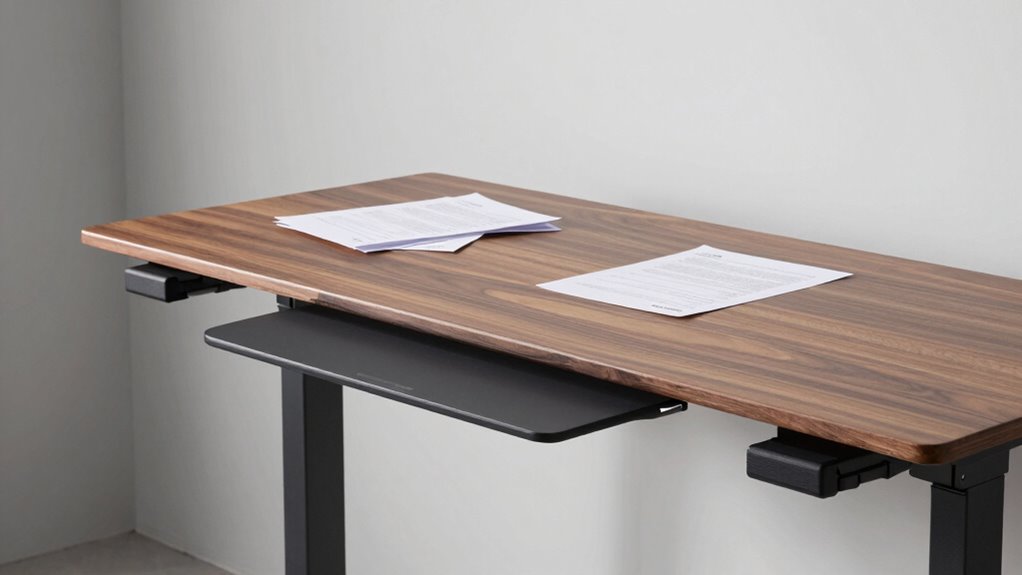

Many buyers overlook the importance of smart keyboard tray positioning on standing desks, risking discomfort and strain. To avoid this, adjust the tray height so your elbows are at about 90°, and find a tilt that keeps your wrists neutral. Reposition your mouse nearby for easy access, and regularly assess your setup as your body and work habits change. If you want to learn how to optimize your workspace for better comfort, keep exploring these tips.

Get comfort and recovery gear delivered free with Prime
- Fast, free delivery on millions of items
- Prime Video, Amazon Music and more included
- Member-only deals all year
Key Takeaways
- Many users overlook optimal tray height and tilt, leading to discomfort and increased musculoskeletal strain.
- Proper keyboard tray positioning should be tailored to individual body proportions and work habits.
- Regular assessments and fine-tuning prevent long-term discomfort and ensure ergonomic alignment.
- Mouse placement and tray adjustments should complement keyboard positioning to reduce muscle tension.
- Adaptive workspace setup promotes better posture, productivity, and reduces the risk of ergonomic-related injuries.
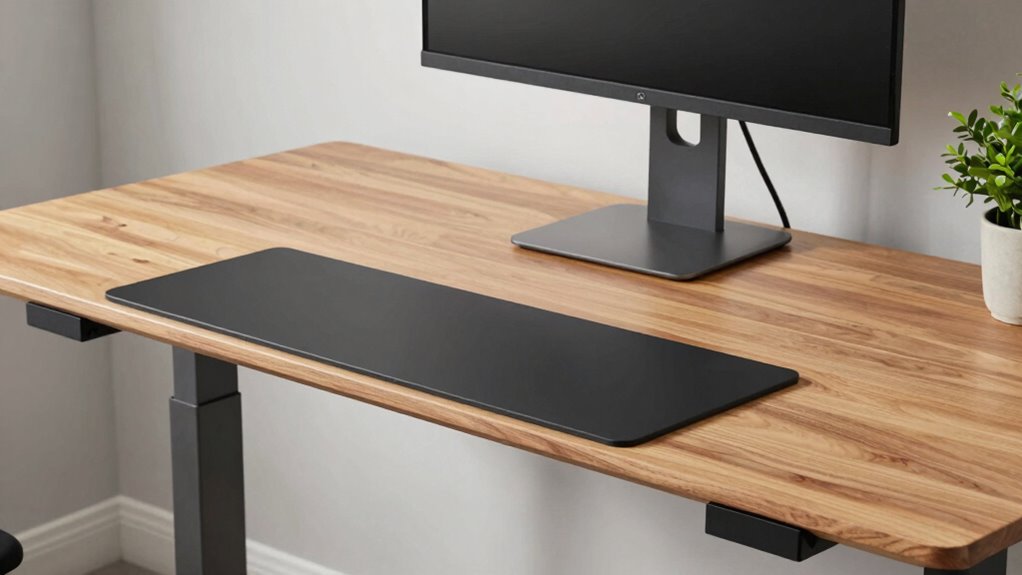
Many people overlook the importance of proper keyboard tray positioning on standing desks, but doing so can lead to discomfort and long-term musculoskeletal issues. When you’re adjusting your workspace, it’s essential to consider more than just height; ergonomic adjustments should be tailored to your body and work habits. Instead of settling for the default or most common setups, you need to pay attention to how your body responds during prolonged use. Proper positioning ensures your wrists aren’t strained, your shoulders stay relaxed, and your posture remains neutral.
Prioritize ergonomic adjustments tailored to your body to prevent discomfort and long-term musculoskeletal issues.
Your user preferences play a crucial role in finding the ideal setup. Some people prefer their keyboard slightly tilted, while others need it flat to avoid wrist extension. The height of your keyboard tray should allow your elbows to rest comfortably at about a 90-degree angle or slightly more open. This minimizes unnecessary strain on your forearms and shoulders. If your tray is too high or too low, you’ll find yourself tensing muscles or shifting awkwardly, which can cause fatigue and discomfort over time.
Adjusting your keyboard tray isn’t just about matching a recommended height; it’s about fine-tuning it based on your unique body proportions and work style. For instance, if you notice your wrists feeling sore or tingling during extended periods, you might need to reposition the tray slightly lower or tilt it differently. If you tend to lean forward or hunch your shoulders, your ergonomic adjustments likely need re-evaluation. Remember, the goal is to maintain a relaxed, natural arm position that minimizes tension. Paying attention to ergonomic adjustments can significantly improve comfort and prevent strain. Regularly assessing your workspace setup allows you to identify and address postural issues before they develop into more serious problems. Additionally, incorporating adjustable components into your workspace can help you adapt your setup as your needs evolve.
Furthermore, understanding the importance of body awareness and how it influences your posture can help you make more precise adjustments and avoid repetitive strain. Another key aspect is guaranteeing your mouse placement complements the keyboard position. Ideally, your mouse should be within easy reach without stretching or twisting your body. You may need to adjust the tray’s lateral position or add a small pad for your mouse to keep your wrist in a neutral position. Don’t forget to periodically revisit your setup—even small changes in your posture or work habits can require minor adjustments.
Additionally, understanding the importance of dynamic contrast ratios and how they adapt to content can serve as a reminder that workspace adjustments should also be adaptable to your changing needs. Ultimately, smarter keyboard tray positioning isn’t a one-time task; it’s an ongoing process of listening to your body and tailoring your workspace to your needs. By prioritizing ergonomic adjustments aligned with your user preferences, you can dramatically reduce discomfort and prevent long-term issues. Invest time in fine-tuning your setup, and you’ll notice improved comfort and productivity during your workday.
adjustable keyboard tray for standing desk
As an affiliate, we earn on qualifying purchases.
As an affiliate, we earn on qualifying purchases.
Frequently Asked Questions
How Do I Adjust Keyboard Tray Height for Different Users?
To adjust keyboard tray height for different users, start with adjusting height strategies that prioritize user-specific positioning. Loosen the tray’s adjustment mechanism, then raise or lower it to match each person’s elbow height when seated, ensuring their forearms are parallel to the floor. Tighten the mechanism securely. Encourage users to test and fine-tune their positions for ergonomic comfort, making sure the tray supports proper posture and reduces strain.
What Materials Are Best for Durable, Ergonomic Keyboard Trays?
You’ll want a keyboard tray made from ultra-durable materials like high-grade steel or reinforced aluminum, which withstand even the wildest typing sessions. Combine this with an ergonomic design featuring cushioned wrist rests and adjustable angles, and you get a tray that’s not only tough as nails but also promotes perfect posture. These materials guarantee longevity, comfort, and a smarter workspace that adapts seamlessly to your needs.
How Can I Prevent Wrist Strain With Keyboard Tray Positioning?
To prevent wrist strain, you should guarantee your keyboard tray offers proper wrist support and ergonomic padding. Position the tray so your wrists stay straight and level with your elbows, avoiding angles that cause discomfort. Use ergonomic padding to cushion your wrists during extended typing sessions. Adjust the tray height and tilt to maintain a natural, relaxed wrist posture, reducing strain and promoting comfort throughout your workday.
Are There Portable Keyboard Tray Options for On-The-Go Work?
Yes, there are portable keyboard tray options designed for on-the-go work. Look for travel-friendly designs that are lightweight and compact, making them easy to carry in your bag. These portable solutions often feature adjustable height and tilt, ensuring ergonomic comfort wherever you work. They’re perfect for remote work, travel, or shifting between locations, helping you maintain proper wrist and arm positioning without sacrificing convenience or comfort.
How Do I Incorporate Keyboard Tray Adjustments Into Daily Routines?
To incorporate keyboard tray adjustments into your daily routines, focus on ergonomic wrist positioning by setting the tray height so your wrists stay straight and relaxed. Experiment with alternative tray designs, like adjustable angles or sliding features, to find what works best. Make it a habit to check your setup periodically, ensuring your keyboard remains at a comfortable height, reducing strain and promoting better posture throughout your workday.
ergonomic keyboard tray with tilt
As an affiliate, we earn on qualifying purchases.
As an affiliate, we earn on qualifying purchases.
Conclusion
So, when you set up your standing desk, think of your keyboard tray as the captain of your ship — it needs to be precisely positioned to steer you smoothly through your workday. Don’t just settle for the usual; adjust it thoughtfully to match your body’s rhythm. With a smarter placement, you’ll sail through tasks effortlessly, turning your workspace into a haven of comfort and productivity. Your perfect setup is waiting—just take the helm and steer wisely.
As an affiliate, we earn on qualifying purchases.
standing desk ergonomic accessories
As an affiliate, we earn on qualifying purchases.
As an affiliate, we earn on qualifying purchases.
Halloween Picks
halloween
As an affiliate, we earn on qualifying purchases.