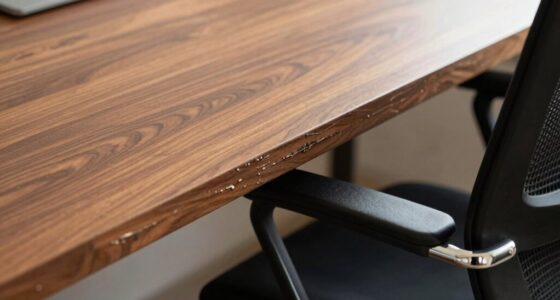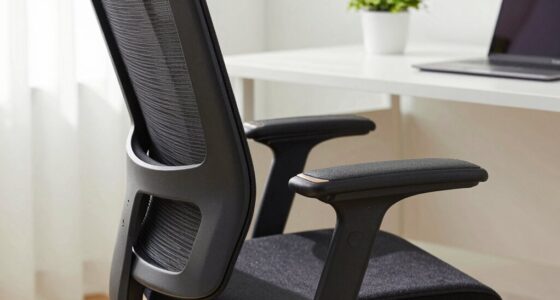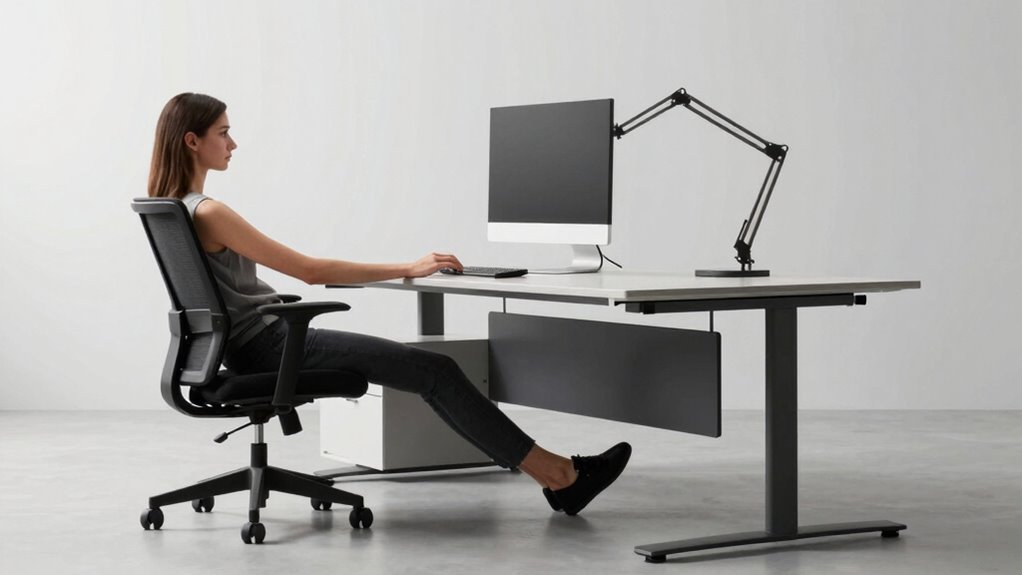

As a tall desk worker, a bigger chair isn’t enough to solve ergonomic issues. To stay comfortable and avoid strain, you need to adjust your entire workspace. Raise your monitor to eye level, use footrests, or opt for an adjustable desk to support proper posture. Proper alignment reduces neck, back, and shoulder tension. For effective long-term comfort, focus on customizing your setup—learning more can help you create a workspace that works with your height.
Key Takeaways
- Proper monitor height and adjustable arms prevent neck strain and eye fatigue for taller workers.
- Adjustable desks and height extenders ensure optimal posture and reduce shoulder and back tension.
- Ergonomic accessories like footrests and lumbar supports promote healthier seated positions.
- Workspace customization, including keyboard trays, helps maintain neutral wrist and arm alignment.
- A comprehensive ergonomic setup addresses entire workspace, not just chair size, for improved comfort and productivity.
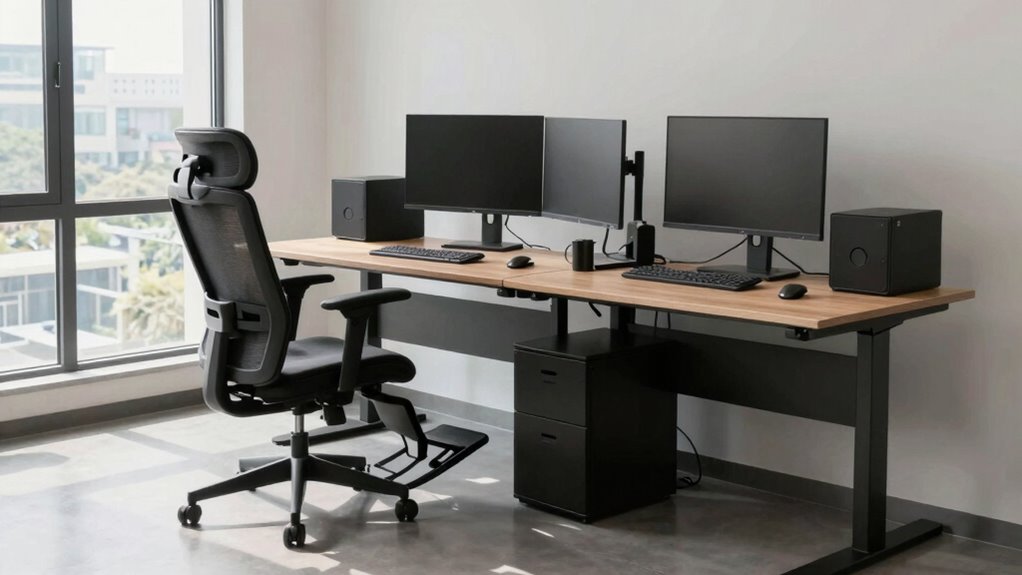
If you’re tall and spend long hours at your desk, a bigger chair alone won’t solve all your ergonomic issues. Your height can cause discomfort even if your chair is appropriately sized, because the problem often lies elsewhere in your workspace setup. To truly improve your comfort and prevent long-term strain, you need to focus on workspace customization along with ergonomic accessories that address the specific needs of taller individuals.
First, consider that your monitor height might be off, leading to neck strain or eye fatigue. Simply raising your monitor on a stack of books or an adjustable stand can make a significant difference. The goal is to keep your screen at eye level, so you maintain a natural head position. Adjustable monitor arms are excellent ergonomic accessories because they allow you to customize your workspace effortlessly. By positioning your monitor at the right height and distance, you reduce the tendency to hunch or crane your neck. Additionally, understanding the importance of workspace ergonomics can help you optimize your entire setup for comfort and health. Being aware of ergonomic principles can further guide you in creating a workspace that minimizes discomfort and enhances productivity.
Raise your monitor to eye level with an adjustable stand to reduce neck strain and improve posture.
Your desk’s height is also essential. A standard desk might be too low, forcing you to raise your shoulders or lean forward, which creates tension over time. An adjustable desk or a height extender can help you set the workspace to a comfortable level that supports proper posture. When your desk height aligns with your body, you can sit with your feet flat on the ground, knees at a 90-degree angle, and your arms resting comfortably on the desk surface. This setup minimizes strain on your back, shoulders, and wrists. Additionally, incorporating ergonomic workspace design can further enhance your comfort, especially for taller individuals who may need more tailored adjustments.
In addition to adjusting your desk and monitor, ergonomic accessories like footrests play an important role. If your feet don’t comfortably reach the ground, a sturdy footrest can provide support and promote better circulation. It also encourages a more natural sitting posture, reducing pressure on your lower back. For longer work sessions, lumbar support cushions can help maintain the natural curve of your spine, preventing slouching and back pain. Additionally, workspace customization is crucial for tailored comfort, as it allows you to adapt your environment based on your unique height and work habits. Customizing your workspace can include adding height-adjustable desks, which are highly beneficial for maintaining ergonomic alignment throughout the day.
Workspace customization is key to creating a comfortable, productive environment. This means selecting the right ergonomic accessories tailored to your height and work habits. Adding a keyboard tray or an adjustable arm for your keyboard and mouse can help keep your wrists in a neutral position, reducing the risk of repetitive strain injuries. Remember, it’s not just about getting a bigger chair; it’s about optimizing your entire workspace to fit your unique needs. When you invest in these ergonomic adjustments, you’ll notice less fatigue, greater comfort, and an overall boost in your productivity.

BoYata Monitor Stand, Adjustable Height Metal Desktop Riser, Black
- Adjustable Height: Twist knob for height customization
- Ergonomic Design: Promotes comfortable eye and neck level
- High Weight Capacity: Supports up to 33.06 lbs with stability
As an affiliate, we earn on qualifying purchases.
As an affiliate, we earn on qualifying purchases.
Frequently Asked Questions
How Can I Prevent Neck Strain While Working at a Tall Desk?
To prevent neck strain at a tall desk, focus on posture correction by keeping your monitor at eye level and your shoulders relaxed. Incorporate stretching routines throughout your day to loosen tight muscles. Take regular breaks to move around, and make certain your workspace is ergonomically set up. These habits help maintain proper alignment, reduce tension, and keep your neck comfortable during long work hours.
What Ergonomic Accessories Are Recommended for Tall Desk Workers?
You should consider ergonomic accessories like a custom keyboard and an ergonomic mouse to improve your comfort. A custom keyboard allows you to adjust height and tilt, reducing wrist strain, while an ergonomic mouse promotes natural hand positioning. These tools help you maintain proper posture and decrease discomfort during long work sessions. Pair them with a monitor stand to keep your screen at eye level, ensuring a healthier, more comfortable workspace.
How Should I Adjust My Monitor Height for Optimal Comfort?
Think of your monitor as the sun in your workspace sky. To prevent strain, you should adjust it to eye level, ensuring the top of the screen is just below your eye line. Position the monitor at an arm’s length away, and use monitor placement to keep your neck straight and relaxed. This way, your workspace becomes a balanced celestial body, fostering comfort and productivity.
Are There Specific Footrest Options for Taller Individuals?
Yes, there are specific footrest options for taller individuals. Look for adjustable or ergonomic footrests that can support your height comfortably. You might consider a larger, cushioned footrest or one with customizable height settings to guarantee your feet stay flat and your knees are at a right angle. These options help reduce strain and improve circulation, making your workspace more comfortable and tailored to your needs as a taller person.
How Can I Improve Circulation During Long Sitting Periods?
You can improve circulation during long sitting periods by taking regular stretch breaks and maintaining hydration habits. It’s no coincidence that stretching, like recharging your body, keeps your blood flowing and muscles flexible. Set reminders to stand or stretch every 30 minutes, and drink water consistently throughout the day. These simple habits enhance circulation, reduce fatigue, and help you stay comfortable and focused at your desk all day long.

CasaZenith Foot Rest, Six Heights Adjustable Foot Rest Under Desk at Work
- Six Adjustable Heights: Customizable for ergonomic comfort
- Ergonomic Design: Supports proper sitting posture
- Reduces Back Stress: Relieves back pain and fatigue
As an affiliate, we earn on qualifying purchases.
As an affiliate, we earn on qualifying purchases.
Conclusion
Remember, mastering your workspace means more than just a bigger chair. Focus on flexibility, form, and flow to foster comfort and confidence. When you prioritize proper posture, personalized adjustments, and proactive posture practices, you create a workspace that works for you. Don’t just settle for size—seek solutions that suit your stature and style. Stay smart, stay seated, and steer your space to suit your stature, ensuring success, satisfaction, and sustained support every single day.

VIVO 32 inch Desk Converter, K Series, Height Adjustable Sit to Stand Riser, Dual Monitor and Laptop Workstation with Wide Keyboard Tray, Black, DESK-V000K
- Instant Active Standing: Provides on-demand standing for productivity
- Space Efficient Surface: 31.5 x 15.7 inch workspace for dual monitors
- Adjustable Keyboard Tray: Raises in sync with the surface for comfort
As an affiliate, we earn on qualifying purchases.
As an affiliate, we earn on qualifying purchases.

Vaydeer Wrist Rest with Keyboard Stand Computer Ergonomic Wrist Support Pad
- 2-in-1 Keyboard Stand with Wrist Rest: Integrated design eliminates gaps and slips
- Two Adjustable Angles: 12.5° for support, 3° for casual use
- Non-slip Silicone Base: Ensures stability on any desk surface
As an affiliate, we earn on qualifying purchases.
As an affiliate, we earn on qualifying purchases.