Vertical monitors boost your productivity by allowing you to see more content at once and reducing the need to scroll or switch windows. They promote better posture by aligning with your natural line of sight, helping to ease neck and shoulder strain during long work sessions. Proper setup includes adjustable stands, positioning the monitor at eye level, and maintaining the right distance. Keep exploring for tips to optimize your workspace and get the most from your vertical monitor.
Key Takeaways
- Vertical monitors improve productivity by displaying more content simultaneously, reducing scrolling and window switching.
- They support ergonomic posture by aligning the screen with natural eye level, reducing neck and shoulder strain.
- Proper setup involves adjustable stands, placing the monitor directly in front, and aligning the top at eye level for comfort.
- Vertical orientation optimizes workspace for reading, coding, and spreadsheet tasks, enhancing workflow efficiency.
- Ensure monitor height, tilt, and distance are adjustable to maintain a healthy, comfortable working environment.
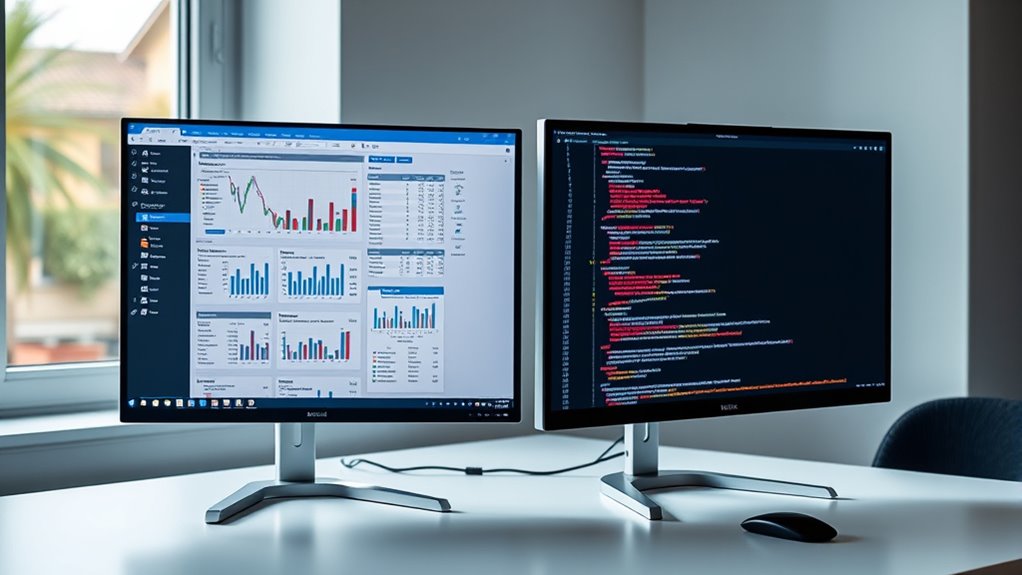
Vertical monitors are becoming increasingly popular for their ability to enhance productivity and improve workflow. If you’re looking to streamline your tasks, especially those involving reading, writing, or coding, a vertical monitor can be a game-changer. This orientation allows you to view more content at once without having to scroll excessively, boosting your multitasking efficiency. When you position a monitor vertically, you’re optimizing your workspace to better suit tasks that benefit from a taller display, such as browsing lengthy documents or analyzing spreadsheets. As a result, you spend less time toggling between windows and more time focusing on your work.
One of the biggest advantages of using a vertical monitor is its impact on ergonomic posture. When set up correctly, it encourages you to maintain a healthier sitting position, reducing strain on your neck and shoulders. Instead of constantly turning your head to the side or looking down at a horizontal screen, a vertical monitor aligns more naturally with your line of sight for certain tasks. This setup helps prevent discomfort and fatigue, especially during long work sessions. To maximize these benefits, you should position the monitor at eye level, keeping your neck straight and relaxed. Adjusting the height and tilt ensures your head remains in a neutral position, which is *vital* for maintaining good ergonomic posture over time.
Setting up a vertical monitor properly is straightforward but *imperative* for reaping its full benefits. Start by choosing a sturdy, adjustable stand or mount that can securely hold your monitor in the vertical position. Place the monitor directly in front of you, about an arm’s length away, to avoid eye strain. Make sure the top of the screen is roughly at eye level. If you use multiple monitors, consider aligning them so your primary display is in the center, with secondary screens flanking it. This configuration helps create a seamless workflow and maintains ergonomic consistency. Don’t forget to adjust your chair height and keyboard position to support a comfortable, upright posture. Additionally, understanding city dynamics can help you optimize your workspace setup for maximum comfort and efficiency.

Single LCD Computer Monitor Free-Standing Desk Stand Mount Riser for 13 inch to 32 inch screen with Swivel, Height Adjustable, Rotation, Vesa Base Stand Holds One (1) Screen up to 77Lbs(HT05B-001))
- Compatibility: Fits 13 to 32 inch screens with VESA mounts
- Cable Management: Includes cord organization system
- Ergonomic Design: Elevates monitor for better posture
As an affiliate, we earn on qualifying purchases.
As an affiliate, we earn on qualifying purchases.
Frequently Asked Questions
Can Vertical Monitors Improve Coding Productivity?
Yes, vertical monitors can boost your coding productivity by enhancing programming efficiency and maximizing screen real estate. They allow you to view more lines of code at once, reducing the need to scroll and improving focus. With a vertical setup, you can easily compare files or read documentation side-by-side. This setup helps streamline your workflow, making coding tasks quicker and more comfortable, especially during long programming sessions.
Are Vertical Monitors Suitable for Gaming?
Yes, vertical monitors are suitable for gaming, especially if you prefer a portrait orientation that offers a broader view of tall game environments. They also provide ergonomic benefits by reducing neck strain during long gaming sessions. You can easily set up your monitor to optimize comfort and immersion. Keep in mind, gaming might be more immersive with a larger, widescreen display, but vertical monitors excel for specific genres like shooters or story-driven games.
How Do I Adjust Monitor Height for Best Ergonomics?
Think of your monitor as a window to your workspace; you want it perfectly aligned. To adjust height for ideal desk ergonomics, raise or lower your monitor so the top of the screen is at eye level, about 2-3 inches above your seated eye line. Proper monitor placement reduces neck strain and improves comfort. Use adjustable stands or monitor arms to easily find that ideal height for your workspace.
What Are the Best Resolution Options for Vertical Displays?
For vertical displays, the best resolution options depend on your monitor size and purpose. Typically, 1080p (Full HD) works well for most tasks, providing sharp text and images. If you have a higher-resolution monitor, consider 1440p or 4K for crisper visuals. Adjust display scaling to guarantee text remains legible without making items too small. Experiment with these settings to find the balance that boosts your productivity and comfort.
Do Vertical Monitors Work Well With Multi-Monitor Setups?
Did you know that 65% of users find vertical monitors boost workspace efficiency? Vertical monitors work well with multi-monitor setups, especially in portrait orientation, because they allow you to view more lines of code, documents, or webpages simultaneously. They seamlessly complement horizontal screens, creating a versatile workspace. This setup helps you multitask more effectively, making your overall workflow smoother and more productive.

MOUNT PRO Vertical Dual Monitor Mount, Stacked Monitor Stand for 2 Computer Screens up to 32 inches, Full Motion Adjustable Tall Display Desk Mount, Each Arm Holds up to 17.6lbs, VESA Mount
- Adjustable Screen Angles: Tilt 90°, rotate 360°, swivel ±90°
- Wide Monitor Compatibility: Fits 13-32 inch monitors, VESA 75/100mm
- Height Adjustment Range: 28-inch column with 11.4-inch arm height
As an affiliate, we earn on qualifying purchases.
As an affiliate, we earn on qualifying purchases.
Conclusion
Embracing vertical monitors can truly transform your workspace, making tasks like reading, coding, or browsing much easier. With a few simple setup tips, you’ll be ready to conquer your day like a modern-day Renaissance artist. Don’t forget, even in this digital age, sometimes a good scroll or two is all you need to stay inspired. So go ahead—set up your vertical monitor and enjoy the benefits, just like the great thinkers of yore!

KTC 24 Inch Gaming Monitor 180Hz – 2K 1440P Computer Monitors, Fast IPS Vertical Monitor with HDR 400, Adaptive Sync, Up to 185Hz, HDMI & Display Port, Tilt Pivot Height Adjustable, Vesa Mount, H24T7
- Screen Size: 24-inch QHD display with Fast IPS panel
- Refresh Rate: Supports 180Hz, overclockable to 185Hz
- Adaptive Sync: Compatible with FreeSync and G-Sync
As an affiliate, we earn on qualifying purchases.
As an affiliate, we earn on qualifying purchases.

Dual Monitor Stand – Vertical Stack Screen Free-Standing Monitor Riser Fits Two 13 to 34 Inch Screen with Swivel, Tilt, Height Adjustable, Holds One (1) Screen Up to 44Lbs
- Monitor Compatibility: Fits 13-34 inch screens up to 44 lbs
- VESA Mounting Options: Supports 50x50mm, 75x75mm, 100x100mm
- Cable Management: Integrated for organized cords
As an affiliate, we earn on qualifying purchases.
As an affiliate, we earn on qualifying purchases.