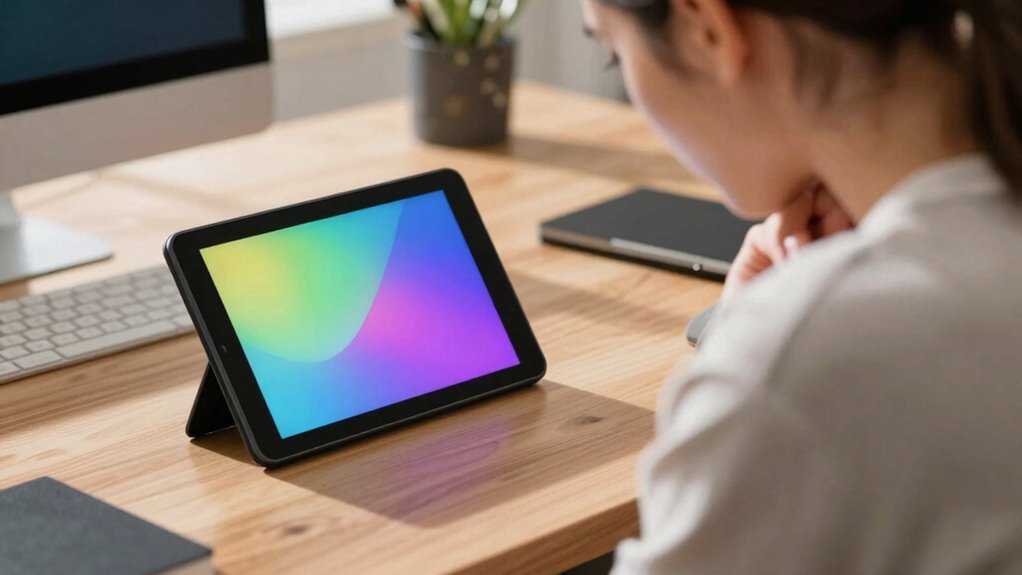
Portable second screens can boost your productivity and convenience, but if you overlook ergonomic design, they might cause neck, shoulder, or eye pain. To avoid this, choose lightweight, adjustable models with proper positioning features like eye-level screens and supportive hinges. Balancing comfort with long battery life ensures you stay powered up without strain. If you want to discover how to set up your device for maximum comfort and health, keep exploring these expert tips.
Key Takeaways
- Proper ergonomic setup, including screen height and positioning, prevents neck and shoulder strain during extended use.
- Lightweight, adjustable second screens enhance portability while reducing fatigue and discomfort.
- Long battery life ensures uninterrupted use, minimizing the need to hunch over or seek outlets frequently.
- Poor design features, like bulky frames or fixed angles, can cause discomfort and strain over time.
- Combining ergonomic principles with high battery performance maximizes comfort and productivity on the go.
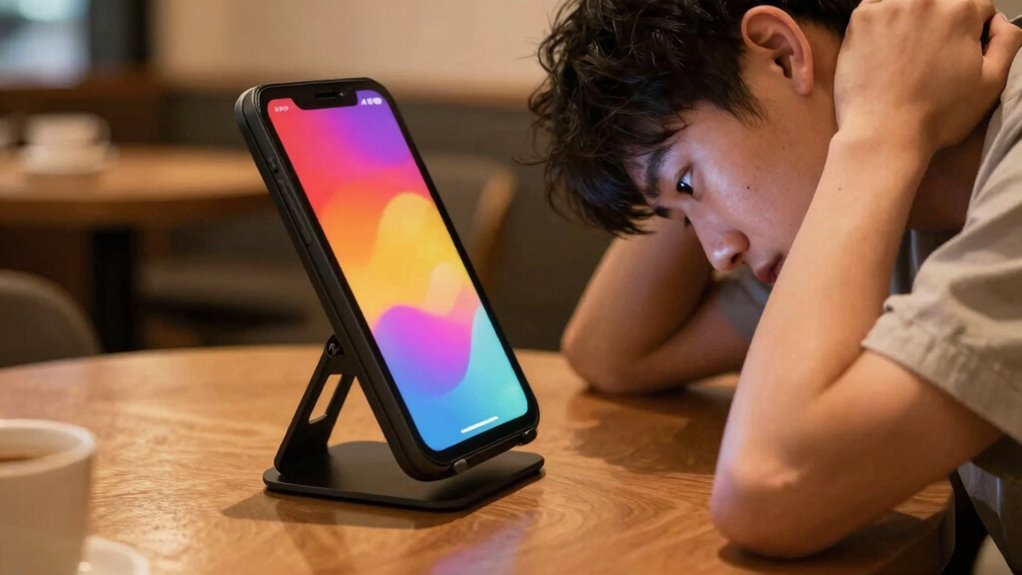
In today’s fast-paced world, having a portable second screen can substantially boost your productivity and entertainment options on the go. Whether you’re working remotely, commuting, or simply want extra screen real estate, a second screen offers flexibility and convenience. But before you dive in to using one, it’s important to consider how its design impacts your comfort and how long its battery lasts. An ergonomic design isn’t just a luxury—it’s essential if you want to avoid discomfort or long-term strain. A well-designed portable screen should have adjustable angles, smooth hinges, and a lightweight frame that won’t add unnecessary weight to your setup. If it’s bulky or poorly balanced, you risk straining your neck, shoulders, or eyes as you try to accommodate it during extended use.
Battery life plays a vital role in how effectively you can rely on your portable second screen. If it drains quickly, you might find yourself tethered to power sources or constantly recharging, defeating the purpose of having a portable device. Look for screens with robust battery performance, ideally lasting at least 8-10 hours on a single charge. This way, you can work or enjoy entertainment without interruptions, especially when you’re away from outlets. Keep in mind that the actual battery life depends on your usage—brightness, resolution, and whether you’re running multiple apps can all impact how long the device lasts. Additionally, understanding nail biology, such as differences in nail strength and growth between males and females, can help you maintain healthy nails that aren’t affected by prolonged use of accessories or repetitive tasks. Recognizing ergonomic principles can also help you set up your workspace more effectively to prevent discomfort. Moreover, selecting compact and lightweight designs can further enhance portability and reduce fatigue during extended use.
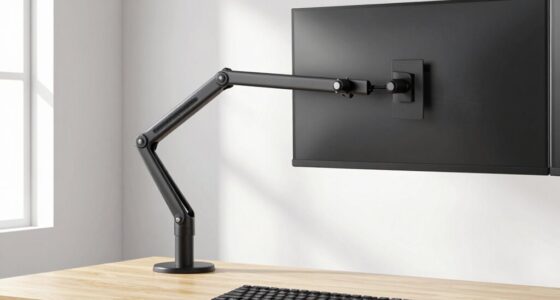
While a sleek, ergonomic design can make your experience more comfortable, it’s equally important to pay attention to how you set up your workspace. Poor positioning of your second screen can lead to neck pain, especially if you need to crane your neck or hold it at awkward angles. To prevent this, adjust your screen to eye level and keep your posture aligned. Using a stand or an adjustable mount can help maintain a natural, relaxed position, reducing the risk of discomfort. Proper ergonomic setup is essential for long-term comfort and productivity, especially during extended periods of use. Additionally, choosing a screen with adjustable height and tilt features can help you customize your setup for optimal comfort and reduce strain.
Ensuring your setup is ergonomically sound not only improves comfort but can also enhance your overall productivity. Ultimately, the right portable second screen should seamlessly blend ergonomic considerations with long-lasting battery life. It’s not just about adding another monitor but about enhancing your workflow without sacrificing comfort. When you choose a device with a thoughtful ergonomic design and a dependable battery, you’re investing in a tool that helps you stay productive and entertained on the go—without the neck pain or recharge interruptions.

Yxk Portable Monitor 15.6 Inch 1080P 60Hz IPS HDR Ultra-Slim Travel Monitor with Dual Speakers USB-C HDMI Second Screen for Laptop PC Mac Phone Xbox PS4/5 Switch, VESA Kickstand, Zero Frame Gaming
- Screen Size and Resolution: 15.6-inch FHD with HDR and IPS
- Viewing Angle: 178° wide viewing angle
- Connectivity Options: Dual USB-C and HDMI ports
As an affiliate, we earn on qualifying purchases.
As an affiliate, we earn on qualifying purchases.
Frequently Asked Questions
Are Portable Second Screens Compatible With All Smartphones and Tablets?
Most portable second screens are compatible with a wide range of smartphones and tablets, but you should check device compatibility first. They often require specific app requirements or connections via USB-C, HDMI, or wireless technologies. Make certain your device supports these connections and runs the necessary apps. Compatibility varies between models, so verify with the manufacturer or product specifications to avoid surprises and ensure seamless integration with your device.
How Do Portable Second Screens Affect Battery Life?
Portable second screens can cause increased battery drain on your device because they rely on your smartphone or tablet’s power. To avoid draining your battery quickly, use power management features like screen timeout and limiting background apps. Keep your device charged or connect it to a power source when using the second screen for extended periods. Proper power management helps you enjoy the benefits without sacrificing battery life too quickly.
Can Portable Second Screens Be Used Outdoors Effectively?
Yes, you can use portable second screens outdoors effectively, especially if they have weather resilience features like sunlight readability and rugged durability. These screens are great for creative applications such as photo editing or sketching in natural light. Just make certain you shield them from direct rain or extreme conditions, and use anti-glare screens for clear visibility. With the right setup, outdoor work becomes more flexible and enjoyable.
What Are the Best Ergonomic Practices for Using Second Screens?
Imagine your second screen floating at eye level, perfectly aligned to prevent neck strain. You should prioritize ergonomic positioning by keeping your screen at eye height, maintaining a neutral neck and back posture, and avoiding slouching. Use an adjustable stand or mount to improve posture, and take regular breaks to stretch. These practices help you stay comfortable, reduce fatigue, and promote better posture during long screen sessions.
Are There Any Security Concerns With Portable Second Screens?
Yes, there are security concerns with portable second screens. You should be aware of privacy risks, especially if the screen connects to public or unsecured networks. To protect your data, make sure the screen uses data encryption and secure connections. Avoid displaying sensitive information in public spaces, and always update your device’s security settings. Being cautious helps prevent unauthorized access and keeps your information safe while using portable second screens.

Fenestrelle Expandable Window Screen – 20″ H × 28″–54″ W Horizontal, 2‑Way Adjustable Window Screen with Flame Resistant Fiberglass Mesh, Pack of 2
- Designed for Double Hung Windows: Ideal for vertically sliding windows
- Horizontal Expansion Range: Expands from 28″ to 54″ wide
- Vertical Expansion Range: Expands from 20″ to 38″ wide
As an affiliate, we earn on qualifying purchases.
As an affiliate, we earn on qualifying purchases.
Conclusion
So, before you jump into using a portable second screen, remember it can be a game-changer—your productivity booster or a neck pain nightmare. If you don’t set it up right, it’s like inviting a tiny torture device into your daily routine. Stay mindful of ergonomics, take regular breaks, and keep your screen at eye level. This way, you’ll enjoy the tech’s brilliance without turning your neck into a constant source of agony.
portable second monitor with long battery life
As an affiliate, we earn on qualifying purchases.
As an affiliate, we earn on qualifying purchases.
ergonomic stand for portable monitor
As an affiliate, we earn on qualifying purchases.
As an affiliate, we earn on qualifying purchases.