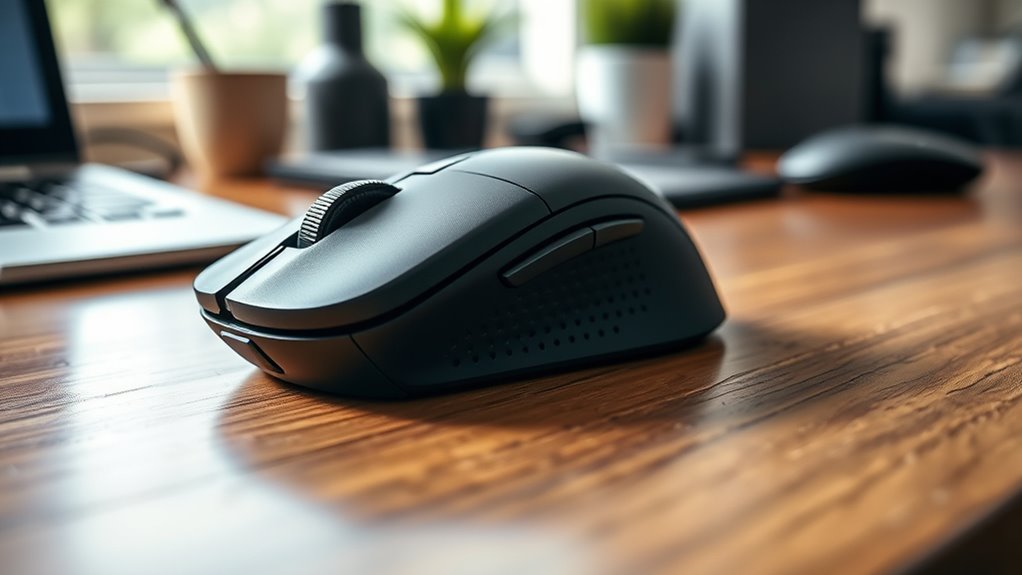

To prevent pain, choose an ergonomic mouse that fits your hand size and supports a natural posture. Look for a design with contours, textured grips, and easy-to-reach buttons to reduce strain and promote relaxed movements. Your grip style—whether palm, claw, or fingertip—matters, so pick a mouse that encourages comfort and minimizes tension. Making the right choice now helps avoid long-term discomfort; explore more to find what works best for you.
Key Takeaways
- Match mouse size and shape to your hand for a natural, relaxed posture.
- Choose a design that supports your preferred grip style, such as palm or claw grip.
- Prioritize ergonomic features like contours and textured grips to enhance comfort during extended use.
- Ensure buttons and scroll wheel are easily accessible to reduce unnecessary hand movement.
- Opt for a mouse with a neutral shape to maintain wrist alignment and prevent strain over time.
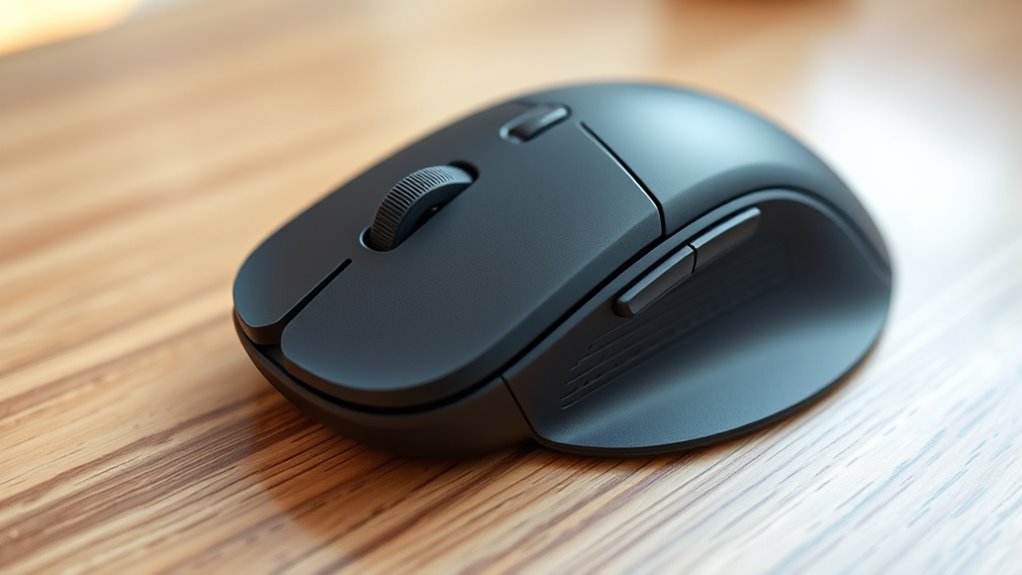
Using an ergonomic mouse is essential for preventing strain and discomfort during long hours at your computer. One of the most important aspects to consider is your hand posture, which directly impacts how comfortably you can work and how much stress your muscles and tendons endure. When you choose a mouse, aim for a design that supports a natural hand position, keeping your wrist in a neutral, relaxed alignment. This means avoiding excessive bending or twisting of your wrist, which can lead to repetitive strain injuries over time. Your hand posture should feel comfortable and supported, reducing the need to grip tightly or stretch unnaturally. Proper ergonomic design can also help prevent long-term injuries by promoting healthy movement patterns. Grip styles play a crucial role in how you interact with your mouse and influence your overall comfort. There are generally three common grip styles: palm grip, claw grip, and fingertip grip. With the palm grip, you rest your entire hand on the mouse, which promotes a relaxed, natural posture and distributes pressure evenly across your palm and fingers. This style is ideal for prolonged use, as it minimizes tension and helps keep your hand in a comfortable position. The claw grip involves arching your fingers so that only the tips touch the mouse, providing quicker movements but often increasing tension in your fingers and hand muscles. The fingertip grip, where only your fingertips touch the mouse, offers precision and agility but can lead to fatigue if used for extended periods. Choosing the grip style that feels most natural and reduces strain is key to long-term comfort. When selecting an ergonomic mouse, consider its shape and size in relation to your hand. A mouse that fits well allows your hand to maintain a proper hand posture without forcing you into awkward angles. Look for features like textured grips or contoured designs that support your grip style and encourage a relaxed hold. Avoid mice that are too small or too large, as they can cause you to grip tightly or stretch uncomfortably, increasing fatigue and discomfort over time. Also, pay attention to the placement of buttons and scroll wheels; they should be easily accessible without requiring you to stretch or shift your hand excessively. Ultimately, the right ergonomic mouse aligns with your hand posture and grip style, promoting comfort and reducing the risk of pain. Spend time trying different models to find one that feels natural and supportive during your typical work sessions. Remember, an ergonomic design isn’t just about avoiding discomfort today but preventing long-term injuries that can significantly impact your health and productivity. By prioritizing these factors, you can enjoy a more comfortable, efficient computing experience free from unnecessary strain.

TechOrbits Standing Desk Converter - 32 Inch Adjustable Sit to Stand Up Workstation, Particle Board, Dual Monitor Desktop Riser with Keyboard Tray, for Home Office Laptop, Black 32"
Adjust to Get it Just Right: Ready to stand? Squeeze the handle and use your weight to adjust...
As an affiliate, we earn on qualifying purchases.
Frequently Asked Questions
How Often Should I Replace My Ergonomic Mouse?
You should replace your ergonomic mouse every 2 to 3 years, as the mouse lifespan varies depending on usage and build quality. Signs like unresponsive buttons, worn-out grips, or discomfort indicate it’s time for ergonomic mouse replacement. Regularly check for these issues to prevent strain or pain. Upgrading when needed guarantees you maintain proper ergonomics, reducing the risk of repetitive strain injuries and keeping your workspace comfortable and efficient.
Can a Mouse Improve My Overall Posture?
Think of your mouse as a trusted compass guiding your hand. When you choose one with proper hand positioning and wrist support, it helps align your posture naturally. This reduces strain and encourages better overall posture by promoting neutral wrist and arm positions. A well-designed mouse becomes your ergonomic ally, preventing discomfort and supporting healthy habits during long hours at your desk.
Are Wireless Mice Better for Ergonomics Than Wired?
Wireless mice often offer more freedom of movement and less clutter, making them better for your ergonomics. You won’t be tethered, so you can find a more natural hand position, reducing strain. However, some prefer wired mice for their reliability and consistent connection. Ultimately, choose based on your workspace and comfort needs—wireless for freedom, wired for dependable performance. Both can support good ergonomics if used correctly.
What Features Should I Look for in an Ergonomic Mouse?
Imagine cradling a gentle breeze—your ergonomic mouse should feel just as natural. Look for features that match your hand size and grip style, like a contoured shape for palm grips or a slim profile for fingertip grips. Adjustable buttons and a comfortable thumb rest can enhance control. Prioritize a mouse that supports your natural hand posture, reducing strain and making every click feel effortless and smooth.
Do Ergonomic Mice Require Special Cleaning or Maintenance?
Ergonomic mice don’t require special cleaning, but regular maintenance helps keep them in top shape. You should clean your mouse at least once a week, using a soft cloth and gentle cleaning solutions to remove dust and grime. Maintenance tips include avoiding harsh chemicals, unplugging your mouse before cleaning, and checking for wear on buttons or scroll wheels. This keeps your mouse comfortable and functioning smoothly for longer periods.

VIVO Height Adjustable 32 inch Stand Up Desk Converter, Quick Sit to Stand Tabletop Dual Monitor Riser Workstation, Black, DESK-V000S
Create Instant Active Standing: Provides on-demand standing throughout the day for the freedom to get out of your...
As an affiliate, we earn on qualifying purchases.
Conclusion
Choosing the right mouse is like finding a trusted dance partner—you want one that moves with you smoothly and keeps you pain-free. I once switched to an ergonomic mouse after nagging wrist pain, and suddenly, my days at the computer felt lighter and more comfortable. Remember, investing in the right mouse isn’t just about convenience; it’s about protecting your body so you can keep dancing through your work without pain. Your future self will thank you.

VIVO 36 inch Height Adjustable Stand Up Desk Converter, V Series, Quick Sit to Stand Tabletop Dual Monitor Riser Workstation, Black, DESK-V000V
Create Instant Active Standing - VIVO’s desk riser provides on-demand standing throughout the day for the freedom to...
As an affiliate, we earn on qualifying purchases.

JYLH JOYSEEKER Standing Desk Converter 32 inch, Height Adjustable Sit Stand Desk Riser, Quick Sit to Stand Tabletop Dual Monitor Riser Workstation for Home Office with Keyboard Tray, Black
Ergonomic Design: Adjustable workstation allows you to find healthy balance between sitting or standing throughout the day, the...
As an affiliate, we earn on qualifying purchases.