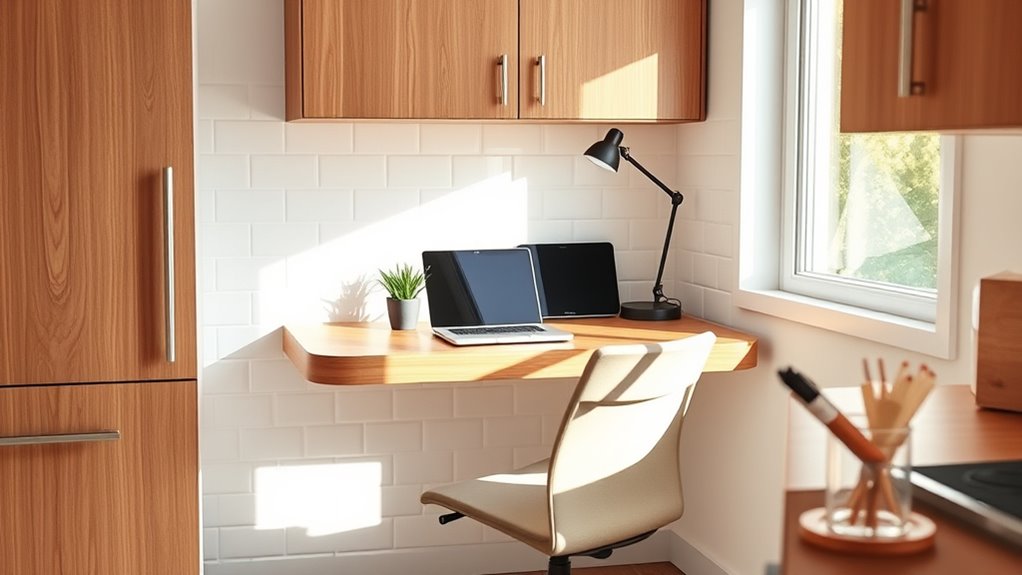
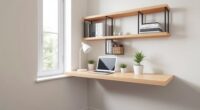
To set up an ergonomic kitchen-office nook, choose a sturdy desk with adjustable height and keep your monitor at eye level to avoid neck strain. Use natural light when possible, supplemented by soft task lighting to reduce eye fatigue. Keep your workspace organized, placing frequently used items within easy reach to minimize twisting or reaching. Proper lighting and a clutter-free area boost comfort and productivity—continue exploring for more tips to optimize your space.
Key Takeaways
- Choose a sturdy, appropriately-sized desk with adjustable height for comfortable working posture.
- Arrange your workspace to keep frequently used items within easy reach to minimize reaching and twisting.
- Maximize natural light with window placement and add task lighting to reduce eye strain.
- Position your monitor at eye level and ensure proper lighting to prevent glare and neck tension.
- Keep the area organized and clutter-free to promote focus and ergonomic efficiency.
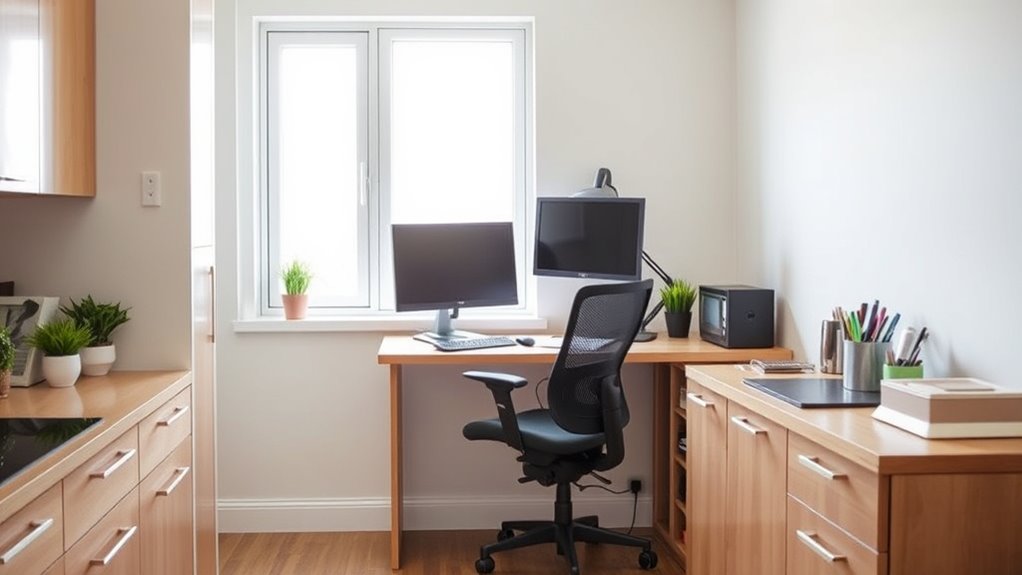
Creating an ergonomic kitchen-office nook can boost your productivity and reduce discomfort during long work sessions. The key to a comfortable and efficient workspace lies in paying attention to desk ergonomics and lighting solutions. When you set up your nook, start by choosing a sturdy, appropriately-sized desk that allows you to maintain good posture. Your forearms should be parallel to the floor when typing, and your wrists should be straight to prevent strain. Avoid clutter on your desk to keep your workspace organized, which helps you focus and reduces unnecessary reaching or twisting. Consider a desk with adjustable height features so you can customize it to your body’s needs, ensuring your eyes are level with your monitor and your feet are flat on the floor.
Lighting solutions play a *vital* role in creating an ergonomic environment. Natural light is ideal, so position your workspace near a window if possible. This not only reduces eye strain but also boosts your mood and energy levels. If natural light isn’t enough, incorporate task lighting like a flexible desk lamp that provides focused illumination without causing glare on your screen. Avoid harsh or overly bright lights, as they can cause eye fatigue and headaches. Soft, warm lighting options are preferable because they create a comfortable atmosphere and reduce eye strain during extended work periods. Keep in mind that proper lighting can also help you see your work clearly without leaning forward or squinting, which can lead to neck and shoulder tension. Utilizing an ergonomic monitor placement can further improve your comfort and reduce strain during long hours at your desk.

ErGear 48 X 24 Inch Height Adjustable Electric Standing Desk, Black
- Electric Height Adjustable Standing Desk for Comfortable Work…
- Powerful Motor with Memory Presets – Equipped with…
- Exceptional Stability Steel Frame – Built with a…
As an affiliate, we earn on qualifying purchases.
As an affiliate, we earn on qualifying purchases.
Frequently Asked Questions
How Do I Choose the Right Ergonomic Chair for My Kitchen-Office Nook?
To choose the right ergonomic chair, focus on chair adjustment features like lumbar support, seat height, and armrest flexibility. You want a chair that adapts to your body for comfort during long tasks. Also, consider fabric selection—breathable materials prevent discomfort. Test different models to see which adjustments feel natural, ensuring your kitchen-office nook remains comfortable and supportive, reducing fatigue while you work or cook.
What Are the Best Lighting Options for an Ergonomic Kitchen Workspace?
They say, “Light is the best medicine,” so choosing the right lighting is key. For your kitchen workspace, combine ambient lighting to create a soft, overall glow with task lighting focused on your work area. Opt for adjustable fixtures or LED under-cabinet lights to prevent glare and shadows. This setup keeps your workspace bright and comfortable, helping you stay productive and avoid eye strain.
How Can I Prevent Back Pain While Working in a Small Kitchen Nook?
To prevent back pain in your small kitchen nook, focus on posture correction by keeping your back straight and shoulders relaxed. Use foot support, like a small stool or footrest, to reduce strain on your lower back. Make sure your workspace is at the right height, so you don’t have to hunch or reach too far. Taking regular breaks and stretching helps keep your back comfortable and pain-free.
Are There Specific Desk Heights Recommended for Kitchen-Office Setups?
Think of your workspace as a stage where comfort takes center stage. For your kitchen-office, aim for a desk height around counter height, typically 36 inches, to match your counter. Use adjustable stool options to fine-tune your position, ensuring your elbows are at a 90-degree angle. This setup keeps you balanced, reduces strain, and makes working in your small nook feel natural and effortless.
What Ergonomic Accessories Can Enhance Comfort in a Kitchen-Office Environment?
You can enhance comfort in your kitchen-office by adding ergonomic accessories like keyboard accessories, which improve typing posture and reduce strain. Footrests for comfort help support your legs and promote better circulation during long work sessions. These accessories make your workspace more comfortable, reduce fatigue, and help prevent musculoskeletal issues. Incorporate them into your setup to create a healthier, more efficient environment where you can work comfortably for extended periods.

WALI Computer Monitor Stand for Desk, Adjustable Laptop Riser, up to 44 lbs
- Large Plastic Shelf: Fits most screens, laptops, printers
- Supports Up to 44 lbs: Heavy-duty, durable construction
- Non-slip Rubber Pads: Prevents slipping and surface damage
As an affiliate, we earn on qualifying purchases.
As an affiliate, we earn on qualifying purchases.
Conclusion
Think of your kitchen-office nook as a well-tuned orchestra, where each element plays in harmony for your comfort and productivity. When you set it up with ergonomic precision, you create a symphony of ease that keeps fatigue at bay and inspiration flowing. Remember, your space is the conductor—guiding your workday smoothly. With thoughtful adjustments, you’ll turn your nook into a masterpiece of efficiency, where every note hits just right.
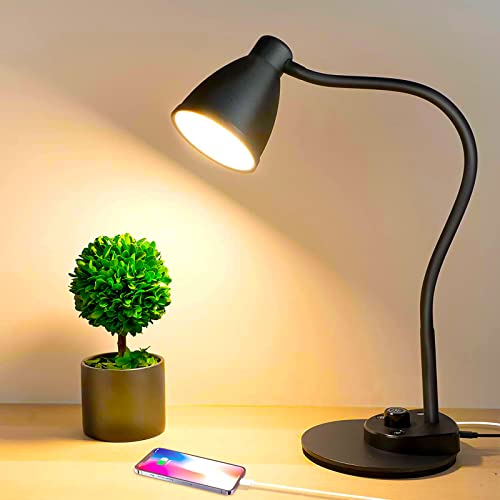
BOHON LED Desk Lamp with USB Charging Port 3 Color Modes Dimmable, Black
- Eye-Caring LED Light: Soft, flicker-free 3000K-5500K light
- Energy Efficient: Up to 90% energy savings with LED technology
- Bright Illumination: 900 lumens from 10W LED light
As an affiliate, we earn on qualifying purchases.
As an affiliate, we earn on qualifying purchases.

Fizzin Office Chair Mesh Computer Chairs with Adjustable Lumbar Support
- Ergonomic Support: Supports head, back, hips, and arms
- Adjustable Components: Seat height, headrest, backrest, armrests
- Customizable Lumbar & Headrest: Adjust lumbar and headrest positions
As an affiliate, we earn on qualifying purchases.
As an affiliate, we earn on qualifying purchases.