A desk whiteboard isn’t just decor—it’s a powerful productivity tool. It helps you keep track of tasks, deadlines, and priorities at a glance, preventing important things from slipping through. You can break your day into manageable chunks and stay flexible as plans shift. Plus, it sparks creativity with space for sketches, mind maps, and quick ideas. Exploring how a whiteboard can transform your workflow reveals simple ways to boost efficiency and organization effortlessly.
Key Takeaways
- A desk whiteboard enhances task visibility, helping prioritize and prevent overlooked deadlines.
- It improves time management by serving as a visual scheduling hub for daily activities.
- The whiteboard fosters creative brainstorming through sketches, mind maps, and quick idea capture.
- It promotes interaction and flexibility, allowing real-time plan adjustments without disruption.
- Overall, it boosts productivity by integrating planning, creativity, and workflow management in one accessible space.
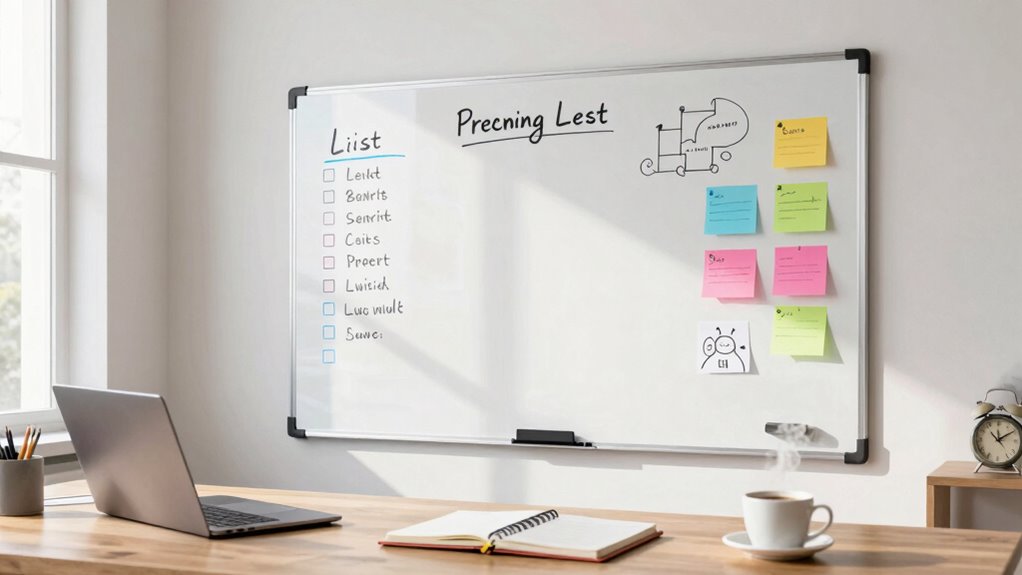
A desk whiteboard is more than just a decorative addition to your workspace; it’s a powerful tool that can boost your productivity and keep you organized. When you use it effectively, it becomes your go-to for managing time and fueling creative ideas. Instead of cluttering your digital calendars or sticky notes everywhere, a whiteboard offers a clear, visual way to keep track of your tasks and deadlines. You can jot down your priorities for the day, set reminders, or highlight urgent projects in a glance. This immediate visibility helps you stay focused and prevents important tasks from slipping through the cracks.
A desk whiteboard keeps your tasks visible, helping you stay focused and organized throughout the day.
For time management, a desk whiteboard acts as a personal command center. You can break your day into time blocks, assigning specific tasks to each segment. When you see your schedule laid out visually, it’s easier to stick to your plan and avoid wasting time on distractions. Plus, you can easily update your to-do list as priorities shift, keeping your workflow flexible yet disciplined. This constant engagement with your task list encourages you to stay accountable and makes it easier to measure your progress throughout the day.
Beyond task management, a whiteboard is also an excellent space for creative brainstorming. When ideas hit, you can quickly sketch out concepts or mind maps right on your desk. Unlike typing into a document, writing on a whiteboard fosters a more dynamic and spontaneous flow of ideas. You can draw diagrams, jot down keywords, or even doodle to spark new perspectives. Seeing your ideas visually laid out helps you connect concepts more creatively and can lead to innovative solutions you might not have considered otherwise. It’s especially useful during quick planning sessions or when you’re trying to solve complex problems, allowing you to explore different angles in real-time.
Using a whiteboard encourages interaction with your work in a way that digital tools sometimes don’t. You get instant feedback and can adapt your plans or ideas without breaking your concentration. Plus, a whiteboard is always accessible, so you’re less likely to ignore your plans or forget your ideas. It becomes a central point where your thoughts, goals, and tasks converge. When you incorporate a desk whiteboard into your daily routine, you’re not just decorating your workspace—you’re creating a strategic hub that enhances your efficiency, sparks creativity, and keeps you on top of your game. Incorporating visual management tools like whiteboards can significantly improve your overall productivity and workflow.

TSJ OFFICE Small Desktop Whiteboard -Glass Dry Erase Board Computer Keyboard Stand White Board Surface Pad with Drawer, Desk Organizers with Accessories for Office, Home, School Supplies – White
PERFECT DESIGN: Maximize your work area. The desktop whiteboard is designed to sit perfectly between a keyboard and…
As an affiliate, we earn on qualifying purchases.
As an affiliate, we earn on qualifying purchases.
Frequently Asked Questions
How Do I Choose the Best Size for My Desk Whiteboard?
To choose the best size for your desk whiteboard, consider your workspace and how you’ll use it. Think about whiteboard placement—ensure it’s visible without cluttering your desk. Find the ideal dimensions that fit comfortably in your space while allowing enough room for writing and notes. A good rule is to pick a size that’s large enough to jot down ideas but small enough to stay within your reach and not overwhelm your desk.
What Are the Best Cleaning Methods for Whiteboards?
To keep your whiteboard clean, clean it regularly using a soft cloth and whiteboard cleaner or a mixture of water and a few drops of vinegar. For marker maintenance, always cap your markers tightly after use to prevent drying out. The cleaning frequency depends on usage—daily or weekly cleaning helps prevent ghosting and stains. Avoid abrasive materials that can damage the surface, ensuring your whiteboard stays clear and functional.
Can a Desk Whiteboard Help Improve Team Communication?
Yes, a desk whiteboard can boost team communication by fostering better collaboration. It offers a space for visual communication, making ideas clearer and tasks more organized. You can quickly jot down notes, track progress, or brainstorm with your team, encouraging instant feedback and engagement. This real-time exchange helps streamline your workflow, enhances team collaboration, and guarantees everyone stays on the same page, improving overall productivity.
Are There Eco-Friendly or Non-Toxic Whiteboard Options Available?
Yes, you can find eco-friendly and non-toxic whiteboard options. Look for whiteboards made with eco-friendly materials like recycled or sustainably sourced wood. Many models also feature non-toxic coatings that are safe for your health and the environment. These options help reduce harmful chemical exposure and lessen your ecological footprint, making them a smart choice for eco-conscious users who want effective, safe tools without sacrificing sustainability.
How Do I Prevent My Whiteboard From Staining or Ghosting?
To prevent your whiteboard from staining or ghosting, always use quality whiteboard markers and avoid old or dried-out ones. Regularly clean the surface with a soft cloth and a gentle, non-abrasive cleaner. Consider applying a surface protection spray designed for whiteboards to minimize ghosting. Avoid leaving marks for extended periods, and erase thoroughly after each use to keep your whiteboard looking fresh and readable.

AMUSIGHT Dry Erase Magnetic White Board, 16" x 12" Double-Sided Desktop Whiteboard with Stand, Portable Small Whiteboard Set for Drawing, Office, Home
【Multi-Use Double-Sided Whiteboard】– Versatile and practical, this magnetic double-sided whiteboard with stand can be used on both sides,…
As an affiliate, we earn on qualifying purchases.
As an affiliate, we earn on qualifying purchases.
Conclusion
So, if you haven’t already, grab a desk whiteboard today—you’ll wonder how you ever survived without it. It’s like having a personal assistant, a brainstorming buddy, and a goal-crushing machine all in one tiny space. Prepare to blast through your tasks at lightning speed, outsmarting procrastination and chaos. Trust me, this little whiteboard isn’t just decor; it’s your secret weapon to domination in productivity. Ready to transform your workday? Let’s do it!
TSJ OFFICE Small Desktop Whiteboard -Glass Dry Erase Board Computer Keyboard Stand White Board Surface Pad with Drawer, Desk Organizers with Accessories for Office, Home, School Supplies – White
PERFECT DESIGN: Maximize your work area. The desktop whiteboard is designed to sit perfectly between a keyboard and…
As an affiliate, we earn on qualifying purchases.
As an affiliate, we earn on qualifying purchases.
TSJ OFFICE Small Desktop Whiteboard -Glass Dry Erase Board Computer Keyboard Stand White Board Surface Pad with Drawer, Desk Organizers with Accessories for Office, Home, School Supplies – White
PERFECT DESIGN: Maximize your work area. The desktop whiteboard is designed to sit perfectly between a keyboard and…
As an affiliate, we earn on qualifying purchases.
As an affiliate, we earn on qualifying purchases.