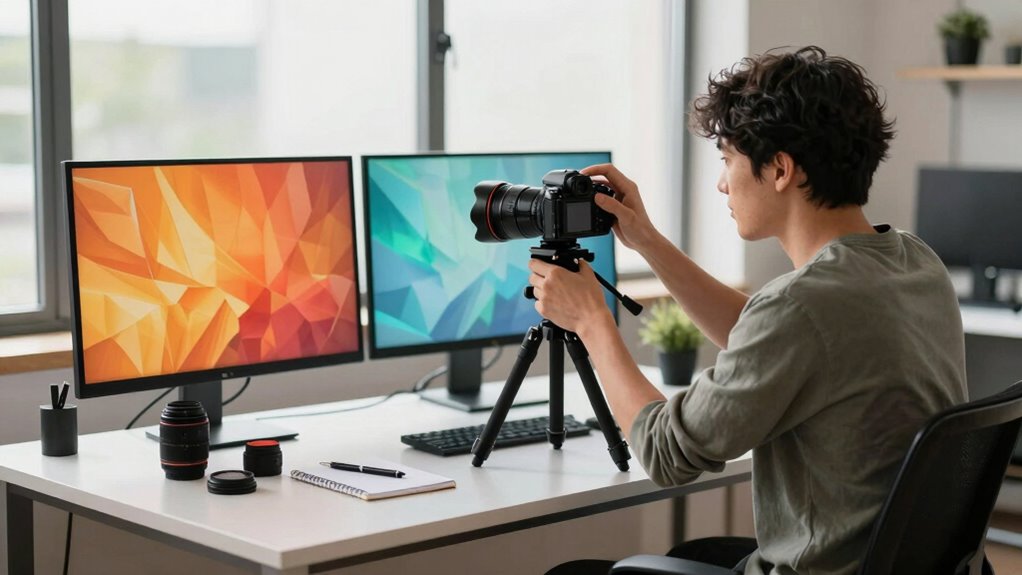

To get the best results, prioritize ergonomic setup tips tailored for short users first. Adjust your chair so your feet are flat on the ground and your knees form a right angle. Make sure your monitor is at or below eye level to prevent neck strain, and keep your keyboard and mouse close to avoid reaching. Proper lighting and workspace layout further improve comfort. Keep exploring these tips to create a workspace that truly supports your stature and enhances your productivity.
Key Takeaways
- Adjust your chair height first to ensure feet are flat and knees are at a 90-degree angle.
- Set monitor height so the top is at or below eye level to prevent neck strain.
- Position keyboard and mouse at elbow height, keeping wrists straight for comfort.
- Use adjustable supports or stands to customize equipment placement for shorter stature.
- Ensure proper lighting to reduce eye strain, enhancing overall workspace ergonomics.
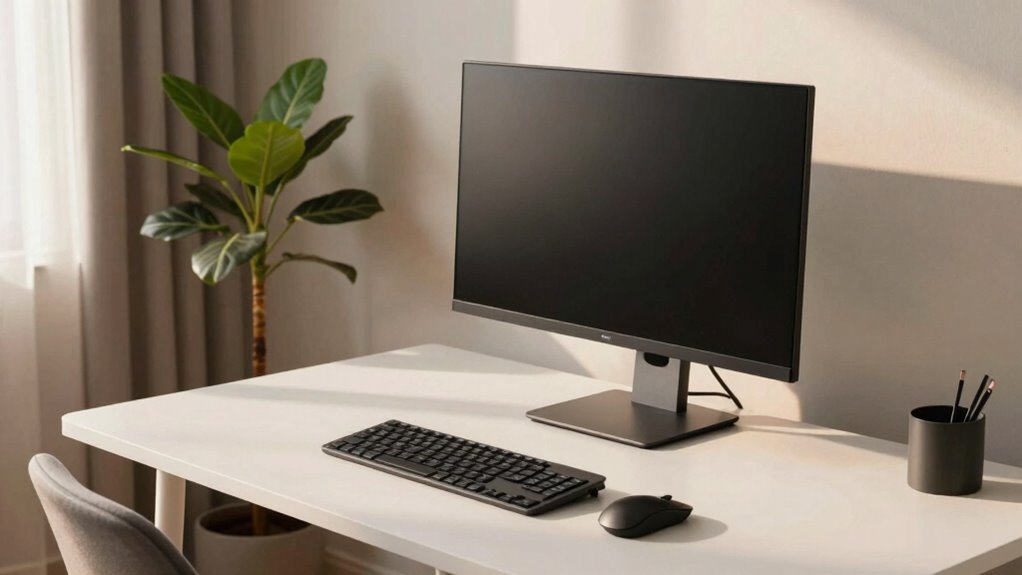
If you’re shorter, starting your setup with a specific detail can considerably boost your results. That detail is ensuring your workspace promotes an ergonomic posture from the get-go. When you pay attention to how your equipment is adjusted, you set yourself up for better comfort, improved efficiency, and fewer injuries. It’s all about customizing your environment to match your stature, so you don’t have to strain or reach awkwardly. Instead of trying to adapt your body to a generic setup, you make small but impactful adjustments to your equipment to fit you perfectly.
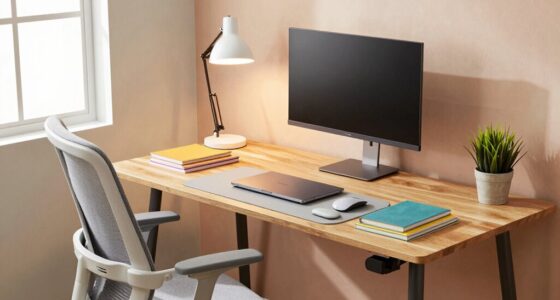
Begin by analyzing your desk and chair height. If your workstation isn’t at the right level, you’ll struggle to maintain proper ergonomic posture. For shorter users, this often means raising your chair so your feet are flat on the ground and your knees are at a 90-degree angle. This setup minimizes pressure on your lower back and encourages a natural spine alignment. Once your chair is properly adjusted, focus on your monitor. The top of your screen should be at or slightly below eye level, so you don’t have to tilt your head up or down. If the monitor is too high or too low, you’ll develop neck strain over time. Incorporating adjustable equipment can make these modifications easier and more effective.
Raise your chair so your feet are flat and knees at 90 degrees for optimal ergonomic support.
Next, pay attention to your keyboard and mouse placement. Keep your keyboard close enough so you can type comfortably without stretching your arms forward. Your elbows should be bent at about a 90-degree angle, and your wrists should remain straight. Adjust your equipment so your wrists aren’t bent upward or downward, which can cause discomfort or repetitive strain injuries. This is where equipment adjustments make a huge difference. Using an adjustable keyboard tray or a stand for your laptop can help you customize the height and angle, ensuring your arms and hands are in a natural, relaxed position. Additionally, proper workspace setup can help prevent long-term discomfort and improve your overall productivity. Maintaining awareness of ergonomic principles can help you optimize your workspace for health and efficiency. Regularly reviewing and adjusting your workspace based on body posture awareness can further enhance comfort and prevent strain over time. Ensuring your ergonomic workspace aligns with your body’s needs can also reduce the risk of developing musculoskeletal issues over time.
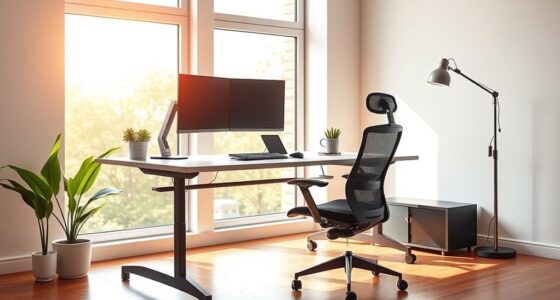
Lighting also plays a role in creating an ergonomic workspace. Adequate, glare-free lighting reduces eye strain and allows you to maintain focus. For shorter users, it’s worth investing in adjustable lighting options or repositioning your light sources to suit your height and workspace layout. By making these adjustments, you’re prioritizing your ergonomic posture, which directly contributes to better results. When your workspace fits your body, you work more comfortably and efficiently, avoiding fatigue and discomfort that slow you down.
adjustable ergonomic office chair for short users
As an affiliate, we earn on qualifying purchases.
As an affiliate, we earn on qualifying purchases.
Frequently Asked Questions
What Is the Specific Setup Detail Mentioned in the Article?
The specific setup detail mentioned is prioritizing ergonomic adjustments and equipment customization first. You should adjust your workspace to fit your height, like customizing your chair and desk, before focusing on other setup aspects. This guarantees your posture stays healthy, reduces strain, and improves overall results. By making ergonomic adjustments early, you create a comfortable environment tailored to your needs, leading to better productivity and less fatigue during your work sessions.
How Does This Setup Benefit Short Users Specifically?
Imagine sitting comfortably at your desk, your workspace perfectly tailored to your height. This setup benefits you by prioritizing ergonomic comfort through precise height adjustment, ensuring your monitor and keyboard align naturally. As a short user, this detail helps you avoid strain, improves posture, and boosts efficiency. By setting this up first, you create a workspace that adapts to your needs, making every task feel effortless and less tiring.
Can This Setup Be Applied to All Types of Equipment?
Yes, this setup can be applied to all types of equipment, but you need to ensure equipment compatibility and setup customization. You should evaluate whether the equipment’s design allows for adjustments that suit your height and preferences. Customizing the setup guarantees ideal comfort and performance, regardless of the device. By tailoring the configuration, you make sure it fits your specific needs, maximizing efficiency and reducing strain across various equipment types.
Are There Any Common Mistakes to Avoid With This Setup?
Like a knight in shining armor, avoid common mistakes by double-checking equipment compatibility and focusing on setup customization. You might think one size fits all, but each device has unique needs. Don’t rush the process or overlook manufacturer instructions. Failing to tailor your setup can lead to inefficiencies or damage. Be patient, plan carefully, and test thoroughly to guarantee everything works harmoniously, avoiding costly or frustrating errors.
How Quickly Can Users Expect to See Results?
You can expect to see results within a few weeks if you focus on training enhancement and actively incorporate user feedback. Consistency is key, so stick to your routine and monitor progress regularly. Adjust your approach based on feedback to accelerate results. Patience and dedication will help you reach your goals faster, and staying attentive to your progress ensures you make necessary tweaks along the way for ideal outcomes.
monitor stand height adjustable
As an affiliate, we earn on qualifying purchases.
As an affiliate, we earn on qualifying purchases.
Conclusion
So, it turns out that your height might actually be your secret weapon—if you get this setup detail right from the start. Ironically, what seems like a small tweak can make all the difference, proving that sometimes, the tiniest adjustments lead to the biggest gains. Maybe it’s time to stop focusing on what you can’t change and start optimizing what you can—like the very first step in your setup. Who knew that height and a simple tweak could be such a game-changer?
keyboard tray for small desks
As an affiliate, we earn on qualifying purchases.
As an affiliate, we earn on qualifying purchases.
ergonomic mouse and keyboard set
As an affiliate, we earn on qualifying purchases.
As an affiliate, we earn on qualifying purchases.