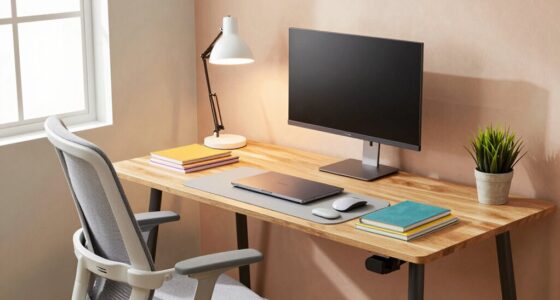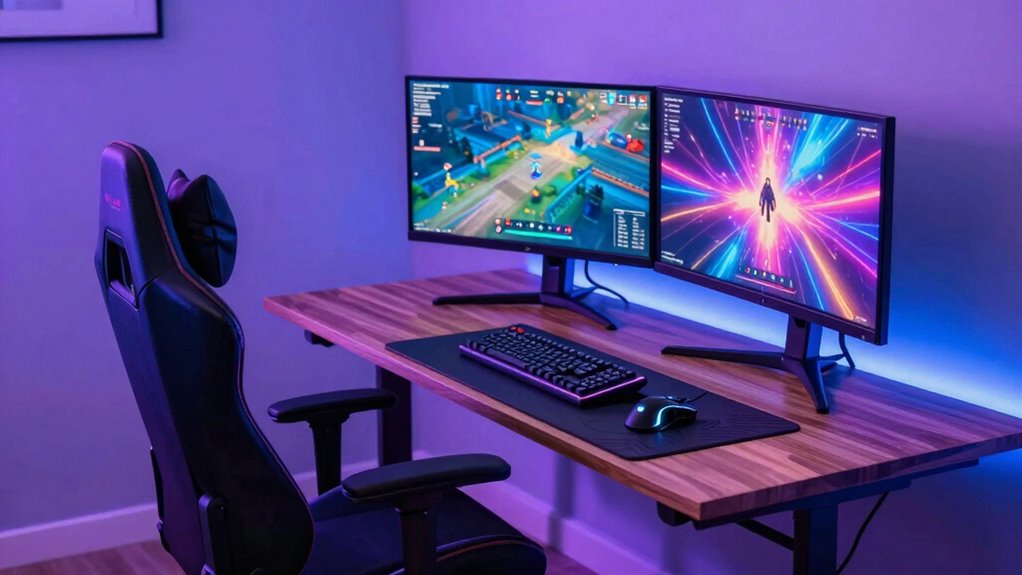

Most buying guides focus on looks rather than long-term comfort and support, which can lead to back pain and fatigue during long streaming sessions. To truly optimize your setup, prioritize ergonomic features like adjustable lumbar support, seat height, and flexible desk height. A stylish but supportive chair and desk combo will help you stay comfortable and focused for hours. Keep exploring to discover how to build a setup that balances aesthetics with essential health benefits.

Get comfort and recovery gear delivered free with Prime
- Fast, free delivery on millions of items
- Prime Video, Amazon Music and more included
- Member-only deals all year
Key Takeaways
- Prioritize ergonomic support to prevent discomfort and long-term health issues during extended streaming sessions.
- Choose adjustable chairs and desks to maintain proper posture and accommodate individual body needs.
- Balance aesthetics with ergonomic features for a setup that is both stylish and comfortable.
- Focus on features like lumbar support, seat height, and flexible desk positioning for optimal ergonomics.
- Invest in durable, supportive furniture that enhances productivity and reduces fatigue over time.
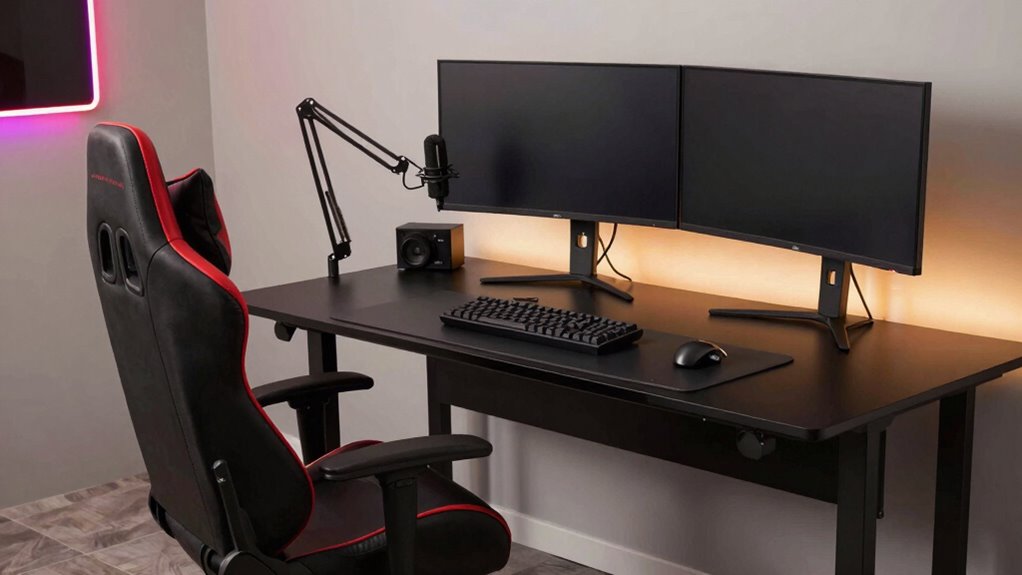
Many buying guides fall short when recommending chair-and-desk combos for streamers, often prioritizing looks over long-term comfort and ergonomics. As someone who spends hours streaming, gaming, or editing, you need a setup that supports your body and promotes good posture, not just one that looks sleek on camera. The truth is, aesthetic design is important, but it shouldn’t come at the expense of ergonomic support. A chair that’s stylish but causes back pain or discomfort after a few hours defeats the purpose. Your ideal setup balances visual appeal with functionality, ensuring you stay comfortable during long sessions.
When choosing a chair-and-desk combo, focus on ergonomic support that aligns with your body’s needs. Look for chairs with adjustable lumbar support, seat height, and armrests that can be customized to your stature. Proper lumbar support helps maintain the natural curve of your spine, reducing strain and fatigue. The seat should promote good circulation and prevent pressure build-up, which can lead to numbness or soreness. The desk height should allow your elbows to rest comfortably at a 90-degree angle, avoiding shoulder tension. An adjustable desk paired with a supportive chair creates a flexible workspace that adapts as your needs change throughout the day. Incorporating ergonomic principles and body measurements into your decision ensures the furniture you choose is comfortable and fits properly, just like ergonomic furniture.
Additionally, understanding ergonomic principles can help you select the best setup for long-term comfort. Don’t get caught up solely in aesthetic design. While a visually appealing setup can enhance your streaming background, prioritize comfort and ergonomics first. A chic chair with questionable support might look great on camera but will likely cause discomfort over time. Conversely, a well-designed ergonomic chair might not have the flashiest appearance but will serve your health and productivity better. It’s worth investing in quality furniture that combines both qualities—look for sleek, modern designs that don’t sacrifice ergonomic features. A thoughtful setup not only improves your posture but also boosts your overall productivity and well-being during those extended streaming marathons.
Products Worth Considering

Bowflex SelectTech 840 Adjustable Kettlebell

BowFlex Results Series SelectTech Adjustable Dumbbells, Pair

Garmin Forerunner 265S GPS Running Smartwatch, 42 mm, Light Pink/Powder Gray
As an affiliate, we earn on qualifying purchases.
Frequently Asked Questions
How Do I Customize My Chair for Long Streaming Sessions?
To customize your chair for long streaming sessions, start by adding extra chair padding where you feel discomfort, especially around your hips and thighs. Adjust the lumbar support to fit your lower back properly, preventing strain. Consider using a cushion or ergonomic lumbar pillow if your chair lacks built-in support. These tweaks help you stay comfortable, focused, and reduce fatigue during those extended streaming hours.
What Desk Height Is Ideal for Standing and Sitting?
Imagine switching seamlessly from sitting to standing, with your desk height at about 28-30 inches for sitting and around 40-45 inches for standing. An adjustable monitor stand helps you maintain proper eye level, while cable management solutions keep cords tidy. This setup guarantees comfort during long streams, reducing strain and promoting productivity. Find the perfect height for your body, and adjust as needed for every session.
Are There Ergonomic Features Specific for Streamers?
Yes, streamers benefit from ergonomic features like adjustable lumbar support and a chair that promotes ergonomic posture. An ergonomic chair helps maintain proper spinal alignment during long streaming sessions, reducing discomfort. Look for features such as adjustable armrests, seat height, and a flexible backrest. A good desk setup combined with supportive seating guarantees you stay comfortable, focused, and avoid strain, making your streaming experience healthier and more sustainable.
How Can I Reduce Glare on My Streaming Setup?
Imagine your stream as a clear lake—glare can mess with its reflection. To reduce glare, adjust your lighting setup by adding soft, diffuse lights and avoiding harsh overheads. Position your screen so that bright windows or lights aren’t directly behind or in front of it. Proper screen positioning, combined with strategic lighting, minimizes reflections, ensuring your viewers see crisp visuals and you stay comfortable during long sessions.
What Are Budget-Friendly Options for Quality Streamer Furniture?
You should look for budget-friendly gaming accessories and streaming lighting that enhance comfort without breaking the bank. Consider an ergonomic chair with adjustable features and a sturdy desk that fits your space. Add affordable LED lighting to reduce glare and improve video quality. Prioritize versatile, budget-friendly options that boost your streaming setup’s comfort and appearance, making your streams more professional without overspending.
Conclusion
Sure, here’s a concise conclusion for your article:
While many buying guides focus on flashy setups, don’t overlook the basics—you need a chair and desk combo built for comfort and durability. Think of it as the sturdy foundation beneath a skyscraper; without it, everything else collapses. So, invest wisely. Because in the world of streaming, a reliable setup isn’t just a luxury—it’s your secret weapon for long, successful sessions.