
If you often reach across a large desk, try reorganizing your workspace to keep frequently used items within arm’s reach, directly in front of you. Adjust your chair height so your elbows stay at a 90-degree angle, and position your monitor at eye level to prevent neck strain. Incorporate ergonomic tools like adjustable trays and monitor stands to streamline your setup. Small changes can make a big difference—discover more tips to transform your workspace into a comfortable, efficient zone.
Key Takeaways
- Organize frequently used items within arm’s reach to minimize unnecessary reaching.
- Use monitor stands and adjustable keyboard trays to keep essential tools at eye and arm level.
- Divide your workspace into zones for different tasks, reducing the need to reach across large areas.
- Store less-used supplies in drawers or away from the main work surface to limit clutter.
- Implement cable management and desk organizers to streamline your workspace and reduce reaching for misplaced items.

Have you ever noticed how a big desk can feel more like a barrier than a workspace? It’s easy to get overwhelmed by the vast surface area, especially when you’re trying to stay organized and efficient. The problem isn’t just the size; it’s how the space is arranged. When you’re constantly reaching across your desk for essentials, it disrupts your workflow and can lead to discomfort or even injury over time. The key to overcoming this is focusing on ergonomic design. Properly organizing your workspace isn’t just about aesthetics; it’s about creating a setup that promotes workspace efficiency, minimizes unnecessary reaching, and keeps you comfortable throughout the day.
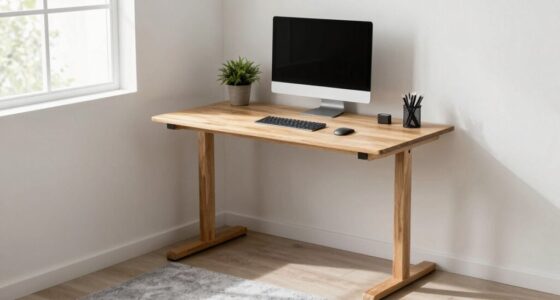
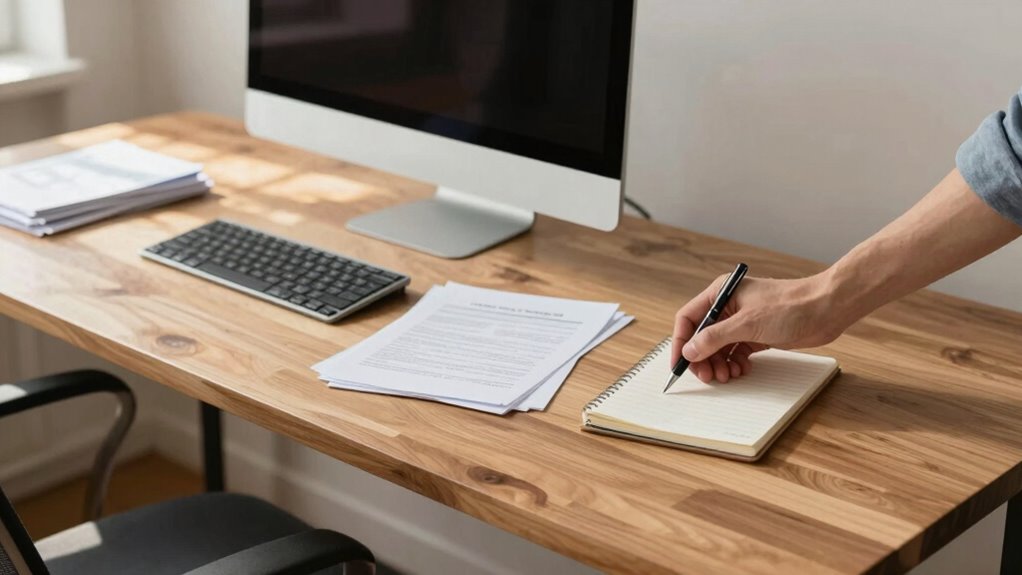
One of the most effective ways to reduce reaching is to prioritize your tools and supplies based on how often you use them. Keep your most frequently used items, like your keyboard, mouse, and notepad, within easy arm’s reach. This means positioning them directly in front of you, ideally at a height that keeps your wrists straight and relaxed. Less frequently used objects can be stored further away or in drawers, so they don’t clutter your main workspace. By implementing this simple organization, you can save time and energy, allowing you to focus on your tasks rather than hunting for supplies.
Keep frequently used tools within arm’s reach to boost efficiency and reduce unnecessary reaching.
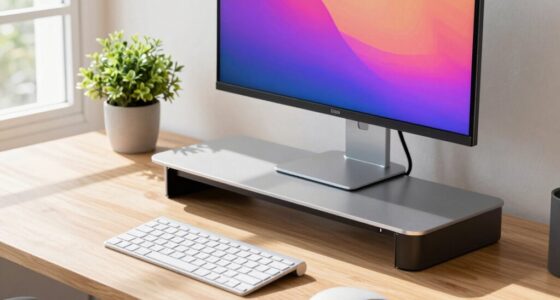
Another important aspect of ergonomic design is adjusting your chair and desk height appropriately. When your chair is at the correct height, your feet rest flat on the floor, and your elbows are at a 90-degree angle when typing or using your mouse. This alignment reduces strain on your shoulders and back, making it easier to maintain good posture. A well-placed monitor at eye level also prevents neck strain, helping you avoid awkward reaches to check your screen. When your entire setup is optimized, you’ll find yourself reaching less, moving more naturally, and working more efficiently. Ensuring your workspace is designed with ergonomic principles in mind can significantly improve comfort and productivity. Additionally, incorporating proper ergonomic setup can help prevent repetitive strain injuries and improve your overall well-being. Incorporating ergonomic tools such as adjustable keyboard trays and monitor stands can further enhance your comfort. Finally, utilizing workspace organization solutions like desk trays, wall-mounted organizers, and cable management tools help clear clutter and prevent unnecessary reaching. When everything has a designated spot, you waste less time searching and reach only for what you need. This not only improves workspace efficiency but also contributes to a cleaner, more focused environment. By consciously designing your workspace with ergonomic principles in mind, you turn your big desk from a potential obstacle into a tool for productivity. With a few adjustments, you’ll find yourself reaching less, working smarter, and feeling more comfortable during long hours at your desk.

Single LCD Computer Monitor Free-Standing Desk Stand Mount Riser for 13 inch to 32 inch screen with Swivel, Height Adjustable, Rotation, Vesa Base Stand Holds One (1) Screen up to 77Lbs(HT05B-001))
- Compatibility: Fits 13 to 32 inch screens with VESA mounts
- Cable Management: Includes cord organization system
- Ergonomic Design: Elevates monitor for better posture
As an affiliate, we earn on qualifying purchases.
As an affiliate, we earn on qualifying purchases.
Frequently Asked Questions
What Are the Best Ergonomic Tools for Reducing Reaching?
You should invest in ergonomic accessories like adjustable monitor arms, keyboard trays, and document holders to optimize reach reduction. These tools bring frequently used items within easy reach, minimizing strain and discomfort. Position your mouse, keyboard, and essential supplies close to your body, and use height-adjustable desks to maintain proper posture. By customizing your workspace with ergonomic accessories, you’ll considerably reduce reaching, boost comfort, and improve overall productivity.
How Can I Reorganize My Workspace for Better Efficiency?
You can reorganize your workspace for better efficiency by incorporating personalized storage solutions that keep your essentials within easy reach. Use color coordination to categorize items, making it quicker to locate what you need without unnecessary reaching. Arrange frequently used tools and documents centrally, and assign specific zones for different tasks. This setup minimizes movement, enhances productivity, and creates an organized, visually appealing workspace tailored to your workflow.
What Are Common Mistakes When Arranging a Large Desk?
Did you know that 76% of workers say desk clutter hampers productivity? When arranging your large desk, avoid common mistakes like poor placement strategies that cause frequent reaching. Placing essentials near your dominant hand, overloading one side, or neglecting clear pathways leads to inefficiency. Instead, organize your workspace to balance items evenly, keep frequently used tools within arm’s reach, and maintain open space to reduce unnecessary reaching and improve workflow.
How Does Desk Size Affect Productivity?
A larger desk can boost productivity by improving desk ergonomics and allowing you to organize your workspace layout effectively. When your workspace is well-designed, you minimize reaching and unnecessary movements, which keeps you focused and reduces fatigue. With ample space, you can position essential tools within arm’s reach, making your workflow more efficient. So, a bigger desk helps you stay comfortable and organized, enhancing overall productivity.
What Are Portable Solutions for Small Workspaces?
Think of portable solutions as your workspace’s best friends, ready to adapt to your needs. You can use portable storage to keep essentials close, preventing clutter from spreading like wildfire. Adjustable stands help you elevate devices to comfortable eye level, reducing strain and making your small space feel larger. These tools let you organize efficiently, turning tight quarters into a functional haven where everything’s within reach, just like magic.

HUANUO Under Desk Keyboard Tray, 360 Degree Adjustable Mouse Platform
- Large Size: 25” x 9.84” full-size keyboard tray
- Versatile Fit: Fits all keyboard, mouse, and accessories
- Wrist Rest Included: Enhances wrist comfort during use
As an affiliate, we earn on qualifying purchases.
As an affiliate, we earn on qualifying purchases.
Conclusion
So, streamline your space, simplify your setup, and stay savvy with smart solutions. By reducing reach and rearranging your workstation, you’ll reclaim comfort and confidence, creating a workspace that works for you. Don’t let disorder drag you down—dare to declutter, design, and dominate your domain. When you minimize movement, you maximize productivity. Take charge of your desk, and turn chaos into clarity—because a well-organized workspace is a wonderful way to work brilliantly.

Under Desk Cable Management Tray No Drill, Metal Mesh Cable Management Under Desk with Clamp Mount, 2 Hole Cable Tray with Wire Management and Cord Organizer for Home Office Standing Desk
- Easy No-Drill Installation: Quick clamp-on setup in minutes
- Desk Protection Rubber Pads: Prevents scratches on your desk surface
- Sturdy Metal Construction: Supports up to 15 lbs with durable steel
As an affiliate, we earn on qualifying purchases.
As an affiliate, we earn on qualifying purchases.

Marsail Ergonomic Office Chair: Office Desk Chair with High Back Mesh and Adjustable Lumbar Support Rolling Work Swivel Task Chairs with Wheel 3D Armrests and Headrest
- Fully Adjustable Headrest: 2D adjustable for personalized support
- Reclining Backrest: Adjusts from 90° to 120°
- 3D Adjustable Armrests: Customizable for comfort
As an affiliate, we earn on qualifying purchases.
As an affiliate, we earn on qualifying purchases.