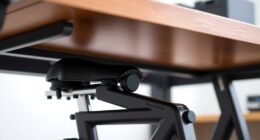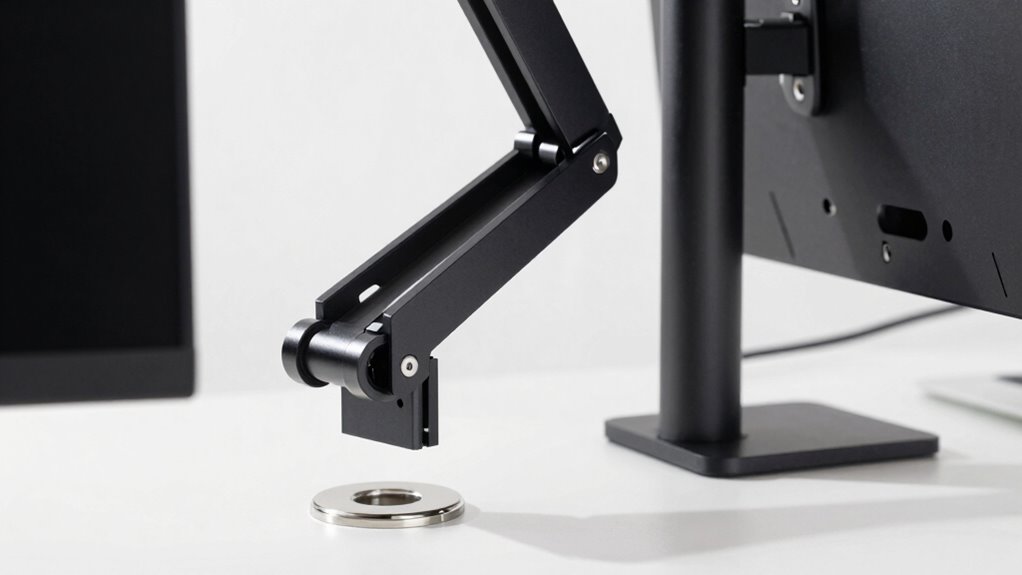

Choosing between a clamp or grommet mount depends on your workspace and setup. If you want quick, easy installation and flexibility, a clamp mount is ideal, especially for rented or delicate desks. Grommet mounts offer more stability and better ergonomic positioning, but they require drilling and are less portable. Consider your desk’s surface and your long-term needs to decide which fits best—more details can help you make the right choice.

Get comfort and recovery gear delivered free — and shop member deals
- Fast, free delivery on millions of items
- Access to Prime Big Deal Days deals on October 6–7
- Prime Video, Amazon Music and more included
Key Takeaways
- Clamp mounts are ideal for quick, non-permanent setups, while grommet mounts offer more stability for long-term use.
- Grommet mounts provide superior support for larger monitors, but require desk drilling, unlike clamp mounts.
- Clamp mounts are better suited for rented or delicate desks due to their non-invasive installation.
- Grommet mounts enable more precise ergonomic positioning and cleaner cable management.
- Choice depends on desk material, stability needs, and whether temporary or permanent installation is preferred.
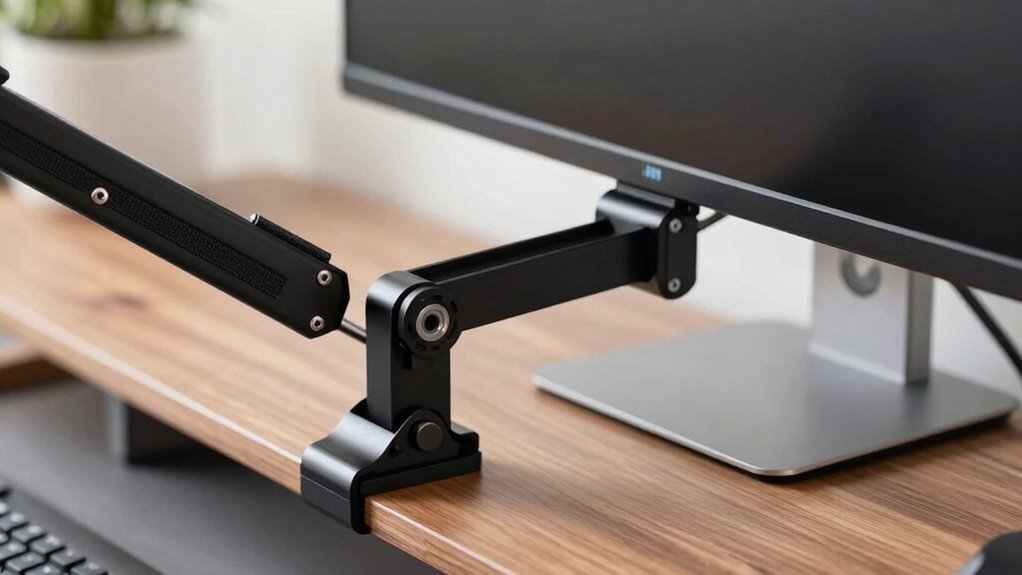
Choosing the right monitor arm mount can dramatically improve your workspace, but the decision isn’t always straightforward. When deciding between a clamp or grommet mount, you need to ponder how each option affects your comfort, setup, and overall workspace efficiency. Both mounting styles have their own ergonomic benefits, but they also come with different installation complexities that could influence your choice.
Choosing the right monitor mount depends on your workspace needs, comfort, and installation preferences.
A clamp mount attaches directly to the edge of your desk, offering a simple and quick installation. You just tighten the clamp around your desk surface, which makes it ideal for those who need a fast setup or plan to move their monitor frequently. The ergonomic benefits of clamp mounts are significant—they allow you to position your monitor at eye level and maintain a comfortable viewing angle without permanent modifications to your desk. Plus, they’re less invasive, so if you have a desk with a delicate surface or are renting, a clamp mount might be the better choice. However, installing a clamp mount can sometimes be tricky if your desk edge isn’t sturdy or is made of materials that don’t grip well, increasing the installation complexity.
Grommet mounts, on the other hand, require drilling a hole into your desk, which offers a more permanent solution. Once installed, grommet mounts tend to be more stable, especially for larger, heavier monitors. They often provide more adjustability in positioning and can support more ergonomic benefits, such as better cable management and a cleaner look. Because they’re more fixed, grommet mounts can help you set up a workspace that’s consistently ergonomically sound, reducing the risk of strain during long work sessions. The downside is that installation is more complex—drilling into your desk isn’t always feasible or desirable, especially if you’re renting or worried about damaging your surface. It also takes longer to set up, and once installed, the mount is less portable. Considering ergonomic benefits can help in choosing the right mount for long-term comfort. Additionally, choosing the appropriate mount can influence the overall image quality of your workspace, especially if you use your monitor for tasks requiring high visual fidelity.
Ultimately, your choice depends on your workspace setup, how often you want to adjust your monitor, and your comfort level with installation. If you value flexibility and quick setup, a clamp mount might suit you best. But if you want a stable, more permanent setup with potentially better ergonomic benefits, a grommet mount could be the smarter choice. Keep in mind the installation complexity, your desk’s material, and how you prefer to use your workspace when making your decision.
As an affiliate, we earn on qualifying purchases.
Frequently Asked Questions
Can Both Clamp and Grommet Mounts Support All Monitor Sizes?
No, both clamp and grommet mounts can’t support all monitor sizes. You need to take into account desk compatibility and weight capacity. Clamp mounts work best on sturdy desks and smaller monitors, while grommet mounts often support heavier, larger screens. Always check your monitor’s weight and size, along with your desk’s thickness and setup, to ensure your chosen mount provides safe, reliable support without risking damage or instability.
Which Mounting Option Offers Better Long-Term Stability?
Think of the mounting option as the backbone of your setup—grommet mounts often offer better long-term stability because they anchor your monitor securely through a sturdy hole. With cable management and adjustable height, a grommet mount keeps everything neat and steady over time. Clamp mounts can shift or loosen, but grommets hold firm, making them ideal for a stable, clutter-free workspace where your monitor stays put no matter how busy your day gets.
Are There Any Aesthetic Differences Between Clamp and Grommet Mounts?
You’ll notice subtle aesthetic differences between clamp and grommet mounts. Clamp mounts often have a sleek, minimal look with fewer visible components, while grommet mounts can add a more industrial feel. Color options and material choices influence their appearance—clamp mounts often come in neutral shades like black or gray, and grommet mounts may feature metallic finishes. Your choice depends on your style preferences and the existing desk design, blending functionality with visual appeal.
Do Clamp and Grommet Mounts Affect Desk Surface Integrity?
Did you know that over 60% of desk owners report some surface damage after installing monitor mounts? Clamp mounts, when used improperly, can cause scratches or dents on your desk surface, impacting aesthetic appeal and potentially weakening the material. Grommet mounts typically distribute pressure more evenly, reducing surface damage. So, if preserving your desk’s integrity matters, a grommet mount might be the better choice for maintaining your desk’s appearance.
Which Mount Type Is Easier to Install for Beginners?
If you’re a beginner, a clamp mount is generally easier to install because it involves straightforward installation steps, making it less complex regarding mount compatibility and installation complexity. You can quickly secure it to your desk edge without drilling, reducing the risk of errors. Grommet mounts might take a little more effort to set up, especially if you’re unfamiliar with drilling or handling different desk materials.
As an affiliate, we earn on qualifying purchases.
Conclusion
Whether you prefer a clamp or grommet, your choice depends on your desk details and your needs. Don’t delay your decision—deliberate and decide! By weighing the weight and width, you’ll wield a way to work with wonder. Remember, the right mount makes your monitor manageable, maximizing your workspace and minimizing mess. So, select smart, stay satisfied, and set up your space to succeed—your perfect monitor mount awaits!
As an affiliate, we earn on qualifying purchases.
adjustable monitor arm for large monitors
As an affiliate, we earn on qualifying purchases.
As an affiliate, we earn on qualifying purchases.
Evergreen bestsellers Picks
bestsellers
As an affiliate, we earn on qualifying purchases.