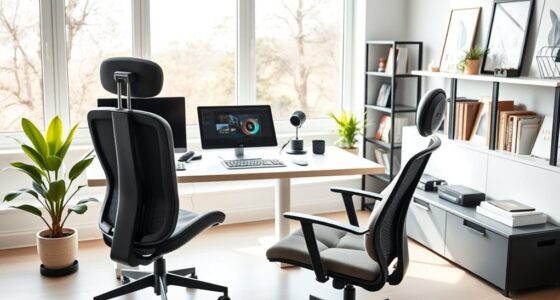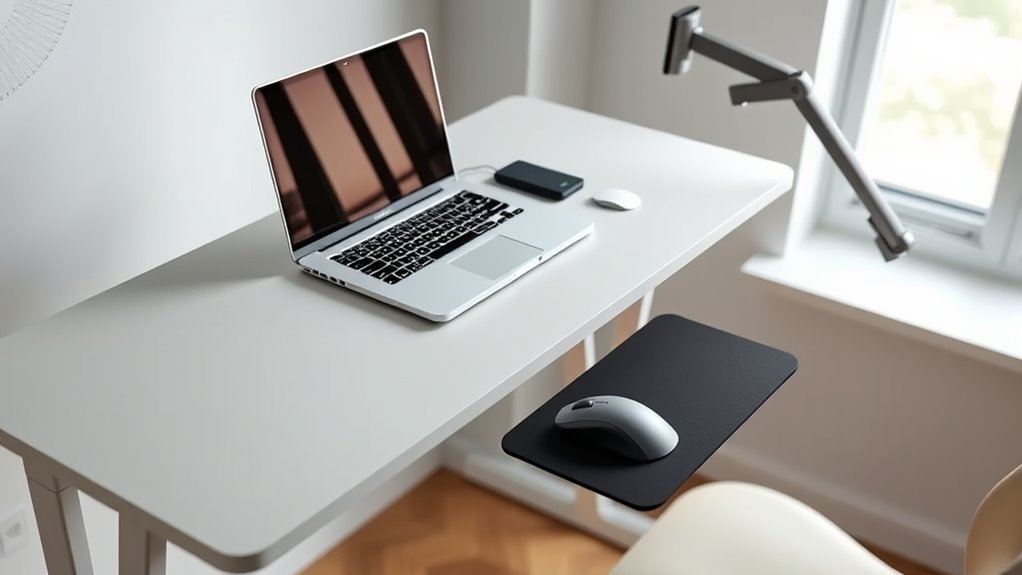

To upgrade your workspace affordably, consider adding adjustable footrests to support proper posture and circulation, use keyboard risers to keep wrists aligned, and elevate your monitor to eye level with inexpensive risers or stacks of books. Improving your chair with lumbar cushions or adjustable armrests can also make a difference. Small tweaks like these promote comfort and reduce strain. Keep exploring for more budget-friendly ways to optimize your setup and work more comfortably.

Get comfort and recovery gear delivered free with Prime
- Fast, free delivery on millions of items
- Prime Video, Amazon Music and more included
- Member-only deals all year
Key Takeaways
- Use adjustable footrests to improve foot positioning and reduce lower back strain.
- Elevate monitors with risers or books to align eye level and prevent neck discomfort.
- Add lumbar cushions and adjustable armrests to enhance chair support and maintain proper posture.
- Incorporate keyboard risers to promote natural wrist alignment and decrease fatigue.
- Implement small, budget-friendly modifications to create a more ergonomic workspace and boost comfort.
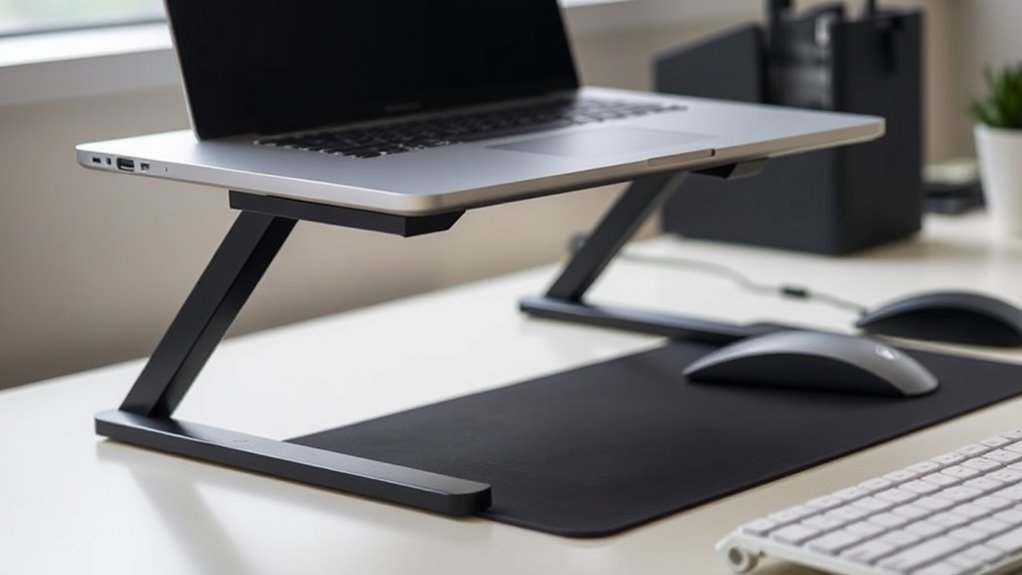
Creating an ergonomic workspace doesn’t have to break the bank. Small, affordable upgrades can make a notable difference in how comfortable and productive you feel throughout the day. One of the easiest ways to improve your setup is by investing in adjustable footrests. If your feet don’t comfortably reach the floor or if you find yourself slouching, a footrest can help position your hips and knees properly. This not only reduces strain on your lower back but also promotes better circulation. Look for an adjustable footrest that can be tilted or height-adjusted, so you can customize it to your specific needs. It’s a simple addition that costs little but yields big benefits in comfort.
An adjustable footrest enhances comfort and reduces back strain with affordable, customizable support.
Another effective upgrade involves using keyboard risers. If your keyboard sits too low or too high, it can cause awkward wrist angles, leading to fatigue or repetitive strain injuries over time. A sturdy keyboard riser elevates your keyboard to a more natural height, aligning your wrists with your forearms. This helps prevent discomfort and encourages better posture while typing. Many risers are lightweight and adjustable, allowing you to set the perfect height. They’re typically affordable and easy to set up, making them an excellent budget-friendly option to improve ergonomics without upgrading your entire desk.
In addition to footrests and keyboard risers, consider repositioning your monitor. If you’re constantly craning your neck or looking down, your screen might be too low. Elevating your monitor to eye level can reduce neck strain and encourage you to sit upright. You can use inexpensive monitor risers or even a stack of books to achieve the right height. When your monitor is at eye level, you’re less likely to develop posture issues over time. Incorporating knowledge about catering and delivery trends, such as using ergonomic tools that support remote work, can further enhance your comfort and productivity in a home office setup.
Don’t forget about your chair. You can enhance its ergonomics without buying a new one by adding lumbar support cushions or adjustable armrests. These accessories help maintain the natural curve of your spine and support your arms at a comfortable height. If your chair doesn’t have adjustable features, these simple add-ons can make a notable difference in reducing fatigue.
Ultimately, creating an ergonomic workspace on a budget is about making small, strategic adjustments. Adjustable footrests and keyboard risers are particularly inexpensive, versatile options that can notably improve your comfort. By paying attention to your posture and making these simple upgrades, you’ll reduce discomfort, boost your productivity, and create a healthier work environment—all without spending a fortune.
Frequently Asked Questions
Can Ergonomic Upgrades Improve Overall Productivity?
Yes, ergonomic upgrades can substantially improve your overall productivity. By applying ergonomic principles, you reduce discomfort and fatigue, allowing you to focus better and work more efficiently. Simple changes like adjustable chairs, proper monitor placement, and keyboard support promote better posture, leading to productivity enhancement. Investing in these inexpensive upgrades helps you maintain energy levels and concentration throughout the day, ultimately boosting your performance and well-being.
Are There Specific Brands Recommended for Budget Ergonomic Accessories?
When it comes to budget brands for ergonomic accessories, you don’t have to break the bank to get quality. Brands like Fellowes, AmazonBasics, and Huion offer affordable options that deliver comfort and support without sacrificing quality. Keep an eye out for these brands—they’re a dime a dozen and can truly turn your workspace from a headache into a haven. Don’t let the cost keep you from upgrading your comfort!
How Long Do Inexpensive Ergonomic Solutions Typically Last?
Inexpensive ergonomic solutions usually last about one to three years, depending on usage and quality. While they can improve your office aesthetics and comfort, beware of ergonomic myths that cheaper products are always inferior; some budget options work well if you select wisely. Regularly check and maintain your accessories, and consider upgrading when they show signs of wear to ensure continued support and comfort.
Do DIY Ergonomic Adjustments Provide Significant Benefits?
Diy ergonomic adjustments can really boost your comfort and posture correction, often providing noticeable benefits in just a few days. Studies show that small changes in chair adjustments or mindful posture practices can reduce discomfort by up to 50%. By customizing your workspace, you actively promote better alignment, reduce strain, and prevent long-term issues. So yes, inexpensive DIY ergonomic tweaks can make a significant difference in your daily comfort and overall health.
Are Ergonomic Upgrades Suitable for All Types of Workstations?
Ergonomic upgrades are suitable for most workstations, as they can improve chair comfort and promote better posture. You should consider adjusting your desk height to match your chair and guarantee proper support. While some setups may need more customized solutions, simple upgrades like ergonomic chair cushions or adjustable desk risers work well for many environments, making your workspace healthier and more comfortable without significant investment.
Conclusion
By making these affordable ergonomic upgrades, you can transform your workspace into a healthier, more comfortable environment. Remember, investing a little now can prevent costly health issues later. Isn’t your well-being worth the effort? Small changes add up to big improvements over time. So, why settle for discomfort when you can take simple steps today to boost your productivity and comfort tomorrow? Your body will thank you for the smarter setup.
Fall Picks
fall essentials
As an affiliate, we earn on qualifying purchases.