Using a standing desk for your gaming rig helps you stay healthier by reducing back pain and improving your posture during long sessions. It encourages movement, boosting energy and alertness while minimizing stiffness. Add ergonomic accessories like wrist rests, footrests, and anti-fatigue mats to enhance comfort. Proper monitor placement and lighting also prevent eye and neck strain. Keep exploring to discover how these upgrades can transform your gaming experience into a safer, more comfortable setup.
Key Takeaways
- Use an adjustable standing desk to promote proper posture and reduce back pain during long gaming sessions.
- Incorporate ergonomic accessories like wrist rests, footrests, and anti-fatigue mats for added comfort and support.
- Position monitors at eye level with adjustable stands to prevent neck strain and ensure clear visibility.
- Enhance stability and ease of use with a sturdy desk design that allows smooth height adjustments.
- Optimize lighting and monitor placement to reduce eye strain and create an organized, distraction-free gaming environment.
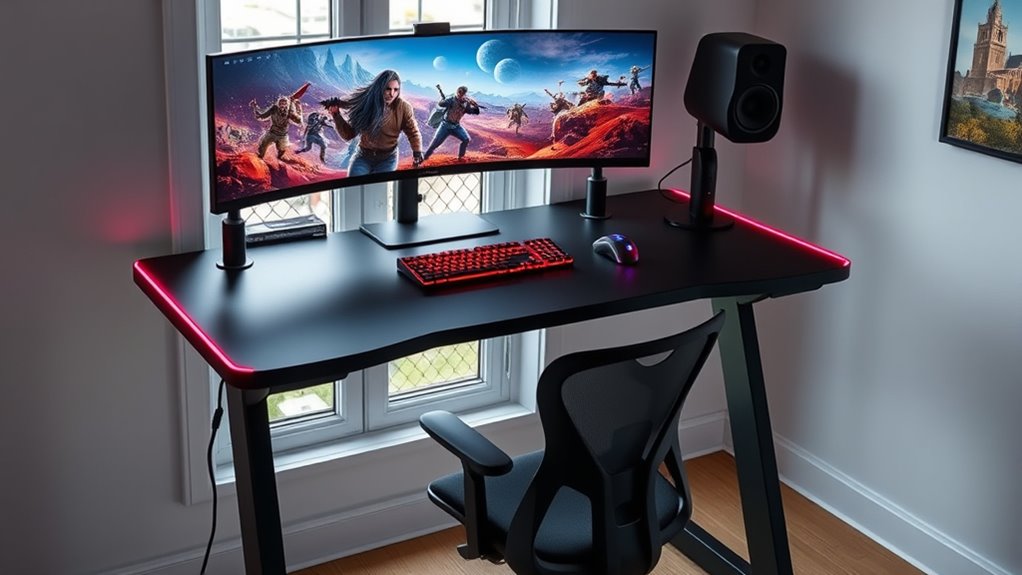
If you spend hours gaming, a standing desk can considerably improve your health and boost your performance. Prolonged sitting can lead to back pain, poor posture, and decreased energy levels, all of which affect your gaming experience. By switching to a standing desk, you create a healthier setup that encourages movement and reduces strain. To maximize comfort, incorporating ergonomic accessories is essential. Ergonomic accessories, such as wrist rests, footrests, and anti-fatigue mats, help support your body in a natural position, minimizing discomfort during long gaming sessions. These accessories also promote better circulation and reduce fatigue, allowing you to stay focused and alert longer.
An adjustable monitor stand is a vital component of a healthy gaming rig setup. It allows you to position your screen at eye level, preventing neck strain and promoting good posture. When your monitor is properly aligned, you avoid craning your neck or hunching over, which can lead to chronic pain over time. Adjustable monitor stands are versatile, enabling you to customize height and angle quickly as your preferences or tasks change. This flexibility ensures that your gaming setup remains ergonomic no matter how long you play or what position you prefer.
Your choice of a standing desk should prioritize stability and ease of adjustment. A sturdy desk prevents wobbling during intense gaming moments, and smooth height adjustment mechanisms allow seamless transitions from sitting to standing. Pairing your standing desk with ergonomic accessories enhances the overall comfort and health benefits. For instance, using a footrest can reduce pressure on your legs when standing, while an anti-fatigue mat helps absorb shock and decrease fatigue on your feet and legs. Incorporating ergonomic design principles can further optimize your setup for long-term comfort.
Lighting and monitor placement are equally important. Proper lighting reduces eye strain, and positioning your monitor at the ideal height and distance helps maintain visual comfort. An adjustable monitor stand makes this easy, allowing you to fine-tune your setup without cluttering your workspace with multiple devices or risers. This flexibility keeps your desk organized and minimizes distractions.
Frequently Asked Questions
How Do I Prevent Wrist Strain With a Standing Desk?
To prevent wrist strain, you should use ergonomic wrist support and guarantee your desk height adjustment is correct. Keep your wrists straight and level with your keyboard and mouse, avoiding bending or awkward angles. Regularly take breaks to stretch your wrists, and consider wrist rests for added comfort. Adjust your standing desk so your elbows are at a 90-degree angle, reducing pressure and promoting healthy wrist posture during gaming sessions.
What Are the Best Accessories for a Standing Gaming Setup?
Did you know gamers who use ergonomic accessories report 30% less discomfort? For your standing gaming setup, the best accessories include an ergonomic keyboard to reduce strain and monitor risers to maintain eye level. These help improve posture and comfort during long gaming sessions. Investing in these accessories guarantees you stay energized and avoid aches, making your gaming experience healthier and more enjoyable.
How Often Should I Switch Between Sitting and Standing?
You should switch between sitting and standing every 30 to 60 minutes to prevent fatigue and promote good posture. Use your ergonomic chair to rest comfortably during sitting periods, and adjust your monitor height to reduce neck strain when standing. This routine helps you stay energized and maintains a healthy gaming setup, ensuring you’re not overusing one position and avoiding discomfort or strain during long gaming sessions.
Can a Standing Desk Improve Gaming Performance?
A standing desk can boost your gaming performance like a turbocharger. It encourages ergonomic posture, reducing strain and discomfort, which helps you stay focused longer. By alternating your position, you can maintain higher energy levels and avoid fatigue. When you stand, you stay alert and agile, giving you a competitive edge. Overall, a standing desk helps you perform better by keeping your body comfortable and your mind sharp.
What Safety Precautions Should I Consider When Using a Standing Desk?
When using a standing desk, you should prioritize ergonomic posture by adjusting the desk height so your elbows are at a 90-degree angle. Make sure your monitor is at eye level to avoid neck strain. Take regular breaks to change positions, stretch, and avoid prolonged standing. Always guarantee the desk is stable and your footwear supports comfort. These precautions help prevent fatigue and injury during extended gaming sessions.
Conclusion
Remember, a healthy gaming setup keeps you sharp and energized. Switching to a standing desk can boost your posture, reduce fatigue, and improve your overall well-being. Don’t forget, “You are what you repeatedly do,” so make mindful choices today for a better gaming tomorrow. Embrace the change, stay active, and enjoy your games without sacrificing your health. Your perfect gaming rig isn’t just about performance—it’s about feeling good while you play.