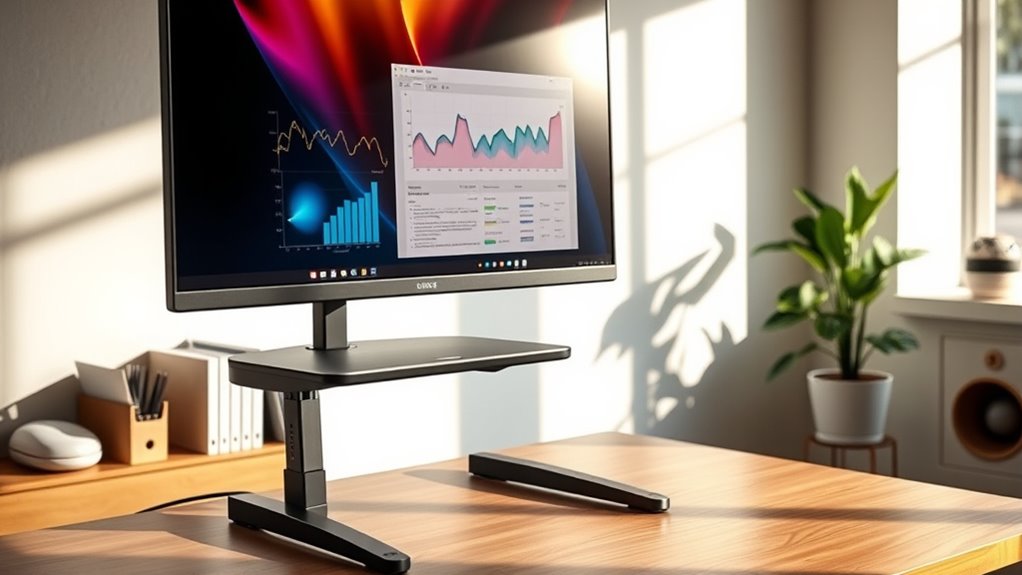

You should consider using a monitor stand when you want to improve your workspace ergonomics, especially if you experience neck, shoulder, or eye strain from looking down at your screen. They help elevate your monitor to eye level, promote better posture, and reduce discomfort during long work sessions. Plus, they keep your desk tidy and stylish. Want to discover more ways a monitor stand can transform your workspace? Keep exploring to find out.
Key Takeaways
- When your monitor is too low, causing neck strain or poor posture, a stand elevates it to eye level.
- If you use multiple screens, a stand helps organize and position them for better multitasking and workflow.
- For prolonged desk work, monitor stands improve comfort by reducing neck, shoulder, and eye fatigue.
- When desk clutter hampers productivity, a stand can help declutter and create a more organized workspace.
- If your monitor size or setup needs customization, adjustable stands provide flexibility for ergonomic positioning.
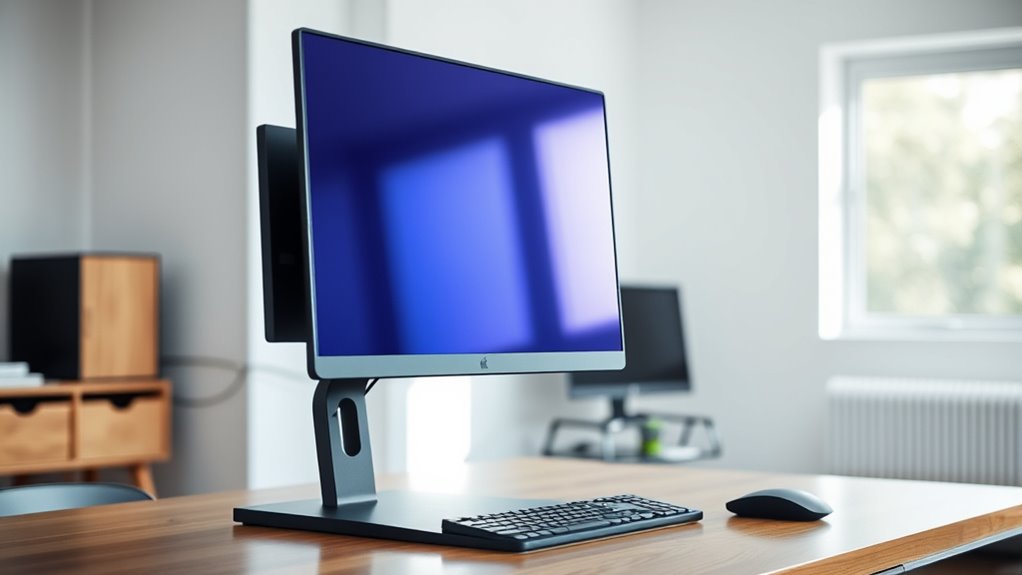
Using monitor stands can considerably improve your workspace by elevating your screen to eye level. When you position your monitor at the right height, you reduce strain on your neck and shoulders, making long hours at your desk far more comfortable. This simple adjustment offers significant ergonomic benefits, helping you maintain better posture and decreasing the likelihood of discomfort or injury over time. Instead of hunching forward or craning your neck, you can sit back with your head aligned naturally, which boosts productivity and keeps you focused longer. Additionally, proper monitor height can enhance your visual clarity, making it easier to see details without squinting or straining your eyes.
Elevate your monitor for better posture and enhanced comfort during long work hours.
Beyond functionality, monitor stands also open up a range of aesthetic options. They come in various styles, materials, and finishes, allowing you to choose one that complements your workspace decor. Whether you prefer sleek metal designs, minimalist wood finishes, or colorful, eye-catching options, there’s a stand to match your personal style. This not only improves the visual appeal of your setup but also helps organize your desk effectively, reducing clutter and creating a cleaner, more professional look. A well-chosen monitor stand can serve as a stylish centerpiece or a subtle complement to your existing furniture, elevating the overall aesthetic of your workspace.
If you work in an environment where multiple screens are necessary, monitor stands can also help with organization. By stacking or spacing screens at appropriate heights, you create a more efficient setup that minimizes eye movement and enhances multitasking. Adjustable stands allow you to customize your workspace further, tailoring the height and angle to your specific needs. This flexibility ensures that you can find the most comfortable and ergonomic position, regardless of your desk space or monitor size.
Investing in a monitor stand is a smart choice for anyone looking to improve both comfort and style. Not only do they promote better posture and reduce physical strain, but they also offer aesthetic versatility, allowing you to create a workspace that reflects your personality and meets your ergonomic needs. Whether you’re working from home or in an office, a suitable monitor stand can make a noticeable difference, turning a cluttered or uncomfortable space into an organized and inviting environment. With so many options available, it’s easy to find one that fits your budget and enhances your overall workspace experience.
Frequently Asked Questions
Can Monitor Stands Improve Gaming Performance?
Yes, monitor stands can improve your gaming performance by adjusting monitor height and viewing angle. When your screen is at the right height, your neck stays comfortable, reducing fatigue. An ideal viewing angle helps you see details more clearly and react faster. By customizing your setup with a monitor stand, you stay more focused, improve your reaction time, and enjoy a more immersive gaming experience.
Are Monitor Stands Necessary for Dual Monitor Setups?
Monitor stands aren’t strictly necessary for dual setups, but they considerably improve desk organization and aesthetic appeal. By elevating your monitors, you create more space and reduce clutter, making your workspace more efficient. Plus, a sleek stand can enhance your setup’s look, boosting motivation and focus. So, investing in monitor stands helps you stay organized and stylish, making your dual monitors more functional and visually appealing.
How Do Monitor Stands Affect Ergonomic Health?
Monitor stands improve your ergonomic health by allowing you to adjust monitor height, ensuring your eyes are level and reducing neck strain. They also promote better wrist support by positioning your screens correctly, preventing awkward angles that cause discomfort. With proper monitor height adjustment, you can sit comfortably for longer periods, reducing fatigue and the risk of repetitive strain injuries. Overall, monitor stands make your workspace healthier and more comfortable.
What Materials Are Best for Adjustable Monitor Stands?
Imagine a stand that seamlessly blends durability and style; stainless steel and aluminum are your best choices. They resist wear, support heavy monitors, and add a sleek look to your workspace. Glass offers aesthetic appeal but lacks durability, while bamboo provides eco-friendliness and strength. By choosing materials that balance durability and visual appeal, you guarantee your monitor stand remains reliable and attractive for years to come.
Can a Monitor Stand Help Reduce Eye Strain?
A monitor stand can definitely help reduce eye strain by allowing you to adjust the monitor height to eye level. Proper eye strain prevention involves setting your monitor at the right height, so you avoid tilting your head or straining your eyes. By ensuring your screen is at a comfortable level, you reduce glare and fatigue, making your workspace much more ergonomic and comfortable for long periods.
Conclusion
So, are you ready to upgrade your workspace and boost your comfort? Using a monitor stand isn’t just about style; it’s about improving your posture, reducing strain, and making your day more productive. Don’t you deserve a setup that works with you, not against you? Investing in a good monitor stand can make all the difference. Why settle for discomfort when a simple solution can transform your work experience?