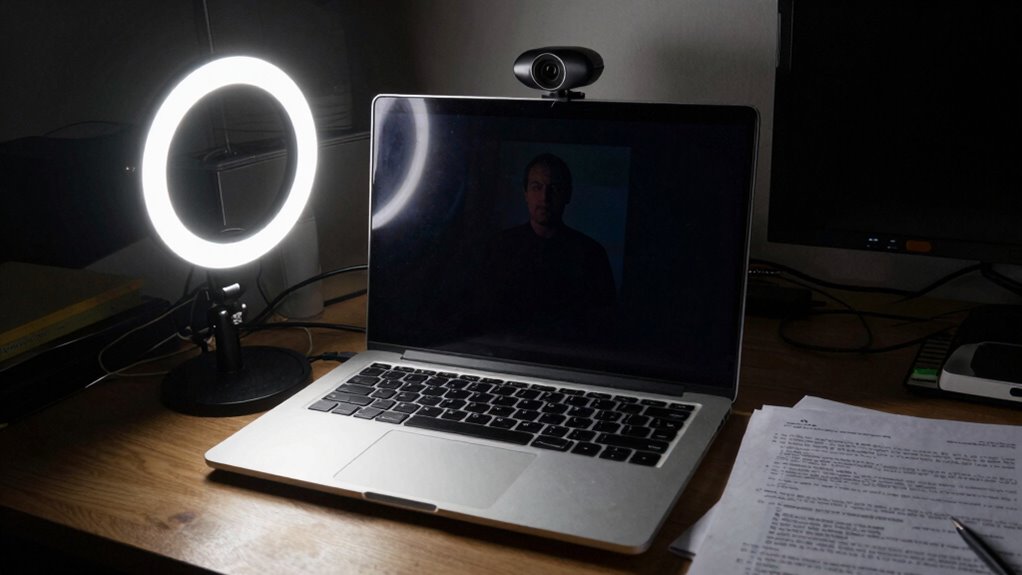

If your webcam and lighting aren’t set up properly, they can hurt your professional image more than your appearance alone. Using uneven, harsh, or poorly positioned light creates unflattering shadows and makes you look tired or unprepared. Camera angles that are too high or low can distort your features or make you seem distant. Finding the right balance in angles and lighting can boost your confidence and clarity—keep going to discover how to make your setup work for you.

Get comfort and recovery gear delivered free with Prime
- Fast, free delivery on millions of items
- Prime Video, Amazon Music and more included
- Member-only deals all year
Key Takeaways
- Poor camera angles, like looking down or too high, distort proportions and create unflattering perspectives.
- Insufficient or uneven lighting causes shadows and highlights that diminish image clarity and professionalism.
- Using direct or harsh lights without diffusion can cast unflattering shadows and emphasize imperfections.
- Cluttered or poorly lit backgrounds distract viewers and undermine your credibility on camera.
- Incorrect setup and lighting reduce authenticity and engagement, negatively impacting your overall on-camera presence.
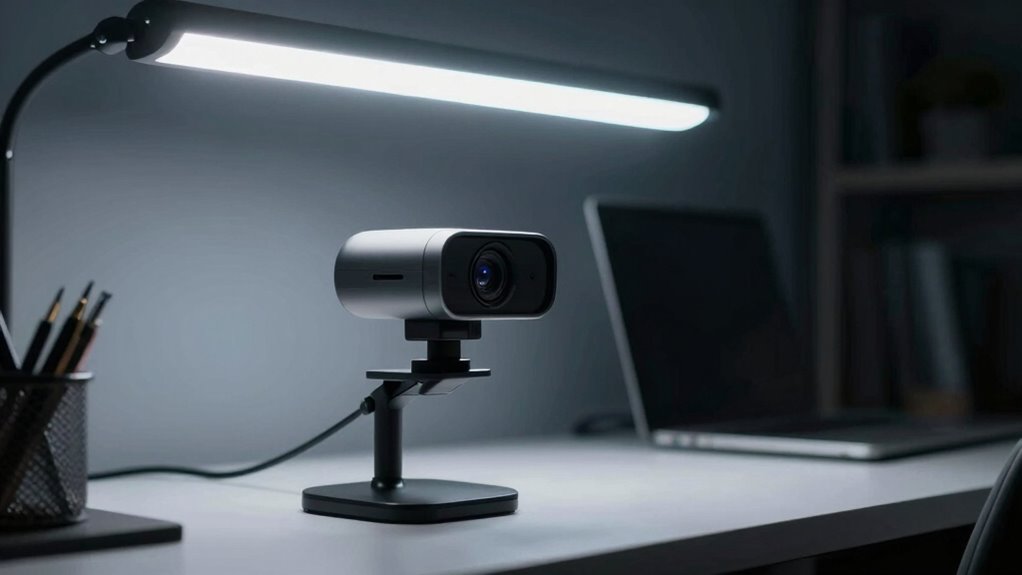
If you think upgrading your wardrobe or grooming habits will dramatically improve your on-camera presence, think again. Your webcam and lighting setup play a far more significant role in how others perceive you. Poor camera angles and inadequate lighting can undermine your efforts, making you look unprofessional or unapproachable, regardless of how polished you are. The first thing to take into account is your camera angle. If your webcam is set too high, it can distort your proportions, making your head appear larger than it should or cutting off parts of your face. A slightly lower, eye-level position creates a more natural and engaging view, helping you connect better with your audience. Avoid angles that look down on you, as they tend to emphasize double chins or cast unflattering shadows. Conversely, tilting the camera too low can make you seem distant or unprepared. Find a middle ground that frames your face clearly and comfortably, avoiding any awkward perspectives. Additionally, ensuring your background is uncluttered and well-lit can significantly enhance your overall presentation, making you appear more professional and confident. Ambient shadows are another common pitfall that can sabotage your on-camera presence. Shadows cast by poor lighting can obscure your features, create a harsh or uneven look, and add a distracting sense of depth or mystery. When shadows fall across your face, especially under your eyes or around your nose, they give the impression of tiredness or unease. The goal is soft, even lighting that minimizes ambient shadows and highlights your best features. You can achieve this by using diffused light sources, such as ring lights or softboxes, positioned at a 45-degree angle to your face. This setup reduces harsh shadows and provides a flattering glow. Avoid placing your light source directly above or below your face, as this creates unflattering shadows that emphasize imperfections and distort your appearance. Good lighting not only improves your look but also enhances the clarity and sharpness of your image, making your message more compelling.
Ultimately, the key to elevating your on-camera presence isn’t just about what you wear or how you groom yourself—it’s about creating a visually appealing and professional setting. Pay attention to your camera angles to make certain your face is captured naturally and confidently. Invest in proper lighting that eliminates ambient shadows and enhances your features. When both elements work in harmony, your on-camera presence will feel more authentic, approachable, and engaging. This simple shift can make a world of difference, guaranteeing that your message is delivered with the confidence and professionalism you intend.
As an affiliate, we earn on qualifying purchases.
Frequently Asked Questions
How Can Poor Lighting Affect My Video Conferencing Connection Quality?
Poor lighting can disrupt your video conferencing connection quality by causing background distractions and affecting audio-visual synchronization. When your lighting is uneven or dim, your camera struggles to focus, making you appear blurry or unprofessional. This can lead to miscommunications and frustration, as your audience may find it hard to concentrate. Guarantee proper lighting to improve clarity, minimize background distractions, and keep your audio and video perfectly synchronized for a seamless meeting experience.
What Are the Best Color Temperatures for Webcam Lighting?
Ironically, the best color temperatures for your webcam lighting are those that mimic natural daylight—around 5000K to 6500K. You want consistent lighting, so avoid flickering or shifting hues that mess with your video quality. Aim for a neutral, cool tone to keep your appearance natural and professional. Preserving proper color temperature and lighting consistency ensures your video looks sharp, clear, and engaging, without distracting color shifts.
How Do Shadows Impact My Professional Appearance on Camera?
Shadows can substantially impact your professional appearance on camera by creating unwanted shadow contrast and hiding facial highlights. They can make you look less polished and distract viewers from your message. To minimize this, guarantee even lighting, avoid harsh lights, and position your lights to reduce shadow contrast. Proper lighting highlights your facial features and creates a balanced, professional look that boosts your credibility on camera.
Can Incorrect Webcam Angles Cause Eye Strain or Discomfort?
You might think that perfect camera angles make you look great, but they can actually cause eye strain and discomfort. When your webcam is set too high, low, or at odd angles, you strain your eyes trying to focus or hold awkward positions. It’s ironic—what’s meant to boost your appearance can lead to fatigue. Adjust your camera to eye level, and you’ll reduce eye strain while maintaining a professional look.
What Inexpensive Lighting Solutions Improve Webcam Video Quality?
You can improve your webcam video quality with affordable ring lights that provide even, flattering illumination. These are easy to set up and don’t break the bank. Additionally, DIY diffusers made from household items like white fabric or plastic bags can soften harsh light and reduce shadows. Combining a ring light with DIY diffusers creates a professional look without spending much, ensuring your video is clear and well-lit.
As an affiliate, we earn on qualifying purchases.
Conclusion
If you don’t optimize your webcam and lighting, you could be sabotaging your professional image more than you realize. For example, Sarah’s constant glare and shadows during video calls made her appear unprepared, even though she was well-prepared. Adjusting her lighting and camera angle transformed her appearance, boosting her confidence and credibility. So, take a moment to fine-tune your setup — it might just make all the difference in how others perceive you.
As an affiliate, we earn on qualifying purchases.
As an affiliate, we earn on qualifying purchases.
Fall Picks
fall essentials
As an affiliate, we earn on qualifying purchases.