
If you’re tall, raising your desk alone isn’t enough to guarantee proper ergonomics. You also need to adjust your monitor height so the top is at eye level, and make sure your chair supports your lumbar area properly. This helps keep your neck, shoulders, and back aligned, reducing strain and discomfort. Proper setup might involve using monitor stands or footrests, and there’s more to explore for a comfortable workspace.

Get comfort and recovery gear delivered free with Prime
- Fast, free delivery on millions of items
- Prime Video, Amazon Music and more included
- Member-only deals all year
Key Takeaways
- Tall users often need to raise the monitor to eye level for proper neck and head alignment.
- Adjustable chairs are essential to ensure feet rest flat and knees are at a comfortable 90° angle.
- Simply raising the desk doesn’t address arm, monitor, or head positioning, which require separate adjustments.
- Using footrests or adjustable furniture helps accommodate taller individuals more effectively.
- Proper ergonomic setup minimizes strain by aligning the entire workstation, not just the desk height.

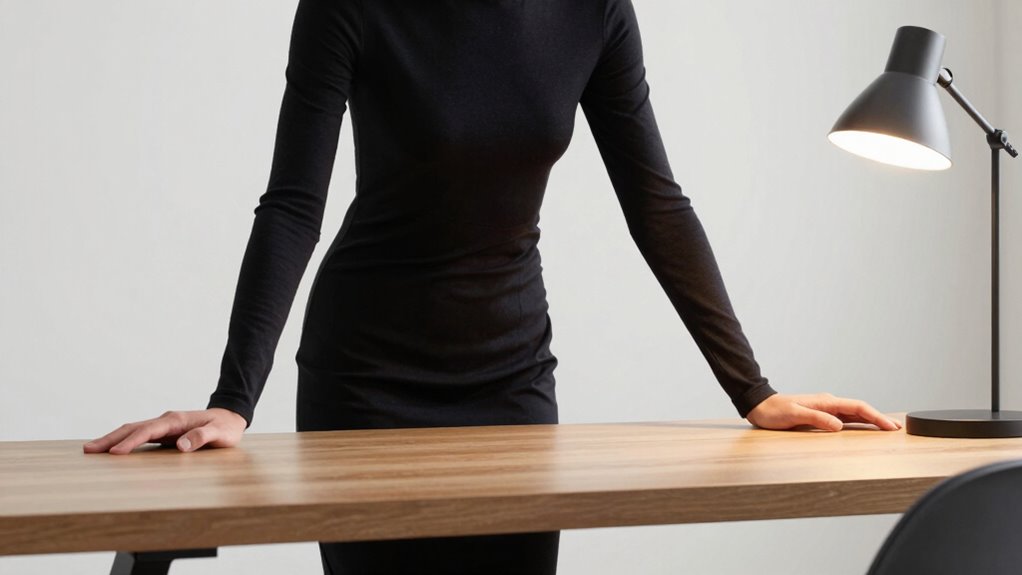
If you’re tall, simply raising your desk might not be enough to guarantee a comfortable work posture. You’ll need to think about other adjustments to ensure your setup supports your height properly. An ergonomic chair becomes essential, as it can be adjusted to provide the correct lumbar support and seat height. When your chair is adjusted correctly, your feet should rest flat on the floor, and your knees should form about a 90-degree angle. If your chair doesn’t go high enough, you might need a footrest to keep your legs in a comfortable position. The goal is to prevent strain on your lower back and hips while maintaining good circulation.
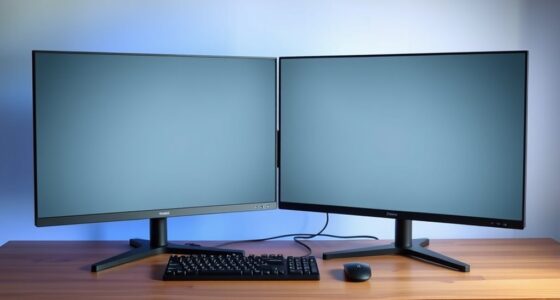
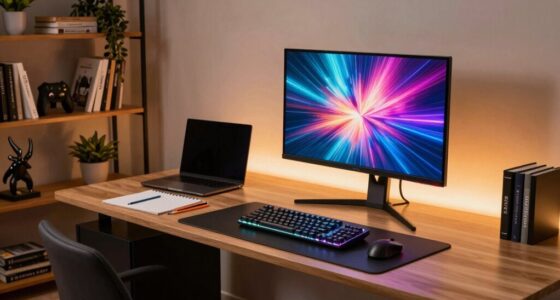
Beyond your chair, monitor height is often overlooked but just as important. If you’re tall, your screen might be too low, causing you to crane your neck downward. This can lead to neck and shoulder pain over time. To prevent this, you should elevate your monitor so that the top of the screen is roughly at eye level. You shouldn’t have to tilt your head up or down to see your work clearly. Using a monitor stand or stacking books under your monitor can help achieve this height adjustment. Proper monitor placement ensures you keep your head and neck in a neutral position, reducing fatigue and discomfort.
Adjusting your desk alone won’t solve issues related to your height because it doesn’t address the position of your arms, neck, or eyes. You need a thorough approach that includes an ergonomic chair and proper monitor height. When your chair is set correctly, and your monitor is at eye level, you’ll notice a significant difference in comfort and productivity. Your shoulders will relax, and your arms will rest comfortably on your desk or keyboard tray without raising or lowering unnaturally. This alignment minimizes tension in your neck, shoulders, and back. Additionally, considering ergonomic guidelines can help optimize your workspace for comfort and reduce long-term strain. Incorporating adjustable furniture into your workspace can further enhance your ergonomic setup, especially for taller users. Being aware of posture correction techniques can also help maintain comfort throughout your workday. Regularly taking breaks to stretch and move can further prevent stiffness and support better posture.
As an affiliate, we earn on qualifying purchases.
Frequently Asked Questions
How Do I Measure the Correct Height for My Ergonomic Setup?
To measure the correct height for your ergonomic setup, sit comfortably at your desk, feet flat on the floor, and elbows at a 90-degree angle. Adjust your desk height so your forearms are parallel to the ground. Don’t fall for ergonomic myths that suggest one-size-fits-all solutions—each person’s needs are different. Focus on proper desk height adjustments for comfort, ensuring your monitor is at eye level to prevent neck strain.
Are There Specific Chairs Designed for Taller Individuals?
Did you know that only 10% of standard chairs comfortably fit taller individuals? Yes, there are custom chairs designed specifically for taller ergonomics, ensuring proper support and comfort. These chairs typically feature adjustable seat height, lumbar support, and extended leg rests. Investing in a taller ergonomics chair helps prevent discomfort and long-term health issues, making it easier for you to stay productive and comfortable throughout your workday.
What Accessories Can Help Improve Comfort for Tall Users?
To improve comfort, you can add a customizable cushion to support your lower back and reduce pressure. Extended armrests help prevent shoulder strain and provide better arm support, especially if standard ones are too short. These accessories allow you to personalize your workspace, making it more ergonomic and comfortable for your height. Incorporating both guarantees you maintain better posture and reduce fatigue during long hours at your desk.
How Does Foot Positioning Affect Overall Ergonomic Health?
Ever wonder how foot positioning impacts your ergonomic health? Proper foot placement is key to maintaining good ergonomic posture, as it helps distribute your weight evenly and supports your lower back. When your feet are flat on the ground or footrest, you reduce pressure on your legs and improve circulation. This simple adjustment can prevent discomfort and long-term musculoskeletal issues, making your workspace healthier and more comfortable.
Can Standing Desks Accommodate Taller Users Effectively?
Standing desks can effectively accommodate taller users when you add a desk extension and ergonomic cushions. A desk extension provides the necessary height adjustment, ensuring your monitor and work surface are at eye level, reducing strain. Ergonomic cushions support proper posture and comfort during long periods standing. By customizing your setup with these accessories, you’ll improve your ergonomic health, making your workspace more comfortable and reducing the risk of discomfort or injury.
ergonomic office chair with lumbar support
As an affiliate, we earn on qualifying purchases.
As an affiliate, we earn on qualifying purchases.
Conclusion
So, next time you see a tall person struggling at their workstation, don’t just shrug and suggest a taller chair. Remember, they’re not just raising the desk—they’re fighting a daily battle against ergonomic injustice. Perhaps it’s time to acknowledge that sitting in a cramped, poorly designed office isn’t just uncomfortable; it’s a subtle form of oppression. After all, everyone deserves a workspace that doesn’t make them feel like they’re in a giant’s trap.
As an affiliate, we earn on qualifying purchases.
As an affiliate, we earn on qualifying purchases.
Fall Picks
fall essentials
As an affiliate, we earn on qualifying purchases.