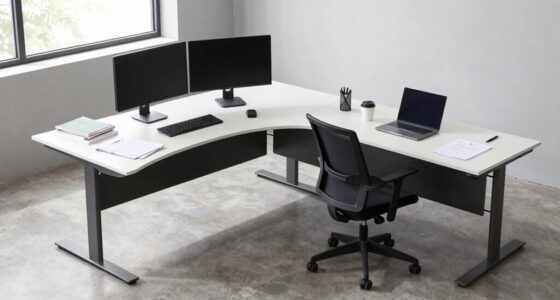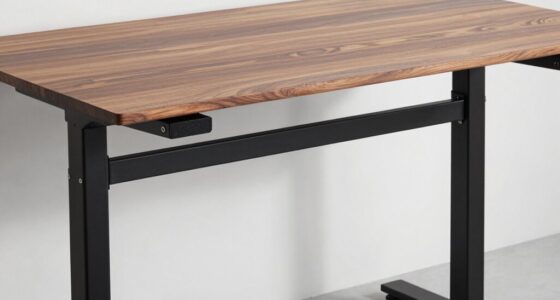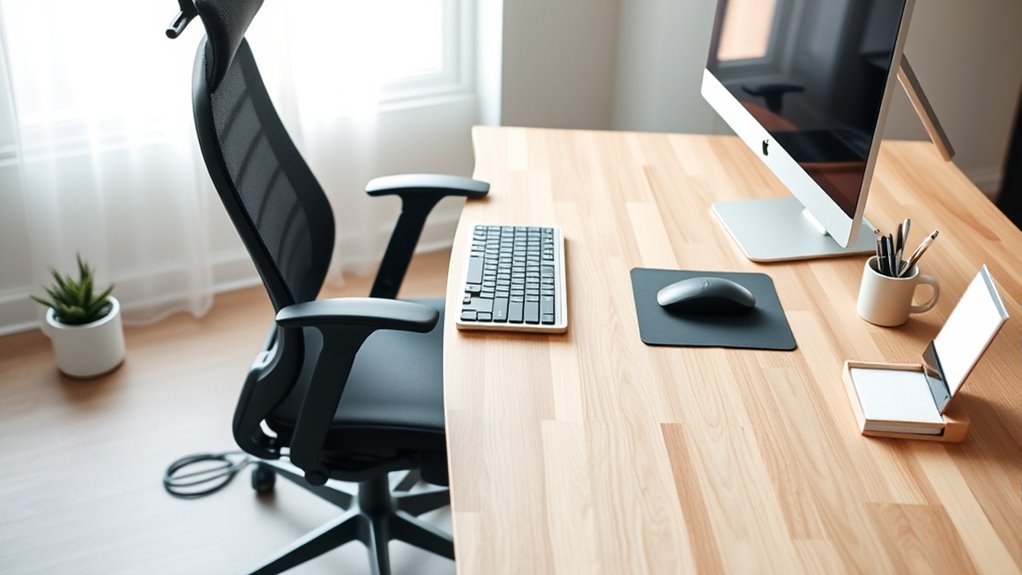

To arrange your desk items for better ergonomics, position frequently used essentials like your keyboard, mouse, and phone within easy reach to avoid stretching or twisting. Keep clutter off your workspace and organize items so they’re accessible without unnecessary movement. Keep everything at a height that supports a neutral posture, like using stands or trays. Small adjustments to your setup can make a significant difference — explore more tips to optimize your workspace even further.
Key Takeaways
- Keep frequently used items within arm’s reach to minimize stretching and twisting.
- Organize your workspace to reduce clutter and allow easy access to essentials.
- Position your monitor at eye level and the keyboard close to your body for neutral posture.
- Use ergonomic accessories like risers, trays, or stands to optimize height and alignment.
- Regularly reassess and adjust your setup to maintain comfort and prevent strain.
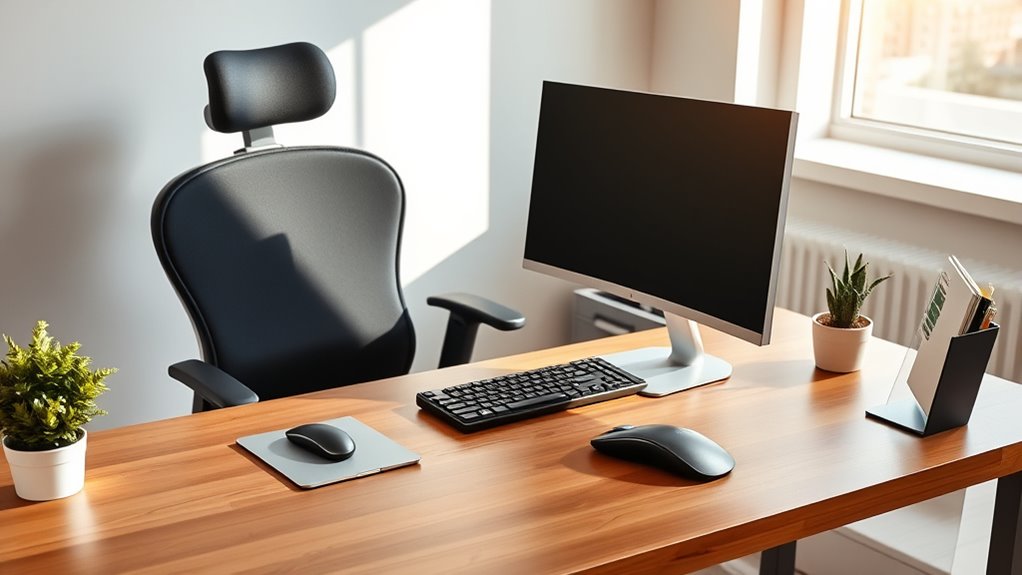
Creating an ergonomic workspace starts with how you arrange your desk items. Your goal is to reduce strain and promote comfort during long hours at your computer. To do this effectively, focus on two critical aspects: keyboard placement and monitor height. Proper positioning of these elements ensures you maintain good posture, minimize repetitive stress, and stay productive without discomfort.
Begin with your keyboard placement. You want your keyboard to be positioned so that your elbows are close to your sides and form roughly a 90-degree angle when you type. This means placing it directly in front of you, rather than off to the side, to prevent twisting your torso or neck. Keep the keyboard at a height where your wrists can stay straight and relaxed, avoiding the tendency to bend your wrists upward or downward. Using an adjustable keyboard tray can help achieve this ideal position, but if not available, elevate your monitor or desk surface so that your keyboard naturally rests at a comfortable height. Avoid placing the keyboard too high or too low, as this can lead to strain on your wrists and forearms.
Next, pay close attention to your monitor height. Your screen should be positioned so that the top of the monitor is at or just below eye level. When you look straight ahead, your eyes should naturally fall onto the upper third of the screen. This setup keeps your neck in a neutral position, preventing strain from looking up or down for extended periods. If your monitor is too low, you’ll find yourself tilting your head downward, which can cause neck pain. Conversely, if it’s too high, you’ll need to lift your chin, leading to discomfort. Use monitor risers or adjustable stands to fine-tune the height. Keep the monitor about an arm’s length away from your eyes, and ensure there’s no glare or reflections that force you to lean forward or squint. Incorporating proper ergonomics into your workspace setup can further reduce discomfort and improve overall comfort during prolonged use.
In addition to these positioning tips, make sure your workspace is arranged so that frequently used items—like your phone, notepad, or pen holder—are within easy reach. This minimizes unnecessary stretching or twisting. Maintain a clean and organized desk, which helps you focus on ergonomics without clutter getting in the way. Regularly reassess your setup, adjusting keyboard placement and monitor height as needed, especially if you start feeling any discomfort. Small tweaks can have a big impact on your comfort and overall health, making your workspace not only more efficient but also safer for long-term use.

CAPOT Ergonomic Mesh Office Chair, Adjustable Lumbar High Back Desk Chair 400lbs, 4D Flip-up Arms, 3-Level Tilt Backrest, 3D Headrest, PU Wheels, Swivel Rolling Computer Seating for Long Desk Work
【STURDY, SNUG WORK CHAIR】Made for long sits over 8 hours of desk work. Micro-adjust lumbar support, flip-up arms,...
As an affiliate, we earn on qualifying purchases.
Frequently Asked Questions
How Often Should I Reposition My Desk Items for Optimal Ergonomics?
You should reposition your desk items for ideal ergonomics whenever you notice discomfort or after several hours of work. Aim for ergonomic adjustment frequency every 30 to 60 minutes, or at least once a day, to maintain comfort and prevent strain. Regular desk item repositioning helps keep your workspace aligned with your body’s needs, reducing fatigue and promoting better posture throughout your workday.
What Lighting Adjustments Help Improve Ergonomic Workspace Setup?
A well-lit workspace is a bright idea—after all, “light makes the work.” You should balance ambient lighting with task lighting to reduce eye strain and improve focus. Use adjustable lamps for targeted illumination on your keyboard and documents, and keep ambient light soft and even. Position your light sources to avoid glare on screens, and aim for natural light when possible to create a comfortable, ergonomic setup.
How Can I Keep My Desk Clutter-Free to Enhance Ergonomics?
You can keep your desk clutter-free by focusing on desk organization and using smart storage solutions. Regularly declutter, only keep essentials within reach, and use organizers or drawers for supplies. Invest in storage solutions like desktop trays, file cabinets, or stacking drawers to neatly store items out of sight. This approach minimizes distractions, enhances your workspace’s ergonomics, and helps you work more efficiently and comfortably every day.
Are There Specific Materials That Promote Better Ergonomic Comfort?
Research shows that desk mat materials like memory foam or gel improve comfort by reducing pressure and promoting better posture. Ergonomic cushion options, such as seat or lumbar supports, also help align your body properly. These materials are scientifically validated to enhance ergonomic comfort, making your workspace more supportive. So, choose desk mats and cushions made from these materials to prevent strain and boost productivity throughout your workday.
How Does the Height of My Monitor Affect Ergonomic Efficiency?
Your monitor height directly impacts ergonomic efficiency by reducing neck strain and promoting proper posture. Keep the top of your screen at eye level so you don’t have to tilt your head up or down. This minimizes discomfort and encourages a natural, comfortable viewing angle. When your monitor is at the right height, you’ll find working more comfortable and productive, preventing long-term neck and shoulder issues.

Marsail Ergonomic Office Chair: Office Desk Chair with High Back Mesh and Adjustable Lumbar Support Rolling Work Swivel Task Chairs with Wheel 3D Armrests and Headrest
Fully Adjustable Office Chair: Customized chairs, featuring with an adjustable 2D headrest, backrest with 90° to 120° recline,...
As an affiliate, we earn on qualifying purchases.
Conclusion
Think of your desk as a well-tuned orchestra, where each item plays a crucial role. When everything is in harmony, your body can perform its best, free from strain and distraction. Arranging your desk thoughtfully is like conducting a symphony—each element supporting your flow and focus. When you create this balance, work becomes smoother and more enjoyable. Remember, a harmonious workspace isn’t just about comfort; it’s about giving yourself the chance to shine.
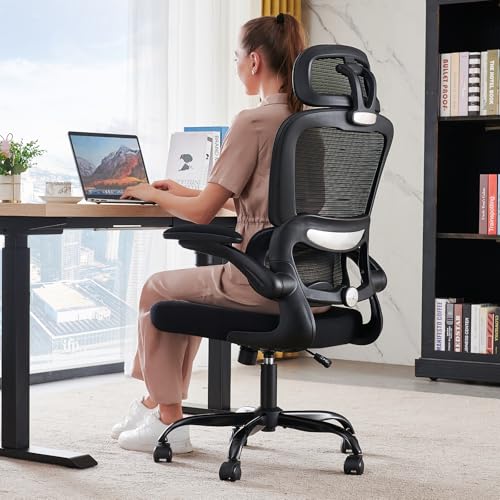
TRALT Office Chair Ergonomic Desk Chair, 330 LBS Home Mesh Office Desk Chairs with Wheels, Comfortable Gaming Chairs (Black)
Adjustable Lumbar, Not a Fixed Afterthought – Unlike flimsy plastic supports that crack or lose tension, this chair...
As an affiliate, we earn on qualifying purchases.

GTPLAYER Gaming Chair, Computer Chair with Footrest and Lumbar Support, Height Adjustable Game Chair with 360°-Swivel Seat and Headrest and for Office or Gaming (Pearl White)
Most Comfortable And Relaxing: Equipped with headrest and lumbar pillow. When your neck feels sore from gaming or...
As an affiliate, we earn on qualifying purchases.