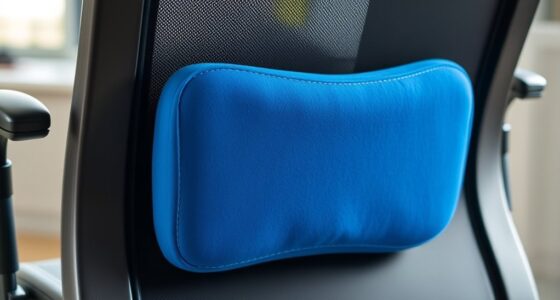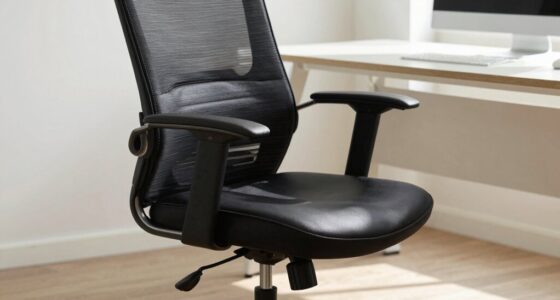

To stay comfortable during long gaming sessions, adjust your chair height so your feet rest flat and knees are at a 90-degree angle. Use lumbar support to match your lower back’s natural curve and recline the backrest slightly for comfort. Set armrests so your shoulders stay relaxed and elbows are close to your sides. Position your monitor at eye level to reduce neck strain. Keep these adjustments in mind to enhance your gaming marathon—there’s more to discover for ideal setup.
Key Takeaways
- Adjust chair height so feet are flat on the floor with knees at a 90-degree angle.
- Ensure the lumbar support fits snugly into the lower back’s natural curve for proper support.
- Set armrests to keep shoulders relaxed and elbows close to your sides, with wrists straight.
- Position the monitor at eye level and at an appropriate distance to reduce neck strain.
- Recline the backrest slightly (100–110 degrees) to enhance comfort and promote good posture.
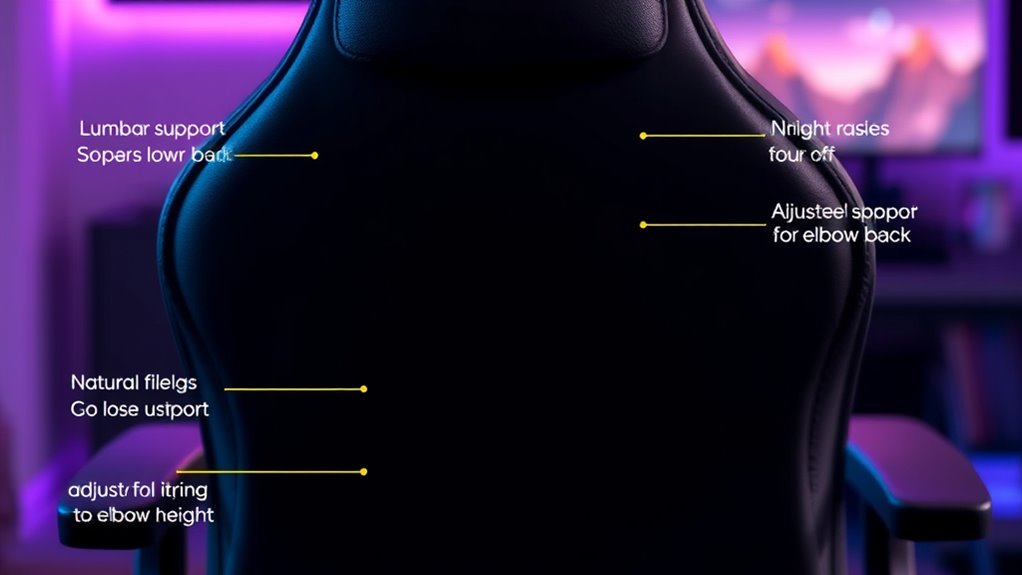
Long gaming sessions can take a toll on your comfort and health if your chair isn’t properly adjusted. When you spend hours immersed in your game, small issues like poor posture or insufficient support quickly become bigger problems, leading to discomfort or even long-term health issues. That’s why making the right chair adjustments isn’t just about comfort; it’s about protecting your body and enhancing your gaming experience. Proper adjustments can deliver significant ergonomic benefits, guaranteeing you stay comfortable and alert for extended periods. They also help with posture correction, which reduces strain on your neck, back, and wrists, preventing pain and fatigue.
Start by setting your chair height so that your feet rest flat on the floor, with your knees at a roughly 90-degree angle. This position promotes good circulation and minimizes pressure points. If your feet don’t reach the ground comfortably, use a footrest to maintain proper alignment. Adjusting your chair height also ensures that your hips are level with or slightly higher than your knees, which supports your lower back and keeps your spine in a natural position. This alignment is vital for ergonomic benefits, as it encourages proper posture and reduces undue stress on your lumbar region.
Adjust your chair height so feet are flat, knees at 90°, promoting healthy posture and comfort.
Next, focus on the backrest. You want it to provide solid lumbar support that contours to your lower back’s natural curve. Many chairs come with adjustable lumbar support; if yours does, tweak it until it fits snugly into the small of your back. If not, consider using a small pillow or lumbar cushion. Proper back support helps with posture correction by encouraging you to sit upright without slouching, a common issue during long gaming sessions. Make sure the backrest is reclined at a comfortable angle—usually around 100 to 110 degrees—so your back stays supported without exerting extra effort to stay upright.
Your armrests are another key adjustment. Position them so your shoulders are relaxed, with elbows close to your sides and wrists straight when your hands are on the keyboard and mouse. If your armrests are adjustable, set them to support your arms comfortably without forcing your shoulders upward or downward. Proper arm positioning reduces strain on your shoulders and neck, which becomes especially important during long periods of gameplay.
Finally, take time to adjust your monitor height and distance so that you’re looking straight ahead without craning your neck. This minor adjustment complements your chair setup by promoting overall ergonomic benefits and better posture correction. When your entire setup is optimized, you’ll notice less fatigue and discomfort, letting you focus on the game instead of battling your body’s aches. Additionally, leveraging AI-driven ergonomic recommendations can help tailor your setup even more precisely to your needs, ensuring optimal comfort during those marathon gaming sessions. Proper chair adjustments are a simple but powerful way to enhance comfort and health during those marathon gaming sessions.

Fizzin Office Chair Mesh Computer Chairs with Adjustable Lumbar Support
- Ergonomic Support: Supports head, back, hips, and arms
- Adjustable Components: Seat height, headrest, backrest, armrests
- Customizable Lumbar & Headrest: Adjust lumbar and headrest positions
As an affiliate, we earn on qualifying purchases.
As an affiliate, we earn on qualifying purchases.
Frequently Asked Questions
How Often Should I Adjust My Gaming Chair During Long Sessions?
During long gaming sessions, you should adjust your chair as needed to maintain ergonomic posture and ideal lumbar support. Check in every 30 to 60 minutes to ensure your back stays supported and your feet are flat on the ground. Small adjustments, like repositioning your lumbar support or changing your seat height, help prevent discomfort and strain, keeping you comfortable and focused for extended periods.
Are There Specific Chair Adjustments Recommended for Different Gaming Genres?
For different gaming genres, you should tailor your chair adjustments to maintain ergonomic posture and lumbar support. For fast-paced games, keep your seat upright and close to the keyboard for quick reactions. For immersive or longer sessions, lean back slightly and adjust lumbar support to reduce strain. Always make sure your feet are flat on the ground, and your arms are comfortably rested. Proper adjustments keep you comfortable and focused, no matter your game.
What Are Signs My Chair Needs Adjustment for Comfort?
You might notice your chair needs adjustment if you experience discomfort or persistent pain, which suggests your ergonomic posture isn’t ideal. Signs include backaches, neck tension, or tingling in your legs. If your lumbar support feels inadequate or your hips feel strained, it’s time to tweak your chair. Proper adjustments help maintain good ergonomic posture, reducing fatigue and preventing long-term strain during those extended gaming sessions.
Can Improper Chair Adjustments Cause Long-Term Health Issues?
Improper chair adjustments can lead to long-term health issues like back pain, neck strain, and poor posture. When your chair isn’t properly aligned, you might develop bad habits that affect your spine over time. To prevent this, focus on posture correction and consider ergonomic accessories like lumbar supports or adjustable armrests. Regularly adjusting your chair guarantees you stay comfortable and reduce the risk of chronic problems.
How Do I Find the Perfect Balance Between Support and Flexibility?
Did you know that 80% of gamers experience discomfort from improper chair setup? To find the perfect balance, start by adjusting your lumbar support to maintain natural spine curvature, preventing strain. Then, set your armrests to support your elbows comfortably, reducing shoulder tension. Keep tweaking these settings until you feel supported yet free to move, ensuring long gaming sessions don’t compromise your health.

Morkprism Gaming Chair,Office Chair with Footrest,Massage,Black Grey
- Ergonomic Design with Massage Support: Contoured padded backrest with lumbar massage
- Adjustable Recline and Footrest: Reclines 90°-150°, with lock and footrest
- Customizable Comfort Features: Height, armrest, and seat rotation adjustable
As an affiliate, we earn on qualifying purchases.
As an affiliate, we earn on qualifying purchases.
Conclusion
Think of your chair as the captain of your gaming ship—steady and supportive. When you make the right adjustments, you steer through long gaming sessions smoothly, avoiding the storms of discomfort and fatigue. Remember, small tweaks can make a big difference, keeping you comfortable and alert for hours on end. So, take control of your chair, and let it be the sturdy vessel that carries you through every epic gaming adventure.

Svcouok Webcam Mount for Monitor,1/4" Screw Universal Clip-On Holder
- Protective Film Included: Remove before use for clear view
- Universal Compatibility: Fits 90%+ webcams and monitors 13-35 inches
- Precise Eye Contact: Centers webcam for natural video conversations
As an affiliate, we earn on qualifying purchases.
As an affiliate, we earn on qualifying purchases.

TranquilRelax Foot Rest for Under Desk at Work, Gaming Accessories Foot Stool with 3 Adjustable Heights & Washable Cover, Comfortable Office Desk Accessories, Footrest for Office, Home and Car (Black)
- Ergonomic Support: Supports legs and improves posture
- Adjustable Height: Three-layer design for customizable height
- Comfortable Material: High-density foam for lasting support
As an affiliate, we earn on qualifying purchases.
As an affiliate, we earn on qualifying purchases.