If a vertical mouse feels awkward, chances are your ergonomic setup isn’t right. You might have your chair or desk too high or low, causing your wrist and forearm to bend awkwardly. Make sure your elbow is at a 90-degree angle and your forearm is parallel to the floor. Adjust your mouse height and angle so your wrist stays neutral. Correct positioning can considerably improve comfort—keep going to discover more ways to optimize your setup.

Get comfort and recovery gear delivered free with Prime
- Fast, free delivery on millions of items
- Prime Video, Amazon Music and more included
- Member-only deals all year
Key Takeaways
- Ensure your chair and desk support a natural, comfortable posture with elbows at 90° and forearms parallel to the floor.
- Adjust the mouse height and angle to keep your wrist straight and in a neutral position.
- Verify that your hand rests naturally on the mouse with minimal grip effort, avoiding tension.
- Fine-tune the mouse’s position to prevent resistance or awkward movements during use.
- Incorporate regular breaks and stretches to maintain comfort and correct ergonomic alignment.
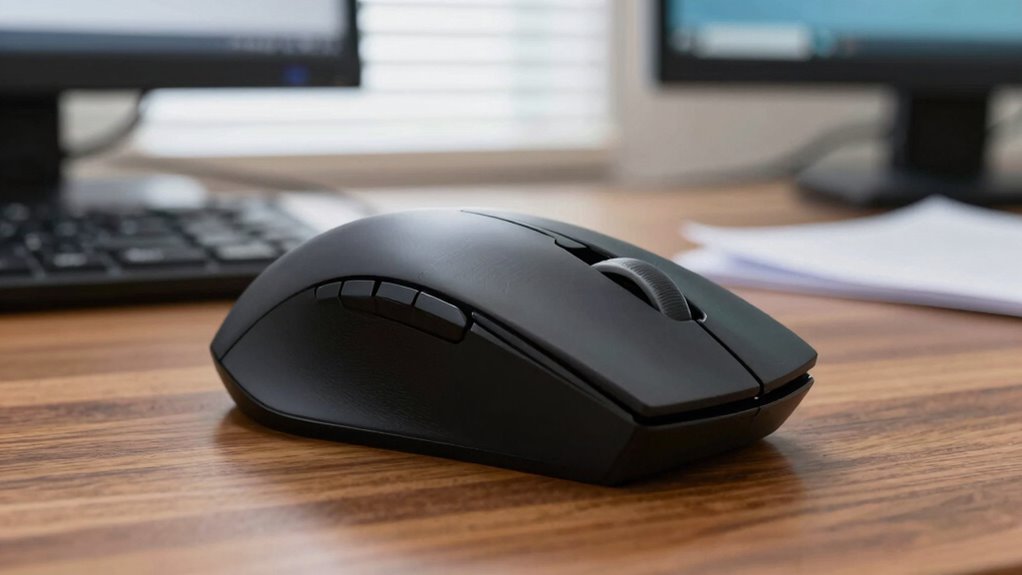
Using a vertical mouse can reduce wrist strain, but if it feels awkward or uncomfortable, your position is likely off. The key to making a vertical mouse work comfortably starts with proper ergonomic adjustments and correct hand positioning. When you first try a vertical mouse, it’s common to feel some resistance or awkwardness. That’s usually because your body isn’t yet aligned correctly with the device. To improve comfort and functionality, you need to focus on how you position your hand and adjust your workspace.
Begin by ensuring your chair and desk height support a natural posture. Your elbows should rest comfortably at your sides, forming roughly a 90-degree angle, and your forearms should be parallel to the floor. When you pick up the vertical mouse, it should sit naturally in your hand with minimal effort. The idea is to keep your wrist straight, avoiding any bending or twisting. This is where ergonomic adjustments come into play. Adjust the mouse’s height or angle if possible, so your hand rests in a neutral position, reducing strain on your wrist and forearm.
Ensure your chair and desk support a natural posture with elbows at 90 degrees and forearms parallel to the floor.
Hand positioning is vital. When gripping a vertical mouse, your hand should be relaxed, with your thumb comfortably on one side and your fingers on the opposite. Avoid gripping tightly or stretching your fingers excessively. Instead, your hand should feel supported, not clenched. If you notice tension, it likely means your mouse or your hand position needs fine-tuning. Try to keep your wrist aligned with your forearm, avoiding any sideways bend or upward tilt. This alignment minimizes discomfort and helps your muscles relax. Maintaining a neutral wrist position is essential for long-term comfort and preventing repetitive strain injuries. Additionally, proper ergonomic setup can help prevent discomfort from developing over time, especially if you spend long hours at your desk. Incorporating regular stretching and breaks into your routine can further alleviate tension and promote overall comfort. Paying attention to your overall posture and ergonomic workspace can significantly improve your experience with a vertical mouse.
Products Worth Considering

Withings Sleep Under-Mattress Sleep Tracking Pad

BowFlex SelectTech 840 Adjustable Kettlebell

BowFlex Results Series 552 SelectTech Adjustable Dumbbell
As an affiliate, we earn on qualifying purchases.
Frequently Asked Questions
How Do I Know if My Desk Height Is Correct?
You can tell your desk height is correct if your elbows are at a 90-degree angle when using ergonomic accessories like your keyboard and vertical mouse. Your forearms should be parallel to the floor, promoting good workspace organization and reducing strain. Adjust your chair or desk as needed to achieve this position. Regularly check your posture to guarantee your setup remains ergonomic, making your work more comfortable and efficient.
Should I Adjust My Monitor Position Too?
Yes, you should adjust your monitor position for better comfort. Make certain your monitor alignment keeps the top of the screen at or slightly below eye level, reducing neck strain. Use ergonomic accessories like monitor risers if needed. Proper positioning helps your body stay aligned, especially when using a vertical mouse. Adjusting both your monitor and workspace setup minimizes discomfort and boosts productivity, creating an ergonomic environment tailored to your needs.
What Are Signs of Poor Ergonomic Setup?
Signs of poor ergonomic setup include persistent neck, shoulder, or back pain, and discomfort in your wrists or hands. You might notice fatigue or stiffness after working. Your posture awareness should be high; if you find yourself slouching or straining, your setup needs adjustment. Using ergonomic accessories, like an adjustable chair or keyboard, helps maintain proper alignment and reduces strain, making your workspace more comfortable and healthier.
Can Wrist Supports Improve Comfort?
Did you know that using wrist supports can reduce strain by up to 30%? Wrist supports improve comfort by promoting proper wrist posture and distributing pressure evenly. Support accessories help prevent discomfort and repetitive strain injuries, especially during long work sessions. If you often experience wrist pain, incorporating ergonomic wrist supports can make a significant difference, making your workspace more comfortable and reducing fatigue.
How Often Should I Take Breaks When Using a Vertical Mouse?
You should take breaks every 30 to 60 minutes when using a vertical mouse to prevent strain. During breaks, stretch your hands, wrists, and arms, and adjust your ergonomic accessories if needed. Also, check your mouse sensitivity settings to guarantee comfortable movement without excessive effort. Regular breaks help reduce fatigue and discomfort, so listen to your body and take short, frequent pauses to maintain ideal comfort and productivity.
Conclusion
If a vertical mouse feels awkward, it’s a clear sign your setup isn’t quite right. Adjust your chair, monitor, or desk height until your posture feels natural—like a perfectly tuned instrument. Remember, small tweaks can transform discomfort into comfort, preventing long-term pain. Your workstation should be as comfortable as your favorite chair, or you risk turning your body into a fragile, broken mirror of what it could be. Make your setup work for you, not against you.