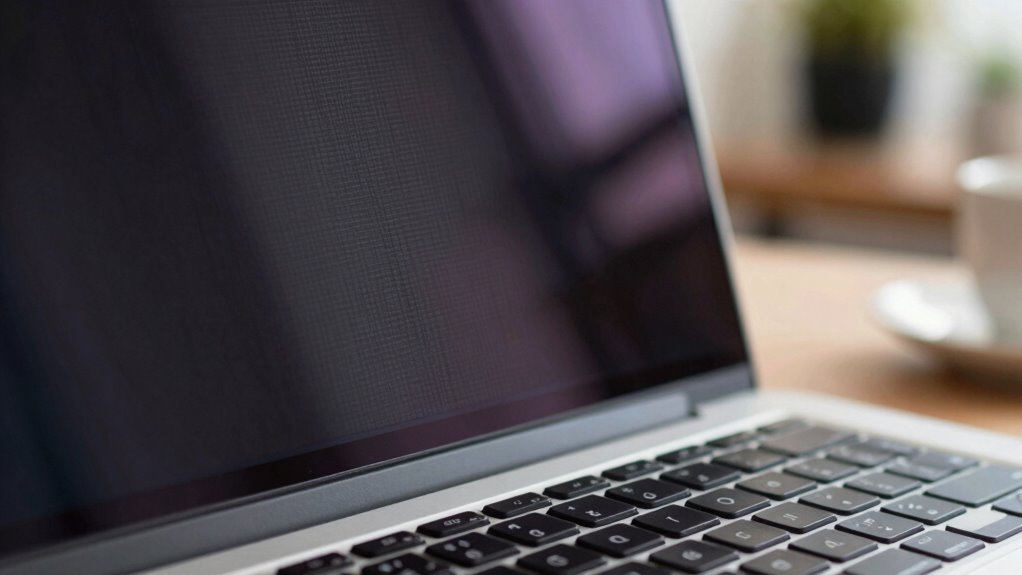
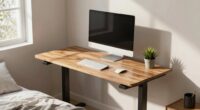
Privacy screen filters are more helpful than many home offices realize. They prevent unauthorized people from seeing sensitive data, giving you peace of mind and boosting your security. Plus, they reduce glare and reflections, helping you work comfortably for longer periods. These filters also limit distractions, allowing you to stay focused and productive. Overall, they improve your privacy, health, and peace of mind, and there’s even more you can discover if you keep exploring the benefits.

Get comfort and recovery gear delivered free with Prime
- Fast, free delivery on millions of items
- Prime Video, Amazon Music and more included
- Member-only deals all year
Key Takeaways
- Privacy filters prevent unauthorized viewing of sensitive information, enhancing data security in home offices.
- They reduce eye strain and glare, promoting better comfort during long work hours.
- Privacy screens minimize distractions, boosting focus and productivity in remote work environments.
- Easy to install and cost-effective, offering immediate privacy and health benefits without technical hassle.
- They protect personal and business data, supporting a safer, more secure home office setup.
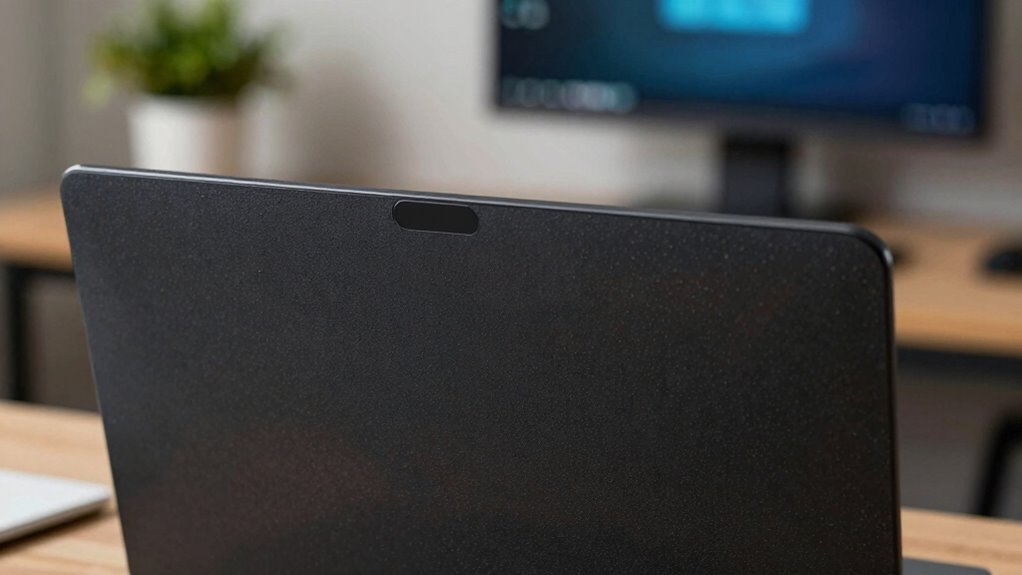
In today’s remote work environment, many home offices overlook an essential accessory: privacy screen filters. These simple additions do more than block prying eyes; they play a crucial role in safeguarding your data security and protecting your eyesight. When you’re working from home, sensitive information is often displayed on your screen, whether it’s confidential emails, financial data, or proprietary projects. Without a privacy filter, anyone passing by or sitting nearby can easily glance at your screen, increasing the risk of data breaches. Installing a privacy screen filter helps ensure that your private information stays private, giving you peace of mind and reducing the chances of accidental exposure.
Beyond protecting your data, privacy screen filters also contribute significantly to eye protection. Long hours in front of a computer can cause eye strain, fatigue, and discomfort—especially if you’re constantly trying to squint or adjust your position to avoid glare or side visibility. Privacy filters reduce the need to lean forward or squint, as they minimize glare and reflections on your screen. This creates a clearer, more comfortable viewing experience, allowing you to maintain focus longer without straining your eyes. Over time, this can help prevent headaches, dry eyes, and other symptoms associated with prolonged screen time.
Another benefit you might not initially consider is how privacy screen filters can enhance your overall productivity. When your screen is less visible from the sides, you’re less likely to get distracted by nearby conversations or movements. This increased focus can lead to more efficient work sessions and better concentration. Plus, knowing that your sensitive information is protected encourages a more confident and stress-free work environment. Whether you’re handling personal data or business secrets, a privacy filter acts as an extra layer of security, giving you control over who can see your screen at any moment.
Installing a privacy screen filter is straightforward and cost-effective. It doesn’t require complicated setup or technical expertise, and it fits easily onto most laptops or monitors. Once in place, you’ll notice immediate benefits—less glare, fewer distractions, and enhanced security. In a remote work setting where your home is also your office, these small but significant upgrades can make a big difference. Protecting your data and your eyes isn’t just about convenience; it’s about maintaining your privacy, health, and peace of mind as you navigate the challenges of remote work. Additionally, understanding the importance of projector technology can help you improve your home office setup for presentations or collaborative work.
Products Worth Considering

Withings BPM Vision Blood Pressure Monitor

Levoit Vital 100S-P Air Purifier with Washable Pre-Filter

Withings BPM Connect Wi-Fi and Bluetooth Blood Pressure Monitor
As an affiliate, we earn on qualifying purchases.
Frequently Asked Questions
Are Privacy Screen Filters Compatible With All Laptop Models?
Privacy screen filters aren’t compatible with all laptop models, but you can find ones that suit your device through careful laptop compatibility checks. Many filters offer customization options, ensuring a better fit for various screen sizes and shapes. Before purchasing, measure your screen and verify compatibility to avoid issues. Customizable filters make it easier to find a perfect fit, enhancing your privacy without sacrificing usability.
How Do Privacy Screen Filters Impact Screen Brightness?
Privacy screen filters can slightly reduce your screen brightness, making everything appear dimmer. This happens because the filter adds an extra layer, which can diminish visual clarity and overall brightness. You might notice less vibrant colors and a softer display, especially in well-lit environments. However, many filters are designed to balance privacy with minimal impact on screen brightness, so you can still enjoy clear visuals while protecting your information.
Can Privacy Filters Reduce Screen Glare Effectively?
Did you know that privacy screen filters can reduce glare by up to 50%? They’re effective at minimizing glare reduction, which considerably improves visual clarity, especially in brightly lit environments. By blocking reflections and harsh light, these filters make it easier to see your screen comfortably. If glare has been a problem, using a privacy filter not only safeguards your privacy but also enhances your viewing experience.
Are Privacy Filters Easy to Install and Remove?
Yes, privacy filters are easy to install and remove. You’ll find that the installation ease varies slightly depending on the model, but most filters come with straightforward instructions and adhesive strips or magnets for quick setup. The removal process is just as simple, often involving gently peeling off the filter without leaving residue. This flexibility allows you to switch between privacy and full-screen views effortlessly, making privacy filters a convenient choice for home or office use.
Do Privacy Filters Affect Touch Screen Sensitivity?
You’ll find privacy filters minimally impact your device’s touch sensitivity, almost like magic—your screen remains as responsive as ever. Modern filters are designed with durable, high-quality materials, so they won’t crack or peel easily. While some older or cheaper filters might slightly dull touch responsiveness, most high-end options keep your device’s touch sensitivity intact, ensuring a smooth, seamless experience without sacrificing privacy or durability.
Conclusion
Think of privacy screen filters as your office’s invisible shield, silently guarding your secrets like a vigilant knight. Just as a shield protects a knight from unseen arrows, these filters protect your sensitive information from prying eyes. Don’t underestimate their power—embrace this simple tool and fortify your home office. With a shield in place, you can focus on your work confidently, knowing your private world stays safe from unwanted spectators, like a fortress standing strong against unseen threats.