
If you want easy and temporary setup, a clamp mount is best—it’s quick to install and won’t damage your desk. For a more stable, professional look with better support for heavier monitors, a grommet mount is preferable, especially if your desk can handle drilling. Consider your desk material and stability needs when choosing. Want to find out which option suits your workspace best? Keep exploring to get the full details.
Key Takeaways
- Choose clamp mounts for quick, temporary setups on desks that can’t be drilled or have fragile surfaces.
- Opt for grommet mounts for enhanced stability and support, especially with heavier or multiple monitors.
- Consider desk material durability to ensure grommet mounts won’t cause damage over time.
- Select clamp mounts for easy relocation and minimal workspace disruption.
- Use grommet mounts for precise ergonomic positioning and reduced wobbling during extended use.
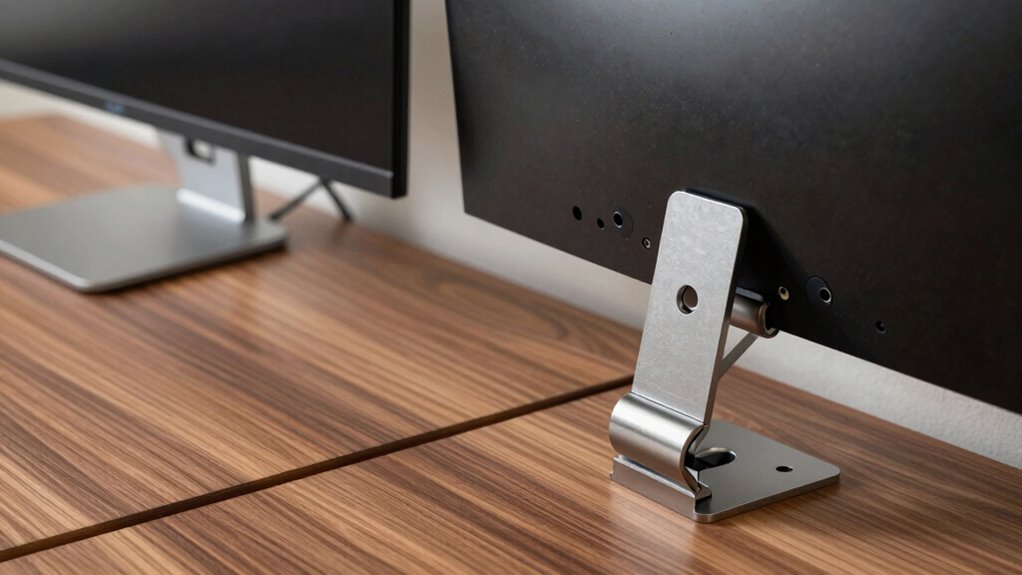
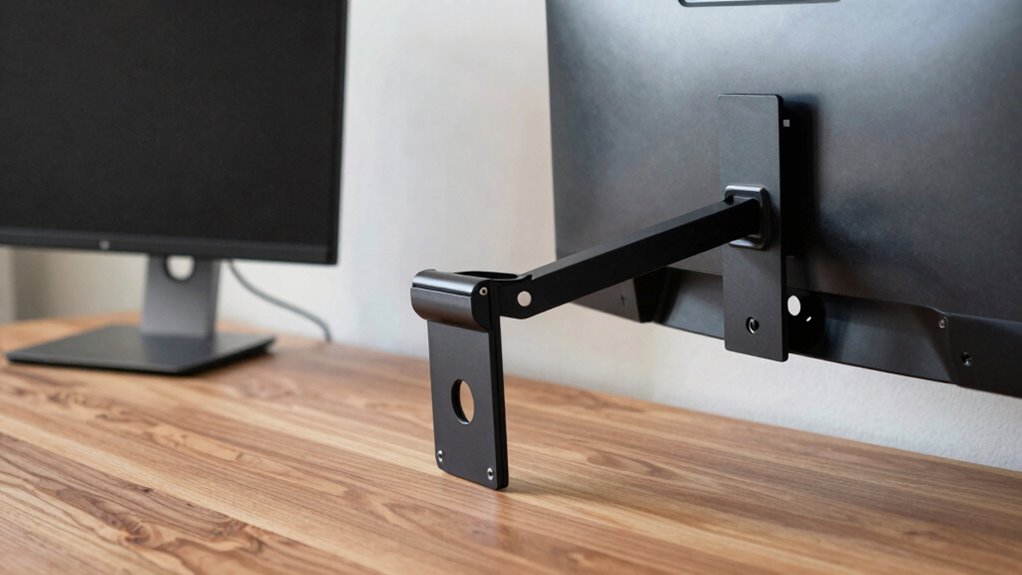
Choosing the right monitor arm mount hinges on your desk’s design, as the installation method can markedly impact stability and ease of setup. When deciding between a clamp or grommet mount, you need to evaluate both your workspace layout and ergonomic benefits. A clamp mount attaches securely to the edge of your desk, making it a popular choice for those with limited space or desks without pre-drilled holes. It’s straightforward to install and doesn’t require any permanent modifications, which means you can easily move or remove it if needed. On the other hand, a grommet mount involves drilling a hole into your desk, providing a more integrated and stable attachment point. This setup can support heavier monitors and reduce wobbling, enhancing stability during extended use.
Choosing between clamp and grommet mounts depends on desk design, stability needs, and installation preferences.
If you prioritize ergonomic benefits, your choice might lean toward the grommet mount. Because it offers a more secure attachment, it tends to hold your monitor at a more precise height and position, reducing neck and eye strain. The increased stability also allows for smoother adjustments, so you can easily find the most comfortable viewing angle. However, the installation challenges associated with grommet mounts are worth weighing. Drilling into your desk can be intimidating, especially if you’re concerned about damaging the surface or voiding warranties. It also requires more tools and effort upfront, which might not be ideal if you prefer a quick, non-permanent setup.
Additionally, considering the durability of your desk material can influence your choice, as some materials may not withstand the stress of a grommet mount over time. Conversely, clamp mounts shine in situations where ease of installation is a priority. They are perfect for temporary setups, shared workspaces, or desks with a surface that can’t be drilled. However, they may not provide the same level of stability as grommet mounts, especially if your desk material is thin or not sturdy enough to support firm clamping. This could lead to wobbling or shifting during movement, which can compromise your ergonomic benefits over time.
Ultimately, your decision depends on your workspace constraints and how much you value stability versus convenience. If your desk can accommodate a drilled hole and you want maximum stability and ergonomic adjustment, a grommet mount is often the better choice. If you need something quick to install, flexible, and non-permanent, a clamp mount will serve you well. Regardless of your pick, ensuring proper installation is key to enjoying the ergonomic benefits and maintaining a comfortable, productive workspace.

ErGear Single Monitor Arm, Fully Adjustable Monitor Mount for 13–34 Inch Screens, Fast Install Computer Monitor Stand with Tool-Free VESA Mount, Cable Management, Holds 19.8 lbs, Max VESA 100x100mm
Ultrawide Compatibility: The ErGear heavy-duty monitor arm is compatible with most 13″–34″ flat or curved monitors up to…
As an affiliate, we earn on qualifying purchases.
As an affiliate, we earn on qualifying purchases.
Frequently Asked Questions
Can I Switch Between Clamp and Grommet Mounts Easily?
Yes, you can switch between clamp and grommet mounts, but it depends on your monitor arm and desk. Check if your mount is compatible with both options; some are designed for easy swapping. Consider your cable management needs and aesthetic preferences, as grommet mounts offer a cleaner look with better cable organization, while clamps are more versatile for different desk types. Always follow the manufacturer’s instructions for a secure, seamless change.
Which Mount Type Is More Secure for Heavy Monitors?
A clamp mount generally provides better vibration stability and weight capacity for heavy monitors, making it more secure. It firmly grips the desk surface, reducing movement and wobbling. If your monitor is particularly heavy, a clamp mount is usually the safer choice because it offers a stable, reliable hold. Grommet mounts can also be secure but often have lower weight capacity and may not handle heavy monitors as effectively.
Are Grommet Mounts Suitable for Glass Desks?
Grommet mounts aren’t the best choice for glass desks because they risk cracking or shattering under pressure. If you want top monitor stability and a sleek look, clamps are your safest bet. While grommet mounts may seem tidy, they often compromise aesthetic considerations on fragile glass surfaces. Prioritize your desk’s strength and your monitor’s stability to avoid disaster—trust me, your glass desk will thank you!
Do Clamp Mounts Damage the Desk Surface?
Clamp mounts can potentially damage your desk surface if not installed properly, especially if excessive force is used. To prevent damage, make certain you tighten the clamp just enough to secure the mount without crushing the surface. Using protective padding or a rubber pad between the clamp and your desk can also help with damage prevention. Always follow the manufacturer’s installation instructions for a secure, damage-free setup.
How Do I Install a Monitor Arm With a Grommet Mount?
You can install a monitor arm with a grommet mount easily by first drilling a hole in your desk, ensuring it matches the grommet’s size for compatibility. It’s true that grommet mounts protect your desk surface better by avoiding damage from clamps. To do this, pass the grommet through the hole, secure it from underneath with the provided hardware, then attach your monitor arm for a sturdy, surface-protecting setup.

HUANUO FlowLift™ Dual Monitor Stand, Fully Adjustable Gaming Monitor Desk Mount for 13–32″ Computer Screens, Full Motion VESA 75×75/100×100 with C-Clamp & Grommet Base, Each Arm Holds 4.4 to 19.8 lbs
Compatible with Wide Screens – To ensure compatibility with the dual monitor mount, your each monitor must meet…
As an affiliate, we earn on qualifying purchases.
As an affiliate, we earn on qualifying purchases.
Conclusion
Ultimately, choosing between a clamp or grommet mount depends on your desk and your needs. If you want quick installation and easy removal, a clamp is your go-to. If you prefer a sturdy, permanent setup, a grommet offers stability. Consider your workspace, your flexibility, and your style. By weighing these factors, you’ll find the right mount that fits your desk, supports your work, and makes your monitor setup feel just right.

HUANUO FlowLift™ Pro Monitor Arm for 13–32" Screens, MechaSpring Monitor Mount, Fully-Adjustable Monitor Stand with Tilt/Swivel/Rotation, Tool-Free VESA Mount, C-Clamp/Grommet Base, Max Load 19.8 lbs
Check Desk & Monitor Compatibility: To ensure a proper fit, your monitor must meet the following 3 conditions…
As an affiliate, we earn on qualifying purchases.
As an affiliate, we earn on qualifying purchases.
ErGear Single Monitor Arm, Fully Adjustable Monitor Mount for 13–34 Inch Screens, Fast Install Computer Monitor Stand with Tool-Free VESA Mount, Cable Management, Holds 19.8 lbs, Max VESA 100x100mm
Ultrawide Compatibility: The ErGear heavy-duty monitor arm is compatible with most 13″–34″ flat or curved monitors up to…
As an affiliate, we earn on qualifying purchases.
As an affiliate, we earn on qualifying purchases.